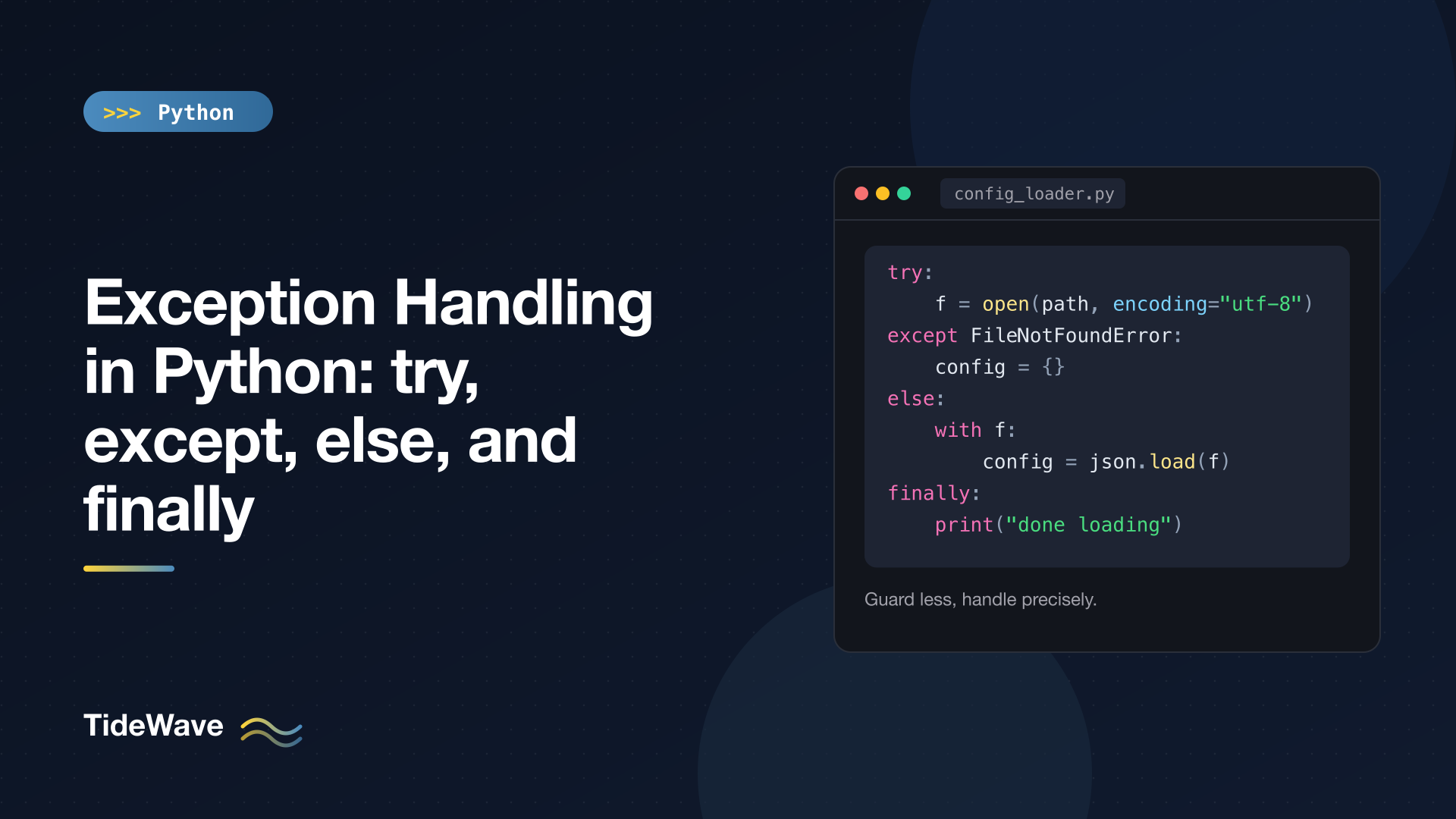
Exception Handling in Python: try, except, else, and finally
Every Python program eventually hits something it didn't plan for: a missing file, a malformed number in user input, a network call that times out. Python reports these situations by raising exceptions, and the try statement is how you decide what happens next.
The basic try/except is easy to pick up. The parts that cause real bugs are the details: catching too much, putting too much code inside try, not knowing exactly when else and finally run, and losing the original error when you raise a new one.
This guide walks through all four clauses of the try statement, how Python matches exceptions to handlers, re-raising and chaining, and the habits that keep error handling readable. Defining your own exception classes and handling multiple simultaneous errors are big enough topics to get their own posts, so I'll link to those at the end rather than cover them here.
What Happens When an Exception Is Raised
When something goes wrong, Python creates an exception object and starts unwinding: it stops the current function and looks for a handler in the caller, then the caller's caller, and so on. If it reaches the top of the program without finding one, the program exits and prints a traceback.
int("forty-two")
Traceback (most recent call last):
  File "example.py", line 1, in <module>
    int("forty-two")
    ~~~^^^^^^^^^^^^^
ValueError: invalid literal for int() with base 10: 'forty-two'
The last line tells you the exception type (ValueError) and its message. The lines above it show where it happened. Reading tracebacks from the bottom up is a skill worth practicing; How to Debug a Python Program covers it along with other debugging techniques.
try and except: The Basics
Wrap the code that might fail in try, and handle the failure in except:
def parse_age(text: str) -> int | None:
    try:
        return int(text)
    except ValueError:
        print(f"not a number: {text!r}")
        return None


print(parse_age("42"))
print(parse_age("forty-two"))
Output:
42
not a number: 'forty-two'
None
If int(text) succeeds, the except block is skipped. If it raises a ValueError, Python jumps straight into the handler. If it raises anything else, say a TypeError because someone passed None, this handler doesn't match, and the exception keeps propagating up.
That last point is the important one. An except clause only catches the types you name (and their subclasses). That's a feature: you handle the failures you understand and let unexpected ones surface.
Catching Several Exception Types
Use a tuple to handle several types the same way, and as to get the exception object:
def lookup(data: dict[str, list[int]], key: str, index: int) -> int | None:
    try:
        return data[key][index]
    except (KeyError, IndexError) as exc:
        print(f"{type(exc).__name__}: {exc}")
        return None


data = {"scores": [10, 20]}
print(lookup(data, "scores", 1))
lookup(data, "ages", 0)
lookup(data, "scores", 5)
Output:
20
KeyError: 'ages'
IndexError: list index out of range
When different exceptions need different handling, use separate except clauses. Python checks them top to bottom and runs the first one that matches:
try:
    value = data[key][index]
except KeyError:
    value = None  # missing key is normal
except IndexError:
    raise  # a bad index is a bug, let it propagate
Python 3.14 relaxes the syntax slightly (PEP 758): you can write except KeyError, IndexError: without parentheses, as long as you don't use as. If your code needs to run on 3.13 or earlier, keep the parentheses.
The Name Bound by as Is Deleted
One quirk worth knowing: the variable from except ... as exc is deleted when the handler ends.
try:
    raise ValueError("x")
except ValueError as err:
    pass

print(err)  # NameError: name 'err' is not defined
Python does this to avoid a reference cycle between the exception, its traceback, and the frame. If you need the exception later, assign it to another name inside the handler.
The Exception Hierarchy and Why Order Matters
Exceptions are classes, and they form a hierarchy. An except clause matches the named class and any subclass of it. A few relationships that come up constantly:
| Exception | Parent classes |
|---|---|
KeyError, IndexError | LookupError → Exception |
FileNotFoundError, PermissionError | OSError → Exception |
ZeroDivisionError | ArithmeticError → Exception |
ValueError, TypeError | Exception |
KeyboardInterrupt, SystemExit | BaseException (not Exception) |
So except LookupError: catches both KeyError and IndexError, and except OSError: catches every file-system error.
Because the first matching clause wins, put specific exceptions before general ones:
try:
    with open("settings.json") as f:
        raw = f.read()
except FileNotFoundError:
    raw = "{}"            # specific: missing file is fine
except OSError as exc:
    print(f"could not read settings: {exc}")  # general: anything else
    raise
If you swapped those clauses, except OSError would catch the FileNotFoundError first, and the specific handler would never run.
Why KeyboardInterrupt Isn't an Exception
KeyboardInterrupt (Ctrl+C) and SystemExit (raised by sys.exit()) inherit from BaseException directly. That's deliberate: they aren't errors, they're requests to stop. A handler like except Exception: won't swallow them, so the user can still interrupt your program.
A bare except: (with no type) catches everything, including those two. That's almost never what you want. If you truly need a catch-all, write except Exception:.
The else Clause
else runs only if the try block finished without raising an exception. It's the least-used clause and the most misunderstood, but it solves a real problem: keeping the try block small.
Compare these two versions:
# Version 1: too much inside try
try:
    f = open(path)
    config = json.load(f)
    apply(config)
except FileNotFoundError:
    config = {}
# Version 2: only the risky line is guarded
try:
    f = open(path)
except FileNotFoundError:
    config = {}
else:
    with f:
        config = json.load(f)
    apply(config)
In version 1, if apply(config) raised a FileNotFoundError internally (perhaps it opens another file), the handler would catch it and wrongly conclude the config file was missing. Version 2 can't make that mistake, because the except only guards open().
The rule of thumb: put only the operation you expect to fail inside try. Put the code that depends on its success in else.
The finally Clause
finally runs no matter what: after a successful try, after an exception is handled, after an exception that isn't handled, and even after return, break, or continue. It's where cleanup goes.
Here's a function that uses all four clauses:
# config_loader.py
import json


def load_config(path: str) -> dict:
    try:
        f = open(path, encoding="utf-8")
    except FileNotFoundError:
        print("no config file, using defaults")
        return {}
    else:
        with f:
            return json.load(f)
    finally:
        print("load_config finished")


print(load_config("missing.json"))
Output:
no config file, using defaults
load_config finished
{}
Even though the except block returns, finally still runs before the function actually hands back its value.
Execution Order at a Glance
What happens in try | except runs? | else runs? | finally runs? |
|---|---|---|---|
| Completes normally | No | Yes | Yes |
| Raises a matching exception | Yes | No | Yes |
| Raises a non-matching exception | No | No | Yes, then the exception propagates |
Executes return | No | No | Yes, before the return completes |
return Inside finally Is a Trap
Because finally runs last, a return inside it overrides everything, including an exception in flight:
def g() -> str:
    try:
        raise ValueError("lost")
    finally:
        return "finally wins"


print(g())  # finally wins
The ValueError vanishes without a trace. The same thing happens with break and continue in a finally block. Python 3.14 now emits a SyntaxWarning for these cases (PEP 765). Don't use them; keep finally for cleanup only.
finally vs Context Managers
A lot of finally blocks exist to close or release something. If the resource supports the with statement, prefer that, since the cleanup is built into the object and you can't forget it. Context Managers in Python: with Statements and contextlib covers how that works and how to write your own. Use finally for cleanup that doesn't come packaged as a context manager.
Raising Exceptions
You raise an exception with raise and an exception instance:
def withdraw(balance: float, amount: float) -> float:
    if amount <= 0:
        raise ValueError(f"amount must be positive, got {amount}")
    if amount > balance:
        raise ValueError("insufficient funds")
    return balance - amount
Pick the built-in type that matches the problem: ValueError for a right-typed but invalid value, TypeError for the wrong type, KeyError/LookupError for missing items, RuntimeError when nothing else fits. Include the bad value in the message, since it saves a lot of guessing later.
Re-raising with a Bare raise
Inside an except block, a bare raise re-raises the current exception with its original traceback. Use it when you want to do something (log, clean up, add context) without handling the error:
try:
    int("abc")
except ValueError as e:
    e.add_note("while parsing the 'retries' field")
    raise
Traceback (most recent call last):
  File "example.py", line 2, in <module>
    int("abc")
    ~~~^^^^^^^
ValueError: invalid literal for int() with base 10: 'abc'
while parsing the 'retries' field
add_note() (Python 3.11+) attaches extra lines to the traceback without changing the exception's type or message. It's a lightweight way to add context as an error passes through a layer of your code.
Exception Chaining with raise ... from
Often you want to translate a low-level error into one that makes sense at a higher level. A function reading settings shouldn't leak KeyError to its callers; it should say the config is invalid. Use raise ... from to keep the original error attached:
class ConfigError(Exception):
    pass


def read_port(settings: dict[str, str]) -> int:
    try:
        return int(settings["port"])
    except KeyError as exc:
        raise ConfigError("missing 'port' setting") from exc


read_port({})
The traceback (abbreviated here) shows both errors, linked:
Traceback (most recent call last):
  ...
KeyError: 'port'

The above exception was the direct cause of the following exception:

Traceback (most recent call last):
  ...
ConfigError: missing 'port' setting
The original is stored on the new exception's __cause__ attribute, so code that catches ConfigError can still inspect what went wrong underneath.
There are three variations to know:
raise New() from exc: explicit chaining. The traceback says "The above exception was the direct cause of the following exception."raise New()inside anexceptblock, withoutfrom: implicit chaining. Python still attaches the original (as__context__), but the message reads "During handling of the above exception, another exception occurred," which suggests your handler itself crashed. Usefromto make the intent clear.raise New() from None: suppresses the chain. Only the new exception is shown. Use it when the original error is pure noise to the reader.
Logging Exceptions Properly
When you catch an exception to keep a program running, record it properly. logging.exception() logs a message at ERROR level and appends the full traceback automatically:
# jobs.py
import logging

logging.basicConfig(level=logging.INFO, format="%(levelname)s %(message)s")
log = logging.getLogger("jobs")


def run_job(job_id: int) -> None:
    if job_id == 2:
        raise RuntimeError("disk full")


for job_id in [1, 2, 3]:
    try:
        run_job(job_id)
    except Exception:
        log.exception("job %s failed", job_id)
        continue
    log.info("job %s done", job_id)
Output (traceback paths shortened):
INFO job 1 done
ERROR job 2 failed
Traceback (most recent call last):
  File "jobs.py", line 15, in <module>
    run_job(job_id)
    ~~~~~~~^^^^^^^^
  File "jobs.py", line 10, in run_job
    raise RuntimeError("disk full")
RuntimeError: disk full
INFO job 3 done
This is one of the few places where except Exception is the right call: a top-level loop that must survive individual failures, and that logs every one of them with its full traceback. Call log.exception() only from inside an except block, since that's where the traceback is available.
EAFP vs LBYL
Python culture leans toward EAFP, "easier to ask forgiveness than permission": try the operation and handle the failure. The alternative, LBYL ("look before you leap"), checks first:
from pathlib import Path

path = Path("notes.txt")

# LBYL
if path.exists():
    text = path.read_text()
else:
    text = ""

# EAFP
try:
    text = path.read_text()
except FileNotFoundError:
    text = ""
EAFP is usually better for anything involving the outside world. In the LBYL version, the file could be deleted between exists() and read_text(), and you'd crash anyway. EAFP handles that race naturally.
That said, don't use exceptions where a simple method exists. d.get("key", default) is clearer than catching KeyError, and str.isdigit() is fine for a quick check when you don't need the full conversion.
Common Mistakes
except Exception: pass. Silently swallowing every error turns crashes into mysteries. If you must ignore something, name the exact type, or usecontextlib.suppress(SomeError)so the intent is explicit.- Bare
except:. It catchesKeyboardInterruptandSystemExittoo, so Ctrl+C stops working. Useexcept Exception:at most. - A huge
tryblock. The more lines insidetry, the more ways the handler can catch an error from code you didn't mean to guard. Move dependent code intoelse. - Raising a new exception without
from. You get a misleading "During handling of the above exception" message. Writefrom excorfrom None. - Catching an exception just to print it.
print(e)loses the traceback. Uselogging.exception(), or re-raise. - Using exceptions for normal control flow in hot loops. Raising and catching is cheap in Python, but not free, and it makes logic harder to follow. Use it for the exceptional case, not the common one.
Conclusion
The try statement has four parts, each with a specific job. try guards the operation that might fail, and should be as small as you can make it. except handles specific, expected failures, ordered from most to least specific. else holds the code that should run only when nothing went wrong. finally holds cleanup that must happen no matter what, and should never contain a return.
On top of that, re-raise with a bare raise when you can't fully handle an error, chain with raise ... from when you translate one error into another, and log with logging.exception() when you need to keep going. Once you're comfortable with these, the next steps are Creating Custom Exceptions in Python for Clearer Error Handling and Exception Groups and except* in Python.


