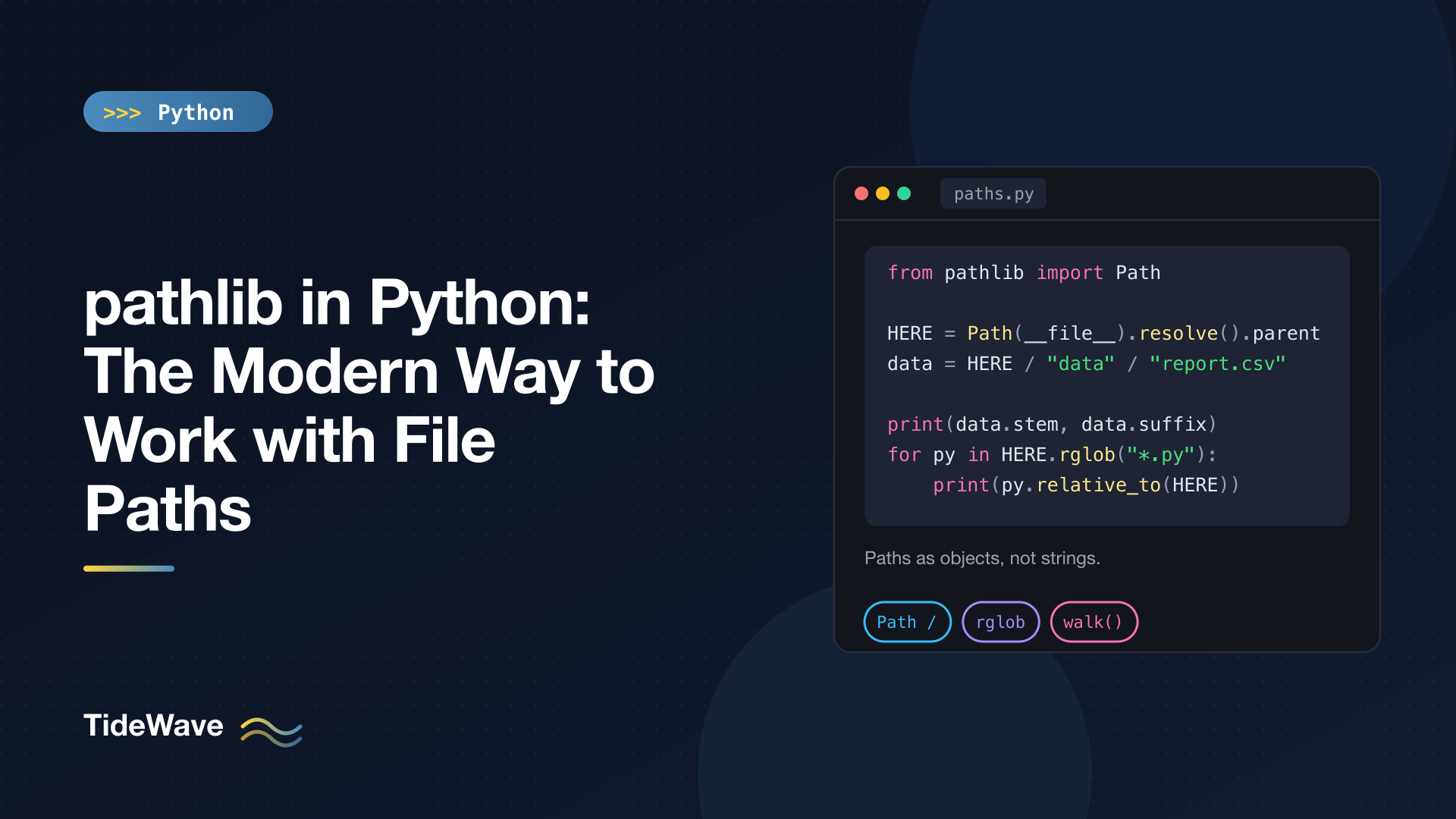
pathlib in Python: The Modern Way to Work with File Paths
For a long time, working with file paths in Python meant treating them as strings and passing them through a scattered set of functions: os.path.join() to build them, os.path.splitext() to get an extension, os.listdir() to list a folder, glob.glob() to search, os.makedirs() to create directories, and open() to read. It works, but the code reads like plumbing, and it's easy to slip in a hardcoded "/" that breaks on Windows.
pathlib, in the standard library since Python 3.4, replaces all of that with one object: Path. A Path knows its own name, extension, and parent; you join paths with the / operator; and reading, writing, listing, and globbing are methods on the path itself. Nearly every standard library function and popular third-party package that accepts a path string also accepts a Path.
This guide covers creating and joining paths, taking them apart, checking and creating files and directories, reading and writing, globbing and walking directory trees, and the cross-platform details worth knowing. Examples run on Python 3.13, with a few newer additions labeled.
Creating Paths
Import Path and build one from a string:
from pathlib import Path

p = Path("reports") / "2026" / "q3-summary.tar.gz"
print(p)
print(repr(p))
reports/2026/q3-summary.tar.gz
PosixPath('reports/2026/q3-summary.tar.gz')
Path automatically becomes a PosixPath on macOS and Linux and a WindowsPath on Windows, using the right separator for each. You write / in your code and it does the right thing everywhere.
Joining with /
The / operator joins path segments. Either side can be a Path or a string, as long as at least one is a Path:
config = Path("/etc") / "nginx" / "nginx.conf"
print(config)   # /etc/nginx/nginx.conf

base = Path("/srv/app")
print(base.joinpath("static", "css", "site.css"))   # /srv/app/static/css/site.css
joinpath() does the same thing with multiple arguments. One rule to keep in mind: if a segment you're joining is absolute, it replaces everything before it. Path("uploads") / "/etc/passwd" is just /etc/passwd. That matters if part of a path comes from user input; more on that in the security section below.
Useful Starting Points
Path.cwd()                         # current working directory
Path.home()                        # the user's home directory
Path("~/projects").expanduser()    # expand ~ to the home directory
Path(__file__).resolve().parent    # the directory containing this script
That last one is the most important line in this post for scripts. A relative path like Path("data.csv") is resolved against the current working directory, which is wherever the user ran the command from, not where the script lives. If your script needs files that sit next to it, anchor to __file__:
# tools/report.py
from pathlib import Path

HERE = Path(__file__).resolve().parent
TEMPLATE = HERE / "templates" / "report.html"
Now the script works no matter which directory it's launched from.
Taking Paths Apart
A Path exposes its components as attributes, so you never have to split strings by hand:
from pathlib import Path

p = Path("reports/2026/q3-summary.tar.gz")

print(p.name)       # final component
print(p.stem)       # name without the last suffix
print(p.suffix)     # last suffix
print(p.suffixes)   # all suffixes
print(p.parent)     # containing directory
print(p.parts)      # every component
q3-summary.tar.gz
q3-summary.tar
.gz
['.tar', '.gz']
reports/2026
('reports', '2026', 'q3-summary.tar.gz')
parents is a sequence of every ancestor, nearest first:
print(list(p.parents))
# [PosixPath('reports/2026'), PosixPath('reports'), PosixPath('.')]
Building Related Paths
The with_* methods return a new path with one piece swapped. Paths are immutable, so nothing is modified in place:
print(p.with_suffix(".zip"))                  # reports/2026/q3-summary.tar.zip
print(p.with_name("q4-summary.tar.gz"))       # reports/2026/q4-summary.tar.gz
print(Path("notes.txt").with_stem("notes-backup"))   # notes-backup.txt
print(Path("main.py").with_suffix(""))        # main
Notice that with_suffix only replaces the last suffix, which is why .tar.gz became .tar.zip. For multi-part extensions, work from name instead.
Suffixes are case-sensitive strings, so compare with p.suffix.lower() == ".jpg" when filenames come from users or cameras that write .JPG.
Relative Paths
relative_to() gives the path from one location to another:
root = Path("proj")
f = root / "src" / "app" / "main.py"

print(f.relative_to(root))        # src/app/main.py
print(f.is_relative_to(root))     # True
If the path isn't inside the other one, relative_to() raises ValueError. is_relative_to() (Python 3.9+) checks without raising.
Absolute Paths and resolve()
p.is_absolute()tells you whether the path starts from a root.p.absolute()prepends the current working directory, without touching the filesystem otherwise.p.resolve()makes the path absolute, follows symlinks, and eliminates..segments.
pathlib collapses redundant slashes and . segments automatically, so Path("src//app/") and Path("src/./app") both equal Path("src/app"). It does not collapse .. on its own, because a/link/.. isn't necessarily a if link is a symlink. Call resolve() when you need a canonical path.
Checking What Exists
from pathlib import Path

readme = Path("proj/README.md")

readme.exists()     # does anything exist at this path?
readme.is_file()    # is it a regular file?
readme.is_dir()     # is it a directory?
readme.is_symlink()
These return False rather than raising if the path doesn't exist. Keep in mind that checking and then acting is a race: the file can disappear between exists() and open(). For anything more than a quick script, just try the operation and catch FileNotFoundError.
stat() returns metadata like size and modification time:
from datetime import UTC, datetime

info = Path("proj/src/app/main.py").stat()
print(info.st_size)                                          # bytes
print(datetime.fromtimestamp(info.st_mtime, tz=UTC))         # last modified
Reading and Writing Files
For small files, Path has one-line helpers that open, read or write, and close for you:
from pathlib import Path

readme = Path("proj/README.md")
readme.write_text("# Proj\n", encoding="utf-8")
print(readme.read_text(encoding="utf-8"))

blob = Path("proj/data.bin")
blob.write_bytes(b"\x00\x01\x02")
print(blob.read_bytes())   # b'\x00\x01\x02'
As with open(), always pass encoding="utf-8" for text. write_text() overwrites the file if it exists.
For anything you want to stream line by line or write incrementally, Path.open() works exactly like the built-in open():
with readme.open(encoding="utf-8") as f:
    for line in f:
        print(line.rstrip("\n"))
The details of modes, encodings, and CSV and JSON formats are in file handling in Python; this post stays focused on paths.
Creating, Moving, and Deleting
Directories
Path("proj/src/app").mkdir(parents=True, exist_ok=True)
parents=True creates any missing parent directories (like mkdir -p), and exist_ok=True makes it a no-op if the directory already exists. You'll want both almost every time.
rmdir() removes a directory, but only if it's empty. To delete a whole tree, use shutil.rmtree(path), which accepts a Path.
Files
from pathlib import Path

tmp = Path("proj/tmp.txt")
tmp.touch()                               # create empty file (or update mtime)
moved = tmp.rename(Path("proj/tmp2.txt"))  # returns the new Path
moved.unlink()                            # delete
moved.unlink(missing_ok=True)             # no error if already gone
rename() fails on Windows if the target exists. replace() overwrites the target on every platform, which is what you want for "swap the new file into place".
On Python 3.13 and earlier, copying uses shutil:
import shutil

shutil.copy2(Path("proj/README.md"), Path("backup/README.md"))
shutil.copytree(Path("proj/src"), Path("backup/src"))
Python 3.14 adds Path.copy(), Path.copy_into(), Path.move(), and Path.move_into(), so on 3.14+ you can do Path("proj/src").copy(Path("backup/src")) without importing shutil.
Listing and Searching Directories
iterdir
iterdir() yields the immediate children of a directory, in arbitrary order:
from pathlib import Path

for child in sorted(Path("proj").iterdir()):
    kind = "dir" if child.is_dir() else "file"
    print(child, kind)
proj/README.md file
proj/data.bin file
proj/src dir
proj/tests dir
glob and rglob
glob() matches a pattern relative to the path. * matches anything within one component, ? matches a single character, [abc] matches a character set, and ** matches any number of directories:
root = Path("proj")

print(sorted(root.glob("*.md")))
print(sorted(root.glob("**/*.py")))
print(sorted(root.rglob("*.py")))     # same as glob("**/*.py")
[PosixPath('proj/README.md')]
[PosixPath('proj/src/app/main.py'), PosixPath('proj/src/app/utils.py'), PosixPath('proj/tests/test_main.py')]
[PosixPath('proj/src/app/main.py'), PosixPath('proj/src/app/utils.py'), PosixPath('proj/tests/test_main.py')]
rglob(pattern) is shorthand for a recursive glob. Both return lazy generators, so wrap them in sorted() or list() when you need ordering or a count.
A few useful options added in recent versions:
case_sensitive=False(3.12+) matches regardless of case:root.glob("*.MD", case_sensitive=False).- A pattern ending in
/matches only directories:root.glob("src/*/"). recurse_symlinks=True(3.13+) makes**follow symlinked directories, which it doesn't by default.
Note that glob doesn't skip hidden files the way your shell does. rglob("*.py") will happily descend into .venv and return thousands of library files. For project scans, filter them out or use walk().
Path.walk
Path.walk() (Python 3.12+) is the pathlib version of os.walk(). It yields (dirpath, dirnames, filenames) for each directory, top-down:
from pathlib import Path

for dirpath, dirnames, filenames in Path("proj").walk():
    print(dirpath, sorted(dirnames), sorted(filenames))
proj ['src', 'tests'] ['README.md', 'data.bin']
proj/tests [] ['test_main.py']
proj/src ['app'] []
proj/src/app [] ['main.py', 'utils.py']
dirpath is a Path, while dirnames and filenames are plain strings. The big advantage over rglob is pruning: if you modify dirnames in place, walk() skips those directories entirely. That's how you avoid descending into .git, node_modules, or virtual environments:
from pathlib import Path

SKIP = {".git", ".venv", "node_modules", "__pycache__"}


def python_files(root: Path):
    for dirpath, dirnames, filenames in root.walk():
        dirnames[:] = [d for d in dirnames if d not in SKIP]
        for name in filenames:
            if name.endswith(".py"):
                yield dirpath / name
Matching Paths Against Patterns
To check whether a path you already have matches a pattern, use full_match() (Python 3.13+), which matches the whole path and understands **:
p = Path("src/app/main.py")
print(p.full_match("src/**/*.py"))   # True
print(p.full_match("*.py"))          # False: the pattern must match the whole path
print(p.match("*.py"))               # True: match() compares from the right
The older match() is still there, but its right-anchored behavior surprises people. Prefer full_match() on 3.13+.
pathlib vs os.path
If you're modernizing older code, here's how the common calls map:
os / os.path / glob | pathlib |
|---|---|
os.path.join(a, b) | Path(a) / b |
os.path.basename(p) | p.name |
os.path.dirname(p) | p.parent |
os.path.splitext(p) | p.stem, p.suffix |
os.path.exists(p) | p.exists() |
os.path.isfile(p) / isdir(p) | p.is_file() / p.is_dir() |
os.path.abspath(p) | p.absolute() |
os.path.realpath(p) | p.resolve() |
os.path.expanduser(p) | p.expanduser() |
os.path.getsize(p) | p.stat().st_size |
os.getcwd() | Path.cwd() |
os.makedirs(p, exist_ok=True) | p.mkdir(parents=True, exist_ok=True) |
os.listdir(p) | p.iterdir() |
os.walk(p) | p.walk() (3.12+) |
glob.glob("**/*.py", recursive=True) | Path().glob("**/*.py") |
os.remove(p) | p.unlink() |
os.rename(a, b) | a.rename(b) |
os.path isn't deprecated and isn't going anywhere. But in new code, pathlib is shorter, harder to get wrong, and easier to read.
Interoperability
Path objects implement the os.PathLike protocol, so open(), shutil, subprocess, sqlite3.connect(), json, pandas, and most third-party libraries accept them directly. If you hit an older API that insists on a string, convert with str(path) or os.fspath(path).
When writing functions, accept both strings and paths and normalize at the top:
import os
from pathlib import Path


def load_template(path: str | os.PathLike[str]) -> str:
    return Path(path).read_text(encoding="utf-8")
Calling Path() on something that's already a Path is cheap and harmless.
Cross-Platform Details
Pure Paths
PurePosixPath and PureWindowsPath do path manipulation without touching the filesystem, and work on any OS. They're handy for parsing paths from another system, like Windows paths in a log you're processing on Linux:
from pathlib import PureWindowsPath

w = PureWindowsPath(r"C:\Users\Ada\Documents\report.docx")
print(w.drive, w.anchor, w.name)
print(w.parent)
print(w.as_posix())
C: C:\ report.docx
C:\Users\Ada\Documents
C:/Users/Ada/Documents/report.docx
as_posix() always gives forward slashes, which is what you want when building URLs or writing paths into config files that are shared across platforms.
URIs
as_uri() converts an absolute path to a file:// URI, and Path.from_uri() (3.13+) does the reverse:
print(Path("/srv/app").as_uri())                      # file:///srv/app
print(Path.from_uri("file:///srv/app/main.py"))       # /srv/app/main.py
Security: Don't Trust Joined Paths
If any part of a path comes from user input (an upload filename, a URL parameter), joining it naively can escape your intended directory, either with .. segments or an absolute path. Resolve the result and check it's still inside the base directory:
from pathlib import Path

UPLOAD_DIR = Path("/srv/app/uploads").resolve()


def safe_upload_path(filename: str) -> Path:
    candidate = (UPLOAD_DIR / filename).resolve()
    if not candidate.is_relative_to(UPLOAD_DIR):
        raise ValueError(f"unsafe path: {filename!r}")
    return candidate


print(safe_upload_path("avatar.png"))     # /srv/app/uploads/avatar.png
safe_upload_path("../../etc/passwd")      # ValueError
safe_upload_path("/etc/passwd")           # ValueError
Better still, generate your own filenames for uploads and store the original name as metadata.
Conclusion
pathlib turns paths from strings you manipulate into objects that know what they are. Build them with /, read their parts with name, stem, suffix, and parent, create directories with mkdir(parents=True, exist_ok=True), read small files with read_text(), and search with glob(), rglob(), or walk() when you need to prune.
Two habits will save you the most trouble: anchor script-relative files to Path(__file__).resolve().parent instead of relying on the working directory, and resolve-and-check any path built from user input. Beyond that, reach for Path wherever you used to reach for os.path, and your file code will get shorter and clearer.


