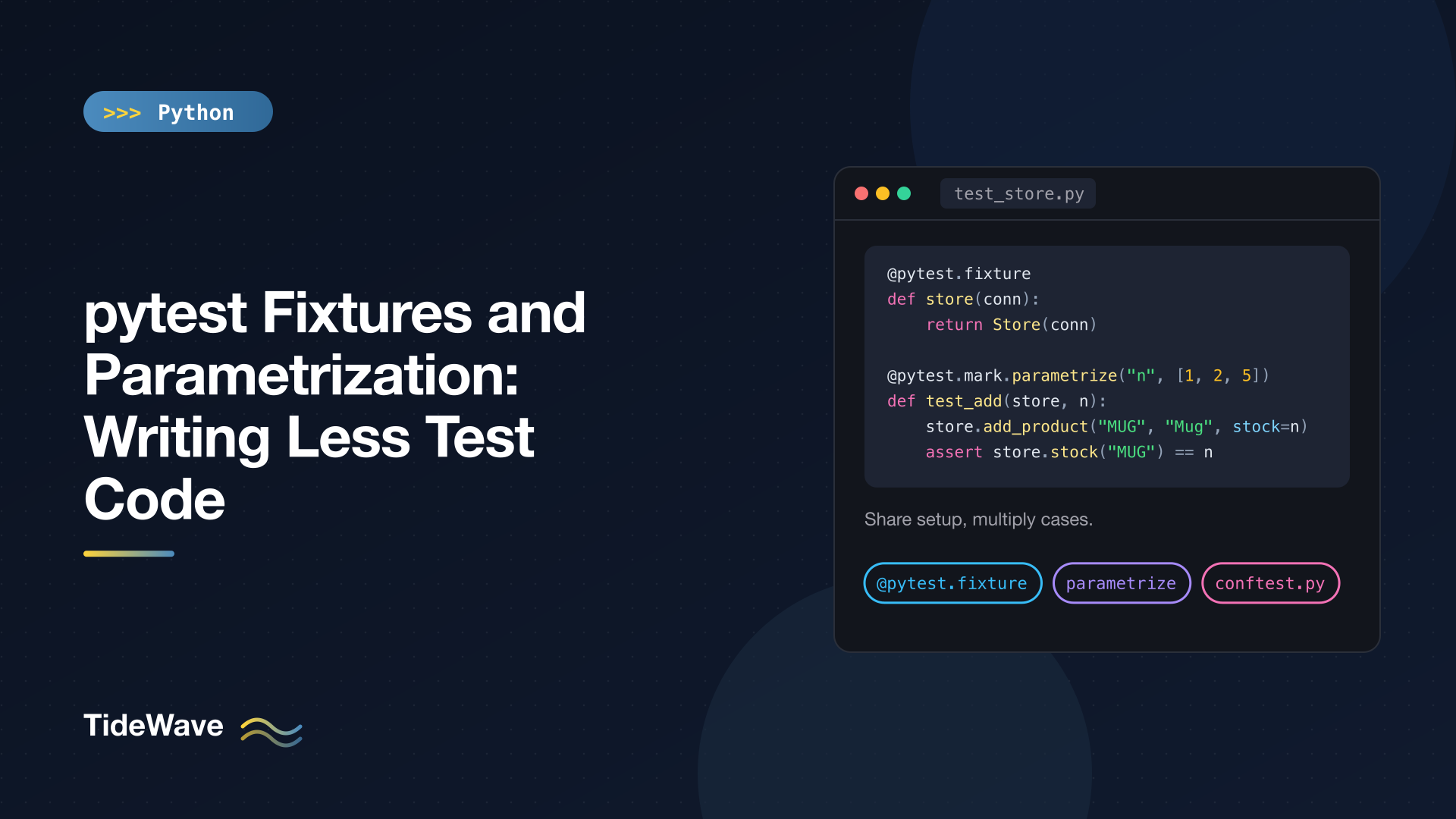
pytest Fixtures and Parametrization: Writing Less Test Code
Most test suites start clean and then slowly fill up with copy-paste. Every test opens a database connection, creates the same three objects, and closes the connection at the end. Every edge case gets its own near-identical function with a different input. The tests still pass, but changing the setup now means editing forty places, and the actual point of each test is buried under boilerplate.
pytest has two features aimed squarely at this problem. Fixtures pull setup and teardown out of your tests into reusable, composable functions. Parametrization runs one test function against many inputs. This post goes deep on both: how fixtures are resolved, yield teardown, scopes, conftest.py, factory fixtures, autouse, and the full range of @pytest.mark.parametrize options, including ids, per-case marks, stacking, parametrized fixtures, and indirect parametrization.
If you're new to pytest itself, start with the beginner's guide to pytest and come back here.
The Code Under Test
The examples test a small inventory store backed by SQLite:
# src/inventory/store.py
import sqlite3


class Store:
    def __init__(self, conn: sqlite3.Connection) -> None:
        self.conn = conn
        self.conn.execute(
            "CREATE TABLE IF NOT EXISTS products ("
            "sku TEXT PRIMARY KEY, name TEXT NOT NULL, stock INTEGER NOT NULL)"
        )

    def add_product(self, sku: str, name: str, stock: int = 0) -> None:
        self.conn.execute(
            "INSERT INTO products (sku, name, stock) VALUES (?, ?, ?)",
            (sku, name, stock),
        )

    def stock(self, sku: str) -> int:
        row = self.conn.execute(
            "SELECT stock FROM products WHERE sku = ?", (sku,)
        ).fetchone()
        if row is None:
            raise KeyError(sku)
        return row[0]

    def remove_stock(self, sku: str, amount: int) -> int:
        current = self.stock(sku)
        if amount > current:
            raise ValueError(f"only {current} left of {sku}")
        self.conn.execute(
            "UPDATE products SET stock = stock - ? WHERE sku = ?", (amount, sku)
        )
        return current - amount


def normalize_sku(raw: str) -> str:
    return raw.strip().upper().replace(" ", "-")
The project uses a src layout with pythonpath = ["src"] set under [tool.pytest] in pyproject.toml, so tests can import inventory directly.
The Problem Fixtures Solve
Without fixtures, every test repeats the same setup and cleanup:
import sqlite3

from inventory.store import Store


def test_remove_stock_returns_remaining():
    conn = sqlite3.connect(":memory:")
    store = Store(conn)
    store.add_product("MUG-01", "Coffee mug", stock=10)
    store.add_product("TEE-02", "T-shirt", stock=3)

    assert store.remove_stock("MUG-01", 4) == 6

    conn.close()
Four lines of setup for one line of behavior. Worse, if the assert fails, conn.close() never runs. Multiply that by every test in the file and the setup becomes the main thing you read.
Your First Fixtures
A fixture is a function decorated with @pytest.fixture. A test requests it by naming it as a parameter, and pytest calls the fixture and passes in its return value:
# tests/conftest.py
import sqlite3

import pytest

from inventory.store import Store


@pytest.fixture
def conn():
    connection = sqlite3.connect(":memory:")
    yield connection
    connection.close()


@pytest.fixture
def store(conn):
    return Store(conn)


@pytest.fixture
def stocked_store(store):
    store.add_product("MUG-01", "Coffee mug", stock=10)
    store.add_product("TEE-02", "T-shirt", stock=3)
    return store
The tests shrink to their essentials:
# tests/test_store.py
import pytest


def test_new_product_has_given_stock(store):
    store.add_product("PEN-01", "Pen", stock=5)
    assert store.stock("PEN-01") == 5


def test_remove_stock_returns_remaining(stocked_store):
    assert stocked_store.remove_stock("MUG-01", 4) == 6
    assert stocked_store.stock("MUG-01") == 6


def test_cannot_remove_more_than_available(stocked_store):
    with pytest.raises(ValueError, match="only 3 left"):
        stocked_store.remove_stock("TEE-02", 5)


def test_unknown_sku_raises_key_error(store):
    with pytest.raises(KeyError):
        store.stock("NOPE")
There's a lot packed into those few lines, so let's unpack it.
Fixtures Can Use Other Fixtures
stocked_store asks for store, which asks for conn. pytest resolves the whole chain: when a test requests stocked_store, pytest first creates conn, passes it to store, passes that to stocked_store, and finally hands the result to the test. You build complex setups out of small, focused pieces, and each test asks for exactly the level it needs.
yield Means Teardown
The conn fixture uses yield instead of return. Everything before the yield is setup; the yielded value goes to the test; everything after the yield runs once the test finishes, whether it passed or failed. That fixes the leak from the original version, and keeps setup and cleanup for one resource side by side.
You can watch the order with --setup-show:
pytest --setup-show -q tests/test_store.py::test_remove_stock_returns_remaining
        SETUP    F conn
        SETUP    F store (fixtures used: conn)
        SETUP    F stocked_store (fixtures used: store)
        tests/test_store.py::test_remove_stock_returns_remaining (fixtures used: conn, stocked_store, store) .
        TEARDOWN F stocked_store
        TEARDOWN F store
        TEARDOWN F conn
1 passed in 0.08s
Setup runs from the bottom of the chain up, and teardown runs in reverse. The F means function scope, which brings us to the next topic.
Every Test Gets a Fresh Copy
By default, a fixture runs once per test. test_remove_stock_returns_remaining reduces the mug stock to 6, but the next test that uses stocked_store gets a brand-new in-memory database with 10 mugs again. This isolation is what lets tests run in any order without affecting each other.
conftest.py: Sharing Fixtures
The fixtures above live in tests/conftest.py. pytest discovers conftest.py files automatically, and any fixture defined in one is available to every test in that directory and its subdirectories, with no import needed. (Don't import from conftest.py in your tests; let pytest inject the fixtures.)
You can have several:
tests/
├── conftest.py          # fixtures for every test
├── test_store.py
└── api/
    ├── conftest.py      # extra fixtures only for tests/api/
    └── test_routes.py
A fixture in tests/api/conftest.py can also override one with the same name from the parent directory, which is handy when a subset of tests needs a different variant of a shared resource.
To see every fixture available to a test file, along with where it's defined, run pytest --fixtures tests/test_store.py.
Fixture Scopes
Creating a fresh object per test is the safe default, but some setup is expensive: starting a container, loading a large file, building a schema. The scope argument controls how often a fixture is created:
| Scope | Created once per... |
|---|---|
"function" | test (the default) |
"class" | test class |
"module" | test file |
"package" | test directory package |
"session" | entire test run |
Here's a module-scoped fixture that writes and parses a catalog file once for every test in the file:
# tests/test_scope.py
import json

import pytest


@pytest.fixture(scope="module")
def catalog(tmp_path_factory):
    path = tmp_path_factory.mktemp("data") / "catalog.json"
    path.write_text(json.dumps({"MUG-01": 4.5, "TEE-02": 12.0}))
    return json.loads(path.read_text())


def test_mug_price(catalog):
    assert catalog["MUG-01"] == 4.5


def test_catalog_size(catalog):
    assert len(catalog) == 2
SETUP    S tmp_path_factory
    SETUP    M catalog (fixtures used: tmp_path_factory)
        tests/test_scope.py::test_mug_price (fixtures used: catalog, request, tmp_path_factory) .
        tests/test_scope.py::test_catalog_size (fixtures used: catalog, request, tmp_path_factory) .
    TEARDOWN M catalog
TEARDOWN S tmp_path_factory
catalog (marked M) is set up once and shared by both tests. Note it uses tmp_path_factory rather than tmp_path: a fixture can only depend on fixtures with the same or broader scope, and tmp_path is function-scoped, so a module-scoped fixture can't use it. tmp_path_factory is session-scoped (S) for exactly this reason.
Two cautions with broad scopes:
- Shared state leaks between tests. If one test mutates a module-scoped object, later tests see the change. Use broad scopes for read-only or expensive-to-create resources, and give tests that mutate data a function-scoped fixture.
- A common pattern is a session-scoped fixture for the expensive part (a database engine or server) and a function-scoped fixture on top that gives each test a clean slate (a transaction that's rolled back afterward).
Factory Fixtures
Sometimes tests need the same kind of object with different details. Writing one fixture per variation leads right back to duplication. Instead, have the fixture return a function:
@pytest.fixture
def make_store(conn):
    def _make(**products: int) -> Store:
        store = Store(conn)
        for sku, stock in products.items():
            store.add_product(sku, sku.title(), stock=stock)
        return store

    return _make


def test_factory_builds_custom_stores(make_store):
    store = make_store(MUG=2, TEE=0)
    assert store.stock("MUG") == 2
    assert store.stock("TEE") == 0
The fixture still handles the shared infrastructure (the connection and its cleanup), while each test describes exactly the data it cares about. This "factory as fixture" pattern scales well, and if the factory creates resources that need cleanup, it can record them in a list and clean them up after a yield.
autouse Fixtures
A fixture with autouse=True runs for every test in its scope without being requested. Use it for things that should always be true, like blocking real network calls:
@pytest.fixture(autouse=True)
def no_network(monkeypatch):
    def guard(*args, **kwargs):
        raise RuntimeError("network access in tests is not allowed")

    monkeypatch.setattr("socket.socket.connect", guard)


def test_network_is_blocked():
    import socket

    with pytest.raises(RuntimeError, match="not allowed"):
        socket.create_connection(("127.0.0.1", 8000))
monkeypatch is a built-in fixture that replaces an attribute for the duration of one test and restores it afterward. Put an autouse fixture like this in your top-level conftest.py and any test that accidentally talks to the network fails loudly instead of being slow and flaky.
Use autouse sparingly. Because nothing in the test signature mentions it, it's invisible when reading a test. If only some tests need a fixture for its side effect, use @pytest.mark.usefixtures("fixture_name") on those tests instead.
Parametrization: One Test, Many Inputs
Fixtures remove repeated setup. Parametrization removes repeated tests. Instead of four functions that each check one SKU format:
# tests/test_params.py
import pytest

from inventory.store import normalize_sku


@pytest.mark.parametrize(
    ("raw", "expected"),
    [
        ("mug-01", "MUG-01"),
        ("  tee-02  ", "TEE-02"),
        ("gift card", "GIFT-CARD"),
        ("", ""),
    ],
)
def test_normalize_sku(raw, expected):
    assert normalize_sku(raw) == expected
The first argument names the parameters (a tuple of strings, or a single comma-separated string like "raw,expected"). The second is a list of value tuples. pytest generates one test per tuple, and each passes or fails independently:
tests/test_params.py::test_normalize_sku[mug-01-MUG-01] PASSED           [  9%]
tests/test_params.py::test_normalize_sku[  tee-02  -TEE-02] PASSED       [ 18%]
tests/test_params.py::test_normalize_sku[gift card-GIFT-CARD] PASSED     [ 27%]
tests/test_params.py::test_normalize_sku[-] PASSED                       [ 36%]
Adding a new case is now one line. When one case fails, the others still run and the report names exactly which input broke.
Readable Test IDs
The IDs in square brackets are generated from the values, which works for short strings and numbers but gets ugly fast ([-] for the empty string isn't very descriptive). There are two ways to name cases yourself. Pass ids= with a list of names, one per case, or wrap individual cases in pytest.param with an id:
@pytest.mark.parametrize(
    ("amount", "remaining"),
    [
        pytest.param(1, 9, id="one"),
        pytest.param(10, 0, id="all"),
        pytest.param(
            11, None, id="too-many", marks=pytest.mark.xfail(raises=ValueError)
        ),
    ],
)
def test_remove_stock_amounts(stocked_store, amount, remaining):
    assert stocked_store.remove_stock("MUG-01", amount) == remaining
tests/test_params.py::test_remove_stock_amounts[one] PASSED              [ 45%]
tests/test_params.py::test_remove_stock_amounts[all] PASSED              [ 54%]
tests/test_params.py::test_remove_stock_amounts[too-many] XFAIL          [ 63%]
Good IDs pay off on the command line too: pytest -k "too-many" runs just that case.
This example also shows two other things. First, parametrize and fixtures combine freely: the test takes the stocked_store fixture alongside the parametrized arguments. Second, pytest.param accepts marks, so you can skip or xfail a single case. That's useful for documenting a known bug in one input. For error cases you expect permanently, though, a separate test with pytest.raises reads more clearly than an xfail.
Stacking Parametrize Decorators
Apply parametrize more than once and pytest runs the full cross-product:
@pytest.mark.parametrize("sku", ["MUG-01", "TEE-02"])
@pytest.mark.parametrize("amount", [1, 2])
def test_small_removals_succeed(stocked_store, sku, amount):
    before = stocked_store.stock(sku)
    assert stocked_store.remove_stock(sku, amount) == before - amount
tests/test_params.py::test_small_removals_succeed[1-MUG-01] PASSED       [ 72%]
tests/test_params.py::test_small_removals_succeed[1-TEE-02] PASSED       [ 81%]
tests/test_params.py::test_small_removals_succeed[2-MUG-01] PASSED       [ 90%]
tests/test_params.py::test_small_removals_succeed[2-TEE-02] PASSED       [100%]
Two SKUs times two amounts gives four tests. This is great for checking that every combination of options works, but the count multiplies quickly; three decorators with five values each is 125 tests.
Parametrized Fixtures
You can also parametrize a fixture. Every test that uses it then runs once per parameter, which is the right tool when many tests should all run against several variants of the same setup:
@pytest.fixture(params=[0, 1, 50], ids=["empty", "single", "bulk"])
def starting_stock(request):
    return request.param


def test_remove_zero_never_changes_stock(store, starting_stock):
    store.add_product("BOX", "Box", stock=starting_stock)
    assert store.remove_stock("BOX", 0) == starting_stock
tests/test_advanced.py::test_remove_zero_never_changes_stock[empty] PASSED [ 28%]
tests/test_advanced.py::test_remove_zero_never_changes_stock[single] PASSED [ 42%]
tests/test_advanced.py::test_remove_zero_never_changes_stock[bulk] PASSED [ 57%]
request is a built-in fixture that gives access to information about the requesting test; request.param holds the current parameter. A classic use is running a whole suite against several backends: a db fixture parametrized with ["sqlite", "postgres"] doubles your coverage without touching a single test.
The difference from @pytest.mark.parametrize is where the variation lives. Parametrize on the test when the inputs are specific to that test. Parametrize the fixture when the variation applies to every test that uses it.
Indirect Parametrization
Occasionally you want a test's parameters to go through a fixture rather than straight into the test, so the fixture can turn a simple value into a fully built object. That's what indirect=True does:
@pytest.fixture
def product(request, store):
    sku, stock = request.param
    store.add_product(sku, sku.lower(), stock=stock)
    return store, sku


@pytest.mark.parametrize("product", [("A", 1), ("B", 5)], indirect=True)
def test_indirect(product):
    store, sku = product
    assert store.stock(sku) > 0
Each tuple is delivered to the product fixture as request.param, and the test receives whatever the fixture returns. It's a niche feature, and a factory fixture is often simpler, but it's the right fit when the setup is involved and the per-test data is small.
Choosing the Right Tool
| You want to... | Use |
|---|---|
| Share setup and teardown across tests | A fixture, yield for cleanup |
| Share fixtures across files | conftest.py |
| Create something expensive once | A fixture with scope="module" or "session" |
| Build similar objects with different details | A factory fixture |
| Apply setup to every test automatically | autouse=True (sparingly) |
| Run one test against many inputs | @pytest.mark.parametrize |
| Run many tests against several setups | A fixture with params= |
| Mark or name individual cases | pytest.param(..., id=..., marks=...) |
Pitfalls to Avoid
- Fixtures that do too much. A
stocked_storethat also logs in a user and seeds orders is hard to reason about. Keep fixtures small and compose them. - Hidden mutable state in broad scopes. A session-scoped list that tests append to will make test results depend on execution order.
- Parametrizing unrelated behavior. If cases need
ifstatements inside the test to decide what to assert, they're different tests. Split them. - Calling fixtures directly.
conn()in a test raises an error; fixtures are requested by parameter name, never called. - Giant parametrize tables. Past a dozen or so cases, consider moving the data into a module-level constant or, for truly broad input coverage, try property-based testing with Hypothesis, which generates the cases for you.
Conclusion
Fixtures and parametrization attack duplication from two directions. Fixtures take the "how do I get into this state" code out of your tests, with yield making cleanup reliable, scopes controlling cost, and conftest.py making everything shareable. Parametrization takes the "same check, different input" repetition and collapses it into a data table, with IDs and per-case marks that keep the reports readable.
The result is a suite where each test is a few lines describing one behavior. When the setup changes, you change one fixture. When you find a new edge case, you add one line. That's what makes a test suite something you keep extending instead of something you dread touching.


