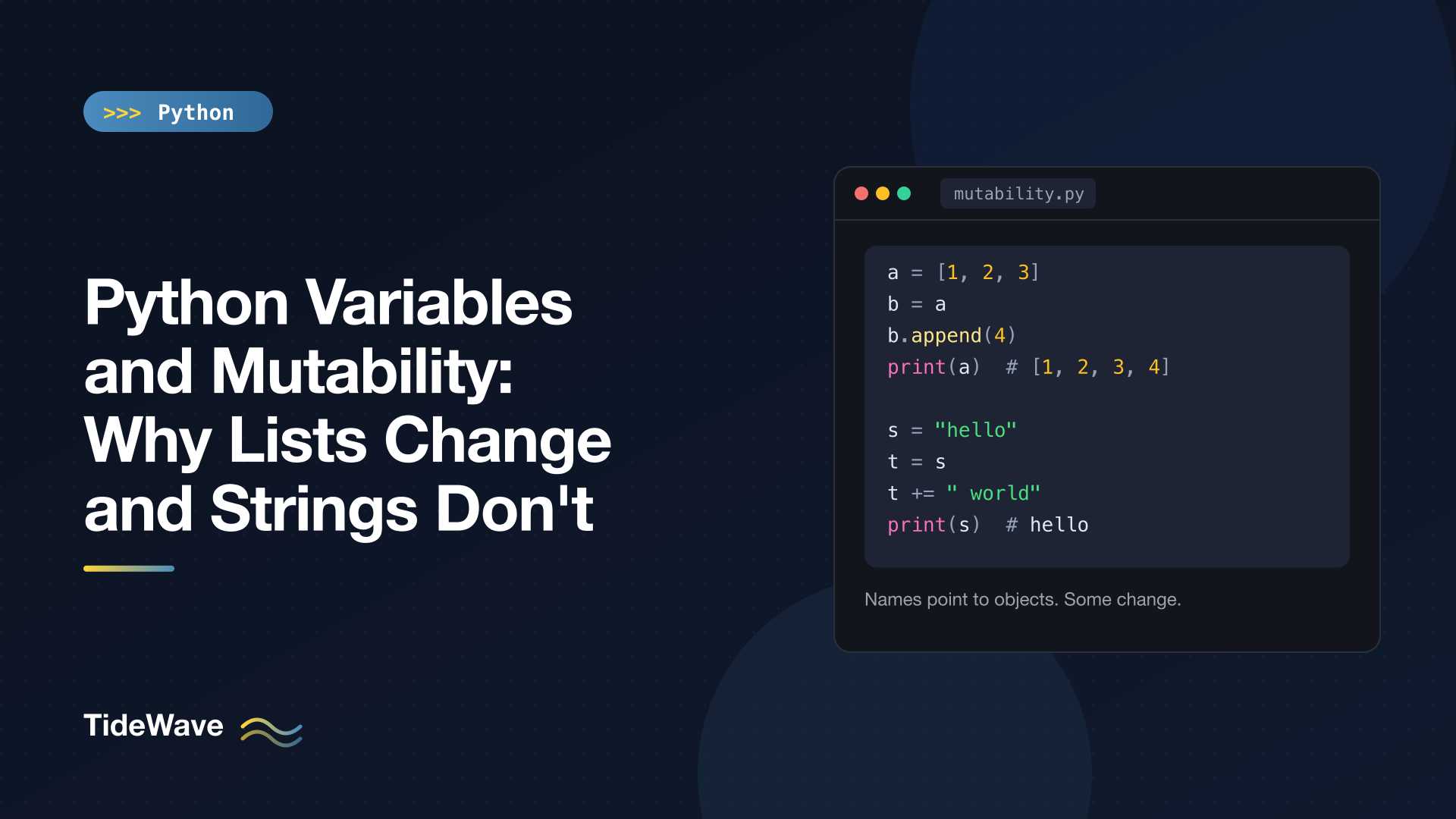
Python Variables and Mutability: Why Lists Change and Strings Don't
Sooner or later every Python developer hits this: you copy a list into a new variable, change the "copy", and the original changes too. Then you try the same thing with a string and nothing of the sort happens. It feels inconsistent, as if lists and strings follow different rules.
They don't. Python has one rule for variables, and it applies to every type. What differs is whether the object itself can be changed after it's created. Once you separate those two ideas, names and objects, most of the surprising behavior becomes predictable.
This post covers how Python variables actually work, what mutability means, why += behaves differently on lists and strings, how function arguments fit in, how to copy things properly, and how mutability ties into hashing and dictionary keys.
Variables Are Names, Not Boxes
In many languages it's useful to picture a variable as a box that holds a value. In Python that picture causes trouble. A better model: a variable is a name that points to an object. Assignment never copies data; it binds a name to an object that already exists.
a = [1, 2, 3]
b = a
b.append(4)

print(a)
print(a is b)
[1, 2, 3, 4]
True
b = a didn't create a second list. It attached a second name to the same list object. When you call b.append(4), you're modifying that one object, and a sees the change because a points to it as well. The is operator confirms both names refer to the same object.
This is called aliasing: two names, one object. It's not a quirk of lists. It happens on every assignment in Python. You only notice it when the object can change.
is vs ==
Since names and objects are separate things, Python gives you two ways to compare:
==asks "do these objects have equal values?" It calls the type's__eq__method.isasks "are these the same object?" It compares identity.
a = [1, 2]
b = [1, 2]
print(a == b, a is b)
True False
Two lists with the same contents are equal but not identical. Use == for value comparisons and reserve is for singletons like None (if result is None:). Don't use is to compare numbers or strings: CPython caches some small integers and interns some strings, so is may happen to return True for them, but that's an implementation detail, not something your code should depend on.
What Mutability Means
An object is mutable if its contents can change after it's created. It's immutable if they can't. Every Python object falls into one camp or the other:
| Immutable | Mutable |
|---|---|
int, float, complex, bool | list |
str, bytes | dict |
tuple, frozenset | set |
None | bytearray |
| most user-defined class instances |
Immutable objects have no methods that change them in place. Try to modify a string and Python refuses:
name = "tide"
name[0] = "T"
TypeError: 'str' object does not support item assignment
String methods like upper(), replace(), and strip() all return a new string and leave the original alone. List methods like append(), sort(), and extend() change the list in place and return None.
nums = [3, 1, 2]
result = nums.sort()
print(result, nums)

word = "Hello"
print(word.lower(), word)
None [1, 2, 3]
hello Hello
That None return is deliberate. Python's convention is that methods which mutate in place return None, so you can't accidentally chain them and lose track of which object changed. If you want a sorted copy instead, use sorted(nums).
Why += Behaves Differently
Here's the case that confuses people most. Compare these two snippets:
s = "hello"
t = s
t += " world"

print(s)
print(t)
print(s is t)
hello
hello world
False
The string s is untouched. Because strings are immutable, t += " world" can't modify the existing string. Python builds a new string "hello world" and rebinds t to it. s still points to the original.
Now the same pattern with a list:
a = [1, 2, 3]
b = a
b += [4]
print(a)
[1, 2, 3, 4]
For lists, += calls list.__iadd__, which extends the list in place and then rebinds b to that same object. Both names still share it, so a sees the change.
You can watch identity to see the difference:
x = [1, 2]
before = id(x)
x += [3]
print(id(x) == before)

y = (1, 2)
before = id(y)
y += (3,)
print(id(y) == before)
True
False
The list kept its identity; the tuple was replaced by a brand new tuple. The rule behind it: augmented assignment uses an in-place method like __iadd__ when the type provides one, and falls back to creating a new object with __add__ when it doesn't. Mutable built-ins provide in-place versions; immutable ones can't.
Note that x = x + [3] is not the same as x += [3] for lists. The + operator always builds a new list, so x = x + [3] rebinds x to a fresh object and leaves any aliases pointing at the old one.
Function Arguments: Passing References by Value
People argue about whether Python is "pass by value" or "pass by reference". Neither label fits well. The accurate description is that Python passes object references: when you call a function, the parameter name inside the function is bound to the same object the caller passed in. Nothing is copied.
That gives you two very different outcomes depending on what the function does with the parameter.
def add_item(items: list[str], item: str) -> None:
    items.append(item)


def rename(label: str) -> None:
    label = label.upper()


cart = ["apple"]
add_item(cart, "pear")
print(cart)

title = "draft"
rename(title)
print(title)
['apple', 'pear']
draft
add_item mutates the object it was given, so the caller sees the change. rename can't mutate a string, so it rebinds its local name label to a new string. That rebinding is invisible outside the function.
Rebinding is invisible even for mutable objects:
def reassign(items: list[str]) -> None:
    items = ["brand", "new"]


cart = ["apple"]
reassign(cart)
print(cart)
['apple']
So the rule is:
- Mutating the object a parameter points to affects the caller.
- Rebinding the parameter name (
items = ...) affects only the function's local scope.
Prefer Returning New Values
Functions that silently mutate their arguments are a common source of bugs, because the caller has to know about the side effect. When you can, return a new object instead:
def normalize(tags: list[str]) -> list[str]:
    return sorted(t.lower() for t in tags)


tags = ["Web", "API"]
print(normalize(tags), tags)
['api', 'web'] ['Web', 'API']
If a function does need to mutate in place for performance reasons, make it obvious: name it accordingly, return None like the built-in methods do, and document it. The same aliasing behavior is behind the infamous mutable default argument bug, which gets its own post in Default Argument Pitfalls in Python.
The List Multiplication Trap
Aliasing also explains one of the most common beginner bugs: building a grid with *.
grid = [[0] * 3] * 3
grid[0][0] = 1
print(grid)
[[1, 0, 0], [1, 0, 0], [1, 0, 0]]
[[0] * 3] * 3 creates one inner list and an outer list containing three references to it. Changing "row 0" changes the only row there is. The inner [0] * 3 is fine because integers are immutable; it's repeating references to the same mutable list that bites.
Build each row separately with a comprehension:
grid = [[0] * 3 for _ in range(3)]
grid[0][0] = 1
print(grid)
[[1, 0, 0], [0, 0, 0], [0, 0, 0]]
The comprehension evaluates [0] * 3 once per iteration, so you get three independent lists.
Copying: Shallow vs Deep
When you actually want an independent copy, you have to ask for one. There are two levels.
A shallow copy creates a new outer container but fills it with references to the same inner objects. You get one with list.copy(), dict.copy(), set.copy(), slicing (items[:]), the constructors (list(items), dict(d)), or copy.copy().
A deep copy recursively copies everything inside as well, via copy.deepcopy().
import copy

config = {"name": "app", "tags": ["web", "api"]}

shallow = config.copy()
shallow["name"] = "other"
shallow["tags"].append("internal")
print(config)

deep = copy.deepcopy(config)
deep["tags"].append("beta")
print(config["tags"])
print(deep["tags"])
{'name': 'app', 'tags': ['web', 'api', 'internal']}
['web', 'api', 'internal']
['web', 'api', 'internal', 'beta']
Walk through it:
shallow["name"] = "other"rebinds a key in the new dict. The original is unaffected.shallow["tags"].append(...)mutates the inner list, which both dicts share. The original sees it.deepcopycopied the inner list too, so appending todeep["tags"]leavesconfigalone.
Shallow copies are cheap and usually enough when the contents are immutable (a list of strings or numbers). Reach for deepcopy when the structure nests mutable objects and you need full independence. It's slower and copies everything, so don't use it by reflex.
Immutable Containers Holding Mutable Objects
A tuple is immutable, but that only means the tuple's slots can't be reassigned. If a slot holds a list, the list can still change:
t = ([1, 2], "x")
t[0].append(3)
print(t)
([1, 2, 3], 'x')
The tuple still holds the same two objects; one of them just changed. This has a strange consequence with +=:
t = ([1, 2, 3], "x")
try:
    t[0] += [4]
except TypeError as e:
    print(f"TypeError: {e}")
print(t)
TypeError: 'tuple' object does not support item assignment
([1, 2, 3, 4], 'x')
It raised an error and changed the list. t[0] += [4] first calls __iadd__ on the list, which extends it in place, then tries to store the result back into t[0], which fails because tuples don't allow item assignment. It's a rare situation, but it shows exactly how augmented assignment works under the hood: mutate, then rebind.
Mutability and Hashing
Dictionary keys and set members must be hashable: they need a hash value that never changes during their lifetime. Mutable built-ins can't promise that, so they aren't hashable.
try:
    {[1, 2]: "x"}
except TypeError as e:
    print(f"TypeError: {e}")
TypeError: unhashable type: 'list'
Immutable types are hashable as long as everything inside them is too. A tuple of numbers works as a key; a tuple containing a list doesn't:
t = ([1, 2, 3], "x")
hash(t)
TypeError: unhashable type: 'list'
When you need a set-like key, use frozenset, the immutable version of set:
fs = frozenset({1, 2})
print({fs: "ok"})
{frozenset({1, 2}): 'ok'}
This is one practical reason to choose tuples over lists for fixed records. There's more on that trade-off in Lists vs Tuples in Python.
Making Your Own Data Immutable
Instances of your own classes are mutable by default. When you want value-like objects that can't be changed after creation, you have a few options.
Frozen dataclasses reject attribute assignment and are hashable automatically:
from dataclasses import FrozenInstanceError, dataclass


@dataclass(frozen=True)
class Point:
    x: int
    y: int


p = Point(1, 2)
try:
    p.x = 10
except FrozenInstanceError as e:
    print(f"FrozenInstanceError: {e}")
FrozenInstanceError: cannot assign to field 'x'
To change a frozen instance, create a new one. dataclasses.replace(p, x=10) does that for you. Dataclasses in Python covers the rest of the options.
Read-only views let you hand out a dict without letting callers change it. types.MappingProxyType wraps a dict in a view that rejects writes:
from types import MappingProxyType

settings = {"debug": False}
view = MappingProxyType(settings)

try:
    view["debug"] = True
except TypeError as e:
    print(f"TypeError: {e}")

settings["debug"] = True
print(view["debug"])
TypeError: 'mappingproxy' object does not support item assignment
True
Note the last line: the view is read-only, but it's still a live view of the underlying dict. Whoever holds settings can still change it, and the view reflects that.
Convert at the boundary. If a function receives a list it shouldn't modify, store tuple(items) instead of the list itself. That one call protects you from the caller mutating the list later and from your own code mutating theirs.
A Quick Mental Checklist
When you see a surprising change, ask these questions:
- Is this an assignment or a mutation?
x = ...rebinds a name.x.append(...),x[i] = ..., andx.attr = ...mutate an object. - How many names point to this object? Assignments, function arguments, default values, and container slots all create extra references.
- Is the object mutable? If not, nothing can change it; any "change" produced a new object.
- Is this copy shallow? If the outer container was copied but the inner objects are mutable, they're still shared.
Conclusion
Python's variables work the same way for every type: a name points to an object, and assignment just moves the pointer. Lists seem to change "behind your back" because they're mutable and several names can share one list. Strings never do because they're immutable, so every apparent modification creates a new string and rebinds a name.
Keep the distinction between rebinding and mutating in mind, copy explicitly when you need independence (shallow by default, deep when nesting demands it), prefer returning new values over mutating arguments, and use immutable types like tuples, frozensets, and frozen dataclasses when values shouldn't change. With that model, aliasing stops being a source of bugs and becomes something you can reason about.


