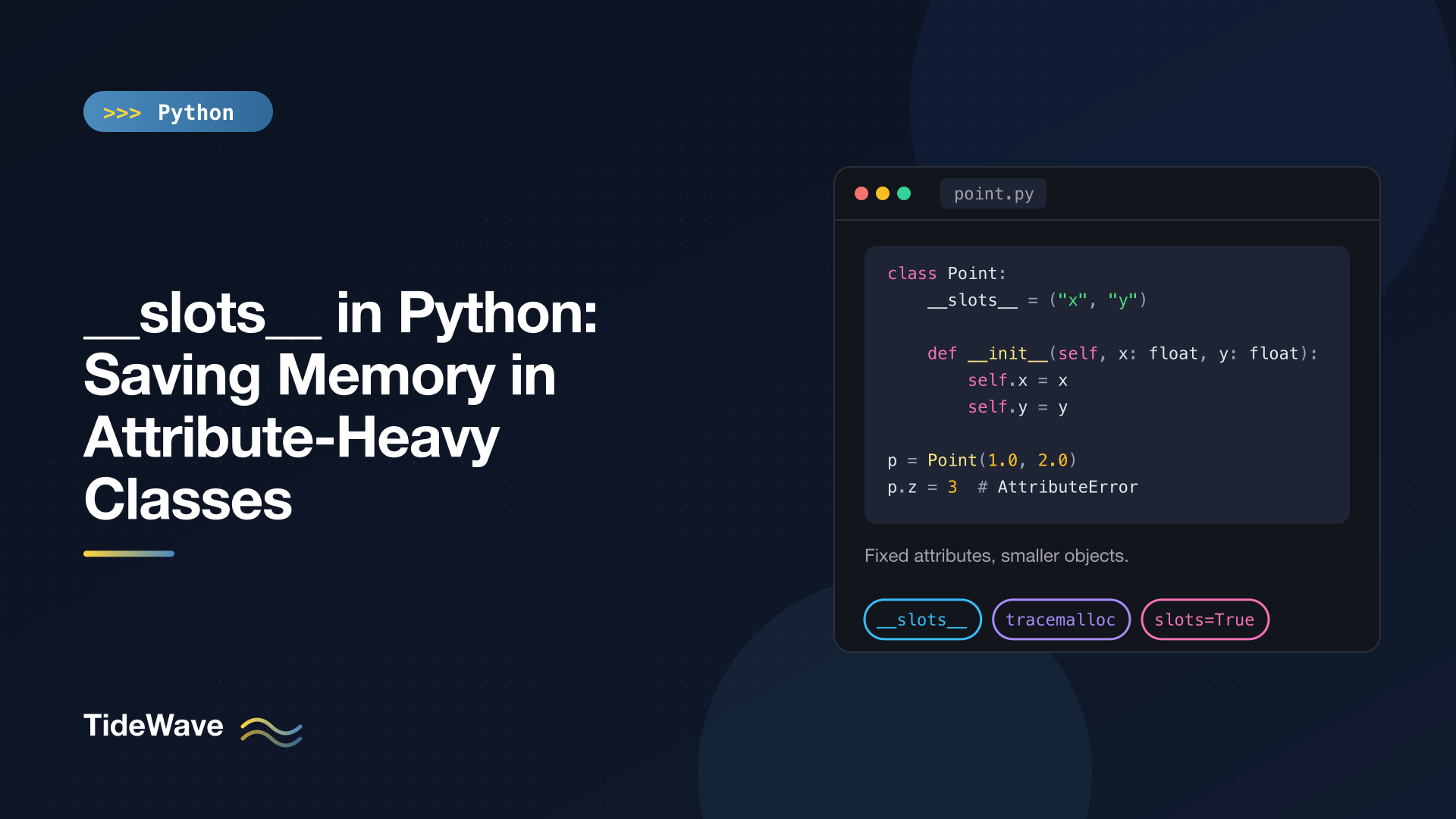
slots in Python: Saving Memory in Attribute-Heavy Classes
Most Python objects carry a small dictionary around with them. It's what lets you do obj.anything = 42 on almost any instance, and it's convenient. It also costs memory, and when you create hundreds of thousands or millions of small objects (points, graph nodes, parsed records, game entities) that cost adds up.
__slots__ is a class attribute that tells Python up front which attributes an instance will have. Python then stores those attributes in fixed positions inside the object instead of in a per-instance dictionary. The result is smaller objects and a class that rejects typos in attribute names.
In this post I'll show what __slots__ actually changes, measure the savings on Python 3.13 (they're smaller than many older articles suggest), and walk through the rules and gotchas: inheritance, default values, weak references, dataclass(slots=True), pickling, and cached_property.
How Normal Instances Store Attributes
By default, every instance of a class gets an attribute dictionary, exposed as __dict__:
class PointDict:
    def __init__(self, x: float, y: float) -> None:
        self.x = x
        self.y = y


p = PointDict(1, 2)
print(p.__dict__)  # {'x': 1, 'y': 2}
p.label = "origin-ish"  # any new attribute is allowed
That flexibility is why you can monkeypatch objects, add attributes in tests, and why tools like vars() work. Modern CPython is clever about it: since 3.11, instances of the same class share key storage and the dictionary object itself is only created when something asks for __dict__. But there's still per-instance space reserved for the values, plus bookkeeping to support adding arbitrary new attributes.
Declaring __slots__
Add a __slots__ attribute listing the attribute names, usually as a tuple:
class PointSlots:
    __slots__ = ("x", "y")

    def __init__(self, x: float, y: float) -> None:
        self.x = x
        self.y = y
The class works exactly as before for x and y. What changes:
s = PointSlots(1, 2)
print(hasattr(s, "__dict__"))

s.z = 3
False
AttributeError: 'PointSlots' object has no attribute 'z' and no __dict__ for setting new attributes
There's no __dict__, and you can only set the attributes you declared. That second part is a nice side benefit: a typo like self.lenght = 5 in a method raises immediately instead of silently creating a new attribute.
What Python Does with Slots
For each name in __slots__, Python creates a descriptor on the class that reads and writes a fixed offset inside the instance:
print(PointSlots.x)
print(type(PointSlots.__dict__["x"]))
<member 'x' of 'PointSlots' objects>
<class 'member_descriptor'>
When you access s.x, attribute lookup finds this descriptor on the class, and it fetches the value directly from the instance's memory layout. That's the same descriptor mechanism behind properties and methods, which the descriptors post explains in detail.
Measuring the Savings
sys.getsizeof() is misleading for this comparison, because it doesn't account for the dictionary storage in a consistent way across versions. A more honest measure is tracemalloc: create many instances and see how much memory was allocated.
# measure_slots.py
import tracemalloc


class PointDict:
    def __init__(self, x: float, y: float) -> None:
        self.x = x
        self.y = y


class PointSlots:
    __slots__ = ("x", "y")

    def __init__(self, x: float, y: float) -> None:
        self.x = x
        self.y = y


def bytes_per_instance(cls, n: int = 100_000) -> float:
    tracemalloc.start()
    objects = [cls(0.0, 0.0) for _ in range(n)]
    current, _ = tracemalloc.get_traced_memory()
    tracemalloc.stop()
    return current / n


for cls in (PointDict, PointSlots):
    print(f"{cls.__name__:<11} {bytes_per_instance(cls):5.0f} bytes per instance")
On Python 3.13 (64-bit macOS), I get:
PointDict      96 bytes per instance
PointSlots     56 bytes per instance
Each figure includes 8 bytes for the list slot that points at the object, and the same float object is reused for every instance, so this isolates the cost of the instances themselves. That's roughly a 40% saving: about 40 bytes per object. For 10 million points, that's around 400 MB.
The regular class gets worse if anything touches __dict__, because that forces CPython to create a real dictionary for the instance. In the same test, reading o.__dict__ on every object pushed PointDict to 160 bytes per instance. Code that calls vars(obj), serializes via obj.__dict__, or adds attributes dynamically will trigger this.
Exact numbers depend on Python version and platform. Older versions (3.10 and earlier) always created the dictionary, so slots saved considerably more there. Measure on the version you deploy.
What About Speed?
Attribute access on slotted instances is sometimes described as much faster. On current CPython, the difference is negligible:
import timeit

setup = """
class D:
    def __init__(self): self.x = 1
class S:
    __slots__ = ("x",)
    def __init__(self): self.x = 1
d = D(); s = S()
"""
for name in ("d", "s"):
    t = min(timeit.repeat(f"{name}.x", setup=setup, number=10_000_000, repeat=5))
    print(name, f"{t:.3f}")
d 0.067
s 0.065
Both are around 6.5 nanoseconds per access. CPython's specialising interpreter (3.11+) already makes regular attribute access fast. Use __slots__ for memory, not speed.
Slots and Inheritance
This is where most __slots__ surprises come from.
Every Class in the Chain Needs Slots
If any class in the hierarchy lacks __slots__, instances get a __dict__ anyway, and the memory saving disappears:
class Base:
    pass


class Child(Base):
    __slots__ = ("a",)


c = Child()
c.anything = 1                 # works: Base provides a __dict__
print(hasattr(c, "__dict__"))  # True
The same thing happens in the other direction. A subclass of a slotted class that doesn't declare __slots__ gets a __dict__:
class SBase:
    __slots__ = ()


class SChild(SBase):
    __slots__ = ("a",)


class Sub(SChild):
    pass


print(hasattr(SChild(), "__dict__"))  # False
print(hasattr(Sub(), "__dict__"))     # True
So to keep the savings, every class in the chain declares __slots__. A base class with no attributes of its own uses an empty tuple, __slots__ = (). Subclasses list only their new attributes; repeating a parent's slot wastes space and hides the parent's descriptor.
Multiple Inheritance
Two parent classes that both define non-empty slots can't be combined:
class A:
    __slots__ = ("a",)


class B:
    __slots__ = ("b",)


class C(A, B):
    pass
# TypeError: multiple bases have instance lay-out conflict
Each parent defines a fixed memory layout, and Python can't merge two of them. The usual fix is to make mixin-style classes use __slots__ = () and put the actual slots in one concrete class.
Default Values and Class Attributes
You can't set a class attribute with the same name as a slot, which rules out the common "default value on the class" trick:
class Defaults:
    __slots__ = ("x",)
    x = 0
# ValueError: 'x' in __slots__ conflicts with class variable
Set defaults in __init__ instead. And remember that an unset slot doesn't exist at all until you assign it:
class U:
    __slots__ = ("x", "y")


U().x
# AttributeError: 'U' object has no attribute 'x'
Weak References and __dict__ Opt-Ins
A slotted class also loses the __weakref__ slot by default, so you can't create weak references to its instances:
import weakref


class NoWeak:
    __slots__ = ("x",)


weakref.ref(NoWeak())
# TypeError: cannot create weak reference to 'NoWeak' object
If you need weak references (for caches built on weakref.WeakValueDictionary, for example), add "__weakref__" to the slots:
class Weak:
    __slots__ = ("x", "__weakref__")
You can even add "__dict__" to __slots__ to allow dynamic attributes while keeping fixed slots for the common ones. That gives up much of the memory saving, so it's rarely worth it.
dataclass(slots=True)
Writing __slots__ by hand duplicates your attribute list. Since Python 3.10, dataclasses can generate it for you, and they handle default values correctly:
from dataclasses import dataclass


@dataclass(slots=True)
class Point:
    x: float
    y: float = 0.0


p = Point(1.0)
print(p, Point.__slots__, hasattr(p, "__dict__"))
p.z = 1
Point(x=1.0, y=0.0) ('x', 'y') False
AttributeError: 'Point' object has no attribute 'z' and no __dict__ for setting new attributes
Notice y = 0.0 works here even though a plain slotted class would raise the class-variable conflict. The dataclass decorator builds a new class with the slots and moves the defaults into the generated __init__. You can combine it with frozen=True for small immutable value objects, which is a very common pattern. One gotcha: because the decorator creates a new class, methods that use zero-argument super() still point at the original class. On Python 3.13, calling super().f() inside a @dataclass(slots=True) subclass raises TypeError: super(type, obj): obj (instance of C) is not an instance or subtype of type (C). Use the explicit form super(C, self).f() there, or check whether your Python version has fixed it. See Dataclasses in Python for the rest of the dataclass options.
attrs (with @define, which uses slots by default) and Pydantic models have their own approaches, so check their docs rather than adding __slots__ manually.
Other Things Slots Change
vars()stops working.vars(obj)raisesTypeError: vars() argument must have __dict__ attribute. Code that serializes objects through__dict__needs a different approach, such asdataclasses.asdict()or iterating over__slots__.functools.cached_propertyneeds a__dict__. It stores the cached value in the instance dictionary, so on a slotted class you getTypeError: No '__dict__' attribute on 'Cached' instance to cache 'sq' property.Compute the value in__init__, use a regular@property, or add a dedicated slot and cache into it manually.- Pickling works. With the default pickle protocol, slotted objects pickle and unpickle without extra code.
- Monkeypatching instances doesn't. Tests that set attributes on instances (
obj.fake_method = ...) will fail. Patch at the class level instead.
When to Use __slots__
Slots are worth it when:
- You create a large number of instances of the class, at least tens of thousands alive at once.
- The set of attributes is fixed and known.
- The class is a leaf or a small hierarchy you control, so you can add slots at every level.
They're usually not worth it for classes with a handful of instances (services, configuration objects, views), classes that rely on dynamic attributes, or classes deep in a framework hierarchy you don't control. The memory saving on one object is about 40 bytes, so it only matters in aggregate.
When you do need them, profile first. If the bulk of your memory is the values (large strings, lists, nested dicts) rather than the objects holding them, slots won't help much. And if you have millions of uniform numeric records, a NumPy array or a columnar structure will beat any per-object optimisation.
Conclusion
__slots__ replaces the per-instance attribute dictionary with fixed storage for a declared set of attributes. On Python 3.13 that cut a two-attribute object from about 88 to 48 bytes in my measurement, rejects misspelled attributes, and leaves attribute access speed essentially unchanged.
The price is flexibility: no dynamic attributes, no vars(), no cached_property, no weak references unless you ask for them, and a requirement that every class in the hierarchy cooperates. For most new code, @dataclass(slots=True) is the easiest way to get the benefit without the boilerplate. Reach for it when you're creating objects by the hundred thousand, and measure before and after.


