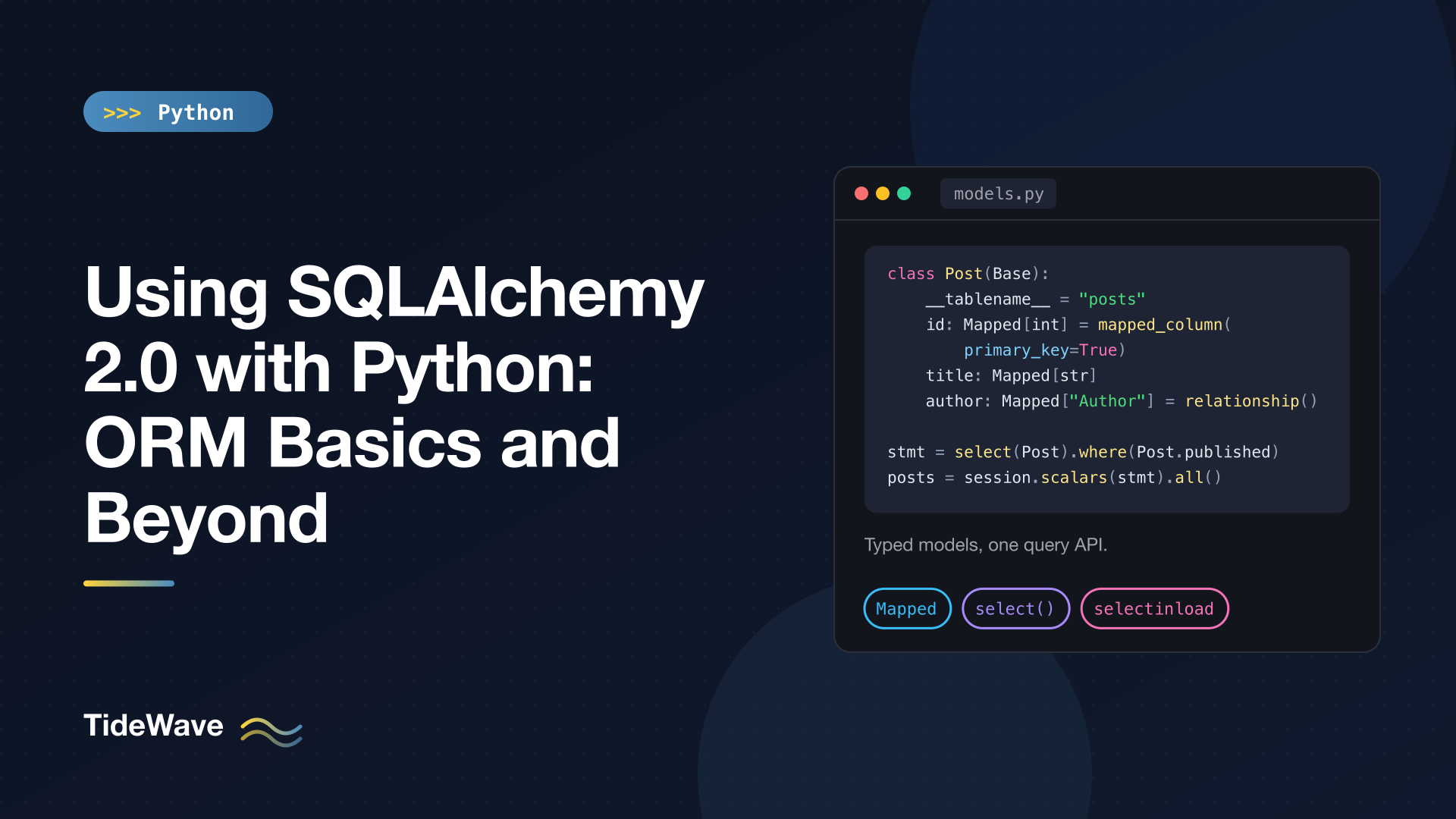
Using SQLAlchemy 2.0 with Python: ORM Basics and Beyond
SQLAlchemy is the standard way to work with relational databases in Python outside of Django. It powers the database layer of countless Flask and FastAPI apps, data pipelines, and scripts. Version 2.0 was a big cleanup: one consistent query API built around select(), models declared with real type hints, and explicit transaction handling. A lot of tutorials online still show the 1.x style (session.query(User).filter_by(...)), so it's worth learning the modern way directly.
This guide walks through the ORM from the ground up: defining typed models, creating tables, using sessions to add, query, update and delete data, writing joins and aggregates, and controlling how relationships load so you don't run into the N+1 query problem. It finishes with transactions, common errors, and the async API.
The examples use the 2.0-style API and were tested with SQLAlchemy 2.1 (which keeps that API) on Python 3.13, using SQLite so you can run them without a database server. If you've only used Python's built-in sqlite3 module so far, see using Python with databases for the raw-SQL starting point.
Installing
python -m pip install sqlalchemy
SQLite support is built into Python. For PostgreSQL you'd also install a driver such as psycopg (and use a URL like postgresql+psycopg://user:pass@host/dbname); for MySQL, pymysql or mysqlclient.
Core vs ORM
SQLAlchemy has two layers:
- Core is a SQL toolkit: tables, columns, and expressions that compile to SQL for whichever database you use.
- ORM maps Python classes to tables, tracks changes to objects, and handles relationships between them.
In 2.0 they share the same query language. The select() you use with the ORM is the Core select(), which is why the API feels consistent. This post focuses on the ORM.
Defining Models
Models inherit from a declarative base class you create once:
# models.py
from datetime import datetime

from sqlalchemy import ForeignKey, String, func
from sqlalchemy.orm import DeclarativeBase, Mapped, mapped_column, relationship


class Base(DeclarativeBase):
    pass


class Author(Base):
    __tablename__ = "authors"

    id: Mapped[int] = mapped_column(primary_key=True)
    name: Mapped[str] = mapped_column(String(100))
    email: Mapped[str] = mapped_column(String(255), unique=True)
    bio: Mapped[str | None]

    posts: Mapped[list["Post"]] = relationship(
        back_populates="author", cascade="all, delete-orphan"
    )

    def __repr__(self) -> str:
        return f"Author(id={self.id!r}, name={self.name!r})"


class Post(Base):
    __tablename__ = "posts"

    id: Mapped[int] = mapped_column(primary_key=True)
    title: Mapped[str] = mapped_column(String(200))
    body: Mapped[str] = mapped_column(default="")
    published: Mapped[bool] = mapped_column(default=False)
    views: Mapped[int] = mapped_column(default=0)
    created_at: Mapped[datetime] = mapped_column(server_default=func.now())
    author_id: Mapped[int] = mapped_column(ForeignKey("authors.id"))

    author: Mapped["Author"] = relationship(back_populates="posts")

    def __repr__(self) -> str:
        return f"Post(id={self.id!r}, title={self.title!r})"
This is the biggest visible change in 2.0. Each column is declared with a Mapped[...] annotation, and SQLAlchemy reads the annotation to decide the column type and nullability:
Mapped[int],Mapped[str],Mapped[bool],Mapped[datetime]map to the matching SQL types, and areNOT NULL.Mapped[str | None]is nullable.biodoesn't even needmapped_column(); the annotation alone is enough.mapped_column()adds anything the annotation can't express:primary_key, a length (String(100)),unique,ForeignKey, defaults, indexes.default=is applied by Python when inserting;server_default=becomes part of the table definition, so the database fills it in (func.now()becomesCURRENT_TIMESTAMP).
Because these are real type hints, editors and type checkers know that post.title is a str and author.bio is str | None. (See type hints in Python if those annotations are new to you.)
Relationships
ForeignKey("authors.id") creates the database-level link. relationship() adds the Python-level attribute on top:
Author.postsis alist[Post](one-to-many).Post.authoris a singleAuthor(many-to-one).back_populatesconnects the two sides, so appending a post toada.postsalso setspost.author = adain memory.cascade="all, delete-orphan"means operations on an author flow down to its posts: adding an author adds its posts, deleting an author deletes its posts, and removing a post fromauthor.postsdeletes it.
The string "Post" in Mapped[list["Post"]] is a forward reference, since Post is defined later in the file.
Creating Tables
The engine manages connections to a database. Create it once per application:
from sqlalchemy import create_engine

from models import Base

engine = create_engine("sqlite:///blog.db", echo=True)
Base.metadata.create_all(engine)
echo=True logs every SQL statement, which is the best way to learn what the ORM is actually doing. Here, create_all() emits:
CREATE TABLE authors (
id INTEGER NOT NULL,
name VARCHAR(100) NOT NULL,
email VARCHAR(255) NOT NULL,
bio VARCHAR,
PRIMARY KEY (id),
UNIQUE (email)
)

CREATE TABLE posts (
id INTEGER NOT NULL,
title VARCHAR(200) NOT NULL,
body VARCHAR NOT NULL,
published BOOLEAN NOT NULL,
views INTEGER NOT NULL,
created_at DATETIME DEFAULT CURRENT_TIMESTAMP NOT NULL,
author_id INTEGER NOT NULL,
PRIMARY KEY (id),
FOREIGN KEY(author_id) REFERENCES authors (id)
)
create_all() only creates tables that don't exist yet; it never alters an existing table. For real projects, use Alembic, SQLAlchemy's migration tool, which can autogenerate migration scripts by comparing your models to the database. create_all() is fine for scripts, tests, and getting started.
Sessions: The Unit of Work
All ORM work goes through a Session. A session holds the objects you've loaded or added, tracks changes to them, and turns those changes into SQL when you flush or commit. Use it as a context manager so it's always closed:
from sqlalchemy.orm import Session

with Session(engine) as session:
    ada = Author(name="Ada", email="ada@example.com")
    ada.posts.append(Post(title="Notes on the Engine", published=True, views=120))
    ada.posts.append(Post(title="Draft: Loops", views=3))
    grace = Author(
        name="Grace",
        email="grace@example.com",
        posts=[Post(title="Compilers for Everyone", published=True, views=340)],
    )
    session.add_all([ada, grace])
    session.commit()
    print(ada.id, grace.id, [p.id for p in ada.posts])
1 2 [1, 2]
Notice that you never set author_id on the posts. Adding ada cascades to her posts, and SQLAlchemy inserts the authors first, then fills in each post's foreign key from the relationship. After commit(), the database-generated primary keys are available on the objects.
In an application, create a configured session factory once and use it everywhere:
from sqlalchemy.orm import sessionmaker

SessionLocal = sessionmaker(engine)

with SessionLocal() as session:
    ...
Querying with select()
In 2.0, every query is built with select() and executed by the session.
Fetching by Primary Key
with Session(engine) as session:
    author = session.get(Author, 1)
    print(author)  # Author(id=1, name='Ada')
session.get() returns the object or None, and if the object is already loaded in this session it doesn't even hit the database.
Filtering and Ordering
from sqlalchemy import select

stmt = select(Post).where(Post.published).order_by(Post.views.desc())
for post in session.scalars(stmt):
    print(post.title, post.views)
Compilers for Everyone 340
Notes on the Engine 120
select(Post) returns rows containing one Post each. session.scalars() unwraps those rows so you iterate over Post objects directly. Use session.execute() instead when you select several things per row (shown below).
Column attributes overload Python operators to build SQL expressions, so Post.views > 300 doesn't compare anything in Python; it produces posts.views > :views_1. You can print any statement to see the SQL:
print(select(Post.title).where(Post.published, Post.views >= 100))
SELECT posts.title
FROM posts
WHERE posts.published AND posts.views >= :views_1
Passing several conditions to where() combines them with AND. Common operators and methods:
| Python | SQL |
|---|---|
Post.views == 3, !=, <, >= | =, !=, <, >= |
Post.title.ilike("%engine%") | case-insensitive LIKE |
Post.id.in_([1, 2, 3]) | IN (...) |
Author.bio.is_(None) | IS NULL |
cond_a | cond_b, or or_(a, b) | OR |
~cond, or not_(cond) | NOT |
Use |, &, and ~ (with parentheses), not Python's or, and, and not, which can't be overloaded.
stmt = select(Post).where(Post.title.ilike("%engine%") | (Post.views > 300))
print(session.scalars(stmt).all())
[Post(id=1, title='Notes on the Engine'), Post(id=3, title='Compilers for Everyone')]
Getting One Result
The result object has methods for the different "how many rows do I expect" cases:
# Exactly one row, or raise NoResultFound / MultipleResultsFound
grace = session.scalars(select(Author).where(Author.email == "grace@example.com")).one()

# First row or None
maybe = session.scalars(select(Author).where(Author.name == "Linus")).first()  # None

# Zero or one row; raises if there are several
author = session.scalars(select(Author).where(Author.email == "ada@example.com")).one_or_none()

# A single value
total = session.scalar(select(func.count()).select_from(Post))
Choose the one that matches your expectation. one() is a useful assertion: if your "unique" lookup ever returns two rows, you want to hear about it.
Joins and Aggregates
Join through a relationship by naming it:
titles = session.scalars(
    select(Post.title).join(Post.author).where(Author.name == "Ada")
).all()
print(titles)  # ['Notes on the Engine', 'Draft: Loops']
join(Post.author) uses the foreign key the relationship already knows about, so you don't repeat the join condition.
For aggregates, select columns and SQL functions, group, and use session.execute() because each row now holds several values:
from sqlalchemy import func

rows = session.execute(
    select(Author.name, func.count(Post.id).label("post_count"), func.sum(Post.views))
    .join(Author.posts)
    .group_by(Author.id)
    .order_by(Author.name)
).all()
for row in rows:
    print(row.name, row.post_count, row[2])
Ada 2 123
Grace 1 340
Rows behave like named tuples: access values by label (row.post_count), column name (row.name), or position. func.<name> generates any SQL function call, so func.lower(), func.coalesce(), and func.date() all work.
Updating and Deleting
Changing Objects
To update a loaded object, set its attributes and commit. The session notices the change and emits an UPDATE for just the modified columns:
with Session(engine) as session:
    post = session.get(Post, 2)
    post.title = "Loops, Explained"
    post.published = True
    session.commit()
Deleting works the same way; with the cascade set up earlier, deleting an author removes their posts too:
with Session(engine) as session:
    grace = session.scalars(select(Author).where(Author.name == "Grace")).one()
    session.delete(grace)
    session.commit()
Bulk Statements
Loading thousands of objects just to change one field is wasteful. update(), delete(), and insert() statements run directly in the database:
from sqlalchemy import insert, update

result = session.execute(
    update(Post).where(Post.views < 10).values(views=Post.views + 100)
)
session.commit()
print(result.rowcount)  # 1

session.execute(
    insert(Author),
    [
        {"name": "Ada", "email": "ada@example.com"},
        {"name": "Grace", "email": "grace@example.com"},
        {"name": "Linus", "email": "linus@example.com"},
    ],
)
values(views=Post.views + 100) computes the new value in SQL (SET views = views + 100), which is also safe against two processes updating at once. Passing a list of dictionaries to insert() performs an efficient bulk insert. The trade-off: bulk statements skip ORM features like relationship cascades and Python-side events, so use them for straightforward data changes.
Relationship Loading and the N+1 Problem
By default, relationships are lazy-loaded: author.posts isn't fetched until you access it. That's convenient, and it's also the most common ORM performance bug:
with SessionLocal() as session:
    for author in session.scalars(select(Author)):
        print(author.name, len(author.posts))
With three authors, that loop runs four queries: one for the authors, then one per author for their posts. With a thousand authors it's 1,001 queries. This is the N+1 problem, and echo=True makes it obvious.
The fix is to tell SQLAlchemy up front which relationships you'll need, using loader options:
from sqlalchemy.orm import joinedload, selectinload

# Two queries total: authors, then all their posts with WHERE author_id IN (...)
stmt = select(Author).options(selectinload(Author.posts))

# One query: posts LEFT OUTER JOIN authors
stmt = select(Post).options(joinedload(Post.author))
In my test data, the selectinload version ran 2 queries instead of 4, and the joinedload version fetched every post with its author in 1.
Rules of thumb:
selectinloadfor collections (one-to-many, many-to-many). It doesn't multiply rows.joinedloadfor single objects (many-to-one), where the join adds columns, not rows.raiseloadto forbid lazy loading. Accessing the attribute then raisesInvalidRequestError: 'Author.posts' is not available due to lazy='raise', which turns accidental N+1 queries into loud errors during development.
Loader options can also be set as defaults on the relationship itself, for example relationship(back_populates="author", lazy="selectin").
Transactions
A session always works inside a transaction. Nothing is permanent until commit(); if you close the session without committing, the work is rolled back.
The cleanest pattern for "do this unit of work and commit it" is begin(), which commits on success and rolls back if an exception escapes the block:
from sqlalchemy.exc import IntegrityError

try:
    with SessionLocal.begin() as session:
        session.add(Author(name="Ada 2", email="ada@example.com"))
except IntegrityError as exc:
    print("rolled back:", exc.orig)
rolled back: UNIQUE constraint failed: authors.email
No partial state is left behind. In a web app, the usual approach is one session per request: open it at the start, commit at the end if everything succeeded, roll back otherwise. FastAPI's dependency injection and Flask-SQLAlchemy both set this up for you.
Two Errors Everyone Hits
DetachedInstanceError
Objects stay linked to the session that loaded them. Once that session closes, they can't lazy-load anything:
with SessionLocal() as session:
    author = session.get(Author, 1)

print(author.name)   # works: already loaded
author.posts         # DetachedInstanceError: ... lazy load operation of attribute 'posts' cannot proceed
Fix it by loading what you need while the session is open (with selectinload, as above), or by keeping the session open for the duration of the work.
Expired Attributes After Commit
By default, commit() expires every object in the session, so the next attribute access reloads fresh data from the database. That's the safe default, but it means accessing attributes after commit triggers a query, and fails if the session has since closed. When you need to use objects after committing (returning them from an API handler, say), create the factory with sessionmaker(engine, expire_on_commit=False).
Async SQLAlchemy
For async frameworks like FastAPI, SQLAlchemy provides an async engine and session with the same query API. You need an async driver, such as aiosqlite for SQLite or asyncpg for PostgreSQL:
python -m pip install "sqlalchemy[asyncio]" aiosqlite
# async_demo.py
import asyncio

from sqlalchemy import select
from sqlalchemy.ext.asyncio import async_sessionmaker, create_async_engine
from sqlalchemy.orm import selectinload

from models import Author, Base, Post

engine = create_async_engine("sqlite+aiosqlite:///blog_async.db")
AsyncSessionLocal = async_sessionmaker(engine, expire_on_commit=False)


async def main() -> None:
    async with engine.begin() as conn:
        await conn.run_sync(Base.metadata.create_all)

    async with AsyncSessionLocal.begin() as session:
        session.add(Author(name="Ada", email="ada@example.com", posts=[Post(title="Async!")]))

    async with AsyncSessionLocal() as session:
        stmt = select(Author).options(selectinload(Author.posts))
        authors = (await session.scalars(stmt)).all()
        for author in authors:
            print(author.name, [p.title for p in author.posts])

    await engine.dispose()


asyncio.run(main())
Ada ['Async!']
The big difference: lazy loading doesn't work with async sessions, because attribute access can't await. Load relationships eagerly with selectinload or joinedload every time. expire_on_commit=False is close to mandatory for the same reason.
Conclusion
Modern SQLAlchemy comes down to a few consistent ideas. Models are classes with Mapped[...] type hints. A session tracks your objects and wraps your work in a transaction, best managed with with blocks and begin(). Every query is a select() executed with scalars() or execute(), and update(), delete() and insert() handle bulk changes. Watch your relationship loading with selectinload and joinedload, keep echo=True handy while you learn, and use Alembic once your schema starts to change.


