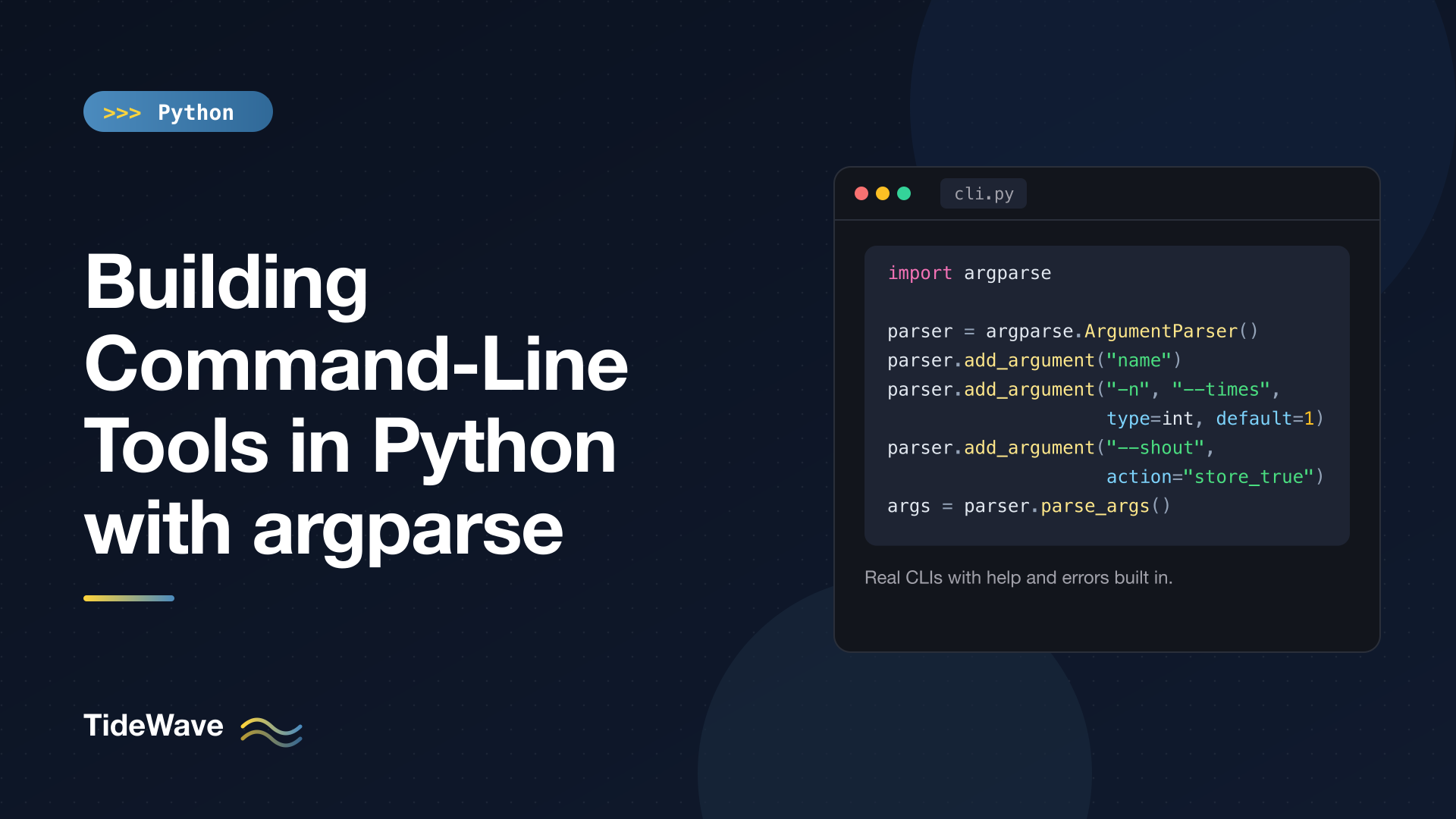
Building Command-Line Tools in Python with argparse
Most Python scripts start life with a hardcoded file name at the top, and then someone asks if it can take a different file. The quick fix is sys.argv[1], which works until you need an optional flag, a default value, a number instead of a string, or a help message that tells the next person how to use the thing. At that point you're writing a parser by hand, and it's never as good as the one already in the standard library.
argparse turns a script into a proper command-line tool. You describe the arguments you expect, and it handles parsing, type conversion, validation, error messages, and --help output for you. It ships with Python, so there's nothing to install.
I'll walk through positional and optional arguments, the common action and nargs settings, custom types, mutually exclusive options, subcommands, exit codes, and how to test a CLI without spawning a process. The examples target Python 3.13.
Your First Parser
Here's a complete script that greets someone a configurable number of times:
# greet.py
import argparse


def main() -> None:
    parser = argparse.ArgumentParser(description="Greet someone from the terminal.")
    parser.add_argument("name", help="who to greet")
    parser.add_argument("-n", "--times", type=int, default=1, help="how many times (default: %(default)s)")
    parser.add_argument("--shout", action="store_true", help="print in uppercase")
    args = parser.parse_args()

    message = f"Hello, {args.name}!"
    if args.shout:
        message = message.upper()
    for _ in range(args.times):
        print(message)


if __name__ == "__main__":
    main()
Three pieces do all the work:
ArgumentParseris the parser itself. Thedescriptionshows up in the help text.add_argumentdeclares each argument. A name without dashes ("name") is positional and required. A name with dashes ("-n","--times") is an optional argument, usually called an option or flag.parse_args()readssys.argv[1:], validates it, and returns aNamespacewhose attributes are your arguments. The attribute name comes from the long option, so--timesbecomesargs.times.
Running it:
python greet.py Ada
python greet.py Ada -n 2 --shout
Hello, Ada!
HELLO, ADA!
HELLO, ADA!
Help for Free
You never wrote a help message, but you have one:
python greet.py --help
usage: greet.py [-h] [-n TIMES] [--shout] name

Greet someone from the terminal.

positional arguments:
  name               who to greet

options:
  -h, --help         show this help message and exit
  -n, --times TIMES  how many times (default: 1)
  --shout            print in uppercase
The %(default)s placeholder in the help string is filled in with the argument's default, so the help text never drifts out of sync with the code. %(prog)s and the other add_argument keyword names work the same way.
Errors for Free, Too
Leave out the name or pass a bad number and argparse prints a usage line plus a specific error, then exits with status code 2:
usage: greet.py [-h] [-n TIMES] [--shout] name
greet.py: error: the following arguments are required: name
usage: greet.py [-h] [-n TIMES] [--shout] name
greet.py: error: argument -n/--times: invalid int value: 'two'
Exit code 2 is the Unix convention for "you called this wrong", which matters when your tool runs inside shell scripts or CI jobs.
Positional vs Optional Arguments
The rule of thumb: if the program can't do anything useful without the value, make it positional. If it tweaks behavior and has a sensible default, make it an option.
| Kind | Declared as | Required by default | Typical use |
|---|---|---|---|
| Positional | "src" | Yes | Input files, the main target |
| Option | "-o", "--output" | No | Settings with defaults |
| Flag | "--force" + store_true | No | On/off switches |
You can make an option required with required=True, but it's usually a sign the value should be positional instead. Required options read oddly in usage lines and surprise users who expect anything starting with -- to be optional.
Short options like -n can be combined with their long form in a single add_argument call. Short flags can also be stacked on the command line: -qv is the same as -q -v.
Types, Choices, and Multiple Values
Everything on the command line is a string. The type argument tells argparse how to convert it, and it can be any callable that takes one string. Here's a parser that uses most of the common settings at once:
import argparse
from pathlib import Path

parser = argparse.ArgumentParser(prog="opts")
parser.add_argument("files", nargs="+", type=Path, help="one or more input files")
parser.add_argument("-v", "--verbose", action="count", default=0, help="-v, -vv, -vvv")
parser.add_argument("--format", choices=["text", "json", "csv"], default="text")
parser.add_argument("-x", "--exclude", action="append", default=[], metavar="PATTERN")
parser.add_argument("--color", action=argparse.BooleanOptionalAction, default=True)
parser.add_argument("--limit", type=int, metavar="N")

args = parser.parse_args(
    ["a.txt", "b.txt", "-vv", "--format", "json", "-x", "*.tmp", "-x", "*.log", "--no-color"]
)
print(args)
Namespace(files=[PosixPath('a.txt'), PosixPath('b.txt')], verbose=2, format='json', exclude=['*.tmp', '*.log'], color=False, limit=None)
Passing a list to parse_args is how you experiment without touching the shell, and it's how you'll test your CLI later. Here's what each setting did:
type=Pathconverts each file name to apathlib.Path. If you're not usingpathlibyet, the pathlib guide covers why you should.nargs="+"collects one or more values into a list. Use"*"for zero or more,"?"for zero or one, or an integer like2for an exact count.action="count"counts how many times the flag appears. It's the classic way to implement-v,-vv,-vvvverbosity levels. Setdefault=0, otherwise it starts asNone.choicesrestricts the value to a fixed set.argparselists the valid options in both the help and the error message.action="append"lets an option be repeated, collecting every value into a list.BooleanOptionalActioncreates a matching pair,--colorand--no-color, from one declaration.metavarchanges the placeholder shown in help (-x PATTERNinstead of-x EXCLUDE).
The usage line reflects all of this:
usage: opts [-h] [-v] [--format {text,json,csv}] [-x PATTERN]
            [--color | --no-color] [--limit N]
            files [files ...]
An invalid choice gives a clear error:
opts: error: argument --format: invalid choice: 'yaml' (choose from text, json, csv)
The Common Actions
action | Effect |
|---|---|
"store" (default) | Save the value |
"store_true" / "store_false" | Set a boolean, no value taken |
"store_const" | Save a fixed const value |
"append" | Add each occurrence to a list |
"count" | Count occurrences |
"version" | Print version= and exit |
BooleanOptionalAction | Generate --x and --no-x |
One subtle point about action="append" with a list default: the default list is used as the starting point, and appended values are added to it. With an empty list that's what you want. With a non-empty default like ["*.pyc"], user values are added on top rather than replacing it, which may or may not be what you intend.
Custom Types and Validation
Because type accepts any callable, validation can live right in the parser. Raise argparse.ArgumentTypeError with a message and argparse formats it as a normal usage error:
import argparse
from pathlib import Path


def positive_int(value: str) -> int:
    number = int(value)
    if number <= 0:
        raise argparse.ArgumentTypeError(f"{value!r} is not a positive integer")
    return number


def existing_dir(value: str) -> Path:
    path = Path(value)
    if not path.is_dir():
        raise argparse.ArgumentTypeError(f"{value!r} is not a directory")
    return path
If the function raises ValueError or TypeError instead (as int("abc") does), you get the generic "invalid positive_int value" message, so prefer ArgumentTypeError when you want to control the wording.
Keep type functions cheap and side-effect free. Checking that a directory exists is fine. Opening a database connection is not; do that after parsing.
Grouping Options
Two features help organize larger parsers.
Mutually exclusive groups reject combinations that don't make sense, like being quiet and verbose at the same time. Argument groups only affect the help output, putting related options under their own heading.
import argparse

parser = argparse.ArgumentParser(prog="backup")
group = parser.add_mutually_exclusive_group()
group.add_argument("-q", "--quiet", action="store_true")
group.add_argument("-v", "--verbose", action="store_true")

net = parser.add_argument_group("network options")
net.add_argument("--host", default="localhost")
net.add_argument("--port", type=int, default=8080)
Passing both -q and -v fails with:
usage: backup [-h] [-q | -v] [--host HOST] [--port PORT]
backup: error: argument -v/--verbose: not allowed with argument -q/--quiet
And --help now shows a separate section:
options:
  -h, --help     show this help message and exit
  -q, --quiet
  -v, --verbose

network options:
  --host HOST
  --port PORT
Pass required=True to add_mutually_exclusive_group if the user must pick exactly one of the options.
Subcommands: Building a git-Style Tool
Once a tool does more than one thing, subcommands keep it tidy: git commit, git log, pip install. In argparse each subcommand gets its own parser with its own arguments. Here's a complete tool with two subcommands, count and grep:
# ftool.py
import argparse
import sys
from collections.abc import Sequence
from pathlib import Path


def positive_int(value: str) -> int:
    number = int(value)
    if number <= 0:
        raise argparse.ArgumentTypeError(f"{value!r} is not a positive integer")
    return number


def existing_dir(value: str) -> Path:
    path = Path(value)
    if not path.is_dir():
        raise argparse.ArgumentTypeError(f"{value!r} is not a directory")
    return path


def cmd_count(args: argparse.Namespace) -> int:
    total = 0
    for path in args.files:
        lines = len(path.read_text(encoding="utf-8").splitlines())
        total += lines
        if not args.quiet:
            print(f"{lines:>6}  {path}")
    print(f"{total:>6}  total")
    return 0


def cmd_grep(args: argparse.Namespace) -> int:
    matches = 0
    for path in sorted(args.root.rglob(args.glob)):
        if not path.is_file():
            continue
        for lineno, line in enumerate(path.read_text(encoding="utf-8").splitlines(), 1):
            if args.pattern in line:
                matches += 1
                print(f"{path}:{lineno}: {line}")
                if args.max and matches >= args.max:
                    return 0
    return 0 if matches else 1


def build_parser() -> argparse.ArgumentParser:
    parser = argparse.ArgumentParser(prog="ftool", description="Small file utilities.")
    parser.add_argument("--version", action="version", version="%(prog)s 1.0.0")
    subparsers = parser.add_subparsers(dest="command", required=True, metavar="COMMAND")

    count = subparsers.add_parser("count", help="count lines in files")
    count.add_argument("files", nargs="+", type=Path)
    count.add_argument("-q", "--quiet", action="store_true", help="only print the total")
    count.set_defaults(handler=cmd_count)

    grep = subparsers.add_parser("grep", help="search files for a string")
    grep.add_argument("pattern")
    grep.add_argument("root", nargs="?", type=existing_dir, default=Path("."))
    grep.add_argument("-g", "--glob", default="*", help="file pattern (default: %(default)s)")
    grep.add_argument("-m", "--max", type=positive_int, help="stop after N matches")
    grep.set_defaults(handler=cmd_grep)

    return parser


def main(argv: Sequence[str] | None = None) -> int:
    parser = build_parser()
    args = parser.parse_args(argv)
    return args.handler(args)


if __name__ == "__main__":
    sys.exit(main())
The interesting parts:
add_subparsers(dest="command", required=True)creates the subcommand slot.required=Truemeans runningftoolwith no subcommand is an error rather than a silent no-op.deststores which subcommand was chosen.subparsers.add_parser("count", ...)returns a normalArgumentParser, so everything from earlier sections works on it.set_defaults(handler=cmd_count)is the dispatch trick. Each subparser attaches its own function to the namespace, andmainjust callsargs.handler(args). Noif args.command == "count"chain needed.nargs="?"with a default makesrootoptional forgrep, falling back to the current directory.action="version"prints the version and exits, the same way--helpdoes.
The top-level help lists the subcommands:
usage: ftool [-h] [--version] COMMAND ...

Small file utilities.

positional arguments:
  COMMAND
    count     count lines in files
    grep      search files for a string

options:
  -h, --help  show this help message and exit
  --version   show program's version number and exit
And each subcommand has its own help:
python ftool.py grep --help
usage: ftool grep [-h] [-g GLOB] [-m MAX] pattern [root]

positional arguments:
  pattern
  root

options:
  -h, --help       show this help message and exit
  -g, --glob GLOB  file pattern (default: *)
  -m, --max MAX    stop after N matches
Using it:
python ftool.py count demo/a.txt demo/b.py
python ftool.py grep TODO demo -g '*.py'
     3  demo/a.txt
     3  demo/b.py
     6  total
demo/b.py:1: TODO: fix
demo/b.py:3: # TODO later
The custom types produce clean errors scoped to the subcommand:
usage: ftool grep [-h] [-g GLOB] [-m MAX] pattern [root]
ftool grep: error: argument -m/--max: '0' is not a positive integer
Note that options belonging to the top-level parser (like --version) must come before the subcommand name, and options for a subcommand must come after it.
Exit Codes Matter
Look at how main returns an integer and the script ends with sys.exit(main()). That's deliberate. Shell scripts, Makefiles, and CI systems decide success or failure from the exit code, not from what you print.
The conventions most tools follow:
0: success.1: the command ran but the answer was "no" or something failed (likegrepfinding no matches).2: bad usage.argparsealready uses this for parsing errors.
ftool grep follows grep itself: it returns 1 when nothing matched, so if python ftool.py grep TODO src; then ... works as you'd expect in a shell.
For your own validation that can't happen inside a type function, such as checking that two arguments are consistent with each other, call parser.error("message"). It prints usage plus your message and exits with code 2, so your custom errors look exactly like the built-in ones.
Error messages belong on standard error, not standard output. argparse already does this, and you should do the same with print(..., file=sys.stderr) for your own failures. If your tool grows beyond a few print statements, look at the logging module for diagnostics.
Testing a CLI Without a Subprocess
Because main accepts an optional argv, tests can call it directly with a list of strings. When argv is None, parse_args falls back to sys.argv[1:], so the real command line still works. With pytest's capsys fixture you can check the output too:
# test_ftool.py
from pathlib import Path

import pytest

from ftool import main


def test_count_prints_total(tmp_path: Path, capsys: pytest.CaptureFixture[str]) -> None:
    sample = tmp_path / "sample.txt"
    sample.write_text("a\nb\nc\n", encoding="utf-8")

    exit_code = main(["count", "--quiet", str(sample)])

    assert exit_code == 0
    assert capsys.readouterr().out == "     3  total\n"


def test_max_must_be_positive(capsys: pytest.CaptureFixture[str]) -> None:
    with pytest.raises(SystemExit) as excinfo:
        main(["grep", "TODO", ".", "--max", "0"])

    assert excinfo.value.code == 2
    assert "is not a positive integer" in capsys.readouterr().err
Parsing errors raise SystemExit, so catch it with pytest.raises and check the code. This is far faster than running the script with subprocess in every test, and failures point straight at your code. The pytest beginner's guide covers fixtures like tmp_path and capsys in more depth.
A Few More Useful Features
Defaults from Environment Variables
argparse doesn't read environment variables itself, but since default is just a value, you can pass one in:
import argparse
import os

parser = argparse.ArgumentParser()
parser.add_argument("--token", default=os.environ.get("APP_TOKEN"), help="API token (env: APP_TOKEN)")
Precedence then works naturally: an explicit --token wins, otherwise the environment variable is used, otherwise None.
Ignoring Unknown Arguments
If your tool forwards extra arguments to another program, parse_known_args returns the parsed namespace plus a list of everything it didn't recognize instead of erroring:
args, rest = parser.parse_known_args(["--level", "debug", "--extra", "1"])
# args.level == "debug", rest == ["--extra", "1"]
Reading Arguments from a File
With fromfile_prefix_chars="@", an argument like @args.txt is replaced with the contents of that file, one argument per line. It's handy for long, repeated invocations.
What's New in Python 3.14
If you're on Python 3.14, ArgumentParser gained a suggest_on_error parameter that offers "maybe you meant" suggestions for mistyped choices and subcommands, and help output is colorized in terminals that support it (controlled by the color parameter). Neither changes how you write the parser, so code written for 3.13 works unchanged.
Installing Your Tool as a Command
Typing python ftool.py gets old. If your tool lives in a package, declare a console script entry point in pyproject.toml and the installer creates a real ftool command:
# pyproject.toml
[project]
name = "ftool"
version = "1.0.0"
requires-python = ">=3.13"

[project.scripts]
ftool = "ftool:main"
The entry point calls main() with no arguments, which is exactly why argv defaults to None, and the return value becomes the exit code. After pip install -e . in a virtual environment, ftool count *.py works from anywhere. The pyproject.toml guide explains the rest of that file.
When to Reach for Something Else
argparse covers the vast majority of CLIs, and its biggest advantage is that it's always there. Third-party libraries like Click and Typer offer decorator-based APIs and fancier output, which can be worth it for large tools with many subcommands. For scripts, internal tools, and anything you want to run without installing dependencies, argparse is the right default.
Conclusion
argparse gives you a lot for a few lines of declaration: typed and validated arguments, consistent error messages, exit code 2 on bad usage, and help text that stays in sync with the code. The patterns worth keeping are small: put the parser in a build_parser() function, give main an optional argv and return an exit code, use type functions for validation, and dispatch subcommands with set_defaults. Follow those and your scripts behave like the command-line tools people already know how to use.


