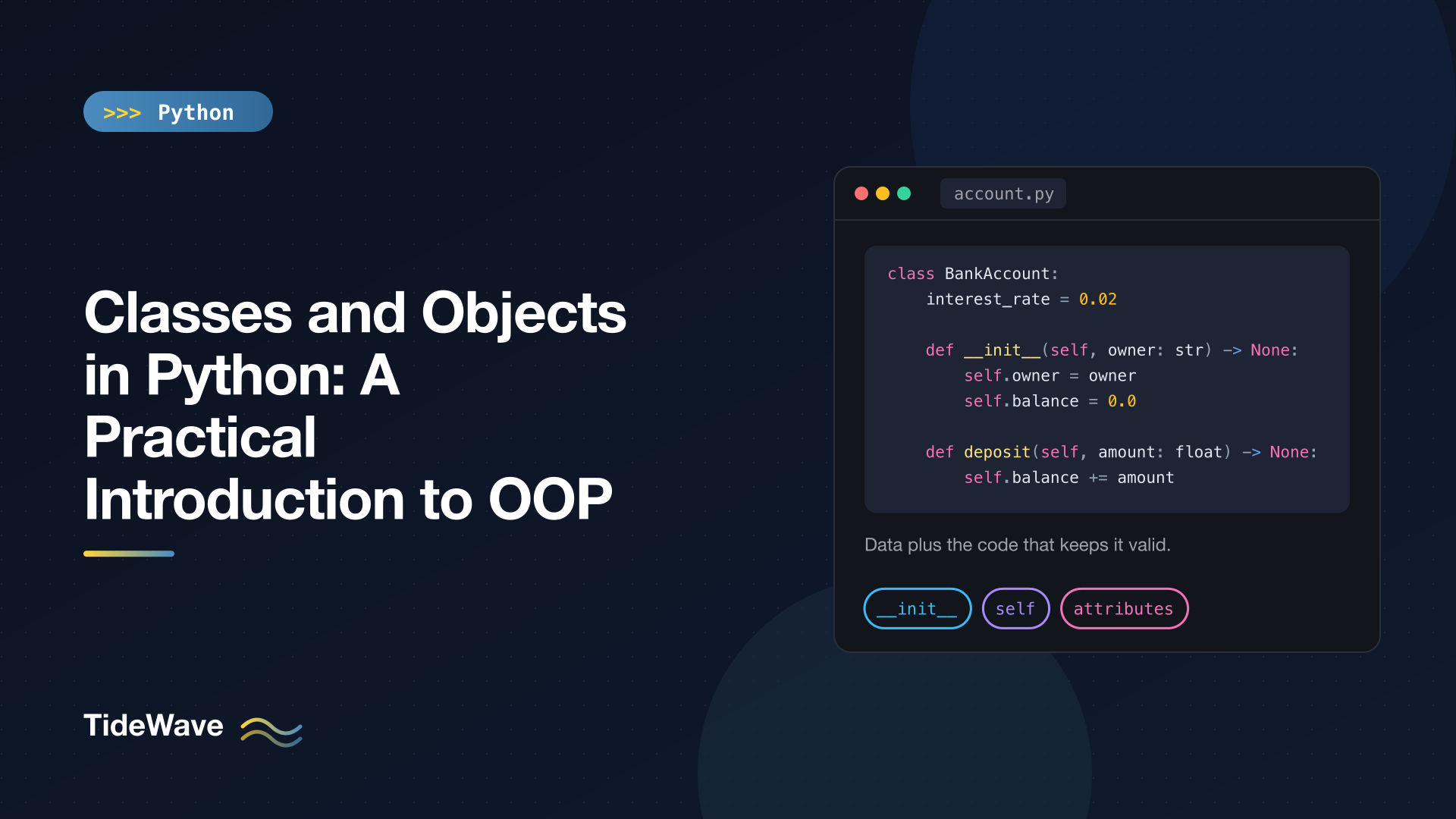
Classes and Objects in Python: A Practical Introduction to OOP
You've been using objects since your first line of Python. A string is an object with methods like .upper(). A list is an object you .append() to. Even functions are objects. What changes when you start writing classes is that you stop only using types and start defining them: your own kinds of things, with their own data and their own behavior.
Object-oriented programming (OOP) has a reputation for jargon and deep class hierarchies, but the core idea is small. A class bundles some data with the functions that work on that data. That's it. The rest is detail, and most of it you can pick up as you need it.
This post covers what classes and objects are, how __init__ and self work, instance attributes versus class attributes (and the bug that confuses them), methods, how objects work together, Python's approach to privacy, and how to decide when a class is the right tool. Later posts go deeper into inheritance, special methods, properties, and dataclasses.
Everything Is Already an Object
Before writing any classes, it helps to see that you've been working with objects all along:
print(type(42), type("hi"), type([1, 2]), type(len))

words = ["b", "a"]
words.append("c")
print(words, isinstance(words, list))
print((42).bit_length(), "hello".upper())
<class 'int'> <class 'str'> <class 'list'> <class 'builtin_function_or_method'>
['b', 'a', 'c'] True
6 HELLO
Every value has a type, and the type is a class. list is a class; words is an object (or instance) of that class. The class defines what every list can do (append, sort, pop), and each list object holds its own data. Writing your own class gives you the same thing for concepts in your program: an account, an order, a sensor reading, a game character.
Defining a Class
The smallest possible class:
class Dog:
    pass


rex = Dog()
fido = Dog()
print(rex)
print(type(rex), rex is fido, isinstance(rex, Dog))
<__main__.Dog object at 0x109c59a90>
<class '__main__.Dog'> False True
class Dog: creates a new type. Calling it like a function, Dog(), creates a new object of that type. rex and fido are two separate objects; rex is fido is False because they're different objects in memory.
Class names use CapWords by convention (BankAccount, HttpClient), while functions and variables use snake_case. That's from PEP 8, and following it makes classes easy to spot when reading code.
You can attach attributes to an object after creating it, with rex.name = "Rex". But then fido has no name, and accessing it raises AttributeError: 'Dog' object has no attribute 'name'. Objects of the same class should have the same set of attributes, and the place to guarantee that is __init__.
__init__ and self
Here's a class that's actually useful: a bank account with an owner, a balance, and operations on it.
# account.py
class InsufficientFunds(Exception):
    pass


class BankAccount:
    interest_rate = 0.02  # class attribute: shared by every account

    def __init__(self, owner: str, balance: float = 0.0) -> None:
        self.owner = owner  # instance attributes: one set per object
        self.balance = balance
        self.transactions: list[float] = []

    def deposit(self, amount: float) -> None:
        if amount <= 0:
            raise ValueError("deposit must be positive")
        self.balance += amount
        self.transactions.append(amount)

    def withdraw(self, amount: float) -> None:
        if amount > self.balance:
            raise InsufficientFunds(
                f"{self.owner} has {self.balance:.2f}, tried to withdraw {amount:.2f}"
            )
        self.balance -= amount
        self.transactions.append(-amount)

    def add_interest(self) -> None:
        self.deposit(self.balance * self.interest_rate)

    def __repr__(self) -> str:
        return f"BankAccount(owner={self.owner!r}, balance={self.balance:.2f})"
And using it:
from account import BankAccount, InsufficientFunds

ada = BankAccount("Ada", 100)
grace = BankAccount("Grace")

ada.deposit(50)
grace.deposit(20)
ada.withdraw(30)
ada.add_interest()

print(ada)
print(grace)
print(ada.transactions)

try:
    grace.withdraw(500)
except InsufficientFunds as exc:
    print(f"Declined: {exc}")
BankAccount(owner='Ada', balance=122.40)
BankAccount(owner='Grace', balance=20.00)
[50, -30, 2.4]
Declined: Grace has 20.00, tried to withdraw 500.00
Let's take this apart.
What __init__ Does
__init__ is the initializer. When you call BankAccount("Ada", 100), Python creates a new, empty object and then calls __init__ on it with your arguments. Its job is to set up the object's starting state, so every account is guaranteed to have an owner, a balance, and a transactions list from the moment it exists.
__init__ should return nothing (None). It's often called the constructor, which is close enough in everyday conversation, though strictly speaking the object already exists by the time __init__ runs. If you want more on the initializer specifically, see how to use the __init__ method.
What self Is
Every method's first parameter is the object the method was called on. By convention it's named self. When you write:
ada.deposit(50)
Python effectively calls:
BankAccount.deposit(ada, 50)
Both lines work and do the same thing. The first is just nicer to write. That's why deposit is declared with two parameters but called with one: Python fills in self for you.
Inside the method, self.balance means "the balance of this particular account". That's how one method definition works for every account: ada.deposit(50) changes Ada's balance, and grace.deposit(20) changes Grace's.
self isn't a keyword, just a very strong convention. Name it anything else and your code still runs, but everyone reading it will be confused, and linters will complain.
Attributes Live on the Object
Each object stores its instance attributes in its own namespace. You can look at it with vars():
print(vars(ada))
{'owner': 'Ada', 'balance': 122.4, 'transactions': [50, -30, 2.4]}
That's a plain dictionary under the hood, which is also why you can add attributes to an object at any time. You usually shouldn't, outside __init__, because it makes the shape of your objects unpredictable.
Methods
A method is a function defined inside a class. It can read and change the object's attributes through self, and it can call other methods the same way: add_interest calls self.deposit(...) rather than repeating the deposit logic.
Notice where the rules live. deposit refuses non-positive amounts, withdraw refuses to overdraw, and both record a transaction. Code that uses a BankAccount doesn't have to remember any of that. Compare with a dictionary-based approach:
account = {"owner": "Ada", "balance": 100, "transactions": []}

account["balance"] -= 500  # nothing stops this
With a dict, every piece of code that touches an account has to enforce the rules itself, and one forgotten check leaves the data in a bad state. With a class, the operations that keep the data valid are attached to the data. That's the practical meaning of encapsulation.
When you access a method without calling it, you get a bound method, which remembers its object:
print(ada.deposit)
<bound method BankAccount.deposit of BankAccount(owner='Ada', balance=122.40)>
You can store a bound method in a variable or pass it as a callback, and calling it later still affects ada.
A Note on __repr__
The __repr__ method controls how an object shows up when printed, in the REPL, and in debuggers and logs. Without it you get the unhelpful <__main__.BankAccount object at 0x...>. Writing a __repr__ for every class you define is a cheap habit that pays off the first time you debug something. It's one of many "dunder" (double underscore) methods that hook into Python's built-in behavior; Python dunder methods covers the rest.
Instance Attributes vs Class Attributes
interest_rate is defined in the class body, not in __init__. That makes it a class attribute: it belongs to the class and is shared by every instance.
When you read self.interest_rate, Python looks in the object's own namespace first. If the name isn't there, it looks in the class. So every account sees the same rate:
a = BankAccount("Ada", 100)
b = BankAccount("Bo", 100)
print(a.interest_rate, BankAccount.interest_rate)

BankAccount.interest_rate = 0.03
print(a.interest_rate, b.interest_rate)
0.02 0.02
0.03 0.03
Changing the class attribute changes it for everyone. But assigning through an instance creates a new instance attribute that shadows the class one, for that object only:
a.interest_rate = 0.10
print(a.interest_rate, b.interest_rate, BankAccount.interest_rate)
print(vars(a))
0.1 0.03 0.03
{'owner': 'Ada', 'balance': 100, 'transactions': [], 'interest_rate': 0.1}
Reading looks up the chain; assigning always writes to the object itself.
| Kind | Defined in | Stored on | Shared? | Typical use |
|---|---|---|---|---|
| Instance attribute | __init__ (via self) | The object | No, one per object | State: owner, balance, items |
| Class attribute | The class body | The class | Yes | Constants, defaults, shared config |
The Mutable Class Attribute Bug
That lookup rule leads to a classic bug when a class attribute is mutable:
class Playlist:
    songs = []  # shared by every instance

    def __init__(self, name: str) -> None:
        self.name = name

    def add(self, song: str) -> None:
        self.songs.append(song)


road_trip = Playlist("Road trip")
focus = Playlist("Focus")
road_trip.add("Born to Run")
print(focus.songs)
['Born to Run']
self.songs.append(...) doesn't assign anything. It reads self.songs, finds the one list on the class, and mutates it. Every playlist shares that list. The fix is to create mutable state in __init__, so each object gets its own:
def __init__(self, name: str) -> None:
    self.name = name
    self.songs: list[str] = []
It's the same family of problem as the mutable default argument trap. Rule of thumb: class attributes are for constants and immutable defaults. Anything per-object, and especially anything mutable, goes in __init__.
Objects Working Together
Real programs are made of several classes whose objects hold references to each other. Here a Cart holds Product objects and quantities:
# cart.py
class Product:
    def __init__(self, sku: str, name: str, price: float) -> None:
        self.sku = sku
        self.name = name
        self.price = price


class Cart:
    def __init__(self) -> None:
        self.items: dict[str, tuple[Product, int]] = {}

    def add(self, product: Product, quantity: int = 1) -> None:
        _, current = self.items.get(product.sku, (product, 0))
        self.items[product.sku] = (product, current + quantity)

    def remove(self, sku: str) -> None:
        self.items.pop(sku, None)

    def total(self) -> float:
        return sum(product.price * qty for product, qty in self.items.values())

    def summary(self) -> str:
        lines = [
            f"{qty} x {product.name:<10} {product.price * qty:>7.2f}"
            for product, qty in self.items.values()
        ]
        lines.append(f"{'Total':<14} {self.total():>7.2f}")
        return "\n".join(lines)


mug = Product("MUG-01", "Mug", 12.00)
lamp = Product("LAMP-04", "Lamp", 65.00)

cart = Cart()
cart.add(mug, 2)
cart.add(lamp)
cart.add(mug)
print(cart.summary())
3 x Mug          36.00
1 x Lamp         65.00
Total           101.00
Each class has one job. Product knows about a product; Cart knows how to collect products and total them. The cart doesn't copy product data, it stores references to the same Product objects. If the price of mug changed, the cart's total would reflect it. That's usually what you want, and it's worth being aware of, since objects are passed by reference everywhere in Python.
(For money in production code you'd use decimal.Decimal rather than float to avoid rounding errors. Floats keep the example short.)
This style, building objects out of other objects, is called composition, and it's the backbone of most well-designed object-oriented code. Composition vs inheritance goes into when to prefer it.
Equality and Identity
By default, two objects are equal only if they're the same object:
class Point:
    def __init__(self, x: float, y: float) -> None:
        self.x = x
        self.y = y


p, q = Point(1, 2), Point(1, 2)
print(p == q, p is q, p == p)
False False True
Same data, but p == q is False, because the default == compares identity. To compare by value, you define __eq__, or let a dataclass generate it for you. Both are covered in later posts.
Privacy by Convention
Python has no private keyword. Instead, it relies on naming conventions:
_name(one leading underscore) means "internal, don't touch from outside the class". Nothing enforces it, but linters and IDEs respect it, and other developers will too.__name(two leading underscores) triggers name mangling: Python renames it to_ClassName__nameto avoid clashes with attributes of the same name in subclasses.
class Account:
    def __init__(self, pin: str) -> None:
        self._audit_log: list[str] = []
        self.__pin = pin


a = Account("1234")
print(a._audit_log)   # works; you're just not supposed to
print(a._Account__pin)  # mangled name still reachable
a.__pin               # AttributeError: 'Account' object has no attribute '__pin'
Name mangling isn't security; it's collision avoidance. In everyday code, a single underscore is the norm. The Python attitude is often summed up as "we're all consenting adults here": mark internals clearly, and trust callers to respect the mark.
When you need to control access to an attribute, for example to validate a value when it's set, the Pythonic tool is a property, not a getter method. That's covered in @property in Python.
When Should You Write a Class?
Classes aren't always the answer. Python is happy with plain functions and built-in data structures, and many good modules contain no classes at all. Some signals that a class will help:
- Several functions pass the same group of values around. If
charge(card_number, expiry, cvv, ...)andrefund(card_number, expiry, cvv, ...)share half their parameters, those values want to be an object. - Data has rules. If certain states are invalid (negative balance, end date before start date), methods that guard the data keep those rules in one place.
- You have state that changes over time. A connection, a game, a cart, a parser in the middle of reading a file.
- You need several independent copies of the same kind of thing, each with its own data.
And some signals you don't need one:
- The class has one method besides
__init__. That's usually a function in disguise. - The class only holds data with no behavior. A dataclass,
NamedTuple, orTypedDictis shorter. See dataclasses in Python. - Everything is a static method. That's a module, and Python already has those.
Common Beginner Mistakes
- Forgetting
selfin the method signature.def deposit(amount):fails withTypeError: BankAccount.deposit() takes 1 positional argument but 2 were given, because Python passes the object as the first argument. - Forgetting
self.inside a method. Writingbalance += amountinstead ofself.balance += amounttouches a local variable (and raisesUnboundLocalErrorhere), not the attribute. - Calling a method on the class instead of an instance.
BankAccount.deposit(50)binds50toselfand fails withmissing 1 required positional argument: 'amount'. Call it on an instance:ada.deposit(50). - Mutable class attributes used as per-object state, as shown above.
- Creating attributes outside
__init__so some objects have them and some don't.
Conclusion
A class is a blueprint that bundles data with the functions that operate on it, and an object is one concrete thing built from that blueprint. __init__ sets up each object's starting state, self is how a method refers to the object it was called on, instance attributes hold per-object data, and class attributes hold what's shared. Put mutable state in __init__, give every class a __repr__, use a leading underscore for internals, and reach for a class when data and the rules that protect it belong together. From here, the natural next steps are inheritance, special methods, and properties, each of which builds directly on what's covered here.


