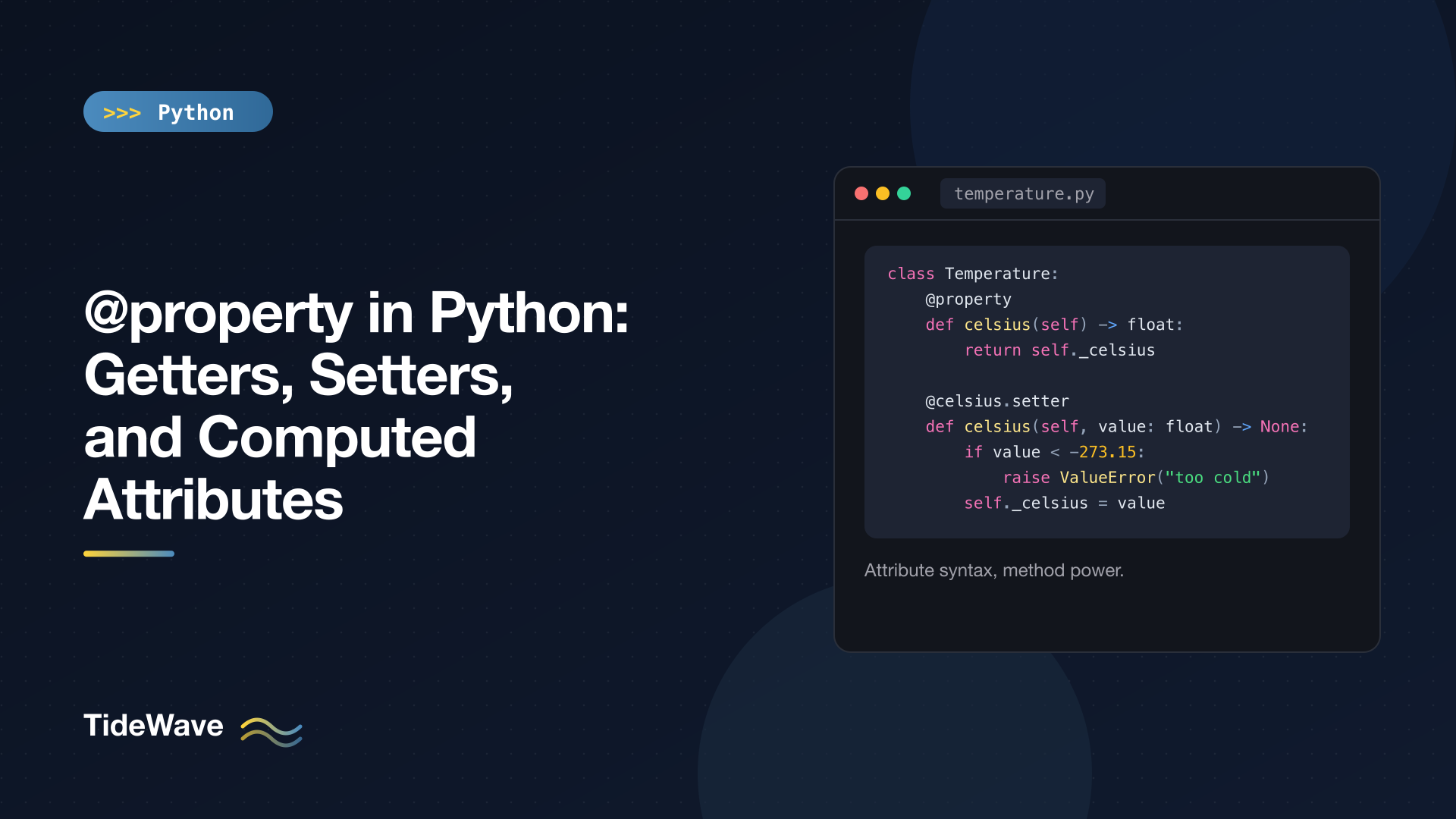
@property in Python: Getters, Setters, and Computed Attributes
If you've come to Python from Java or C#, your instinct when writing a class might be to make every field private and add get_price() and set_price() methods, just in case you need validation later. In Python that instinct leads to clunky code, and it's unnecessary. Python has a better tool: @property, which lets you start with plain public attributes and later put logic behind them without changing a single line of the code that uses your class.
A property looks like an attribute from the outside (item.price, item.price = 10) but runs a method on the inside. That makes it the standard way to validate values, expose read-only data, and compute attributes on the fly.
This post covers why Python doesn't use getters and setters, how to write properties with setters and deleters, read-only and computed attributes, functools.cached_property, properties and inheritance, and the mistakes that cause infinite recursion. It assumes you know the basics from classes and objects in Python.
Start with Plain Attributes
In Python, the default is simple public attributes:
class Product:
    def __init__(self, name: str, price: float) -> None:
        self.name = name
        self.price = price


mug = Product("Mug", 12.0)
mug.price = 14.0
print(mug.price)
No getters, no setters. Code that uses Product reads and writes mug.price directly.
Suppose that months later you need to reject negative prices. In a language without properties, you'd now have to change price to a private field plus get_price() and set_price(), and then update every caller. That's why those languages tell you to write getters and setters up front.
In Python, you change the class and nothing else:
class Product:
    def __init__(self, name: str, price: float) -> None:
        self.name = name
        self.price = price  # now goes through the setter

    @property
    def price(self) -> float:
        return self._price

    @price.setter
    def price(self, value: float) -> None:
        if value < 0:
            raise ValueError("price cannot be negative")
        self._price = value


mug = Product("Mug", 12.0)
mug.price = 14.0
print(mug.price)
mug.price = -1  # ValueError: price cannot be negative
The caller code is identical: mug.price and mug.price = 14.0. The interface didn't change, only the implementation. That's the whole argument for properties, and it's why idiomatic Python avoids get_x()/set_x() methods for simple attribute access.
How a Property Works
Let's look at a fuller example, a temperature with a validated Celsius value and two derived scales:
# temperature.py
class Temperature:
    def __init__(self, celsius: float) -> None:
        self.celsius = celsius  # goes through the setter below

    @property
    def celsius(self) -> float:
        return self._celsius

    @celsius.setter
    def celsius(self, value: float) -> None:
        if value < -273.15:
            raise ValueError(f"{value} is below absolute zero")
        self._celsius = float(value)

    @property
    def fahrenheit(self) -> float:
        return self._celsius * 9 / 5 + 32

    @fahrenheit.setter
    def fahrenheit(self, value: float) -> None:
        self.celsius = (value - 32) * 5 / 9

    @property
    def kelvin(self) -> float:
        return self._celsius + 273.15
t = Temperature(21)
print(t.celsius, t.fahrenheit, t.kelvin)
t.fahrenheit = 212
print(t.celsius)
print(vars(t))
21.0 69.8 294.15
100.0
{'_celsius': 100.0}
Here's what each piece does.
@property turns a method into a getter. The celsius method takes only self, and decorating it with @property replaces it with a property object on the class. Reading t.celsius calls the method; you don't write parentheses.
@celsius.setter attaches a setter. The setter must have the same name as the property. celsius.setter is a method on the property object that returns a new property with both getter and setter, which then replaces the old one under the same name. Assigning t.celsius = 30 calls it with value=30.
The real data lives in _celsius. The property itself stores nothing. It needs a backing attribute with a different name, and by convention that's the same name with a leading underscore. vars(t) shows that _celsius is the only thing actually stored on the object.
__init__ assigns through the setter. Writing self.celsius = celsius (not self._celsius = ...) means the validation also runs at construction time, so an invalid object can never exist:
Temperature(-500) # ValueError: -500 is below absolute zero
fahrenheit and kelvin are computed. They have no storage of their own. They're calculated from _celsius each time you read them, so they can never get out of sync. fahrenheit also has a setter, which converts and delegates to the celsius setter, so validation lives in exactly one place.
Read-Only Attributes
A property with no setter is read-only. kelvin only has a getter, so assigning to it fails:
t.kelvin = 0
AttributeError: property 'kelvin' of 'Temperature' object has no setter
This is the idiomatic way to expose a value that callers may read but not change. Note that it's not airtight: someone can still assign t._celsius directly. As always in Python, the underscore says "internal", and you rely on callers to respect it.
The Deleter
The third part of a property is the deleter, which runs on del obj.attr. It's the least used of the three, but it's useful for resetting state:
class User:
    def __init__(self, first: str, last: str) -> None:
        self.first = first
        self.last = last

    @property
    def full_name(self) -> str:
        return f"{self.first} {self.last}"

    @full_name.setter
    def full_name(self, value: str) -> None:
        self.first, _, self.last = value.partition(" ")

    @full_name.deleter
    def full_name(self) -> None:
        self.first = self.last = ""


u = User("Ada", "Lovelace")
print(u.full_name)
u.full_name = "Grace Hopper"
print(u.first, u.last)
del u.full_name
print(repr(u.full_name))
Ada Lovelace
Grace Hopper
' '
This example also shows a computed property with a setter that writes to several underlying attributes. full_name is derived from first and last, and assigning to it splits the value back apart.
The property() Function
The decorator syntax is shorthand for calling the built-in property() with getter, setter, deleter, and docstring:
class Product:
    def __init__(self, price: float) -> None:
        self._price = price

    def _get_price(self) -> float:
        return self._price

    def _set_price(self, value: float) -> None:
        if value < 0:
            raise ValueError("price cannot be negative")
        self._price = value

    price = property(_get_price, _set_price, doc="Unit price in dollars.")
You'll see this form in older code. The decorator form is preferred today because it keeps the getter and setter visually grouped under one name.
Computed Attributes: Property or Method?
Properties are perfect for values derived from other attributes: a full name from first and last name, an area from width and height, a total from line items. But because a property looks like a plain attribute, callers will assume it behaves like one. That gives a useful rule of thumb.
Use a property when the value:
- is cheap to compute (no network calls, no disk access, no heavy loops),
- has no side effects, so reading it twice gives the same result if nothing changed,
- conceptually describes the object, rather than performing an action.
Use a method when the operation:
- is slow or might fail for external reasons (
fetch_orders(),load_config()), - takes arguments,
- does something, or returns something new each time (
next_id(),generate_token()).
| Use | Property | Method |
|---|---|---|
rect.area | Yes | |
user.is_admin | Yes | |
order.total (sum of a few items) | Yes | |
client.fetch_profile() | Yes | |
report.render(format="pdf") | Yes | |
account.balance_at(date) | Yes |
A property that secretly makes an HTTP request is a trap: someone will read it inside a loop and wonder why the page takes thirty seconds to load.
cached_property: Compute Once, Then Store
Sometimes a derived value is expensive but doesn't change once computed. functools.cached_property runs the method on first access, stores the result on the instance, and returns the stored value from then on:
# report.py
import statistics
from functools import cached_property


class Report:
    def __init__(self, values: list[float]) -> None:
        self.values = values

    @cached_property
    def summary(self) -> dict[str, float]:
        print("computing summary...")
        return {
            "mean": statistics.fmean(self.values),
            "stdev": statistics.stdev(self.values),
        }


report = Report([12.0, 15.5, 9.25, 20.0])
print(report.summary["mean"])
print(report.summary["stdev"])
print("summary" in vars(report))
computing summary...
14.1875
4.642983056900667
True
The summary was computed once, on the first access. The result went into the instance's __dict__ under the name summary, and from then on Python finds it there directly without calling the method at all. That makes repeat access as fast as a plain attribute.
The catch is staleness. The cached value doesn't know its inputs changed:
report.values.append(100.0)
print(report.summary["mean"])   # stale: still the cached value
del report.summary              # invalidate the cache
print(report.summary["mean"])
14.1875
computing summary...
31.35
Deleting the attribute clears the cache, and the next access recomputes. So cached_property fits best on objects whose inputs don't change after creation, or where you control every place that changes them.
How it differs from @property:
| Feature | @property | @cached_property |
|---|---|---|
| Runs the method | Every access | First access only |
| Always up to date | Yes | No, until you del it |
| Setter / deleter | Optional, you define them | Assignment and del work directly on the cache |
Needs instance __dict__ | No | Yes (doesn't work with __slots__ alone) |
If you want caching across instances or keyed on arguments, look at functools.lru_cache and cache, covered in the functools guide.
Properties and Inheritance
Subclasses inherit properties like any other attribute. Overriding just one part, such as the setter, takes a specific syntax: build on the parent's property object, then delegate to the parent's setter function.
class Account:
    def __init__(self, balance: float) -> None:
        self.balance = balance

    @property
    def balance(self) -> float:
        return self._balance

    @balance.setter
    def balance(self, value: float) -> None:
        if value < 0:
            raise ValueError("balance cannot be negative")
        self._balance = value


class AuditedAccount(Account):
    @Account.balance.setter
    def balance(self, value: float) -> None:
        print(f"balance: {getattr(self, '_balance', None)} -> {value}")
        Account.balance.fset(self, value)


a = AuditedAccount(10)
a.balance = 25
print(a.balance)
a.balance = -1
balance: None -> 10
balance: 10 -> 25
25
balance: 25 -> -1
ValueError: balance cannot be negative
@Account.balance.setter creates a new property that reuses the parent's getter with a new setter. Inside it, Account.balance.fset is the parent's original setter function, so the validation still runs. A plain super().balance = value doesn't work, because super() proxies don't support attribute assignment.
If a subclass redefines the property from scratch with just @property, it replaces the whole thing, and the parent's setter is gone. That's a common source of "can't set attribute" errors after subclassing.
Pitfalls
Infinite Recursion
The most common property bug is using the property's own name inside it:
class Product:
    @property
    def price(self) -> float:
        return self.price  # calls the property again, forever
Reading self.price inside the getter calls the getter, which reads self.price, and so on until RecursionError: maximum recursion depth exceeded. The same happens with self.price = value inside the setter. The getter and setter must read and write the backing attribute, self._price. Only __init__ and code outside the property should use the public name.
Properties Live on the Class
Like other descriptors, a property must be defined in the class body. Assigning obj.x = property(...) to an instance does nothing useful. Also note that properties work on instances, not the class itself: Temperature.celsius returns the property object, not a value.
Chaining @classmethod and @property to make a "class property" was deprecated in Python 3.11 and no longer works in 3.13. If you need a computed value at the class level, use a regular class attribute or a class method.
Expensive or Surprising Getters
As covered above, keep getters fast and free of side effects. And a setter that silently modifies the value (say, rounding or clamping it) can surprise people who read back something different from what they wrote. If you must normalize, document it.
Overusing Properties
Not every attribute needs a property. If a getter just returns self._x and a setter just assigns it with no validation, delete both and use a plain attribute. You can always add a property later; that's the point.
How It Works Underneath
A property is a descriptor: an object stored on the class that defines __get__, __set__, and __delete__. When Python looks up t.celsius, it finds the property object on the class and, because it's a data descriptor, calls its __get__ instead of returning the object itself. The same mechanism powers methods, classmethod, staticmethod, and cached_property. If you want to write your own reusable validated attributes, descriptors in Python shows how.
Properties and Dataclasses
Properties work fine in a dataclass for computed, read-only values. Combining them with a dataclass field of the same name is awkward, though, so for validation in dataclasses the usual approach is __post_init__. The dataclasses guide covers that pattern.
Conclusion
@property lets you keep the simple attribute syntax callers expect while running code behind it. Start with plain public attributes, and add a property only when you need validation, a read-only value, or a computed attribute. Store the real data in an underscore-prefixed backing attribute, assign through the setter in __init__ so validation always runs, keep getters cheap and side-effect free, and reach for cached_property when a value is expensive and doesn't change. That's how Python gets the benefits of getters and setters without writing any.


