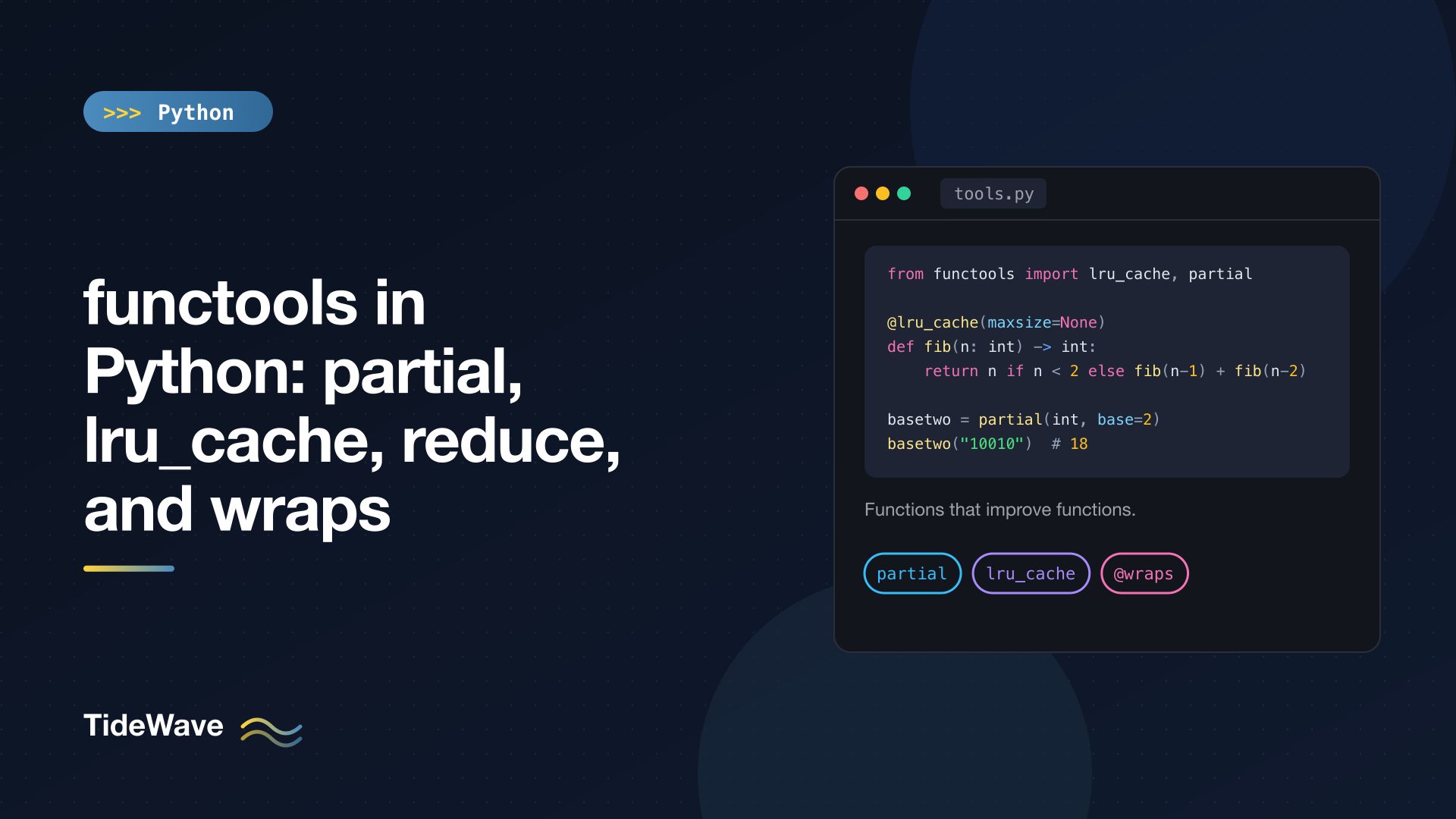
functools in Python: partial, lru_cache, reduce, and wraps
Python treats functions as ordinary values. You can pass them around, store them in dicts, return them from other functions, and wrap them in new behavior. The functools module is the standard library's toolbox for doing exactly that: it holds "higher-order" helpers that take functions and give you back new, improved functions.
Four of them show up constantly in real code: partial for pre-filling arguments, lru_cache (and its sibling cache) for memoization, reduce for folding a sequence down to one value, and wraps for writing decorators that don't break introspection. This post covers each one in depth, including the edge cases that cause real bugs, and finishes with a quick look at cached_property, total_ordering, and singledispatch.
All examples run on Python 3.13.
partial: Pre-Filling Function Arguments
partial(func, *args, **kwargs) returns a new callable that behaves like func with some arguments already supplied. When you call it, the stored arguments are combined with whatever you pass in.
from functools import partial


def power(base: float, exponent: float) -> float:
    return base ** exponent


square = partial(power, exponent=2)
cube = partial(power, exponent=3)

print(square(5), cube(2))
25 8
The resulting object is a functools.partial instance. It keeps track of what it wraps, which makes it easy to debug:
print(square.func, square.args, square.keywords)
# <function power at 0x...> () {'exponent': 2}
Keyword arguments stored in a partial are defaults, so a caller can override them: square(5, exponent=4) returns 625.
Practical Uses
partial really shines when an API expects a callable with a specific signature and your function needs extra configuration.
Converting binary strings with int:
basetwo = partial(int, base=2)
print(basetwo("10010"))  # 18
Creating a preconfigured JSON serializer you can pass around:
import json
from functools import partial

dumps_pretty = partial(json.dumps, indent=2, sort_keys=True)
print(dumps_pretty({"b": 1, "a": 2}))
{
  "a": 2,
  "b": 1
}
Supplying a key or callback that needs an extra argument, for example with sorted, map, thread pools, or GUI and event-loop callbacks:
from concurrent.futures import ThreadPoolExecutor
from functools import partial

import urllib.request


def fetch(url: str, timeout: float) -> int:
    with urllib.request.urlopen(url, timeout=timeout) as resp:
        return resp.status


urls = ["https://www.python.org", "https://docs.python.org"]
with ThreadPoolExecutor() as pool:
    statuses = list(pool.map(partial(fetch, timeout=5), urls))
pool.map calls its function with one argument per item. partial(fetch, timeout=5) turns the two-argument fetch into the one-argument function it needs.
Positional Arguments Fill from the Left
Positional arguments given to partial are placed before the caller's arguments:
def greet(greeting: str, name: str) -> str:
    return f"{greeting}, {name}!"


hello = partial(greet, "Hello")
print(hello("Ada"))  # Hello, Ada!
That means you can only pre-fill leading positional parameters. To fix a later one, use a keyword. But watch out for mixing styles: if you freeze exponent by keyword and then call square(2, 3), the 3 also lands in exponent and Python raises TypeError: power() got multiple values for argument 'exponent'.
partial vs lambda
You could write square = lambda b: power(b, exponent=2) instead. Both work, but partial has two advantages:
- It evaluates arguments immediately. A lambda looks up variables when it's called, which leads to the classic late-binding bug in loops:
from functools import partial

callbacks_l = [lambda: i for i in range(3)]
callbacks_p = [partial(print, i) for i in range(3)]

print([c() for c in callbacks_l])   # [2, 2, 2]
for c in callbacks_p:
    c()                             # prints 0, 1, 2
- It's introspectable and picklable (as long as the wrapped function is), which matters when you send work to other processes with
multiprocessing.
Lambdas are still fine when you need to rearrange arguments or add logic. There's more on that trade-off in the post on lambda functions.
There's also partialmethod, which does the same thing for methods defined in a class body, so self is still handled correctly.
lru_cache and cache: Memoization in One Line
Memoization means remembering a function's results so that repeated calls with the same arguments return instantly. lru_cache adds a cache to any function whose result depends only on its arguments:
from functools import lru_cache


@lru_cache(maxsize=None)
def fib(n: int) -> int:
    return n if n < 2 else fib(n - 1) + fib(n - 2)


print(fib(100))
print(fib.cache_info())
354224848179261915075
CacheInfo(hits=98, misses=101, maxsize=None, currsize=101)
Without the cache, fib(100) would make an astronomical number of calls and never finish. With it, each value from 0 to 100 is computed exactly once (the 101 misses), and every other lookup is a cache hit.
@cache (Python 3.9+) is shorthand for @lru_cache(maxsize=None): an unbounded cache with slightly less overhead.
maxsize and Eviction
LRU stands for "least recently used". With a bounded maxsize, once the cache is full, the entry that hasn't been used for the longest time is thrown out. The default is maxsize=128, and you can write the decorator either as @lru_cache or @lru_cache().
@lru_cache(maxsize=2)
def slow_square(n: int) -> int:
    print(f"computing {n}")
    return n * n


slow_square(2)   # computing 2
slow_square(3)   # computing 3
slow_square(2)   # cache hit, nothing printed
slow_square(4)   # computing 4  (evicts 3, the least recently used)
slow_square(3)   # computing 3  (it was evicted)
print(slow_square.cache_info())
CacheInfo(hits=1, misses=4, maxsize=2, currsize=2)
Pick a bound for anything that could see many distinct arguments over the life of a process. An unbounded @cache on a function called with user IDs is a slow memory leak.
Managing the Cache
Every cached function gets two extra methods:
cache_info()returns hits, misses, max size, and current size. Check it in a REPL or log it to see whether your cache is helping.cache_clear()empties the cache. Call it when the underlying data changes, or between tests so results don't leak across them.
The original, uncached function is available as fib.__wrapped__.
Rules and Gotchas
Arguments must be hashable. The cache is a dict keyed on the arguments, so lists, dicts, and sets don't work:
from functools import cache


@cache
def total(items):
    return sum(items)


total([1, 2, 3])
# TypeError: unhashable type: 'list'
Pass a tuple or frozenset instead, or convert inside a thin wrapper.
Only cache pure functions. If the result depends on the current time, a database, a file, or a random number, the cache will happily return stale results. It also skips side effects on hits: a cached function that sends an email only sends it once per distinct argument.
Returned objects are shared. If a cached function returns a list and a caller mutates it, every future caller gets the mutated list. Return immutable values (tuples, frozen dataclasses) from cached functions, or copy them.
Keyword order matters. f(a=1, b=2) and f(b=2, a=1) may be cached as separate entries, and so may f(1) and f(a=1). It's still correct, just less efficient. Similarly, typed=True guarantees that f(1) and f(1.0) are cached separately; without it, the docs only promise they'll usually be treated as the same call.
Be careful on methods. Putting @lru_cache on an instance method includes self in the key, which means the cache holds a strong reference to every instance it's seen, keeping them alive as long as the cache does. For per-instance values, prefer cached_property (below). For methods that don't use self, make them a module-level function or a staticmethod and cache that.
Thread safety. The cache's internal data structure stays consistent across threads, but two threads can call the function with the same new argument at the same time and both compute it. That's usually harmless; just don't rely on "computed exactly once".
reduce: Folding a Sequence into One Value
reduce(function, iterable[, initial]) applies a two-argument function cumulatively: it combines the first two items, then combines that result with the third, and so on.
import operator
from functools import reduce

print(reduce(operator.add, [1, 2, 3, 4]))                    # ((1+2)+3)+4 = 10
print(reduce(lambda acc, x: acc * x, [1, 2, 3, 4], 1))       # 24
The optional third argument is the starting value. Always pass it when the input could be empty, because without it reduce has nothing to return:
reduce(operator.add, [])
# TypeError: reduce() of empty iterable with no initial value

reduce(operator.add, [], 0)   # 0
When reduce Is the Right Tool
Honestly, not often. Guido van Rossum moved reduce out of the builtins in Python 3 precisely because most uses are clearer as a loop or a dedicated builtin:
| Instead of | Use |
|---|---|
reduce(operator.add, nums) | sum(nums) |
reduce(operator.mul, nums) | math.prod(nums) |
reduce(max, nums) | max(nums) |
reduce(lambda a, b: a and b, flags) | all(flags) |
reduce(math.gcd, nums) | math.gcd(*nums) (3.9+) |
Where reduce does read well is when the combining step is a real operation with a name and no builtin covers it. Walking a nested dict by a list of keys is a good example:
import operator
from functools import reduce

config = {"db": {"primary": {"host": "10.0.0.5"}}}
print(reduce(operator.getitem, ["db", "primary", "host"], config))  # 10.0.0.5
Composing a list of functions into one pipeline is another:
from functools import reduce


def compose(*funcs):
    return reduce(lambda f, g: lambda x: g(f(x)), funcs)


slugify = compose(str.strip, str.lower, lambda s: s.replace(" ", "-"))
print(slugify("  Hello World  "))  # hello-world
If you have to stare at a reduce call to understand it, rewrite it as a for loop with an accumulator. It'll be the same speed and far easier to read.
wraps: Writing Decorators That Behave
A decorator replaces a function with a wrapper. The problem is that the wrapper is a different function, with its own name and docstring:
def timed(func):
    def wrapper(*args, **kwargs):
        return func(*args, **kwargs)
    return wrapper


@timed
def add(a: int, b: int) -> int:
    """Add two numbers."""
    return a + b


print(add.__name__, add.__doc__)  # wrapper None
Now every decorated function in your logs, stack traces, help() output, and test reports shows up as wrapper. Tools that read signatures or annotations (FastAPI, Typer, pytest fixtures, documentation generators) see the wrong thing too.
@wraps(func) fixes this by copying the original function's metadata onto the wrapper:
import time
from functools import wraps


def timed(func):
    @wraps(func)
    def wrapper(*args, **kwargs):
        start = time.perf_counter()
        try:
            return func(*args, **kwargs)
        finally:
            elapsed = time.perf_counter() - start
            print(f"{func.__name__} took {elapsed:.4f}s")
    return wrapper


@timed
def add(a: int, b: int) -> int:
    """Add two numbers."""
    return a + b


print(add(1, 2))
print(add.__name__, add.__doc__)
print(add.__annotations__)
add took 0.0000s
3
add Add two numbers.
{'a': <class 'int'>, 'b': <class 'int'>, 'return': <class 'int'>}
Specifically, wraps copies __module__, __name__, __qualname__, __doc__, __annotations__, and (since 3.12) __type_params__, merges the original's __dict__ into the wrapper's, and sets __wrapped__ to point at the original function. inspect.signature() follows __wrapped__, so the decorated function reports the original signature (a: int, b: int) -> int instead of (*args, **kwargs).
__wrapped__ is also an escape hatch in tests: add.__wrapped__(3, 4) calls the undecorated function directly.
The rule is simple: every decorator you write should use @wraps on its inner function. It costs one line. The full story of how decorators work, including decorators with arguments, is in Python decorators explained.
Other functools Helpers Worth Knowing
cached_property
Computes a value the first time it's accessed, then stores it on the instance as a normal attribute:
from functools import cached_property


class Report:
    def __init__(self, rows: list[int]) -> None:
        self.rows = rows

    @cached_property
    def total(self) -> int:
        print("summing...")
        return sum(self.rows)


r = Report([1, 2, 3])
print(r.total)   # summing... then 6
print(r.total)   # 6, no recomputation
del r.total      # clears the cached value
print(r.total)   # summing... then 6
Because the value lives in the instance's __dict__, it's freed when the instance is, which is why it's the better choice over lru_cache for per-object computations. It requires a __dict__, so it doesn't work on classes that use __slots__ without one.
total_ordering
Define __eq__ and one of __lt__, __le__, __gt__, or __ge__, and @total_ordering fills in the rest:
from functools import total_ordering


@total_ordering
class Version:
    def __init__(self, major: int, minor: int) -> None:
        self.major, self.minor = major, minor

    def __eq__(self, other):
        return (self.major, self.minor) == (other.major, other.minor)

    def __lt__(self, other):
        return (self.major, self.minor) < (other.major, other.minor)


print(Version(1, 2) >= Version(1, 1), Version(2, 0) <= Version(1, 9))  # True False
For plain data classes, @dataclass(order=True) does the same job with less code.
singledispatch
Turns a function into a generic function that picks an implementation based on the type of its first argument:
from functools import singledispatch


@singledispatch
def describe(obj) -> str:
    return f"object: {obj!r}"


@describe.register
def _(obj: int) -> str:
    return f"int: {obj}"


@describe.register
def _(obj: list) -> str:
    return f"list of {len(obj)}"


print(describe(3), describe([1, 2]), describe("x"), describe(True))
int: 3 list of 2 object: 'x' int: True
Note the last one: bool is a subclass of int, so True uses the int implementation unless you register bool separately. For methods, use singledispatchmethod.
Quick Reference
| Tool | What it does | Reach for it when |
|---|---|---|
partial | Pre-fills arguments | An API wants a callable with fewer parameters |
lru_cache / cache | Memoizes results | A pure function is called repeatedly with the same arguments |
reduce | Folds an iterable into one value | No builtin like sum/max/all fits |
wraps | Copies metadata onto a wrapper | Every time you write a decorator |
cached_property | Computes an attribute once per instance | Expensive derived attributes |
total_ordering | Fills in comparison methods | Custom classes that need sorting |
singledispatch | Dispatches on argument type | One operation, several input types |
Conclusion
functools is small, but nearly every tool in it removes a whole category of boilerplate. Use partial when you need a function with some arguments locked in, and prefer it over a lambda inside loops. Use lru_cache or cache on pure functions with hashable arguments, and give the cache a bound when inputs are unbounded. Use reduce sparingly, only when no builtin expresses the fold more clearly. And put @wraps in every decorator you write, so your functions keep their names, docs, and signatures.


