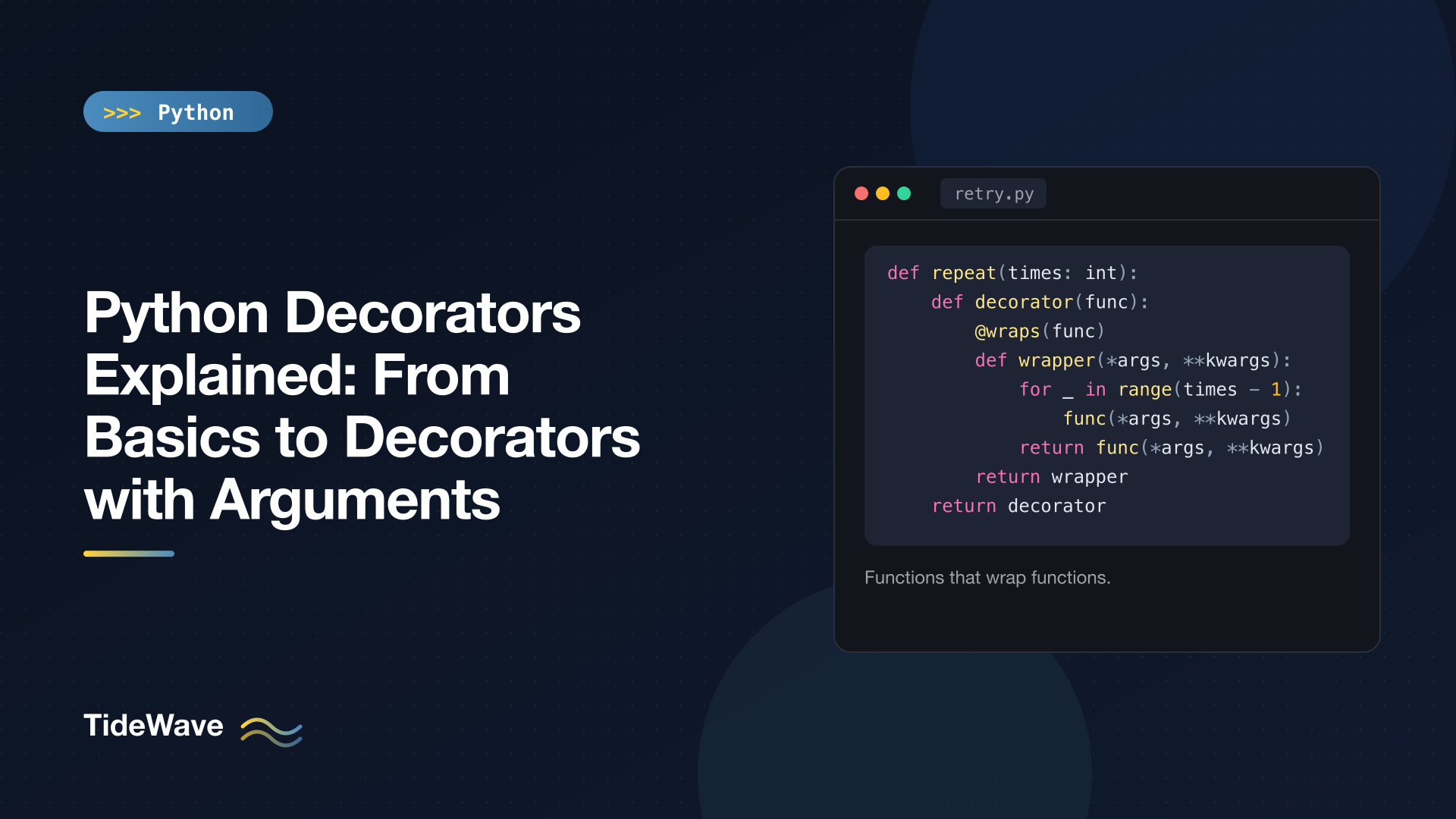
Python Decorators Explained: From Basics to Decorators with Arguments
Decorators are everywhere in Python. @property, @dataclass, @app.get("/"), @pytest.fixture, @functools.cache: one line above a function or class, and its behaviour changes. They're easy to use and, for a lot of people, a bit mysterious to write, especially once arguments get involved and you find yourself three functions deep.
The good news is that there's no magic. A decorator is a function that takes a function and returns a function. The @ symbol is shorthand for one assignment. Once you see that, every other variation (preserving metadata, decorators with arguments, stacking, class-based decorators) is a small step from the last.
This post builds up from the basics to decorators that take arguments, with practical examples you can reuse: a call logger, a timer, a retry decorator, and a route registry. I'll also show how to type them properly with ParamSpec so your editor keeps working.
Functions Are Objects
Everything about decorators rests on one fact: in Python, functions are values. You can assign them, pass them to other functions, and return them from functions.
def shout(func):
    def wrapper():
        return func().upper()
    return wrapper


def greet():
    return "hello"


loud = shout(greet)
print(loud())  # HELLO
shout takes a function, defines a new function wrapper that calls the original and modifies its result, and returns wrapper. loud is now a function that behaves like greet with an extra step.
wrapper can still call func after shout has returned because it's a closure: an inner function that remembers variables from the enclosing scope. Closures are what make decorators possible; the closures post explains how that memory works.
The @ Syntax
Usually you don't want a second name like loud. You want to replace the original function. That's what @ does:
@shout
def farewell():
    return "goodbye"


print(farewell())  # GOODBYE
This is exactly equivalent to:
def farewell():
    return "goodbye"


farewell = shout(farewell)
That's the whole definition of decorator syntax. The decorator runs once, when the function is defined, and whatever it returns is bound to the function's name. Every later call to farewell() actually calls wrapper().
Handling Any Arguments
The shout wrapper only works for functions with no parameters. A general-purpose decorator should accept whatever the wrapped function accepts, which is a job for *args and **kwargs:
def log_calls(func):
    def wrapper(*args, **kwargs):
        print(f"calling {func.__name__} with {args} {kwargs}")
        result = func(*args, **kwargs)
        print(f"{func.__name__} returned {result!r}")
        return result
    return wrapper


@log_calls
def add(a: int, b: int = 0) -> int:
    """Add two numbers."""
    return a + b


add(2, b=3)
calling add with (2,) {'b': 3}
add returned 5
The wrapper collects positional arguments into the args tuple and keyword arguments into the kwargs dict, then passes them through unchanged. It also returns the original result, which is easy to forget; a wrapper without return silently turns every decorated function into one that returns None. If *args and **kwargs are new to you, see *args and **kwargs in Python.
Preserving Metadata with functools.wraps
There's a problem with log_calls. Look at the decorated function's name and docstring:
print(add.__name__, add.__doc__)
wrapper None
add is now wrapper, so it reports wrapper's name and (missing) docstring. That breaks help(), makes stack traces and logs confusing, and confuses tools that rely on function names, like test runners and web frameworks.
The fix is to decorate the wrapper with functools.wraps:
import functools


def log_calls(func):
    @functools.wraps(func)
    def wrapper(*args, **kwargs):
        print(f"calling {func.__name__}")
        return func(*args, **kwargs)
    return wrapper


@log_calls
def sub(a: int, b: int) -> int:
    """Subtract b from a."""
    return a - b


print(sub.__name__, sub.__doc__)
print(sub.__wrapped__)
sub Subtract b from a.
<function sub at 0x105728860>
wraps copies __name__, __qualname__, __doc__, __module__, and the annotations onto the wrapper, and adds a __wrapped__ attribute pointing at the original function. inspect.signature() follows __wrapped__, so tools see the real signature too. Make @functools.wraps(func) a habit in every decorator you write. (The functools post covers wraps alongside the module's other tools.)
A Practical Example: Timing Functions
Here's a decorator you'll actually use, written with a try/finally so the time is reported even if the function raises:
# timing.py
import functools
import time


def timed(func):
    @functools.wraps(func)
    def wrapper(*args, **kwargs):
        start = time.perf_counter()
        try:
            return func(*args, **kwargs)
        finally:
            elapsed = time.perf_counter() - start
            print(f"{func.__name__} took {elapsed * 1000:.1f} ms")
    return wrapper


@timed
def slow_sum(n: int) -> int:
    time.sleep(0.05)
    return sum(range(n))


print(slow_sum(1000))
slow_sum took 55.0 ms
499500
Your exact timing will differ. The structure here (set up, call, clean up in finally, return the result) is the template for most decorators that add behaviour around a call.
Decorators with Arguments
Now the part that trips people up. Suppose you want to configure a decorator: @retry(times=3). Look at what that line means, using the rule from earlier:
@retry(times=3)
def fetch(): ...

# is the same as
fetch = retry(times=3)(fetch)
retry(times=3) is evaluated first, and its result is used as the decorator. So retry isn't a decorator; it's a function that returns a decorator. That gives you three levels:
- The outer function takes the configuration (
times,exceptions,delay) and returns a decorator. - The decorator takes the function and returns a wrapper.
- The wrapper takes the call's arguments and does the work.
# retry.py
import functools
import time


def retry(
    times: int = 3,
    exceptions: tuple[type[Exception], ...] = (Exception,),
    delay: float = 0.0,
):
    def decorator(func):
        @functools.wraps(func)
        def wrapper(*args, **kwargs):
            for attempt in range(1, times + 1):
                try:
                    return func(*args, **kwargs)
                except exceptions as exc:
                    if attempt == times:
                        raise
                    print(f"attempt {attempt} failed: {exc!r}; retrying")
                    time.sleep(delay)
        return wrapper
    return decorator
Each level closes over the variables of the levels outside it, so wrapper can see times, exceptions, delay, and func. Let's try it on a function that fails twice before succeeding:
calls = 0


@retry(times=3, exceptions=(ConnectionError,))
def flaky_fetch(url: str) -> str:
    global calls
    calls += 1
    if calls < 3:
        raise ConnectionError("connection reset")
    return f"200 OK from {url}"


print(flaky_fetch("https://example.com"))
attempt 1 failed: ConnectionError('connection reset'); retrying
attempt 2 failed: ConnectionError('connection reset'); retrying
200 OK from https://example.com
And when every attempt fails, the last exception propagates to the caller unchanged, because of the bare raise:
@retry(times=2)
def always_fails() -> None:
    raise ValueError("bad input")


try:
    always_fails()
except ValueError as e:
    print("gave up:", e)
attempt 1 failed: ValueError('bad input'); retrying
gave up: bad input
Restricting exceptions matters in real code. Retrying on ConnectionError is reasonable; retrying on a ValueError caused by bad input just wastes time.
The Missing-Parentheses Mistake
With a decorator factory, the parentheses are required even when you use all the defaults. Forget them and something confusing happens:
@retry
def oops() -> str:
    return "hi"


print(oops)
oops()
<function retry.<locals>.decorator at 0x100e3c7c0>
TypeError: retry.<locals>.decorator() missing 1 required positional argument: 'func'
@retry called retry(oops), so times became the function and oops was replaced by the inner decorator. Nothing fails at definition time; it breaks on the first call. Always write @retry() for factories, or use the next pattern.
Supporting Both @timed and @timed(...)
Some libraries let you use a decorator with or without arguments. The trick is to make the function argument optional and the configuration keyword-only:
import functools
import time


def timed(func=None, *, label: str | None = None):
    def decorator(f):
        name = label or f.__name__

        @functools.wraps(f)
        def wrapper(*args, **kwargs):
            start = time.perf_counter()
            try:
                return f(*args, **kwargs)
            finally:
                print(f"{name}: {(time.perf_counter() - start) * 1000:.0f} ms")
        return wrapper

    if func is None:      # called as @timed(label=...)
        return decorator
    return decorator(func)  # called as @timed


@timed
def a():
    time.sleep(0.01)


@timed(label="db query")
def b():
    time.sleep(0.02)


a()
b()
a: 13 ms
db query: 25 ms
When used bare, Python passes the function as func. When used with arguments, func is None and you return the decorator. The * makes label keyword-only, so @timed("db query") can't be confused with passing a function. It's a nice convenience for library code; in application code, a plain factory with required parentheses is simpler.
Stacking Decorators
You can apply several decorators to one function. They're applied bottom-up (closest to the def first), which means the top decorator ends up as the outermost layer:
import functools


def bold(func):
    @functools.wraps(func)
    def wrapper(*args, **kwargs):
        return f"<b>{func(*args, **kwargs)}</b>"
    return wrapper


def italic(func):
    @functools.wraps(func)
    def wrapper(*args, **kwargs):
        return f"<i>{func(*args, **kwargs)}</i>"
    return wrapper


@bold
@italic
def title(text: str) -> str:
    return text


print(title("Hi"))  # <b><i>Hi</i></b>
This is title = bold(italic(title)). At call time, bold's wrapper runs first, calls italic's wrapper, which calls the original. Order matters in practice: put @timed above @retry and you measure the total including retries; put it below and you time each attempt.
Decorators That Register Instead of Wrap
A decorator doesn't have to wrap anything. It can record the function somewhere and return it unchanged. This is how web frameworks map URLs to handlers:
from collections.abc import Callable

ROUTES: dict[str, Callable[[], str]] = {}


def route(path: str):
    def decorator(func):
        ROUTES[path] = func
        return func
    return decorator


@route("/")
def home() -> str:
    return "home page"


@route("/about")
def about() -> str:
    return "about page"


print(ROUTES["/about"](), list(ROUTES))
about page ['/', '/about']
Because the function is returned as-is, there's no wrapper overhead and no need for wraps. Flask's @app.route and FastAPI's @app.get work on this idea (with more machinery around it).
Decorating Methods
Function-based decorators work on methods without changes. self simply arrives as the first element of args:
import functools


def log_calls(func):
    @functools.wraps(func)
    def wrapper(*args, **kwargs):
        print(f"-> {func.__qualname__}{args[1:]}")
        return func(*args, **kwargs)
    return wrapper


class Cart:
    def __init__(self) -> None:
        self.items: list[str] = []

    @log_calls
    def add(self, item: str) -> None:
        self.items.append(item)


c = Cart()
c.add("mug")    # -> Cart.add('mug',)
print(c.items)  # ['mug']
This works because the wrapper is a plain function, and plain functions become bound methods when accessed through an instance. (The descriptors post explains the mechanism.)
Class-Based Decorators
Any callable can be a decorator, including a class. A class is handy when the decorator needs state you want to inspect:
import functools


class CountCalls:
    def __init__(self, func) -> None:
        functools.update_wrapper(self, func)
        self.func = func
        self.calls = 0

    def __call__(self, *args, **kwargs):
        self.calls += 1
        return self.func(*args, **kwargs)


@CountCalls
def ping() -> str:
    return "pong"


ping()
ping()
print(ping.calls, ping.__name__)  # 2 ping
update_wrapper is the non-decorator form of wraps. Here ping becomes a CountCalls instance, and calling it runs __call__.
There's a catch: instances of a regular class aren't descriptors, so they don't bind self when used on methods:
class Service:
    @CountCalls
    def run(self):
        return "ran"


Service().run()
# TypeError: Service.run() missing 1 required positional argument: 'self'
For decorators that need to work on methods, prefer the function-based style and keep state in a closure or a function attribute, or add a __get__ method to the class. In most cases, the function version is simpler.
Typing Decorators with ParamSpec
An untyped decorator erases the signature as far as type checkers are concerned: the decorated function looks like it takes anything and returns anything. ParamSpec (Python 3.10+) fixes that by capturing the parameters of the wrapped function:
import functools
import time
from collections.abc import Callable
from typing import ParamSpec, TypeVar

P = ParamSpec("P")
R = TypeVar("R")


def timed(func: Callable[P, R]) -> Callable[P, R]:
    @functools.wraps(func)
    def wrapper(*args: P.args, **kwargs: P.kwargs) -> R:
        start = time.perf_counter()
        try:
            return func(*args, **kwargs)
        finally:
            print(f"{func.__name__} took {(time.perf_counter() - start) * 1000:.1f} ms")
    return wrapper
Now timed(slow_sum) is understood as taking an int and returning an int, so editors autocomplete it correctly and mypy or Pyright flag slow_sum("oops"). For a decorator factory, the outer function's return type is Callable[[Callable[P, R]], Callable[P, R]].
On Python 3.12 and newer you can use the type parameter syntax instead of declaring P and R at module level:
def timed[**P, R](func: Callable[P, R]) -> Callable[P, R]: ...
Decorators in the Standard Library
You'll use these far more than you'll write your own:
| Decorator | What it does |
|---|---|
@property | Turns a method into a computed attribute |
@classmethod / @staticmethod | Changes how a method is bound |
@functools.cache / @functools.lru_cache(maxsize=...) | Memoizes results |
@functools.wraps(func) | Copies metadata onto a wrapper |
@functools.singledispatch | Overloads a function by argument type |
@dataclasses.dataclass | Generates __init__, __repr__, and more for a class |
@contextlib.contextmanager | Turns a generator into a context manager |
@typing.override (3.12+) | Marks a method as overriding a parent method for type checkers |
Note that @lru_cache(maxsize=128) is a decorator factory and @cache is a plain decorator, which is exactly the distinction this post has been building up to. And @dataclass shows that decorators can be applied to classes, too: a class decorator receives the class and returns it, usually after adding or modifying attributes.
Conclusion
A decorator is a function that takes a function and returns a replacement, and @decorator above a def is just func = decorator(func). Write wrappers with *args and **kwargs, always return the wrapped function's result, and always use functools.wraps.
A decorator with arguments adds one more layer: a factory that takes the configuration and returns the decorator, which is why @retry() needs its parentheses. Stacked decorators apply bottom-up. Prefer function-based decorators so they work on methods, and add ParamSpec types so your tools keep understanding the decorated functions. With those pieces, every decorator you meet in a framework will read as ordinary Python.


