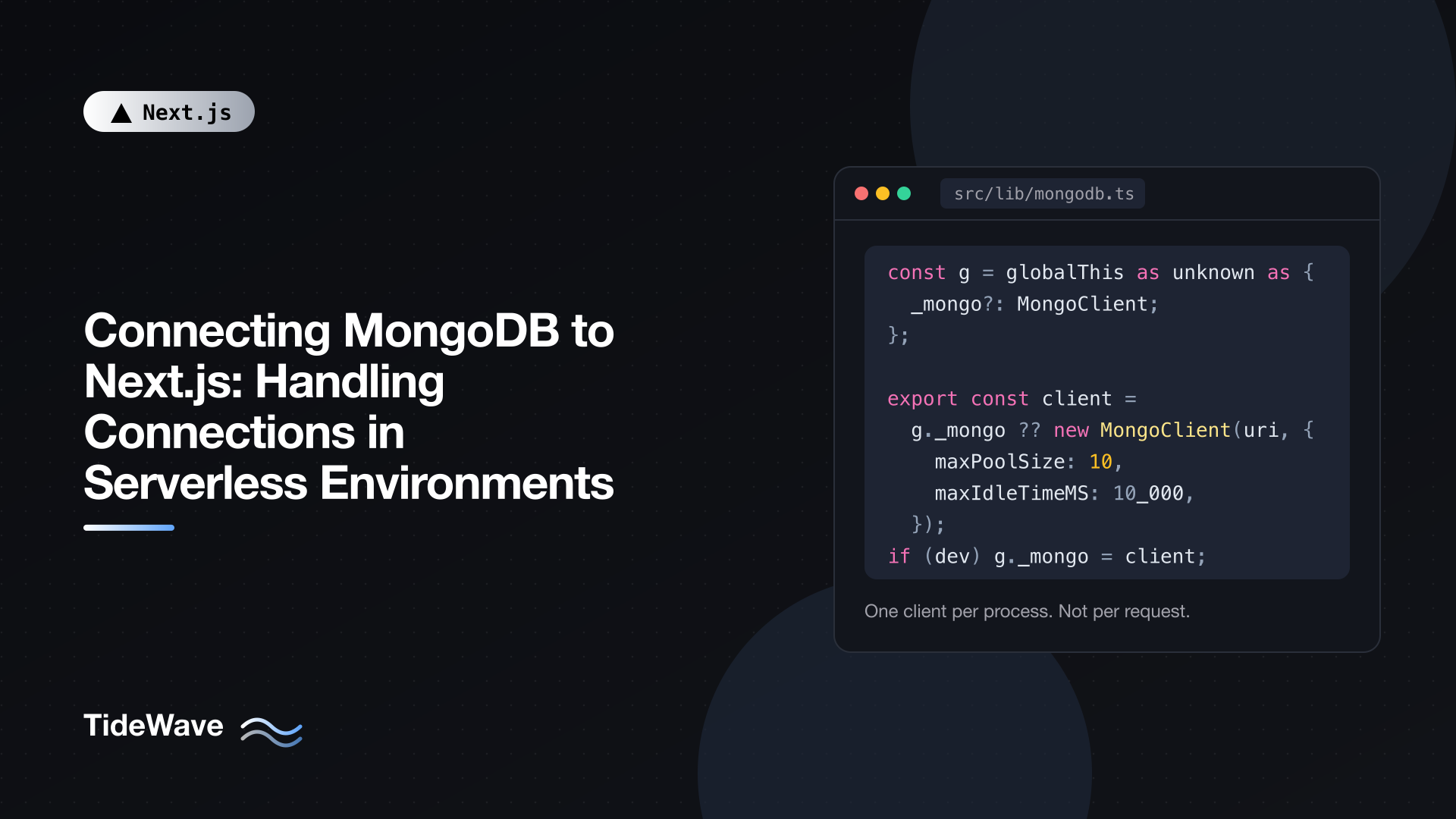
Connecting MongoDB to Next.js: Handling Connections in Serverless Environments
Connecting MongoDB to Next.js takes about five lines of code. Connecting it so it still works when your app has real traffic takes a bit more thought. The MongoDB driver is built around long-lived connection pools, and Next.js apps often run in places where processes are short-lived, duplicated across many instances, or reloaded every time you save a file.
The symptoms are familiar: a "too many connections" alert from Atlas, a dev server that slowly gets sluggish, or a cold start that spends most of its time on a TLS handshake. All of them come from creating more clients than you meant to.
This post focuses on the connection layer: how the driver's pool behaves, how to create exactly one client per process in both development and production, which options to tune for serverless, the Mongoose equivalent, and how to pass MongoDB documents safely into the rest of your Next.js app.
How the MongoDB Driver Manages Connections
A MongoClient is not a single connection. It's a connection pool plus monitoring threads that track the state of your replica set. When you run a query, the driver borrows a connection from the pool, uses it, and returns it.
A few defaults matter here:
maxPoolSizedefaults to 100 connections per client, per server in the replica set.minPoolSizedefaults to 0, so the pool starts empty and grows on demand.- Each client also keeps monitoring connections open to every replica set member.
So one client on a three-member replica set can hold dozens of sockets under load. That's fine for one long-running server. It becomes a problem when you accidentally create a new client on every request, every hot reload, or in hundreds of serverless instances at once.
The fix in every environment is the same idea: create the client once per process and reuse it. The details differ between development and production.
Where Next.js Creates Duplicate Clients
There are three common sources of duplicates.
Creating the client inside a function. If you call new MongoClient() inside a Server Component, Route Handler, or Server Action, you get a fresh pool on every request. The old ones aren't closed promptly, so connections pile up.
Hot module replacement in development. next dev re-evaluates changed modules. A client created at module scope gets created again after each edit, while the old one stays connected. After an hour of work, you might have dozens of pools open against your dev cluster.
Many serverless instances in production. On a serverless platform, each instance is its own process with its own module scope. One client per instance is correct, but 200 concurrent instances with a maxPoolSize of 100 can theoretically ask for 20,000 connections. Shared Atlas tiers cap connections far below that (the free M0 tier allows 500).
A Connection Module That Survives Hot Reloads
The standard solution is a single module that exports a client (or a promise of one), caching it on globalThis in development so that hot reloads reuse it.
// src/lib/mongodb.ts
import "server-only";
import { MongoClient, type MongoClientOptions } from "mongodb";

const uri = process.env.MONGODB_URI;

if (!uri) {
  throw new Error("Missing MONGODB_URI environment variable");
}

const options: MongoClientOptions = {
  appName: "nextjs-app",
  maxPoolSize: 10,
  minPoolSize: 0,
  maxIdleTimeMS: 10_000,
  serverSelectionTimeoutMS: 5_000,
};

const globalForMongo = globalThis as unknown as {
  _mongoClient?: MongoClient;
};

export const client: MongoClient =
  globalForMongo._mongoClient ?? new MongoClient(uri, options);

if (process.env.NODE_ENV !== "production") {
  globalForMongo._mongoClient = client;
}

export function getDb(name = process.env.MONGODB_DB) {
  return client.db(name);
}
Walking through it:
globalThispersists across module re-evaluations in the dev server, so after the first load every reload picks up the existing client instead of creating a new one.- In production there's no hot reloading, so module scope is enough. Each process evaluates the module once.
server-onlycauses a build error if a Client Component imports this file. Your connection string should never reach the browser.- There's no explicit
client.connect()call. Modern versions of the Node.js driver connect automatically on the first operation, and concurrent first operations share that single connection attempt. You can still callawait client.connect()if you want connection errors to surface at a specific point.
Then use it anywhere on the server:
// src/lib/posts.ts
import "server-only";
import { ObjectId } from "mongodb";
import { getDb } from "@/lib/mongodb";

type PostDoc = {
  _id: ObjectId;
  title: string;
  slug: string;
  body: string;
  publishedAt: Date | null;
};

export async function getPostBySlug(slug: string) {
  const db = getDb();
  return db.collection<PostDoc>("posts").findOne({ slug });
}
client.db() is cheap. It doesn't open anything; it just returns a handle that uses the shared pool.
Choosing Pool Options for Serverless
The defaults are designed for a few long-running app servers. In serverless, you want each instance to hold a small number of connections and let go of them when idle.
| Option | Suggested value | Why |
|---|---|---|
maxPoolSize | 5 to 10 | One instance usually handles a handful of concurrent requests. Multiply by your expected instance count and compare to your cluster's limit. |
minPoolSize | 0 | Don't hold idle connections open in instances that may be frozen. |
maxIdleTimeMS | 10,000 to 60,000 | Close connections that sat unused, so suspended or quiet instances release them. |
serverSelectionTimeoutMS | 5,000 | Fail fast with a clear error instead of hanging for the default 30 seconds. |
appName | your app's name | Shows up in Atlas logs and currentOp, making it easy to see who holds connections. |
A quick sanity check: maxPoolSize × peak concurrent instances should stay comfortably below your cluster's connection limit, leaving room for other clients, monitoring, and deploy overlaps when old and new instances run side by side.
If your platform reuses instances across many concurrent requests (as Vercel's Fluid compute does), a single instance may legitimately need more connections, and you'll have fewer instances overall. Measure before tuning.
Releasing Connections on Suspended Instances
On some serverless platforms an instance can be frozen between requests and later shut down without warning. Its sockets stay open on the database side until they time out. Vercel provides a helper in @vercel/functions that hooks your pool into the instance lifecycle so idle connections are closed before the instance is suspended:
// src/lib/mongodb.ts (additions for Vercel)
import { attachDatabasePool } from "@vercel/functions";

// ...after creating `client`
attachDatabasePool(client);
This is platform-specific. On a long-running Node server (for example a Docker container with output: "standalone"), you don't need it.
Using the Client in Server Components, Actions, and Route Handlers
With the module in place, every server entry point imports the same client.
Server Components
// src/app/posts/[slug]/page.tsx
import { notFound } from "next/navigation";
import { getPostBySlug } from "@/lib/posts";

export default async function PostPage({
  params,
}: {
  params: Promise<{ slug: string }>;
}) {
  const { slug } = await params;
  const post = await getPostBySlug(slug);

  if (!post) notFound();

  return (
    <article>
      <h1>{post.title}</h1>
      <p>{post.body}</p>
    </article>
  );
}
params is a promise in Next.js 16, so it has to be awaited. Note that a page with no request-time APIs may be prerendered at build time, which means your build machine needs network access to the database. If you want the query to run per request instead, call await connection() from next/server before querying and render the data inside a Suspense boundary.
Server Actions
// src/app/posts/actions.ts
"use server";

import { revalidatePath } from "next/cache";
import { getDb } from "@/lib/mongodb";

export async function publishPost(slug: string) {
  // Check the user's session and permissions here first.
  await getDb()
    .collection("posts")
    .updateOne({ slug }, { $set: { publishedAt: new Date() } });

  revalidatePath(`/posts/${slug}`);
}
Route Handlers
// src/app/api/health/route.ts
import { getDb } from "@/lib/mongodb";

export async function GET() {
  try {
    await getDb().command({ ping: 1 });
    return Response.json({ db: "ok" });
  } catch {
    return Response.json({ db: "unreachable" }, { status: 503 });
  }
}
A ping is the cheapest way to check that the pool can reach the cluster, which makes it a good health check for load balancers.
Keep Database Access Out of Proxy
Next.js 16 runs proxy.ts (the file formerly called middleware.ts) in front of matching requests, and it now defaults to the Node.js runtime. That makes it technically possible to query MongoDB there, but it's still a bad idea: Proxy runs on many requests, including ones that don't need data, and adding a database round trip to every navigation slows the whole app down. Keep Proxy to cheap checks such as reading a cookie, and do data access in the page or action. See Understanding Middleware in Next.js for the background on what that layer is for.
The Edge runtime is deprecated as a route segment option in Next.js 16, and the MongoDB Node.js driver needs Node.js APIs anyway, so routes that talk to MongoDB should simply use the default Node.js runtime.
The Same Pattern with Mongoose
Mongoose keeps a default connection on the mongoose singleton, but you still need to make sure mongoose.connect() runs only once per process and that concurrent requests wait on the same attempt.
// src/lib/mongoose.ts
import "server-only";
import mongoose from "mongoose";

const uri = process.env.MONGODB_URI;
if (!uri) throw new Error("Missing MONGODB_URI environment variable");

const globalForMongoose = globalThis as unknown as {
  _mongoosePromise?: Promise<typeof mongoose>;
};

export function connectMongoose() {
  if (!globalForMongoose._mongoosePromise) {
    globalForMongoose._mongoosePromise = mongoose
      .connect(uri!, {
        maxPoolSize: 10,
        serverSelectionTimeoutMS: 5_000,
        bufferCommands: false,
      })
      .catch((error) => {
        globalForMongoose._mongoosePromise = undefined;
        throw error;
      });
  }
  return globalForMongoose._mongoosePromise;
}
Two details are worth calling out:
- The cached value is the promise, not the resolved connection. If ten requests arrive before the first connection completes, all ten await the same promise instead of starting ten connections.
- If the connection fails, the cache is cleared so the next request can try again. Without that, one network blip would poison the process until it restarts.
bufferCommands: false makes Mongoose throw immediately when you query without a connection, rather than silently queueing operations. That surfaces mistakes like forgetting to call connectMongoose().
Models need their own guard, because mongoose.model() throws if you register the same name twice, which happens on every hot reload:
// src/models/Post.ts
import {
  Schema,
  model,
  models,
  type InferSchemaType,
  type Model,
} from "mongoose";

const postSchema = new Schema(
  {
    title: { type: String, required: true },
    slug: { type: String, required: true, unique: true },
    body: { type: String, required: true },
    publishedAt: { type: Date, default: null },
  },
  { timestamps: true },
);

export type PostDoc = InferSchemaType<typeof postSchema>;

export const Post: Model<PostDoc> =
  (models.Post as Model<PostDoc>) ?? model<PostDoc>("Post", postSchema);
Then in a data function:
import "server-only";
import { connectMongoose } from "@/lib/mongoose";
import { Post } from "@/models/Post";

export async function getRecentPosts() {
  await connectMongoose();
  return Post.find({ publishedAt: { $ne: null } })
    .sort({ publishedAt: -1 })
    .limit(10)
    .lean();
}
.lean() returns plain objects instead of full Mongoose documents. They're faster to create and much easier to pass around, which leads to the next point.
Passing MongoDB Data to Client Components
Server Components can render documents directly, but anything you pass as a prop to a Client Component must be serializable. ObjectId is a class instance and won't serialize; Mongoose documents carry methods and internal state. Convert at the boundary:
// src/lib/posts.ts
import "server-only";
import { getDb } from "@/lib/mongodb";

export type PostSummary = {
  id: string;
  title: string;
  slug: string;
  publishedAt: string | null;
};

export async function getPostSummaries(): Promise<PostSummary[]> {
  const docs = await getDb()
    .collection("posts")
    .find({}, { projection: { title: 1, slug: 1, publishedAt: 1 } })
    .sort({ publishedAt: -1 })
    .limit(20)
    .toArray();

  return docs.map((doc) => ({
    id: doc._id.toString(),
    title: doc.title,
    slug: doc.slug,
    publishedAt: doc.publishedAt ? doc.publishedAt.toISOString() : null,
  }));
}
This mapping step does two jobs. It turns ObjectId into a string, and it acts as an allowlist, so fields you didn't select (internal flags, emails, tokens) can't leak into the client bundle. The projection also keeps the query lighter. Passing data from Server Components to Client Components goes further into that boundary.
Date objects can be passed to Client Components directly, but converting to ISO strings keeps the shape predictable if you also send the data through JSON anywhere.
Watch Out for Build-Time Connections
next build prerenders static pages, and it does so with multiple worker processes. Each worker evaluates your MongoDB module and gets its own pool. On a free-tier cluster, a large site build can briefly use a noticeable chunk of the connection limit, and a build machine without network access to the cluster will fail outright.
Options if that bites you:
- Make data-heavy pages render at request time with
connection()so the build doesn't query at all. - Cache results with
"use cache"(with Cache Components enabled) so each query runs once and is reused. - Lower
maxPoolSizefurther for builds, for example by reading it from an environment variable.
Checking How Many Connections You're Using
Don't guess; measure. In mongosh connected to your cluster:
db.serverStatus().connections;
// { current: 37, available: 463, totalCreated: 1290, ... }
current is what's open right now. If totalCreated climbs quickly while traffic is flat, something is creating new clients repeatedly.
You can also log pool events from the driver while debugging:
client.on("connectionCreated", () => console.log("[mongo] connection created"));
client.on("connectionClosed", () => console.log("[mongo] connection closed"));
If you see a burst of "created" messages on every file save during next dev, the globalThis cache isn't being hit; check that every import goes through the same module path. In Atlas, the Metrics tab shows connections over time, and the appName you set makes it obvious which application they belong to.
Atlas Network Access for Serverless
Serverless platforms don't give you a fixed set of outbound IP addresses by default, which clashes with Atlas's IP access list. Your options, from least to most effort:
- Allow access from anywhere (
0.0.0.0/0) and rely on strong credentials and TLS. Common for hobby projects, but not ideal. - Use your platform's static egress IP feature, if it offers one, and allow only those addresses.
- Use private networking (VPC peering or private endpoints) between your platform and Atlas, available on dedicated tiers.
Whatever you choose, give the app a database user with only the roles it needs (readWrite on one database, not atlasAdmin).
Conclusion
MongoDB connection problems in Next.js nearly always come from making more clients than you intended. Create one client per process, cache it on globalThis during development, keep the pool small with idle timeouts in serverless environments, and cache the connection promise if you use Mongoose. Convert documents to plain, minimal objects before they cross into Client Components, and measure your connection count rather than assuming.
Get that layer right once, in a single server-only module, and the rest of your app can import getDb() without thinking about connections again.


