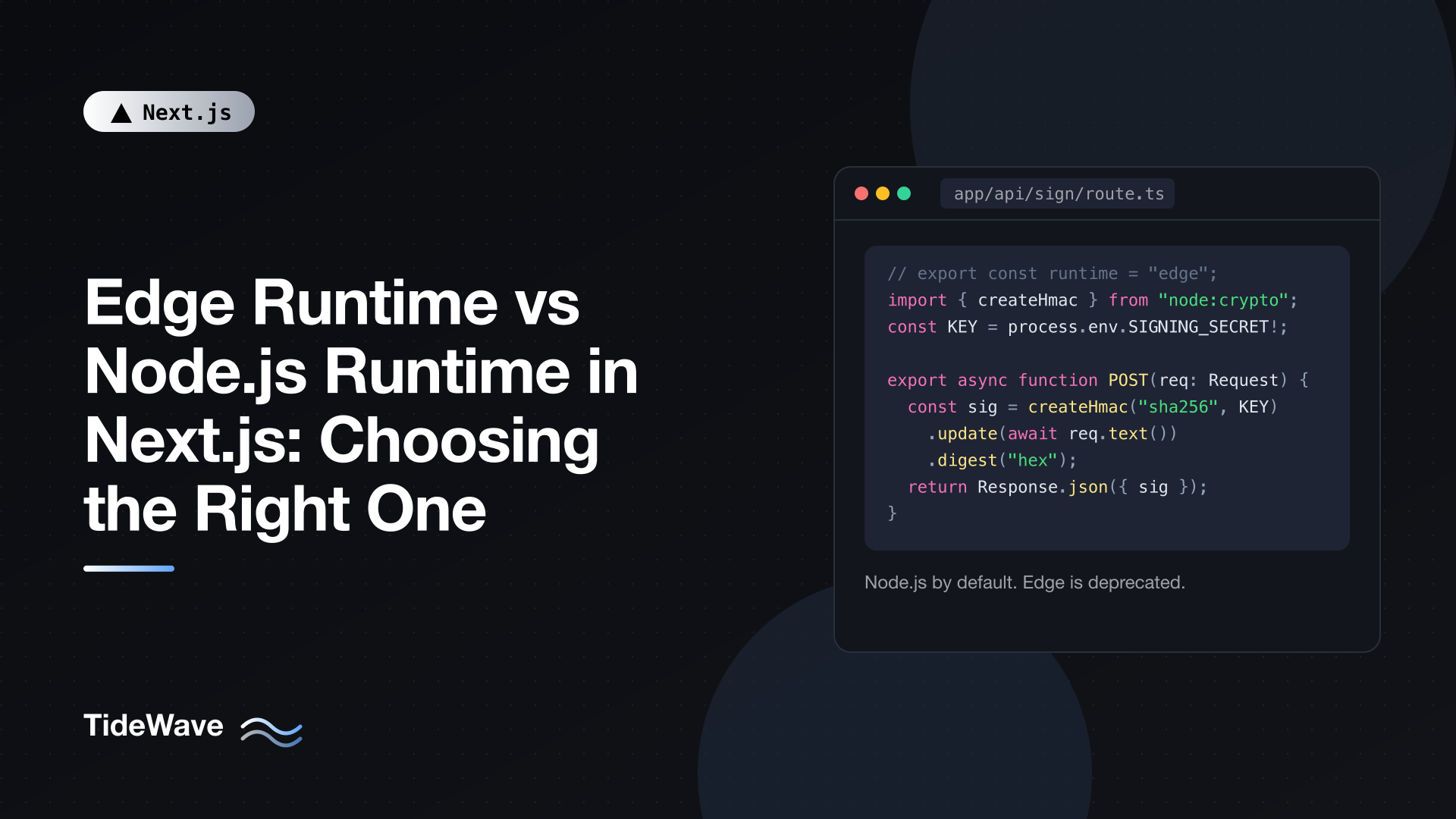
Edge Runtime vs Node.js Runtime in Next.js: Choosing the Right One
For a few years, "should this route run on the Edge?" was a real question in Next.js projects. You could add export const runtime = "edge" to a page or Route Handler and get a lightweight, fast-starting function that ran close to your users, at the cost of losing most of Node.js. Plenty of tutorials recommended it for anything latency-sensitive, and middleware ran on the Edge by default.
That picture has changed. In Next.js 16, the Node.js runtime is the default everywhere, the new proxy.ts file (which replaces middleware.ts) only runs on Node.js, Cache Components require Node.js, and as of Next.js 16.3 setting runtime = "edge" on a route prints a deprecation warning. So the honest answer to "which one should I choose?" is now usually short. But you still need to understand the differences: you may be maintaining routes or middleware that use Edge, you may depend on libraries written with Edge constraints in mind, and you'll want to know what you give up and gain when you migrate.
This post compares the two runtimes, explains where each one still shows up, and walks through moving Edge code to Node.js without losing the performance you were after.
The Two Runtimes in One Paragraph Each
The Node.js runtime runs your server code in a regular Node.js process. You get the full Node.js standard library (fs, path, net, child_process, Buffer, streams), native addons, every npm package, and every Next.js feature: ISR, "use cache", Cache Components, Server Actions, and so on. It's the default and what Next.js uses to render your app unless you say otherwise.
The Edge runtime is a restricted JavaScript environment built on V8 isolates, modeled after the Web platform rather than Node.js. It exposes standard Web APIs such as fetch, Request, Response, Headers, URL, crypto, TextEncoder, and Web Streams, plus a polyfilled AsyncLocalStorage. It does not expose the Node.js standard library, can't load native modules, and disables dynamic code evaluation. In return, isolates start very quickly and use little memory, which made them attractive for deploying many small functions across many regions.
Side-by-Side Comparison
| Node.js runtime | Edge runtime | |
|---|---|---|
| Status in Next.js 16.3 | Default, recommended | Deprecated for route segments |
Node.js APIs (fs, net, Buffer, etc.) | Yes | No |
Web APIs (fetch, Request, crypto.subtle, streams) | Yes | Yes |
| npm packages | All | Only ESM packages that avoid Node.js APIs |
Native addons (e.g. sharp, bcrypt) | Yes | No |
eval / new Function | Yes | No |
require() | Yes | No (ES modules only) |
| ISR | Yes | No |
Cache Components / "use cache" | Yes | No |
proxy.ts | Yes (always) | No |
Legacy middleware.ts | Yes | Yes (default) |
| Streaming | Yes | Yes |
| Cold start | Slower than an isolate | Very fast |
The last row is the one that used to drive decisions. The rest of the table is why those decisions often backfired.
Where Each Runtime Shows Up Today
Pages, layouts, and Route Handlers
Every route segment uses Node.js unless you export a runtime option:
// app/api/hello/route.ts
export const runtime = "nodejs"; // the default, so this line is optional

export async function GET() {
  return Response.json({ message: "Hello from Node.js" });
}
The only other accepted value is "edge", and it's marked deprecated in the docs. During next build or next dev you'll see:
The Edge Runtime is deprecated. You can use the "nodejs" runtime instead.
It still works for now, but treat it as something to remove rather than something to add.
Proxy (formerly middleware)
Next.js 16 renamed middleware.ts to proxy.ts and changed the function name from middleware to proxy. Proxy always runs on Node.js, and you can't configure that. If you export a runtime option from proxy.ts, Next.js logs an error in development and fails the production build.
// proxy.ts
import { NextResponse } from "next/server";
import type { NextRequest } from "next/server";

export function proxy(request: NextRequest) {
  const session = request.cookies.get("session");

  if (!session) {
    return NextResponse.redirect(new URL("/login", request.url));
  }

  return NextResponse.next();
}

export const config = {
  matcher: ["/dashboard/:path*", "/settings/:path*"],
};
The deprecated middleware.ts still works and still defaults to the Edge runtime, which is the one remaining place most apps run Edge code. If you need to stay on Edge temporarily, keeping middleware.ts is the escape hatch. If you want to migrate, the codemod renames the file and function for you:
npx @next/codemod@canary middleware-to-proxy .
For a deeper look at what this layer is good for, see understanding middleware in Next.js. The concepts carry over directly to Proxy.
Instrumentation
instrumentation.ts is loaded in every runtime your app uses, and process.env.NEXT_RUNTIME tells you which one you're in. This is the standard way to load Node-only tooling, such as an OpenTelemetry SDK, without breaking an Edge bundle:
// instrumentation.ts
export async function register() {
  if (process.env.NEXT_RUNTIME === "nodejs") {
    await import("./instrumentation.node");
  }
}
If your app has no Edge code left (no runtime = "edge", no middleware.ts), this check always passes, but keeping it is harmless and makes the file safe if Edge code ever comes back.
Why Edge Was Appealing, and Where It Fell Short
The pitch for Edge was simple: run your code in a data center near the user, with almost no cold start, and every request gets faster.
That holds up when the function doesn't need anything far away. A redirect based on a cookie, a header rewrite, or an A/B bucket assignment can be answered entirely on the spot. But most page renders need data, and data usually lives in one region: your Postgres instance, your MongoDB cluster, your internal API. A render running in Sydney that makes three sequential queries to a database in Virginia pays the trans-Pacific round trip three times. A render running next to the database pays it once, when the HTML travels to the user.
The other costs were practical:
- Library compatibility. Database drivers, ORMs with native engines, image processing libraries, PDF generators, password hashing with native bindings, and many SDKs rely on Node.js APIs. Edge routes needed special "edge-compatible" variants or HTTP-based drivers.
- Missing framework features. No ISR, and no Cache Components or
"use cache". As Next.js leaned into caching as the main performance tool, Edge routes were left out. - Split mental model. Code that worked in one route could fail in another depending on a one-line export, and errors like "The edge runtime does not support Node.js 'crypto' module" showed up only after a change somewhere deep in the import graph.
The result is the current recommendation: render on Node.js, put that compute near your data, and get speed from caching and static output instead of from geography.
Choosing: A Practical Decision Guide
For new code in a Next.js 16 app, the decision is close to automatic:
- Pages, layouts, Server Components, Server Actions: Node.js. Don't export
runtime. - Route Handlers: Node.js. That includes webhooks, file uploads, streaming responses, and anything that touches a database.
- Request interception (auth checks, redirects, rewrites, headers):
proxy.ts, which is Node.js. - Anything using Cache Components or ISR: Node.js is required.
The only reasons to keep Edge code are transitional: a middleware.ts you haven't migrated yet, or a route that depends on platform-specific Edge behavior you can't replace this sprint. In both cases, plan the migration rather than expanding the Edge footprint.
Migrating an Edge Route to Node.js
For most routes, migration is one deleted line. Here's a typical Edge Route Handler that signs a token with the Web Crypto API:
// app/api/sign/route.ts (before)
export const runtime = "edge";

export async function POST(request: Request) {
  const { payload } = (await request.json()) as { payload: string };
  const key = await crypto.subtle.importKey(
    "raw",
    new TextEncoder().encode(process.env.SIGNING_SECRET!),
    { name: "HMAC", hash: "SHA-256" },
    false,
    ["sign"],
  );
  const signature = await crypto.subtle.sign(
    "HMAC",
    key,
    new TextEncoder().encode(payload),
  );
  const hex = Array.from(new Uint8Array(signature))
    .map((b) => b.toString(16).padStart(2, "0"))
    .join("");

  return Response.json({ signature: hex });
}
Everything here (Request, Response.json, crypto.subtle, TextEncoder) is a Web API, and Node.js supports all of them as globals. Delete the runtime export and the route runs on Node.js unchanged.
Once you're on Node.js, you're free to simplify using Node's own modules where that's clearer:
// app/api/sign/route.ts (after)
import { createHmac } from "node:crypto";

export async function POST(request: Request) {
  const { payload } = (await request.json()) as { payload: string };
  const signature = createHmac("sha256", process.env.SIGNING_SECRET!)
    .update(payload)
    .digest("hex");

  return Response.json({ signature });
}
Either version is fine on Node.js. The first is portable across runtimes; the second is shorter. Pick one style per codebase so readers aren't left wondering why two routes do the same thing differently.
Things to clean up after migrating
- Remove edge-specific package variants. If you used an HTTP-based database driver or a
/edgeimport path only because of Edge, you can usually switch back to the standard driver with connection pooling. Check the library's docs for the recommended Node.js setup. - Remove
preferredRegion. It's also deprecated in 16.3 (it was mainly used together with Edge). Region placement belongs in your hosting platform's project settings. - Revisit
export const dynamicand caching. Routes that were dynamic because Edge couldn't use ISR may now be able to cache. With Cache Components on, you can add"use cache"to the data functions that don't need per-request data. - Check bundle-size workarounds. Edge functions had tight size limits, which led to awkward dynamic imports. On Node.js you can often import normally again.
Getting the Speed Without Edge
If you moved to Edge for latency, here's where that latency comes from on Node.js instead.
Serve static or cached output
The fastest response is one that doesn't run your code at all. Pages that are prerendered at build time or cached are served from the CDN in front of your app, from locations near users. With cacheComponents: true in next.config.ts, you can cache at the function level:
// lib/posts.ts
import { cacheLife, cacheTag } from "next/cache";

export async function getPopularPosts() {
  "use cache";
  cacheLife("hours");
  cacheTag("posts");

  const res = await fetch("https://api.example.com/posts/popular");
  return (await res.json()) as { slug: string; title: string }[];
}
The first call computes the result; later calls within the cache lifetime reuse it. cacheTag lets you invalidate it on demand when posts change. If your site doesn't change on every request, this does more for real users than moving compute around. Our post on ISR in Next.js covers the time-based side of this in more depth.
Stream the dynamic parts
For pages that mix static and personalized content, wrap the slow, dynamic parts in Suspense. The static shell is sent immediately and the rest streams in as it resolves. Users see content quickly even when a query takes a while, and that works the same on Node.js as it did on Edge.
// app/dashboard/page.tsx
import { Suspense } from "react";
import { RecentOrders } from "./recent-orders";

export default function DashboardPage() {
  return (
    <main>
      <h1>Dashboard</h1>
      <Suspense fallback={<p>Loading orders...</p>}>
        <RecentOrders />
      </Suspense>
    </main>
  );
}
Keep quick decisions in Proxy
Redirects, rewrites, locale detection, and cookie checks were the best use case for Edge, and they belong in proxy.ts now. Keep Proxy small and fast: read a cookie or header, decide, and return. Don't query a database there, and always repeat real authorization checks in the Server Component, Server Action, or Route Handler that actually returns data. A matcher change can silently skip Proxy for a route.
Put compute next to data
Configure your hosting so server functions run in the same region as your database. One round trip from the user to that region is usually faster than many round trips from an edge location to the database.
Writing Code That Works in Both
If you maintain a library or shared package that might be used from legacy Edge middleware, stick to Web APIs and guard anything Node-specific:
| Need | Portable choice |
|---|---|
| HTTP requests | fetch |
| Hashing, HMAC, random values | crypto.subtle, crypto.getRandomValues, crypto.randomUUID |
| Encoding | TextEncoder, TextDecoder, atob, btoa |
| Streams | ReadableStream, TransformStream |
| JWT verification | A Web Crypto based library such as jose |
| Request context | AsyncLocalStorage (polyfilled on Edge) |
Avoid top-level imports of node:fs, node:path, or Buffer in shared modules. If you need them, isolate them in a file that's only imported from Node.js code. You can add the server-only package to files that must never reach the client bundle, which is a separate but related boundary.
FAQ
Will runtime = "edge" stop working?
It's deprecated in Next.js 16.3 and prints a warning. It still works today, but deprecations are typically followed by removal, so migrate when you can.
Does Proxy run at the edge? Proxy runs on the Node.js runtime. Where that Node.js code is deployed depends on your hosting platform. The docs note that in optimized setups Proxy can be deployed separately from your render code, which is why it shouldn't rely on shared modules or globals.
Can I still use middleware.ts with Edge?
Yes, middleware.ts is deprecated but still supported and still defaults to Edge. It's the intended escape hatch if you can't move to Node.js yet.
Are Node.js cold starts a problem? For most apps, no. Cached and prerendered pages never hit a cold function, and hosting platforms have reduced Node.js cold starts considerably. Measure on your own deployment before optimizing for it.
Conclusion
The Edge runtime solved a real problem, fast startup close to users, but it came with a reduced API surface, library headaches, and no access to the caching features Next.js now relies on. In Next.js 16 the choice is effectively made for you: render on Node.js, use proxy.ts (also Node.js) for request-level logic, and get speed from static output, "use cache", streaming, and running compute near your data. If you still have Edge routes, removing the runtime export is often the entire migration. Where it isn't, the work is replacing edge-specific packages with their standard Node.js versions.


