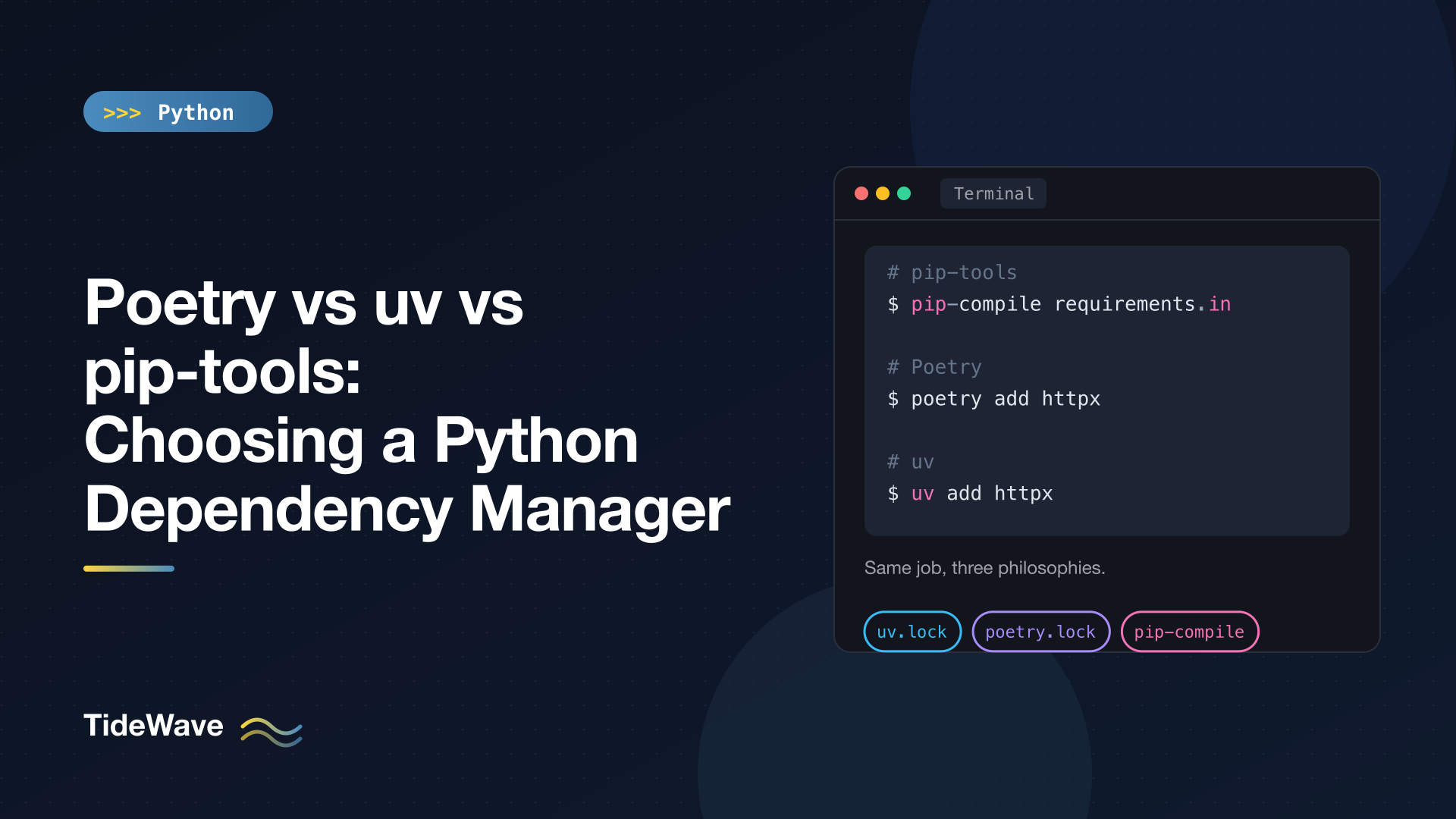
Poetry vs uv vs pip-tools: Choosing a Python Dependency Manager
Plain pip installs packages, but it doesn't really manage them. It won't remember which packages you asked for versus which came along as dependencies, it won't lock versions so that next month's install matches today's, and pip freeze dumps everything into one flat list. As soon as a project has more than one developer or one deployment, you need something on top.
Three tools dominate that space today: pip-tools, the minimal option that adds locking to pip; Poetry, the all-in-one project manager that popularized lock files in Python; and uv, the newer Rust-based tool that does everything Poetry does, plus Python version management, much faster.
This post compares them on the things that matter in practice: the day-to-day workflow, the lock file, speed, Python versions, publishing, and how each fits into CI. I ran the commands below with pip-tools 7.6, Poetry 2.5, and uv 0.12 on Python 3.13.
What a Dependency Manager Should Do
Before comparing tools, it helps to be clear about the job. A good dependency workflow separates two things:
- What you want: your direct dependencies, with loose constraints. "httpx, version 0.28 or newer."
- What you got: every package in the tree, direct and indirect, pinned to an exact version, ideally with hashes. "httpx 0.28.1, httpcore 1.0.9, h11 0.16.0, ..."
The first is written by humans and lives in pyproject.toml or a requirements.in file. The second is generated by a tool and lives in a lock file. Installing from the lock file gives you the same environment on every machine. Updating means changing the first and regenerating the second.
All three tools do this. They differ in how much else they do and how they do it.
pip-tools: Locking for pip, Nothing More
pip-tools provides two commands: pip-compile, which resolves a list of direct dependencies into a fully pinned requirements.txt, and pip-sync, which makes a virtual environment match that file exactly.
Workflow
You write your direct dependencies in a requirements.in file:
# requirements.in
httpx>=0.28
Then compile it:
python -m venv .venv
.venv/bin/python -m pip install pip-tools
.venv/bin/pip-compile requirements.in
The generated requirements.txt pins everything and records why each package is there:
anyio==4.15.1
    # via httpx
certifi==2026.7.22
    # via
    #   httpcore
    #   httpx
h11==0.16.0
    # via httpcore
httpcore==1.0.9
    # via httpx
httpx==0.28.1
    # via -r requirements.in
idna==3.20
    # via
    #   anyio
    #   httpx
typing-extensions==4.16.0
    # via anyio
(The real file also starts with a comment header recording the command that generated it.)
Development dependencies go in a second file that is constrained by the first, so shared packages always get the same versions:
# dev-requirements.in
-c requirements.txt
pytest
.venv/bin/pip-compile dev-requirements.in
.venv/bin/pip-sync requirements.txt dev-requirements.txt
pip-sync installs what's missing and uninstalls anything not listed, so the environment never drifts. To upgrade:
.venv/bin/pip-compile --upgrade-package httpx requirements.in   # one package
.venv/bin/pip-compile --upgrade requirements.in                 # everything
pip-compile can also read dependencies straight from pyproject.toml (pip-compile pyproject.toml, with --extra dev for optional dependencies) and add hashes with --generate-hashes, which makes pip verify every downloaded file.
Strengths and Weaknesses
pip-tools is small, stable, and transparent. The output is a normal requirements.txt that any tool understands, so it fits into existing Dockerfiles, deployment scripts, and platforms without changes. There's nothing new to learn beyond pip.
The trade-offs:
- No environment management. You create and activate the virtual environment yourself.
- No Python version management. You bring your own interpreter.
- Platform-specific lock files.
pip-compileresolves for the Python version and OS it runs on. If your team develops on macOS and deploys to Linux, platform-specific dependencies can differ, and you may need separate compiled files per platform. - Speed. Resolution uses pip internally and can be slow on large dependency trees.
- No building or publishing. Use
buildandtwinefor that.
Poetry: The Integrated Project Manager
Poetry manages the whole project: dependencies, virtual environments, lock file, building, and publishing. Since Poetry 2.0, it uses the standard [project] table in pyproject.toml instead of its own format, which made it much more interoperable.
Work flow
poetry new pdemo
cd pdemo
poetry add httpx
poetry add --group dev pytest
Poetry creates a src/ layout project and updates pyproject.toml as you add packages:
[project]
name = "pdemo"
version = "0.1.0"
description = ""
authors = [
    {name = "Your Name",email = "you@example.com"}
]
readme = "README.md"
requires-python = ">=3.13"
dependencies = [
    "httpx (>=0.28.1,<0.29.0)"
]

[tool.poetry]
packages = [{include = "pdemo", from = "src"}]

[build-system]
requires = ["poetry-core>=2.0.0,<3.0.0"]
build-backend = "poetry.core.masonry.api"

[dependency-groups]
dev = [
    "pytest (>=9.1.1,<10.0.0)"
]
Notice the default constraint style: poetry add httpx writes >=0.28.1,<0.29.0, an upper bound based on the current version (Poetry's caret-style default). The lock file, poetry.lock, records exact versions and hashes for every package.
The everyday commands:
| Task | Command |
|---|---|
| Install from the lock file | poetry install |
| Make the environment match the lock exactly | poetry sync |
| Skip dev dependencies | poetry install --without dev |
| Run a command in the environment | poetry run pytest |
| Activate the environment | eval $(poetry env activate) |
| Upgrade within constraints | poetry update or poetry update httpx |
Re-lock after editing pyproject.toml | poetry lock |
| Show the tree | poetry show --tree |
| Build and publish | poetry build, poetry publish |
Poetry keeps its virtual environments in a central cache directory by default. Most people set poetry config virtualenvs.in-project true so the environment lives at .venv inside the project, where editors find it.
Strengths and Weakness
Poetry is mature and widely used, with good documentation and a plugin system. It has a cross-platform lock file, solid dependency groups, and built-in building and publishing. Many existing projects and teams already use it.
The trade-offs:
- Speed. Dependency resolution and installation are noticeably slower than uv, especially on large projects or cold caches.
- Python versions. Poetry recently added experimental
poetry python installsupport, but traditionally it expects you to manage interpreters with something like pyenv. - Poetry itself needs a home. It's a Python application with its own dependencies, so it should be installed in isolation (via pipx or the official installer) rather than into your project.
- Upper-bound defaults. The default caret constraints are reasonable for applications, but for libraries they can cause conflicts for downstream users. You can write any constraint you like by hand.
- Command changes across versions. Poetry 2.0 removed
poetry shell(now a plugin) andpoetry export(now thepoetry-plugin-exportplugin), which tripped up some users upgrading from 1.x.
uv: Everything, Fast
uv is a single Rust binary that covers what pip, pip-tools, virtualenv, Poetry, pyenv, and pipx do. It's the newest of the three, and it has been adopted quickly, largely because of speed: Astral's benchmarks show installs and resolution 10 to 100 times faster than pip, and in practice warm-cache installs often take well under a second.
Workflows
uv init weather-cli
cd weather-cli
uv add httpx
uv add --dev pytest
uv run pytest
uv add writes a lower-bound constraint ("httpx>=0.28.1") to the standard [project] table, puts dev tools in the standard [dependency-groups] table, updates uv.lock, and syncs .venv, all in one step. uv run checks the environment is in sync before every command, so there's no separate "install" step to forget.
| Task | Command |
|---|---|
| Install from the lock file | uv sync |
| Fail if the lock is stale (CI) | uv sync --locked |
| Skip dev dependencies | uv sync --no-dev |
| Run a command | uv run pytest |
| Upgrade one package | uv lock --upgrade-package httpx |
| Show the tree | uv tree |
| Install a Python version | uv python install 3.13 |
| Run a tool without installing it | uvx ruff check . |
| Build and publish | uv build, uv publish |
uv also has a pip-tools-compatible interface. uv pip compile requirements.in -o requirements.txt and uv pip sync requirements.txt are drop-in replacements for pip-compile and pip-sync, which makes it easy to speed up an existing pip-tools project without changing anything else.
The full uv workflow is covered in Managing Python Projects with uv.
Strengths and Weaknesse
uv's advantages are speed, scope, and standards. One binary handles Python installation, environments, locking, tools, single-file scripts with inline dependencies (PEP 723), workspaces for monorepos, and publishing. uv.lock is universal: one file resolves for every platform and Python version your project supports.
The trade-offs:
- Younger project. uv is still pre-1.0 and moves fast. Commands and defaults occasionally change between releases, so pin the uv version in CI.
- Single vendor. It's open source (MIT/Apache) but developed primarily by one company, Astral.
uv.lockis uv-specific. Other tools can't read it directly, thoughuv exportcan writerequirements.txtor the standardpylock.tomlformat.
Side-by-Side Comparison
| pip-tools | Poetry | uv | |
|---|---|---|---|
| Main config | requirements.in or pyproject.toml | pyproject.toml ([project]) | pyproject.toml ([project]) |
| Lock file | requirements.txt | poetry.lock | uv.lock |
| Lock scope | Current platform and Python | Cross-platform | Universal (cross-platform) |
| Creates virtual environments | No | Yes | Yes |
| Installs Python versions | No | Experimental | Yes |
| Dev dependency groups | Separate .in files | Yes | Yes (PEP 735) |
| Build and publish | No (use build + twine) | Yes | Yes |
| Run CLI tools in isolation | No | No | Yes (uvx) |
| Inline script dependencies | No | No | Yes (PEP 723) |
| Workspaces / monorepos | No | No (plugins exist) | Yes |
| Written in | Python | Python | Rust |
| Relative speed | Slow | Moderate | Very fast |
| Maturity | Very mature | Mature | Young but widely adopted |
Interoperability: Less Lock-In Than Before
A few years ago, picking a tool meant committing to its file format. That's much less true now:
- Poetry 2.x and uv both use the standard
[project]table (PEP 621) for metadata and dependencies, and both support the standard[dependency-groups]table. Moving between them mostly means swapping lock files and the[build-system]section. - PEP 751 defines a standard lock file format,
pylock.toml. uv can export it (uv export --format pylock.toml), and recent versions of pip include an experimentalpip lockcommand that writes it. Over time this may let tools share lock files. - All three produce standard virtual environments and standard wheels.
If you're unsure, choosing any of them today won't trap you. The pyproject.toml you write will carry over. Its structure is covered in Understanding pyproject.toml.
Which Should You Choose?
Choose uv if
- You're starting a new project. It's the fastest, does the most, and follows the standards closely.
- You want one tool to handle Python versions, environments, and dependencies.
- You have large dependency trees or slow CI installs.
- You write lots of standalone scripts and want inline dependencies.
- You work in a monorepo with several related packages.
Choose Poetry if
- Your team or project already uses it and it works. Migrating has a cost; Poetry 2.x is a solid, standards-compatible tool.
- You rely on Poetry plugins or its specific workflow.
- You prefer a project with a long track record and community governance over the newest option.
Choose pip-tools if
- You want the smallest possible change from plain pip and
requirements.txt. - Your deployment platform expects
requirements.txtand you don't want an export step. - You deploy to a single, known platform, so platform-specific lock files aren't a problem.
Even then, consider uv pip compile as a faster drop-in for pip-compile. It reads the same .in files and writes the same requirements.txt.
Migrating Between Them
Moving from pip-tools to uv is the easiest path: start with uv pip compile and uv pip sync, then switch to a pyproject.toml project when you're ready by running uv init --bare and uv add -r requirements.in.
Moving from Poetry 2.x to uv usually takes a few minutes: the [project] table works as-is, you replace the [build-system] with one for your preferred backend (or keep poetry-core, which uv can build with), delete poetry.lock, and run uv lock. For Poetry 1.x projects with dependencies in [tool.poetry.dependencies], the community migrate-to-uv tool automates the conversion.
Whichever direction you go, regenerate the lock file with the new tool and run your test suite before committing. Different resolvers may pick different (still valid) versions.
Conclusion
All three tools solve the core problem of separating what you want from what you install, and all three are reasonable choices. pip-tools adds locking to plain pip with minimal ceremony. Poetry offers an integrated, mature workflow that now speaks standard pyproject.toml. uv covers everything Poetry does plus Python installation, tools, and scripts, at a speed that changes how you work.
For a new project in 2026, I'd start with uv. For an existing Poetry or pip-tools project that's working well, there's no urgency to switch, but uv pip compile is an easy, low-risk way to get some of the speed today.


