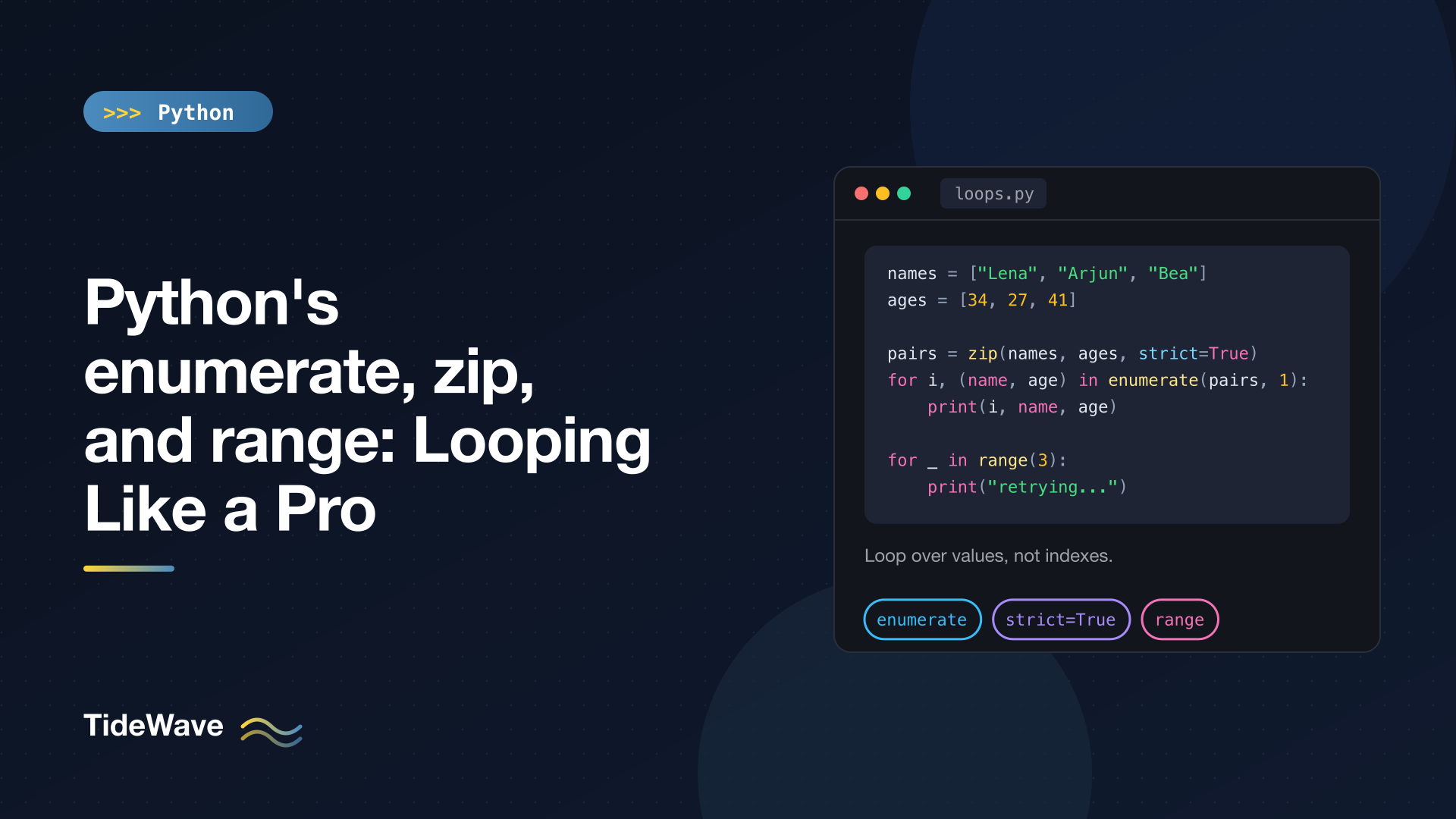
Python's enumerate, zip, and range: Looping Like a Pro
If you came to Python from C, Java, or JavaScript, your first loops probably looked like for i in range(len(items)): followed by items[i] everywhere. It works, but it's not how Python wants you to loop. Python's for statement iterates over values directly, and three built-ins fill in the gaps when you need more than the value: enumerate() when you need a position, zip() when you need to walk several sequences together, and range() when you need a sequence of numbers.
This post covers each of the three in detail, including the parts people skip, such as enumerate's start argument, zip(strict=True), unzipping with zip(*...), and why range objects can answer len() and in instantly even for a billion numbers. I'll finish with how to combine them and a few mistakes to avoid.
The Problem with range(len(...))
Here's the pattern most people start with:
fruits = ["apple", "banana", "cherry"]

for i in range(len(fruits)):
    print(i, fruits[i])
0 apple
1 banana
2 cherry
It has three small problems. You write the collection name twice. The interesting value (the fruit) is hidden behind an indexing expression. And it only works on sequences that support indexing, so it fails on sets, generators, file objects, and dictionary views. The idiomatic version fixes all three.
enumerate(): Index and Value Together
enumerate() wraps any iterable and yields (index, value) pairs:
for i, fruit in enumerate(fruits):
    print(i, fruit)
0 apple
1 banana
2 cherry
The tuple is unpacked straight into i and fruit in the loop header. If tuple unpacking in for loops is new to you, the post on unpacking in Python covers it.
Starting the Count at 1
The start parameter changes the first number. It's the cleanest way to produce human-facing numbering:
for n, fruit in enumerate(fruits, start=1):
    print(f"{n}. {fruit}")
1. apple
2. banana
3. cherry
A practical case is reporting line numbers while processing a file or a list of lines, since editors count lines from 1:
lines = ["name,age", "Lena,34", "oops", "Bea,41"]

for lineno, line in enumerate(lines, start=1):
    if line.count(",") != 1:
        print(f"line {lineno}: malformed: {line!r}")
line 3: malformed: 'oops'
With a real file, for lineno, line in enumerate(f, start=1): works the same way because file objects are iterable.
enumerate Is Lazy
enumerate() returns an iterator, not a list. It produces pairs on demand and is consumed as you go:
e = enumerate(fruits)
print(e)
print(next(e))
print(list(e))
<enumerate object at 0x1027d2f70>
(0, 'apple')
[(1, 'banana'), (2, 'cherry')]
That means it works on huge or infinite inputs without building anything in memory, but you can only iterate it once. Call enumerate() again if you need a second pass.
Modifying a List While Enumerating
When you need to replace items in place, enumerate gives you the index to assign to:
scores = [70, 85, 92]

for i, s in enumerate(scores):
    scores[i] = s + 5

print(scores)
[75, 90, 97]
Replacing elements by index is safe. Adding or removing elements while iterating is not, because it shifts later items. For transforms, a comprehension that builds a new list ([s + 5 for s in scores]) is usually clearer anyway.
zip(): Walking Several Iterables in Parallel
zip() takes two or more iterables and yields tuples containing one item from each:
names = ["Lena", "Arjun", "Bea"]
ages = [34, 27, 41]

for name, age in zip(names, ages):
    print(f"{name} is {age}")
Lena is 34
Arjun is 27
Bea is 41
Like enumerate, zip returns a lazy iterator. Wrap it in list() to see the pairs, or pass it straight to dict() to build a mapping:
print(list(zip(names, ages)))
print(dict(zip(names, ages)))
[('Lena', 34), ('Arjun', 27), ('Bea', 41)]
{'Lena': 34, 'Arjun': 27, 'Bea': 41}
dict(zip(keys, values)) is one of the most useful two-liners in Python, for example when pairing CSV header names with row values.
Uneven Lengths: Shortest Wins by Default
When the inputs have different lengths, zip stops as soon as the shortest one runs out, and it does so silently:
cities = ["Oslo", "Pune"]
print(list(zip(names, ages, cities)))
[('Lena', 34, 'Oslo'), ('Arjun', 27, 'Pune')]
"Bea" and 41 were dropped without any warning. Sometimes that's what you want, but often a length mismatch means a bug upstream, like a missing value in a data file.
strict=True: Fail Loudly on Mismatches
Since Python 3.10, zip accepts strict=True, which raises ValueError if the iterables don't all have the same length:
try:
    list(zip(names, cities, strict=True))
except ValueError as err:
    print("ValueError:", err)
ValueError: zip() argument 2 is shorter than argument 1
I'd recommend strict=True as the default whenever the inputs are supposed to line up, such as columns of a table, labels and values for a chart, or expected and actual results in a test. Ruff's B905 rule flags zip() calls without an explicit strict= argument, which pushes you to make the decision consciously.
The check happens lazily: zip raises when it discovers the mismatch, which is after it has already yielded the matching pairs. If you're writing to a database inside the loop, those earlier rows will already be written.
Padding with zip_longest
If you want to keep going until the longest input is exhausted, use itertools.zip_longest and choose a fill value:
from itertools import zip_longest

print(list(zip_longest(names, cities, fillvalue="?")))
[('Lena', 'Oslo'), ('Arjun', 'Pune'), ('Bea', '?')]
The default fillvalue is None.
Unzipping with zip(*...)
zip is its own inverse. Unpacking a list of pairs into zip with * regroups them into one tuple per position:
pairs = [("Lena", 34), ("Arjun", 27), ("Bea", 41)]
n, a = zip(*pairs)
print(n, a)
('Lena', 'Arjun', 'Bea') (34, 27, 41)
The same trick transposes a matrix stored as a list of rows:
matrix = [[1, 2, 3], [4, 5, 6]]
print([list(row) for row in zip(*matrix)])
[[1, 4], [2, 5], [3, 6]]
Comparing Neighbors
Zipping a list with a shifted copy of itself gives you consecutive pairs, which is handy for computing differences:
temps = [12, 15, 11, 18]
print([b - a for a, b in zip(temps, temps[1:])])
[3, -4, 7]
itertools.pairwise(temps) (Python 3.10+) does the same without making a slice copy and works on any iterable, not just sequences. The upcoming itertools post covers it and its relatives.
range(): A Lazy Sequence of Integers
range() produces arithmetic progressions of integers. It has three forms:
print(list(range(5)))          # stop
print(list(range(2, 6)))       # start, stop
print(list(range(10, 0, -3)))  # start, stop, step
[0, 1, 2, 3, 4]
[2, 3, 4, 5]
[10, 7, 4, 1]
The stop value is always excluded, which is why range(len(x)) gives exactly the valid indexes of x. If the step can never reach stop, the range is simply empty: list(range(5, 0)) is [] because the default step of 1 moves away from 0.
The rules are strict about types and values:
range(0, 1, 0.5)   # TypeError: 'float' object cannot be interpreted as an integer
range(0, 10, 0)    # ValueError: range() arg 3 must not be zero
For float steps, compute from an integer range ([0.1 * i for i in range(5)]) or use numpy.arange/numpy.linspace if you're already using NumPy. Be aware that floating-point arithmetic produces values like 0.30000000000000004 either way.
range Is a Real Sequence, Not a List
A range object doesn't store its numbers. It stores start, stop, and step, and computes everything else on demand. That makes it tiny regardless of size:
import sys

print(sys.getsizeof(range(10**9)), sys.getsizeof(list(range(1000))))
48 8056
A billion-element range takes 48 bytes. A list of just a thousand integers takes over 8 KB for the list itself, before counting the integer objects.
Despite storing almost nothing, a range supports the full sequence interface, and most operations are constant-time arithmetic rather than a scan:
big = range(0, 1_000_000_000, 7)
print(len(big))

evens = range(0, 100, 2)
print(evens[10], evens[-1])
print(evens[10:15])
print(999_999_998 in range(0, 1_000_000_000, 2))
print(list(reversed(range(5))))
142857143
20 98
range(20, 30, 2)
True
[4, 3, 2, 1, 0]
Notice that slicing a range returns another range, not a list. The membership test checks the bounds and the step with arithmetic, so it's instant even for huge ranges (this fast path applies to int values; testing a float like 4.0 falls back to a linear scan).
Two ranges compare equal if they produce the same sequence, even when their arguments differ: range(0, 6, 2) == range(0, 5, 2) is True, since both yield 0, 2, 4.
When You Actually Need range
With enumerate and zip available, range is mainly for when the numbers themselves are the point:
- Repeating something a fixed number of times:
for _ in range(3):(the_signals the value is unused). - Generating IDs, page numbers, or test inputs:
for page in range(1, total_pages + 1):. - Stepping through data in chunks:
for i in range(0, len(data), batch_size): batch = data[i:i + batch_size]. - Counting down:
range(10, 0, -1)orreversed(range(1, 11)).
The chunking pattern combines range with slicing. If slicing with a start and stop is still hazy, slicing in Python breaks it down.
Combining Them
These tools nest naturally. Need a row number while zipping two lists? Wrap the zip in enumerate and unpack the inner tuple with parentheses:
for i, (name, age) in enumerate(zip(names, ages), start=1):
    print(i, name, age)
1 Lena 34
2 Arjun 27
3 Bea 41
The parentheses around (name, age) matter: each item from enumerate is (index, (name, age)), and the pattern in the loop header has to match that shape.
Common Mistakes
Reusing an Exhausted Iterator
zip and enumerate objects are one-shot. Storing one and iterating it twice silently gives you nothing the second time:
z = zip(names, ages)
print(list(z))
print(list(z))
[('Lena', 34), ('Arjun', 27), ('Bea', 41)]
[]
A range, on the other hand, is a sequence and can be iterated as many times as you like. If you need to reuse zipped pairs, convert them to a list once.
Trying to Reverse enumerate
reversed() needs a sequence with a known length, and iterators don't qualify:
reversed(enumerate(fruits))
# TypeError: 'enumerate' object is not reversible
Materialize it first if the input is small, or compute the indexes from a reversed range:
for i, fruit in reversed(list(enumerate(fruits))):
    print(i, fruit)
2 cherry
1 banana
0 apple
Using range(len(...)) Out of Habit
There are legitimate uses for index loops, such as when you need to look at items[i + 1] or modify two lists at matching positions. Before writing one, check whether enumerate, zip, or pairwise expresses the intent more directly. Usually one of them does.
Quick Reference
| Need | Use |
|---|---|
| Value and its position | enumerate(items) |
| Positions starting at 1 | enumerate(items, start=1) |
| Items from two or more lists together | zip(a, b) |
| Same, but lengths must match | zip(a, b, strict=True) |
| Same, padding shorter inputs | itertools.zip_longest(a, b, fillvalue=...) |
| Split pairs back into columns | zip(*pairs) |
| Consecutive pairs | itertools.pairwise(items) |
| Repeat N times | for _ in range(n) |
| Numbers with a step | range(start, stop, step) |
Conclusion
Python's for loop iterates over values, and enumerate, zip, and range cover what's left: positions, parallel iteration, and integer sequences. All three are lazy, so they work on large inputs without building lists in memory. enumerate and zip return one-shot iterators, while range is a reusable sequence with fast len(), indexing, and membership tests.
The habits worth building are simple: reach for enumerate instead of range(len(...)), use zip(..., strict=True) whenever the inputs are meant to line up, and save range for when the numbers themselves matter.


