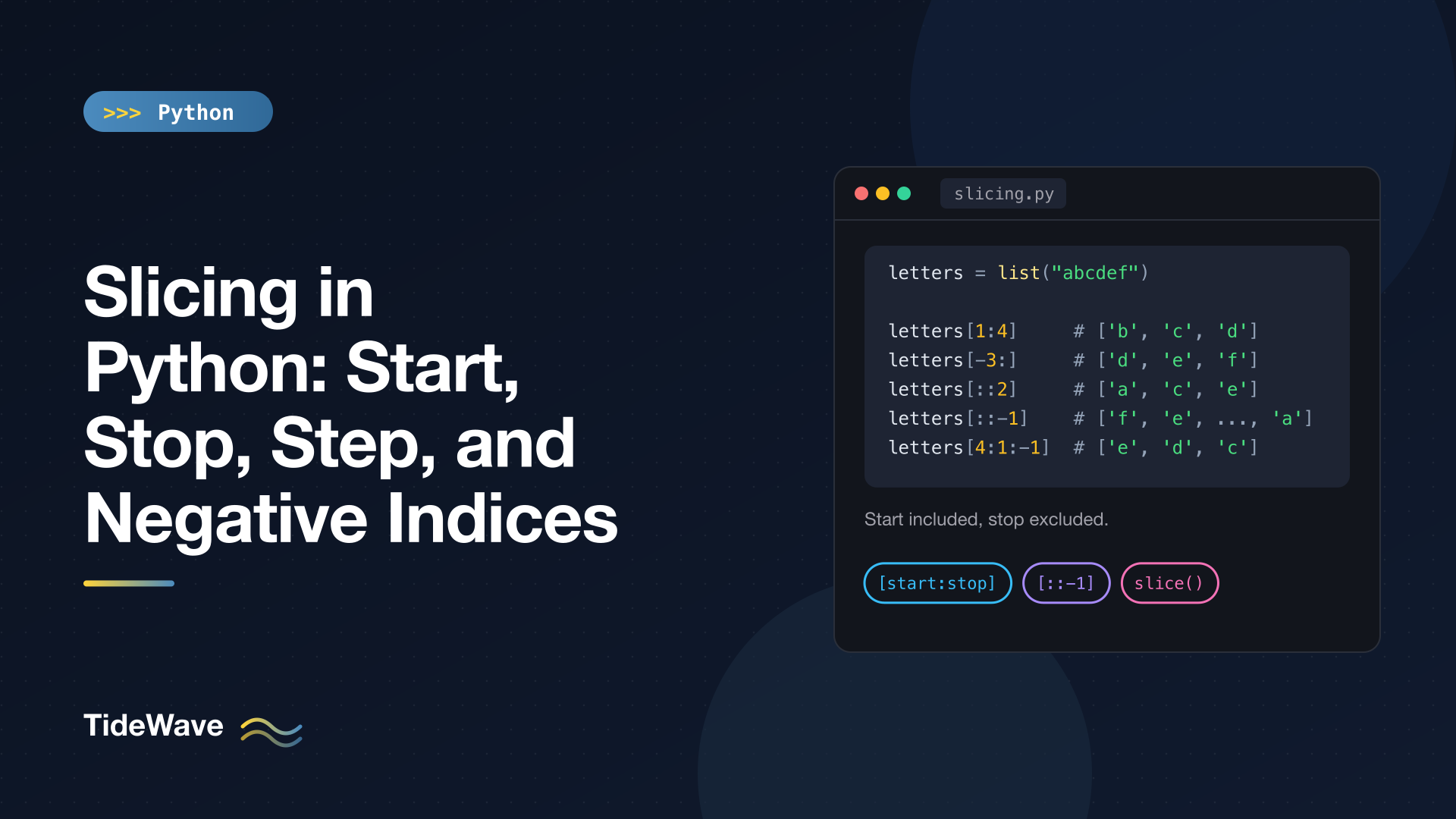
Slicing in Python: Start, Stop, Step, and Negative Indices
Slicing is one of the first things you learn in Python and one of the last things you fully master. items[1:3] is easy. items[-1:-4:-1], items[4:1:-1], items[::2] = [0] * 5, and del items[::3] take a bit more thought, and getting them slightly wrong produces an empty list or an off-by-one error rather than an exception.
This post builds a mental model that makes every slice predictable. I'll cover start and stop, negative indices, the step value (including negative steps and reversing), how slicing handles out-of-range values, slice assignment and deletion, slice objects, and a handful of practical patterns and pitfalls.
The Basics: sequence[start:stop]
A slice takes a sequence and returns a new sequence containing the items from start up to, but not including, stop:
letters = ["a", "b", "c", "d", "e", "f"]

print(letters[1:4])
['b', 'c', 'd']
Index 1 is "b", and the slice stops before index 4, so "e" isn't included. The length of a slice with a positive step is stop - start (here 3), which is one reason the half-open convention is so convenient.
Both ends are optional. Leaving out start means "from the beginning", and leaving out stop means "to the end":
print(letters[:3], letters[3:])
print(letters[:])
['a', 'b', 'c'] ['d', 'e', 'f']
['a', 'b', 'c', 'd', 'e', 'f']
Notice that letters[:3] and letters[3:] split the list cleanly at index 3 with no overlap and no gap. That property, s[:n] + s[n:] == s for any n, is the main payoff of excluding stop.
The Mental Model: Indexes Point Between Items
The easiest way to reason about slices is to imagine the indexes sitting between the elements rather than on them:
  +---+---+---+---+---+---+
  | a | b | c | d | e | f |
  +---+---+---+---+---+---+
  0   1   2   3   4   5   6
 -6  -5  -4  -3  -2  -1
A slice [start:stop] takes everything between those two boundary lines. letters[1:4] covers the cells between line 1 and line 4: b, c, d. The Python tutorial uses this same picture, and it removes almost all off-by-one guesswork for positive steps.
Negative Indices
Negative indices count from the end. -1 is the last item, -2 the second to last, and so on. Under the hood, Python adds len(sequence) to a negative index, so -1 on a six-element list becomes 5.
print(letters[-1], letters[-2])
print(letters[-3:])
print(letters[:-2])
print(letters[1:-1])
f e
['d', 'e', 'f']
['a', 'b', 'c', 'd']
['b', 'c', 'd', 'e']
These read naturally once you're used to them:
items[-3:]is "the last three".items[:-2]is "everything except the last two".items[1:-1]is "drop the first and last", useful for stripping delimiters or header/footer rows.
Adding a Step: sequence[start:stop:step]
The optional third value is the step. A step of 2 takes every second item:
print(letters[::2], letters[1::2])
['a', 'c', 'e'] ['b', 'd', 'f']
[::2] gives the items at even indexes and [1::2] the items at odd indexes. That pair is a quick way to split interleaved data, like a flat list of alternating keys and values.
Negative Steps
A negative step walks backward. The famous idiom is reversing a sequence:
print(letters[::-1])
['f', 'e', 'd', 'c', 'b', 'a']
With a negative step, the defaults flip: an omitted start means "from the end" and an omitted stop means "through the beginning". And start should now be the larger index:
print(letters[4:1:-1])
print(letters[-1:-4:-1])
print(letters[1:4:-1])
['e', 'd', 'c']
['f', 'e', 'd']
[]
letters[4:1:-1] starts at index 4 ("e") and moves backward, stopping before index 1. letters[-1:-4:-1] is "the last three, in reverse". The third example returns an empty list because you can't walk backward from 1 and ever reach 4. Python doesn't raise an error here, which is why a sign mistake in the step tends to show up as mysteriously empty results.
Here the "between items" picture gets awkward, so it's easier to think in terms of element indexes directly: start at element start, keep adding step, and stop before reaching element stop.
A step of 0 is an error: letters[::0] raises ValueError: slice step cannot be zero.
Slicing Is Forgiving About Bounds
Indexing a single element out of range raises IndexError. Slicing never does. Out-of-range bounds are clamped to the sequence's edges:
print(letters[2:100], letters[100:])

try:
    letters[100]
except IndexError as e:
    print("IndexError:", e)
['c', 'd', 'e', 'f'] []
IndexError: list index out of range
This is convenient: items[:10] safely gives you "up to ten items" even when the list is shorter, with no length check required. The flip side is that a typo in a slice bound fails silently, so it's worth testing slicing logic with short inputs.
Slicing Works on Every Sequence
Slicing isn't a list feature. It works on any built-in sequence, and it returns the same type you started with:
s = "hello, world"
print(s[:5], s[-5:], s[::-1])

t = (1, 2, 3, 4)
print(t[1:3], type(t[1:3]))

print(range(10)[2:8:2])
print(b"\x00\x01\x02\x03"[1:3])
hello world dlrow ,olleh
(2, 3) <class 'tuple'>
range(2, 8, 2)
b'\x01\x02'
A string slice is a string, a tuple slice is a tuple, a range slice is a new range (computed without materializing anything), and a bytes slice is bytes.
Generators and other iterators aren't sequences, so they can't be sliced with brackets:
def counter():
    i = 0
    while True:
        yield i
        i += 1


counter()[0:5]
# TypeError: 'generator' object is not subscriptable
Use itertools.islice instead, which takes the same start, stop, and step arguments (non-negative only) and consumes the iterator lazily:
from itertools import islice

print(list(islice(counter(), 5, 10, 2)))
[5, 7, 9]
If generators are new to you, see what is a generator in Python.
Slices Are Shallow Copies
A slice of a list creates a new list, but the elements are the same objects. items[:] is therefore a common way to make a shallow copy:
nested = [[1, 2], [3, 4]]
shallow = nested[:]

shallow.append([5])
shallow[0].append(99)

print(nested, shallow)
print(shallow is nested, shallow[0] is nested[0])
[[1, 2, 99], [3, 4]] [[1, 2, 99], [3, 4], [5]]
False True
Appending to the copy doesn't affect the original, since they're different lists. But the inner lists are shared, so mutating shallow[0] shows up in nested too. Use copy.deepcopy() when you need fully independent nested data. The post on variables and mutability digs into why this happens.
For immutable types like strings and tuples, CPython skips the copy entirely when you slice the whole thing: s[:] just returns s, since there's no way to tell the difference.
NumPy is the big exception to "slices copy". Slicing a NumPy array returns a view onto the same memory, so writing to the slice changes the original array. Keep that in mind when you move between lists and arrays.
Slice Assignment
On mutable sequences like lists, you can assign to a slice to replace that section. The replacement doesn't have to be the same length, so the list can grow or shrink:
nums = [0, 1, 2, 3, 4, 5]

nums[1:3] = ["x", "y", "z"]   # replace 2 items with 3
print(nums)

nums[1:4] = []                # remove a section
print(nums)

nums[2:2] = [10, 20]          # insert without removing
print(nums)

nums[:] = [7, 8, 9]           # replace contents in place
print(nums)
[0, 'x', 'y', 'z', 3, 4, 5]
[0, 3, 4, 5]
[0, 3, 10, 20, 4, 5]
[7, 8, 9]
The last form, nums[:] = ..., deserves attention. It replaces the contents of the existing list object rather than rebinding the name to a new list. Any other variable or function holding a reference to nums sees the change. That's useful when a function must modify a list it was given, rather than returning a new one.
Extended Slices Must Match in Length
When the slice has a step other than 1, the replacement must contain exactly as many items as the slice selects:
nums = list(range(10))
nums[::2] = [0] * 5
print(nums)

nums[::2] = [1, 2]
[0, 1, 0, 3, 0, 5, 0, 7, 0, 9]
ValueError: attempt to assign sequence of size 2 to extended slice of size 5
Python can't insert or remove items in a strided pattern, so it requires a one-to-one replacement.
Deleting Slices
del works with slices too, including stepped ones:
nums = list(range(10))
del nums[::3]
print(nums)
[1, 2, 4, 5, 7, 8]
That removed indexes 0, 3, 6, and 9 in one operation.
slice Objects
The start:stop:step syntax is shorthand for a slice object. You can create one explicitly with the built-in slice(), store it, name it, and reuse it:
sl = slice(1, 5, 2)
print(sl, sl.start, sl.stop, sl.step)
print(letters[sl])
slice(1, 5, 2) 1 5 2
['b', 'd']
Named slices are great for fixed-width text formats, where magic numbers would otherwise be scattered through the code:
FIELDS = {"date": slice(0, 10), "level": slice(11, 16), "msg": slice(17, None)}

line = "2026-09-16 ERROR disk almost full"
print({k: line[v].strip() for k, v in FIELDS.items()})
{'date': '2026-09-16', 'level': 'ERROR', 'msg': 'disk almost full'}
None in a slice object means the same as leaving that part out.
Resolving a Slice with indices()
slice.indices(length) converts a slice into concrete, clamped (start, stop, step) values for a sequence of the given length. It's exactly what Python does internally:
print(slice(None, None, -1).indices(6))
print(slice(-3, None).indices(6))
(5, -1, -1)
(3, 6, 1)
Reversing a six-element sequence starts at 5 and stops before -1 (meaning "past the start", not "the last element"). This is handy when you're debugging a confusing slice, or implementing slicing yourself.
Supporting Slices in Your Own Classes
When you write obj[2:8:3], Python calls obj.__getitem__ with a slice object. Check for it to add slicing support to a custom container:
class Window:
    def __init__(self, data):
        self.data = list(data)

    def __getitem__(self, key):
        if isinstance(key, slice):
            return Window(self.data[key])
        return self.data[key]

    def __repr__(self):
        return f"Window({self.data})"


w = Window(range(10))
print(w[2:8:3])
print(w[-1])
Window([2, 5])
9
Returning the same type from a slice, like the built-in sequences do, keeps the class predictable. The post on dunder methods covers __getitem__ and its relatives in more detail.
Practical Patterns
Chunking a list into batches:
data = list(range(1, 11))
size = 4
print([data[i:i + size] for i in range(0, len(data), size)])
[[1, 2, 3, 4], [5, 6, 7, 8], [9, 10]]
The last chunk is shorter, and the forgiving bounds mean you don't need special handling. Python 3.12 added itertools.batched() for the same job on any iterable.
Rotating a list:
def rotate(items: list, k: int) -> list:
    if not items:
        return items
    k %= len(items)
    return items[k:] + items[:k]


print(rotate([1, 2, 3, 4, 5], 2), rotate([1, 2, 3, 4, 5], -1))
[3, 4, 5, 1, 2] [5, 1, 2, 3, 4]
The modulo handles negative and oversized rotations. For frequent rotations, collections.deque.rotate() avoids the copies.
Palindrome check: word == word[::-1].
Top N after sorting: sorted(scores, reverse=True)[:3].
Pitfalls
The -0 Trap
A common way to say "the last n items" is items[-n:]. It breaks when n is zero, because -0 is just 0:
n = 0
print(letters[-n:])
print(letters[len(letters) - n:])
['a', 'b', 'c', 'd', 'e', 'f']
[]
Instead of an empty list, you get the whole thing. If n can be zero, use items[len(items) - n:] or guard the case explicitly.
Prefix Stripping with Hard-Coded Lengths
Code like url[len("https://"):] or name[4:] assumes the prefix is there. If it isn't, you silently chop off real data. str.removeprefix() and str.removesuffix() (Python 3.9+) only remove the text when it actually matches:
url = "https://example.com"
print(url.removeprefix("https://"))
example.com
The string methods post covers these and other alternatives to manual slicing.
Copying Large Data Repeatedly
Every list, string, or bytes slice copies its elements. Slicing inside a loop, like processing a buffer with data = data[1:] on each iteration, turns a linear algorithm into a quadratic one. Track an index instead, or use memoryview for bytes and bytearray, which slices without copying.
Conclusion
Every Python slice follows the same rules: start is included, stop is excluded, step defaults to 1, negative indices count from the end, missing bounds mean "to the edge", and out-of-range bounds are clamped instead of raising. A negative step walks backward and flips which end the defaults refer to.
Beyond reading data, slices let you replace, insert, and delete sections of a list in place, and slice objects let you name and reuse them. Keep the "indexes sit between items" picture in mind, watch for the -0 case and silent empty results, and slicing will stop surprising you.


