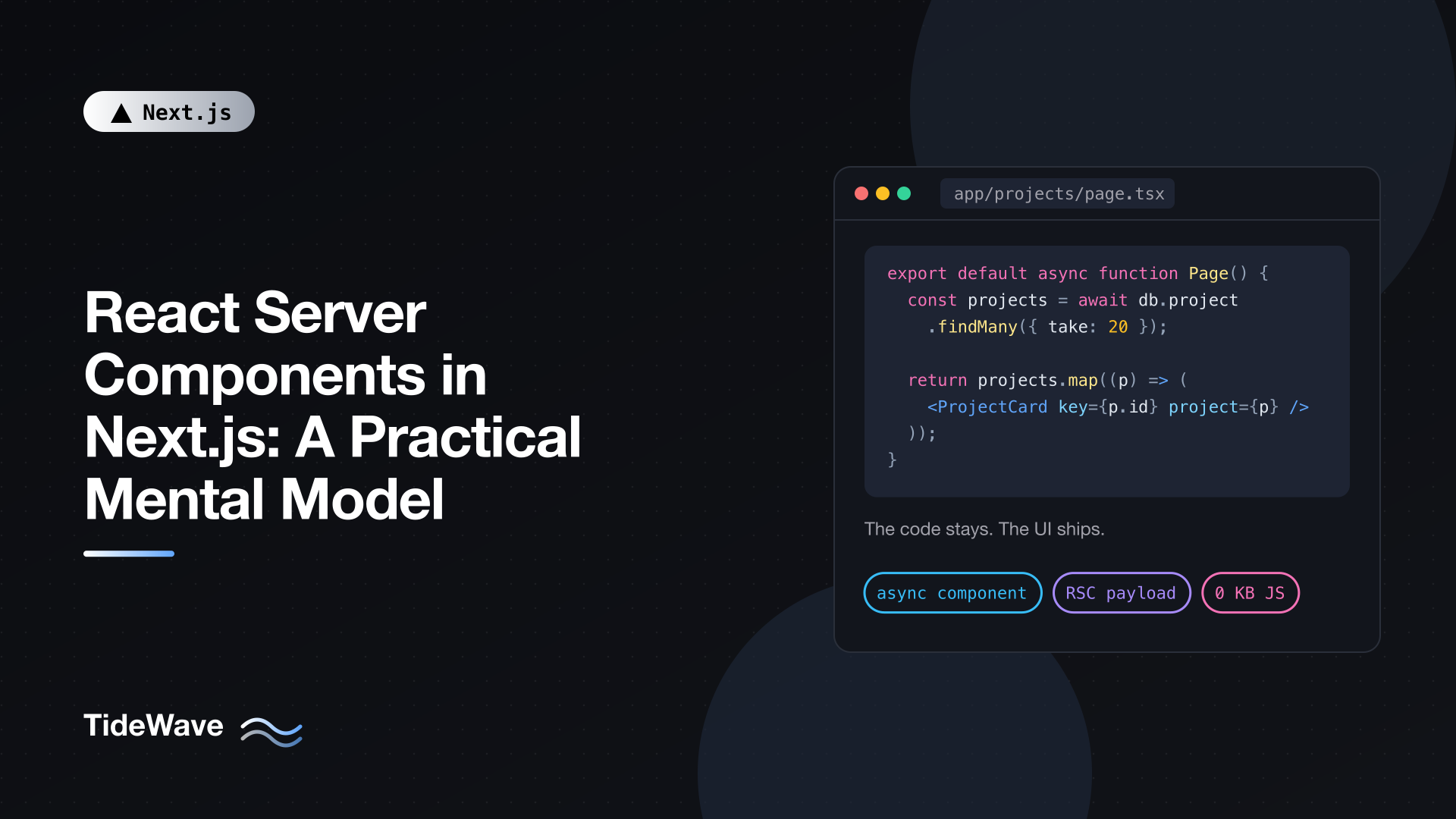
React Server Components in Next.js: A Practical Mental Model
React Server Components (RSC) are the default in the Next.js App Router, which means you're using them whether you've thought about them or not. Every page.tsx and layout.tsx you write without "use client" is a Server Component. Yet a lot of confusion about the App Router, from "why can't I use useState here?" to "why is my secret in the browser?", comes from not having a clear picture of what Server Components actually are.
The terminology doesn't help. "Server Component", "server-side rendering", "server-rendered", and "Server Action" sound like they describe the same thing. They don't.
This post builds a practical mental model you can use every day. I'll cover where each kind of component runs, what gets sent to the browser, how data flows, and a simple set of rules for deciding what goes where. Later posts in this series go deeper into the "use client" directive, passing data safely, and composition patterns; this one is about the foundation.
The One-Sentence Version
A Server Component is a component whose code never ships to the browser. It runs on the server, produces a description of UI, and that description (not the code) is what the browser receives.
Everything else follows from that. If the code never reaches the browser, the component can't respond to clicks, can't hold state, and can't use effects. But it can read a database, use a secret, import a 2 MB markdown parser for free, and await data right in its body.
Two Kinds of Components, Two Module Graphs
Your app has two kinds of components:
- Server Components are the default. Their code runs only on the server.
- Client Components are opted into with
"use client". Their code runs on the server (for the initial HTML) and in the browser.
That second point surprises people. A Client Component is not "a component that only renders in the browser". It's a component whose code is also sent to the browser so it can hydrate and become interactive. Here's a small table that clears up a lot:
| Renders on the server | Code runs in the browser | |
|---|---|---|
| Server Component | Yes | No |
| Client Component | Yes (initial HTML) | Yes |
Under the hood, Next.js builds two module graphs: a server graph and a client graph. A module ends up in the client graph if a Client Component imports it, directly or indirectly. Modules used by both are compiled separately for each. The client graph never imports the server graph; instead, it receives references and data from the server through something called the RSC payload.
What the Browser Actually Receives
When the server renders a route, Server Components produce the RSC payload, a compact serialized description of the rendered tree. It contains:
- The rendered output of every Server Component (think of it as JSON-ish UI, not code).
- Placeholders where Client Components go, with references to their JavaScript files.
- The props passed from Server Components to Client Components.
Next.js then uses that payload plus your Client Components to produce HTML.
On a first visit, the browser gets:
- HTML, for a fast, non-interactive first paint.
- The RSC payload, so React can reconstruct the component tree.
- JavaScript for Client Components only, which React uses to hydrate them.
On subsequent navigations, there's no HTML. The router fetches the RSC payload for the new route (often already prefetched) and renders Client Components entirely in the browser.
A useful way to picture it: Server Components are like a template engine that runs on the server, except their output is a React tree that can contain live, interactive islands of client code, and that tree can be re-requested and merged without losing client state.
Server Component vs. Server-Side Rendering
This is the distinction that unlocks the rest:
- Server-side rendering (SSR) is about producing HTML on the server. It's been around for years. Client Components get SSR too.
- Server Components are about where component code runs and whether it ships. They produce the RSC payload, not just HTML.
So "server-rendered" describes how HTML was made. "Server Component" describes where the code lives. A Client Component can be server-rendered. A Server Component's code never reaches the browser. If you keep those two ideas separate, most App Router behavior makes sense.
The same goes for SEO. Both kinds of components contribute to the initial HTML, so a crawler sees content from both. What a crawler won't see is content that only appears after a click or an effect. For more on that side, see the benefits of using Next.js for SEO.
What Server Components Can Do
Because they run only on the server, Server Components can do things a classic React component can't.
Fetch Data Directly in the Component
Server Components can be async. You fetch data during render, right where it's used, with no API route in between:
// app/projects/page.tsx
import { db } from "@/lib/db";
import { ProjectCard } from "./project-card";

export default async function ProjectsPage() {
  const projects = await db.project.findMany({
    orderBy: { updatedAt: "desc" },
    take: 20,
  });

  return (
    <main className="grid gap-4 md:grid-cols-2">
      {projects.map((project) => (
        <ProjectCard key={project.id} project={project} />
      ))}
    </main>
  );
}
There's no useEffect, no loading state management, no client fetch, and no separate endpoint exposing the data. Before RSC, the Next.js pattern was to load data in getServerSideProps and pass it down as props. Now the component that needs the data can load it itself.
Use Secrets and Server Resources
API keys, database credentials, the filesystem, and internal services are all available, because none of this code reaches the browser:
// app/weather/page.tsx
export default async function WeatherPage() {
  const res = await fetch("https://api.weather.example.com/today?city=Lisbon", {
    headers: { Authorization: `Bearer ${process.env.WEATHER_API_KEY}` },
  });
  const weather: { tempC: number; summary: string } = await res.json();

  return (
    <p>
      Lisbon: {weather.tempC}°C, {weather.summary}
    </p>
  );
}
The key stays on the server. Only the rendered paragraph is sent.
A caveat worth stating early: the code stays on the server, but anything you pass as props to a Client Component is serialized into the payload and visible in the browser. Fetching a full user record and passing it to a Client Component leaks every field. That's a big enough topic that it gets its own post on passing data without leaking secrets.
Use Heavy Dependencies for Free
A Markdown parser, a syntax highlighter, or a date library used in a Server Component adds nothing to your client bundle:
// app/docs/[slug]/page.tsx
import { readFile } from "node:fs/promises";
import path from "node:path";
import { marked } from "marked";

export default async function DocPage({
  params,
}: {
  params: Promise<{ slug: string }>;
}) {
  const { slug } = await params;
  const file = await readFile(
    path.join(process.cwd(), "content", `${slug}.md`),
    "utf8",
  );
  const html = await marked.parse(file);

  return <article dangerouslySetInnerHTML={{ __html: html }} />;
}
The browser receives the resulting HTML structure. marked never ships. (If the Markdown isn't fully trusted, sanitize the HTML before rendering it.)
Stream with Suspense
Since Server Components can await, slow parts of a page can be wrapped in Suspense and streamed in when ready, while the rest of the page shows immediately:
// app/dashboard/page.tsx
import { Suspense } from "react";
import { RecentOrders } from "./recent-orders";
import { RevenueSummary } from "./revenue-summary";

export default function DashboardPage() {
  return (
    <div className="space-y-8">
      <h1 className="text-2xl font-bold">Dashboard</h1>
      <Suspense fallback={<p>Loading revenue...</p>}>
        <RevenueSummary />
      </Suspense>
      <Suspense fallback={<p>Loading orders...</p>}>
        <RecentOrders />
      </Suspense>
    </div>
  );
}
Each async child fetches its own data, and each section appears as soon as its data arrives.
What Server Components Can't Do
The flip side of "code never ships" is that anything requiring code in the browser is off the table:
- State:
useState,useReducer. - Effects:
useEffect,useLayoutEffect. - Event handlers:
onClick,onChange,onSubmitas functions. - Browser APIs:
window,localStorage,navigator. - Context: React context isn't supported in Server Components, so
useContextand providers need Client Components. - Custom hooks that use any of the above.
If you try, Next.js gives you a compile-time error pointing at the problem. The fix is almost never "make the whole page a Client Component". It's "move the interactive part into a small Client Component".
Interactivity Without Client Components
Not everything interactive needs JavaScript. A <details> element toggles on its own, a <video controls> plays, and a <form> can submit to a Server Function through its action prop. A delete button inside a form posting to a Server Action is fully server-rendered:
// app/todos/page.tsx
import { revalidatePath } from "next/cache";
import { db } from "@/lib/db";

async function deleteTodo(formData: FormData) {
  "use server";
  await db.todo.delete({ where: { id: String(formData.get("id")) } });
  revalidatePath("/todos");
}

export default async function TodosPage() {
  const todos = await db.todo.findMany();

  return (
    <ul>
      {todos.map((todo) => (
        <li key={todo.id} className="flex gap-2">
          {todo.title}
          <form action={deleteTodo}>
            <input type="hidden" name="id" value={todo.id} />
            <button type="submit">Delete</button>
          </form>
        </li>
      ))}
    </ul>
  );
}
No "use client" anywhere, and the button works even before JavaScript loads. Reach for a Client Component when you need state that changes over time: a controlled input, a live filter, a drag handle, an optimistic update.
How Updates Work
Server Components don't re-render in the browser. When their output needs to change, the server renders them again and sends a new RSC payload. React then reconciles that new tree with the current one, updating the DOM while preserving Client Component state such as input values and open menus.
That re-render happens when:
- The user navigates to a route.
- You call
router.refresh(). - A Server Action calls
revalidatePathorrevalidateTag, or updates cookies.
This explains a rule that trips people up: don't mutate Server Component DOM directly with document.querySelector and friends. React's tree doesn't know about your change, and the next payload will overwrite it or cause mismatches. If server output should change, trigger a server re-render.
A Practical Decision Process
When you write a new component, ask these questions in order:
- Does it need state, effects, event handlers, browser APIs, or context? If no, leave it as a Server Component. That's most components: headings, cards, lists, layouts, formatted data.
- If yes, what's the smallest piece that needs it? Extract just that piece into a Client Component. A product page is a Server Component; the "Add to cart" button is a Client Component.
- Does the Client Component need server data? Fetch it in the nearest Server Component and pass only the fields it needs as props.
- Does a Client Component need to wrap server-rendered content? Pass that content in as
childrenor another prop rather than importing it.
Following this, you'll end up with a tree that's mostly Server Components with small interactive leaves, which is exactly the shape that gives you small bundles and fast pages.
Here's what that looks like for a typical product page:
// app/products/[id]/page.tsx
import { notFound } from "next/navigation";
import { getProduct } from "@/lib/products";
import { AddToCartButton } from "./add-to-cart-button";

export default async function ProductPage({
  params,
}: {
  params: Promise<{ id: string }>;
}) {
  const { id } = await params;
  const product = await getProduct(id);
  if (!product) notFound();

  return (
    <article className="space-y-4">
      <h1 className="text-3xl font-bold">{product.name}</h1>
      <p>{product.description}</p>
      <p className="text-xl">${(product.priceCents / 100).toFixed(2)}</p>
      <AddToCartButton productId={product.id} />
    </article>
  );
}
// app/products/[id]/add-to-cart-button.tsx
"use client";

import { useState } from "react";

export function AddToCartButton({ productId }: { productId: string }) {
  const [added, setAdded] = useState(false);

  async function handleClick() {
    await fetch("/api/cart", {
      method: "POST",
      headers: { "Content-Type": "application/json" },
      body: JSON.stringify({ productId }),
    });
    setAdded(true);
  }

  return (
    <button onClick={handleClick} disabled={added}>
      {added ? "Added" : "Add to cart"}
    </button>
  );
}
The page, the product lookup, the description, and the price formatting all stay on the server. The only JavaScript the browser downloads for this route is a button with a bit of state, plus the React runtime. And productId is the only piece of product data that crosses into client props.
Common Misconceptions
"Server Components replace Client Components." They don't. They're complementary. You need Client Components for interactivity; Server Components just mean you don't need them for everything else.
"Client Components don't render on the server." They do, for the initial HTML. Code that touches window at the top level of a Client Component will still crash during server rendering. Put browser-only code in effects or event handlers.
"Adding 'use client' to a page is fine, it's just slower." It moves that file and everything it imports into the client bundle, removes the ability to fetch with async/await in the component, and makes it easier to leak server data. It's a real architectural change, not a minor performance trade-off.
"Server Components are the same as Server Actions." Server Actions (Server Functions) are functions marked with "use server" that the client can call. Server Components are components. They work well together but are separate features.
Conclusion
The mental model fits in a few lines. Server Components run only on the server and send rendered output, not code. Client Components send their code to the browser so they can be interactive, and they're server-rendered too. The RSC payload carries Server Component output, Client Component references, and the props that cross between them. Updates to server output come from re-rendering on the server, not in the browser.
Start every component as a Server Component, move only interactive leaves to the client, and be deliberate about what crosses the boundary. The next step is understanding that boundary itself, which is what the "use client" directive defines.


