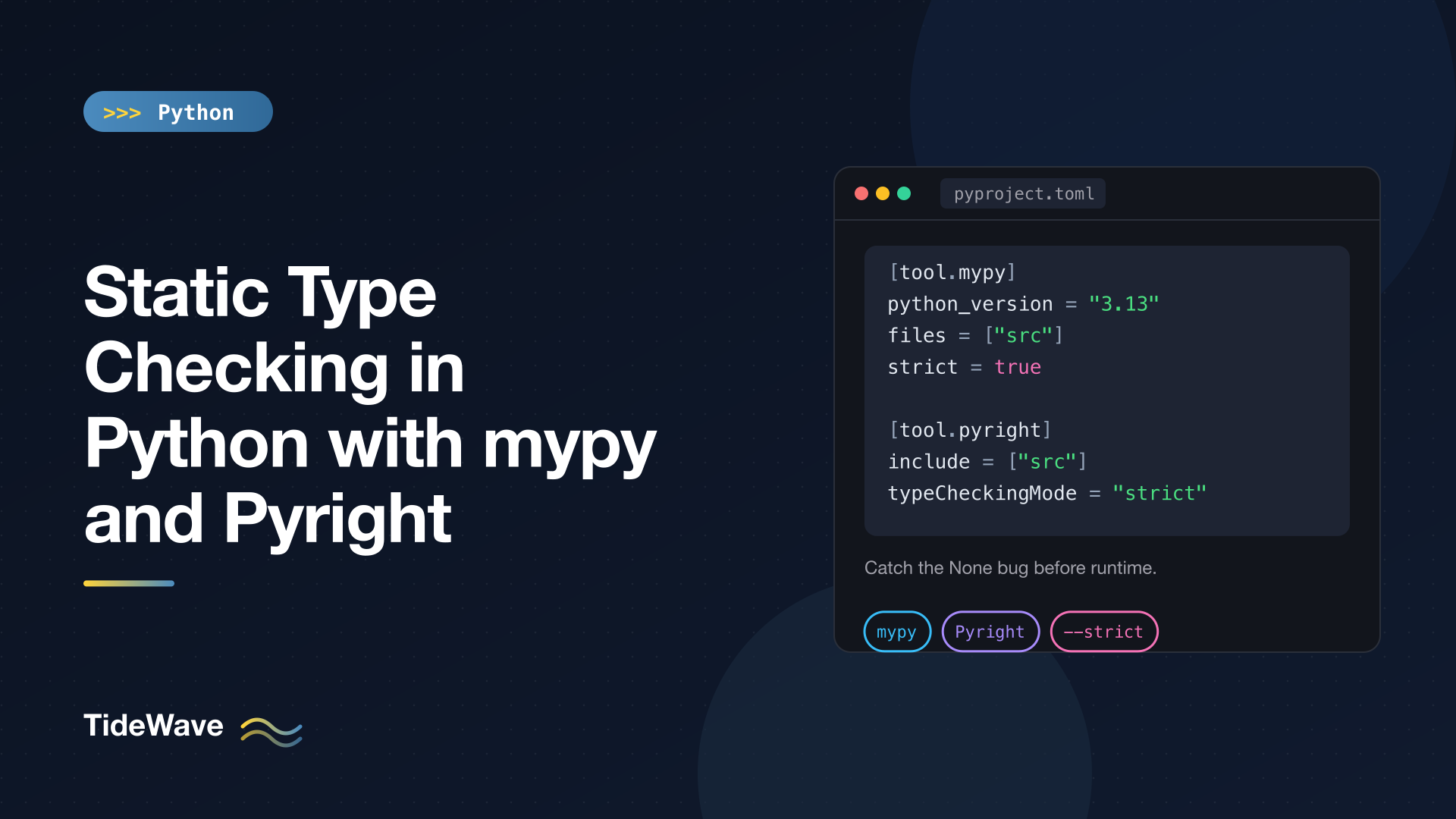
Static Type Checking in Python with mypy and Pyright
Type hints on their own don't do anything. Python stores them and moves on, so a function annotated to return str can return None all day long without complaint. The value appears when something reads those hints and checks that your code agrees with them. That something is a static type checker.
The two you'll meet most often are mypy, the original Python type checker and the reference implementation for much of the typing system, and Pyright, Microsoft's checker that also powers Pylance in VS Code. They agree on most things, disagree on a few important defaults, and are both worth knowing.
This guide covers installing and running both, what they catch on a realistic piece of code, how they differ, how to configure them in pyproject.toml, how to adopt strict mode gradually, how to silence errors without hiding real bugs, and how to run them in CI. If you're new to annotations themselves, start with Type Hints in Python: A Practical Guide to Static Typing.
Installing the Checkers
Both are development dependencies, so install them in your project's virtual environment, not globally:
python -m pip install mypy pyright
mypy is a pure Python package. The pyright package on PyPI is a thin wrapper that downloads and runs the real Pyright, which is written in TypeScript and needs Node.js; the wrapper fetches a Node runtime for you on first run if needed. If your team already uses Node, npm install --save-dev pyright works too.
If you manage the project with uv, the equivalent is:
uv add --dev mypy pyright
Run them by pointing them at your code:
mypy src
pyright src
Both exit with a non-zero status when they find errors, which is what makes them easy to plug into CI.
What They Catch: A Worked Example
Here's a small inventory module with three bugs that run fine until the wrong input arrives:
# src/inventory/stock.py
from dataclasses import dataclass


@dataclass
class Item:
    sku: str
    quantity: int
    price: float


def find_item(items: list[Item], sku: str) -> Item | None:
    for item in items:
        if item.sku == sku:
            return item
    return None


def restock(items: list[Item], sku: str, amount: int) -> int:
    item = find_item(items, sku)
    item.quantity += amount
    return item.quantity


def total_value(items):
    return sum(i.quantity * i.price for i in items)


def report(items: list[Item]) -> str:
    value = total_value(items)
    return "Total: " + value
The bugs: restock() doesn't handle an unknown SKU (so item might be None), and report() concatenates a string with a number.
mypy, with default settings:
src/inventory/stock.py:21: error: Item "None" of "Item | None" has no attribute "quantity"  [union-attr]
src/inventory/stock.py:22: error: Item "None" of "Item | None" has no attribute "quantity"  [union-attr]
Found 2 errors in 1 file (checked 2 source files)
Pyright, with default settings:
src/inventory/stock.py
  src/inventory/stock.py:21:10 - error: "quantity" is not a known attribute of "None" (reportOptionalMemberAccess)
  src/inventory/stock.py:22:17 - error: "quantity" is not a known attribute of "None" (reportOptionalMemberAccess)
  src/inventory/stock.py:31:12 - error: Operator "+" not supported for types "Literal['Total: ']" and "int" (reportOperatorIssue)
3 errors, 0 warnings, 0 informations
Both catch the None problem. Only Pyright catches the string concatenation bug, and the reason is the single most important difference between the two tools.
The Big Difference: Unannotated Code
total_value() has no annotations. The checkers treat it very differently:
- mypy treats an unannotated function as "untyped". By default it doesn't check its body, and its return type is
Any. Sovalueinreport()isAny, and"Total: " + valuepasses. - Pyright infers types even for unannotated code. It looked at the body of
total_value(), inferred a return type, and found the bad+inreport().
This is a design choice, not a bug in either tool. mypy's approach lets you adopt typing gradually without a flood of errors in legacy code. Pyright's approach finds more bugs out of the box, at the cost of sometimes reporting errors in code you haven't started typing yet.
You can make mypy check untyped function bodies with --check-untyped-defs, and require annotations everywhere with --disallow-untyped-defs. Both are part of --strict:
mypy --strict src
src/inventory/stock.py:21: error: Item "None" of "Item | None" has no attribute "quantity"  [union-attr]
src/inventory/stock.py:22: error: Item "None" of "Item | None" has no attribute "quantity"  [union-attr]
src/inventory/stock.py:25: error: Function is missing a type annotation  [no-untyped-def]
src/inventory/stock.py:30: error: Call to untyped function "total_value" in typed context  [no-untyped-call]
src/inventory/stock.py:31: error: Returning Any from function declared to return "str"  [no-any-return]
Found 5 errors in 1 file (checked 2 source files)
Strict mode doesn't infer what total_value() returns; it insists you annotate it, and flags the Any leaking out of report().
Fixing the Code
Here's the corrected module. It passes both checkers in strict mode:
# src/inventory/stock.py
from collections.abc import Iterable
from dataclasses import dataclass


@dataclass
class Item:
    sku: str
    quantity: int
    price: float


class UnknownSkuError(LookupError):
    pass


def find_item(items: list[Item], sku: str) -> Item | None:
    for item in items:
        if item.sku == sku:
            return item
    return None


def restock(items: list[Item], sku: str, amount: int) -> int:
    item = find_item(items, sku)
    if item is None:
        raise UnknownSkuError(sku)
    item.quantity += amount
    return item.quantity


def total_value(items: Iterable[Item]) -> float:
    return sum(i.quantity * i.price for i in items)


def report(items: list[Item]) -> str:
    return f"Total: {total_value(items):.2f}"
The if item is None: raise ... check narrows item to Item for the rest of the function, so the checker is satisfied and the real bug (silently crashing on an unknown SKU) is now an explicit, named error.
mypy vs Pyright at a Glance
| mypy | Pyright | |
|---|---|---|
| Written in | Python (compiled with mypyc) | TypeScript (runs on Node.js) |
| Unannotated functions | Skipped by default, treated as Any | Inferred and checked |
| Speed | Good, with an incremental cache; dmypy daemon for faster reruns | Very fast, built for editor use |
| Editor integration | Via plugins and extensions | Built into Pylance (VS Code); language server for other editors |
| Plugins | Yes (Django, SQLAlchemy, Pydantic ship mypy plugins) | No plugin system |
| Strictness levels | Individual flags, plus strict = true | off, basic, standard (default), strict |
| Config | [tool.mypy] in pyproject.toml, or mypy.ini | [tool.pyright] in pyproject.toml, or pyrightconfig.json |
Which should you use? Practical guidance:
- If you use VS Code with Pylance, you're already running Pyright in the editor. Running Pyright in CI too means the editor and CI agree.
- If you depend on mypy plugins (common with Django and some ORMs), use mypy, at least in CI.
- Running both is fine and some projects do. Expect occasional disagreements on edge cases, and decide which one is authoritative for CI.
Pylance's own type checking mode defaults to off in VS Code, which only gives you completions and hover info. Set python.analysis.typeCheckingMode to standard or strict in your settings, or add a [tool.pyright] section to the project, to see errors inline.
A newer generation of fast, Rust-based checkers, such as Astral's ty and Meta's Pyrefly, has appeared as well. They're worth watching, but mypy and Pyright remain the established, stable choices.
Configuring Both in pyproject.toml
Keeping configuration in pyproject.toml means anyone running mypy or pyright with no arguments gets the same behavior as CI:
# pyproject.toml
[project]
name = "inventory"
version = "0.1.0"
requires-python = ">=3.13"

[tool.mypy]
python_version = "3.13"
files = ["src"]
strict = true
warn_unreachable = true

[[tool.mypy.overrides]]
module = "inventory.legacy.*"
disallow_untyped_defs = false
disallow_untyped_calls = false

[[tool.mypy.overrides]]
module = "some_untyped_sdk.*"
ignore_missing_imports = true

[tool.pyright]
include = ["src"]
pythonVersion = "3.13"
typeCheckingMode = "strict"
reportMissingTypeStubs = "warning"
What each part does:
files/include: what to check when you run the command with no arguments.python_version/pythonVersion: which Python version's syntax and standard library to assume. Set it to the oldest version you support, so the checker flags features that don't exist there.strict = true: turns on mypy's full set of strictness flags, includingdisallow_untyped_defs,check_untyped_defs,warn_return_any,disallow_any_generics, andwarn_unused_ignores.warn_unreachable: reports code that can never run according to the types, which often signals a wrong annotation or a redundant check. It isn't part ofstrict, so add it separately.[[tool.mypy.overrides]]: per-module settings. The first override relaxes rules for a legacy package; the second stops mypy from complaining that a third-party package has no type information.typeCheckingMode = "strict": Pyright's strict preset, which among other things reports anything whose type is unknown.reportMissingTypeStubs: one of Pyright's many individualreport*rules, each of which can be set to"error","warning","information", or"none".
Pyright can also scope strictness by path with strict = ["src/inventory/core"], and individual files can opt in or out with a comment at the top: # pyright: strict or # pyright: basic.
Adopting Strictness Gradually
Turning on strict mode for an existing codebase usually produces hundreds of errors. Don't try to fix them in one pull request. A sustainable path:
- Start with the defaults and get to zero errors. With mypy, that mostly means fixing real bugs in annotated code.
- Turn on strict mode for new and well-maintained packages using overrides (mypy) or the
strictpath list (Pyright), and keep legacy packages on the default settings. - Enable individual flags globally one at a time:
check_untyped_defsfirst (finds real bugs without requiring annotations), thendisallow_untyped_defs, then the rest. - Ratchet: once a package is clean under a stricter setting, move it into the strict list so it can't regress.
The goal is a CI check that's always green, so new errors stand out immediately. A check with 300 known errors that everyone ignores protects nothing.
Third-Party Libraries and Stubs
A checker can only check calls into a library if it knows the library's types. There are three situations:
- The library ships its own types. It includes a
py.typedmarker file, and the checker reads its annotations directly. Most modern libraries (httpx, Pydantic, FastAPI, attrs, SQLAlchemy 2.0) do this. - Stubs exist separately. The community maintains stub packages in the typeshed project, published as
types-<name>. For example,requestsneedstypes-requests:
python -m pip install types-requests types-PyYAML
- No types exist. The checker reports a missing import or missing stubs. Silence it for that module with
ignore_missing_imports = truein a mypy override, as shown earlier, and wrap calls into that library in small, typed functions of your own so theAnydoesn't spread.
If you publish a library, add an empty py.typed file to your package so your users' checkers read your annotations.
Silencing Errors Responsibly
Sometimes the checker is wrong, or you know something it can't. Both checkers support inline suppression comments:
name: str = 42  # type: ignore[assignment]
other: str = 42  # pyright: ignore[reportAssignmentType]
Rules worth following:
- Always include the error code. A bare
# type: ignoresilences every error on that line, including ones introduced later. With a code, only that specific error is ignored. mypy prints the code in brackets at the end of each message; Pyright prints the rule name in parentheses. - Turn on unused-ignore warnings. mypy's
warn_unused_ignores(included instrict) reports ignores that are no longer needed, and Pyright has the equivalentreportUnnecessaryTypeIgnoreCommentsetting. That keeps stale suppressions from piling up after the underlying problem is fixed. - Prefer fixing the types. Many "the checker is wrong" moments are really an
Optionalyou didn't narrow, a too-narrow parameter type (listwhereSequencewould work), or anAnyleaking from a library. Anisinstance()check or an explicit annotation is usually better than an ignore. - Use
cast()sparingly.typing.cast(T, value)tells the checker to treat a value asTwithout checking. It's fine at well-understood boundaries; it's a liability when it hides a real mismatch.
Here's what a stale ignore looks like to mypy in strict mode:
# ignores.py
count: int = 1  # type: ignore[assignment]
ignores.py:2: error: Unused "type: ignore" comment [unused-ignore]
Pyright also respects # type: ignore comments by default, so the mypy-style comment works for both tools.
Debugging Types with reveal_type
When an error doesn't make sense, ask the checker what it thinks a type is:
# reveal.py
import json

data = json.loads('{"port": 8080}')
reveal_type(data)
reveal.py:5: note: Revealed type is "Any"
reveal_type() is understood by both checkers. At runtime, it's available from the typing module (from typing import reveal_type); without that import it's a NameError when the code actually runs, so remove it once you're done.
Exhaustiveness Checking with assert_never
A nice trick both checkers support: make the checker prove you've handled every case. typing.assert_never() accepts only the Never type, which a value can only have if every other possibility has been ruled out:
# status.py
from enum import Enum
from typing import assert_never


class Status(Enum):
    ACTIVE = "active"
    SUSPENDED = "suspended"
    DELETED = "deleted"


def label(status: Status) -> str:
    match status:
        case Status.ACTIVE:
            return "Active"
        case Status.SUSPENDED:
            return "Suspended"
        case _:
            assert_never(status)
mypy reports:
status.py:19: error: Argument 1 to "assert_never" has incompatible type "Literal[Status.DELETED]"; expected "Never" [arg-type]
The error names the missing case. Add a case Status.DELETED: branch and it disappears. Next time someone adds a new enum member, every match that forgot about it fails the type check instead of silently falling through. This works the same way with unions of classes and Literal types.
Running Type Checks in CI
A type checker that only runs on one developer's machine isn't doing its job. Add it to CI so every pull request is checked. Here's a minimal GitHub Actions workflow:
# .github/workflows/typecheck.yml
name: typecheck

on: [push, pull_request]

jobs:
  typecheck:
    runs-on: ubuntu-latest
    steps:
      - uses: actions/checkout@v4
      - uses: actions/setup-python@v5
        with:
          python-version: "3.13"
      - run: python -m pip install -e . mypy pyright types-requests
      - run: mypy
      - run: pyright
Install the project and its dependencies before running the checkers, since both need to see your installed packages to resolve imports. Pin the checker versions (in a dev requirements file or your lock file), because new releases often add checks, and you want upgrades to be deliberate rather than a surprise failure on Monday morning.
For faster feedback, you can also run mypy from pre-commit using the mirrors-mypy hook. Be aware that pre-commit runs hooks in an isolated environment, so you'll need to list your typed dependencies under additional_dependencies or mypy won't see them.
Common Problems and Fixes
- "Cannot find implementation or library stub for module": the package isn't installed in the environment the checker is using, or it has no types. Check you're running the checker from your project's virtual environment, then install stubs or add
ignore_missing_importsfor that module. - "Library stubs not installed for X": mypy knows a stub package exists. Install the suggested
types-*package. - Pyright can't resolve imports: it may be using a different interpreter. Activate the virtual environment first, or set
venvPathandvenvin the Pyright config. - Errors only in CI, not locally: different checker versions or a different
python_version. Pin versions and set the target Python version in config. - Huge numbers of errors after enabling strict mode: switch back to per-module strictness and ratchet, as described above.
Conclusion
mypy and Pyright both turn your type hints into actual checks. mypy skips unannotated code by default and has a plugin ecosystem; Pyright infers types everywhere, is very fast, and is already running inside VS Code if you use Pylance. Either one will catch whole categories of bugs, especially unhandled None, before your code ever runs.
Configure the checker in pyproject.toml, start with default strictness, and ratchet toward strict mode package by package. Install stubs for untyped libraries, always use error codes on ignore comments, and lean on reveal_type() and assert_never() when you need the checker's help. Finally, run it in CI so the codebase stays clean. If you want to type more complex code along the way, Generics, Protocols, and TypedDict: Advanced Type Hints in Python covers the tools that keep you from reaching for Any.


