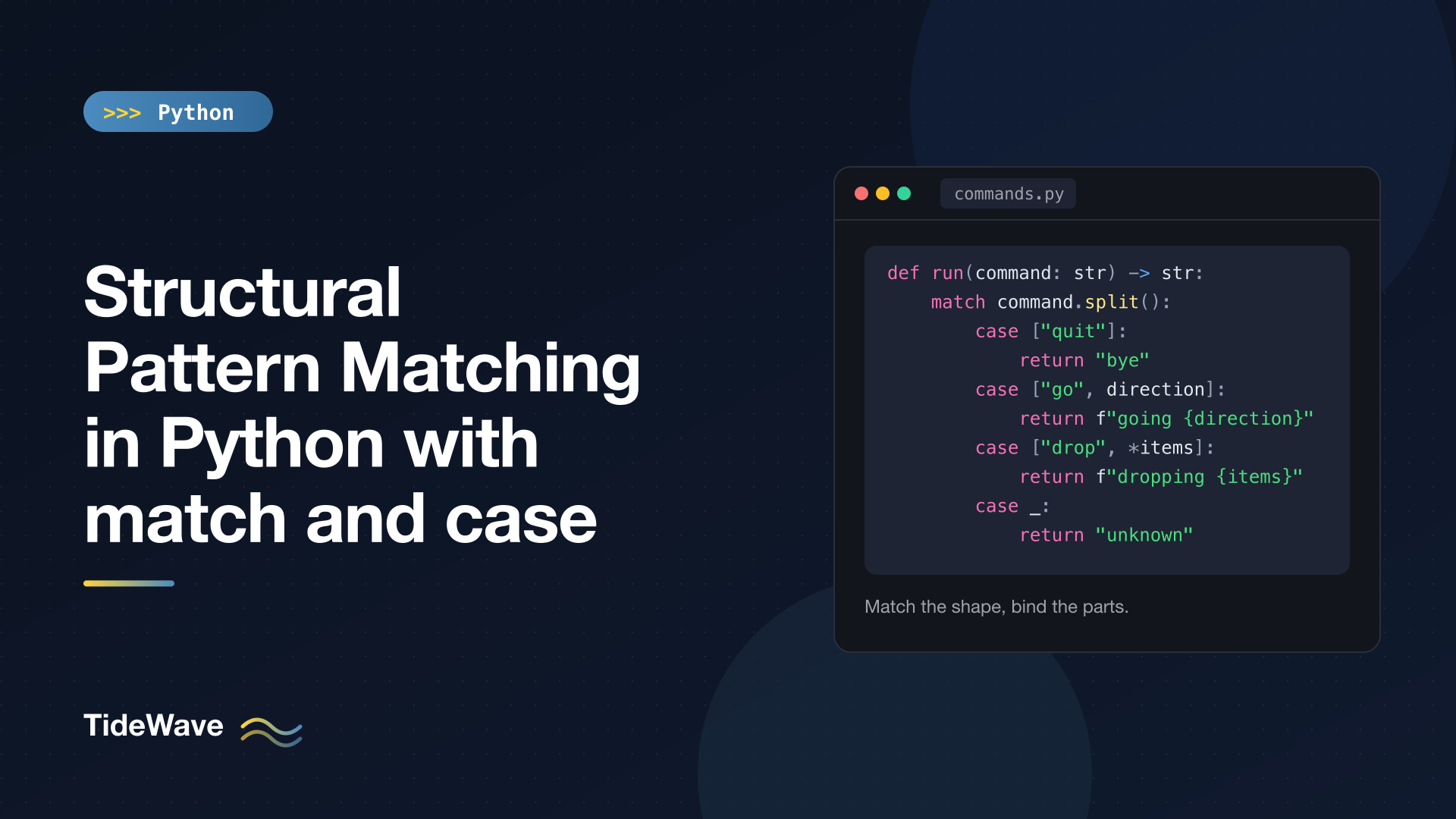
Structural Pattern Matching in Python with match and case
Python 3.10 added the match statement, and many developers filed it away as "Python finally got switch". That undersells it. match can compare against constants like a switch, but its real strength is matching on the shape of data: a list with exactly two elements, a dict that has a "type" key equal to "click", an object of a certain class whose x attribute is zero. When a pattern matches, it also pulls out the pieces you care about and binds them to names.
That makes match a great fit for parsing commands, handling JSON-like events, walking syntax trees, and any code that currently looks like a long chain of isinstance() checks and len() comparisons. It also has a few rules that are genuinely surprising the first time, most notably that a bare name in a pattern assigns instead of comparing.
This post covers the syntax, each kind of pattern (literal, capture, wildcard, sequence, mapping, class, OR, and AS patterns), guards, how to match against constants and enums correctly, and when an if/elif chain is still the better choice.
The Basic Shape
A match statement takes a subject and tries each case from top to bottom. The first pattern that matches wins, its block runs, and the rest are skipped:
def http_status(code: int) -> str:
    match code:
        case 200 | 201 | 204:
            return "success"
        case 301 | 302:
            return "redirect"
        case 404:
            return "not found"
        case _:
            return "other"


print([http_status(c) for c in (200, 302, 404, 500)])
['success', 'redirect', 'not found', 'other']
Three things are already visible here:
- Literal patterns like
404match by equality. - OR patterns with
|match if any alternative matches. - The wildcard
_matches anything and binds nothing. It's the "default" case.
There's no fall-through between cases (no break needed), and if nothing matches and there's no wildcard, the match statement simply does nothing. No exception is raised.
One more detail: match and case are soft keywords. They only act as keywords in this statement, so existing code that uses match as a variable name (very common with regexes) keeps working.
Capture Patterns and the Biggest Gotcha
A bare name in a pattern is a capture pattern. It always matches and binds the subject (or part of it) to that name:
import re


def first_digit(s: str) -> str:
    match re.match(r"(\d)", s):
        case None:
            return "no digit"
        case m:
            return m[1]


print(first_digit("9a"), first_digit("x"))
9 no digit
case m: matched the match object and bound it to m. That's useful, but it leads directly to the most common match bug. Suppose you try to compare against a constant:
RED = "red"


def check(color: str) -> str:
    match color:
        case RED:
            return f"matched {RED}"


print(check("blue"))
matched blue
case RED: doesn't compare color to the constant RED. It's a capture pattern that matches anything and rebinds RED to "blue". Python catches the most obvious version of this mistake: if an unconditional capture pattern is followed by other cases, you get a SyntaxError:
SyntaxError: name capture 'y' makes remaining patterns unreachable
But when the capture is the last case, as above, nothing warns you.
The rule for constants is: a pattern only compares by value if the name is dotted. Color.RED, http.HTTPStatus.OK, or config.MAX are value patterns. A plain name is always a capture. Which leads naturally to enums.
Matching Enums and Constants
Enum members are accessed with a dot, so they work as value patterns out of the box:
from enum import Enum


class Color(Enum):
    RED = "red"
    GREEN = "green"


def paint(c: Color) -> str:
    match c:
        case Color.RED:
            return "stop"
        case Color.GREEN:
            return "go"


print(paint(Color.RED), paint(Color.GREEN))
stop go
If you have module-level constants you want to match against, put them in an Enum or a namespace class, or compare in a guard (covered below). Enums in Python explains why an Enum is usually the better home for them anyway.
Sequence Patterns
Patterns written like a list or tuple match sequences and destructure them, much like unpacking assignment:
def run(command: str) -> str:
    match command.split():
        case ["quit"]:
            return "bye"
        case ["go", direction]:
            return f"going {direction}"
        case ["drop", *items]:
            return f"dropping {items}"
        case ["go", *_]:
            return "go where?"
        case []:
            return "empty"
        case _:
            return f"unknown: {command!r}"


for c in ["quit", "go north", "drop key lamp", "go north east", "", "dance"]:
    print(run(c))
bye
going north
dropping ['key', 'lamp']
go where?
empty
unknown: 'dance'
Walk through what each case checks:
["quit"]: a sequence of length exactly 1 whose element equals"quit".["go", direction]: length exactly 2, first element"go", second element captured asdirection.["drop", *items]: length at least 1, first element"drop", everything else collected into the listitems.["go", *_]: any other"go"command (with zero or more extra words).*_accepts anything without binding it.[]: an empty sequence.
Compare that with the if/elif equivalent, which would need len(words) == 2 and words[0] == "go" checks for every branch. The pattern shows the expected shape directly. The starred syntax works just like it does in assignment; Unpacking in Python covers it in depth.
What Counts as a Sequence
Sequence patterns match lists, tuples, range objects, and other collections.abc.Sequence types. They deliberately don't match str, bytes, or bytearray, even though those are technically sequences, because treating "ab" as ["a", "b"] is almost never what you want. Iterators and generators don't match either, because matching would consume them.
def seq(v: object) -> str:
    match v:
        case [a, b]:
            return f"pair {a},{b}"
        case str():
            return "string"
    return "no match"


print(seq("ab"), seq((1, 2)), seq([1, 2]), seq(iter([1, 2])))
string pair 1,2 pair 1,2 no match
Also note that [a, b] and (a, b) mean the same thing in a pattern. Both match any sequence, so a tuple subject matches a list-style pattern.
Mapping Patterns
Patterns written with braces match mappings like dicts. They check that the given keys exist and that their values match the sub-patterns:
def handle(event: dict) -> str:
    match event:
        case {"type": "click", "pos": (x, y)}:
            return f"click at {x},{y}"
        case {"type": "key", "key": str(k)} if len(k) == 1:
            return f"key {k}"
        case {"type": "key", "key": k}:
            return f"special key {k}"
        case {"type": t, **rest}:
            return f"unhandled {t} with {rest}"
        case _:
            return "not an event"


events = [
    {"type": "click", "pos": (3, 4), "button": 1},
    {"type": "key", "key": "a"},
    {"type": "key", "key": "Enter"},
    {"type": "scroll", "dy": 5},
    {"oops": 1},
]
for e in events:
    print(handle(e))
click at 3,4
key a
special key Enter
unhandled scroll with {'dy': 5}
not an event
The key difference from sequence patterns: mapping patterns ignore extra keys. The first event has a "button" key that the pattern doesn't mention, and it still matches. That makes mapping patterns a natural fit for JSON payloads, where you care about a few fields and don't want to break when the API adds new ones.
If you do want the leftovers, **rest captures them into a new dict. An empty mapping pattern, case {}:, matches any mapping at all.
Patterns nest as deeply as your data does:
def nested(cmd: dict) -> object:
    match cmd:
        case {"action": "move", "to": {"x": int(x), "y": int(y)}}:
            return (x, y)
        case {"action": ("start" | "stop") as act}:
            return act


print(nested({"action": "move", "to": {"x": 1, "y": 2}}), nested({"action": "stop"}))
(1, 2) stop
That one pattern checks the action, confirms "to" is a mapping, confirms both coordinates are integers, and binds them.
Class Patterns
A pattern that looks like a constructor call, ClassName(...), is a class pattern. It checks isinstance() first, then matches attributes:
from dataclasses import dataclass


@dataclass
class Point:
    x: float
    y: float


def where(p: Point) -> str:
    match p:
        case Point(x=0, y=0):
            return "origin"
        case Point(x=0, y=y):
            return f"on y-axis at {y}"
        case Point(x=x, y=0):
            return f"on x-axis at {x}"
        case Point(x=x, y=y) if x == y:
            return f"on diagonal at {x}"
        case Point():
            return "somewhere else"


for p in [Point(0, 0), Point(0, 3), Point(2, 0), Point(4, 4), Point(1, 2)]:
    print(where(p))
origin
on y-axis at 3
on x-axis at 2
on diagonal at 4
somewhere else
Point(x=0, y=y) reads as "an instance of Point whose x attribute equals 0; bind its y attribute to y". Point() with no arguments is a pure type check.
Important: class patterns don't call the constructor. Point(x=0) in a case never creates a Point. It's syntax that looks like a call but means "is an instance with these attributes".
Positional Sub-patterns and __match_args__
Dataclasses let you write positional patterns, because they generate a __match_args__ attribute listing the fields in order:
match Point(0, 0):
    case Point(0, 0):
        print("origin")

print(Point.__match_args__)
origin
('x', 'y')
A plain class without __match_args__ only supports keyword sub-patterns. Positional ones raise an error at match time:
class Vec:
    def __init__(self, x: float, y: float) -> None:
        self.x, self.y = x, y


match Vec(1, 1):
    case Vec(a, b):
        print(a, b)
TypeError: Vec() accepts 0 positional sub-patterns (2 given)
Add __match_args__ = ("x", "y") to the class to fix it. Named tuples and dataclasses set it for you, which is one more reason they pair well with match; see Dataclasses in Python.
Type Patterns for Built-ins
Built-in types such as int, str, float, bool, list, dict, and tuple accept a single positional sub-pattern that matches the whole subject. That gives you a compact way to check a type and capture the value in one go:
def describe(value: object) -> str:
    match value:
        case bool():
            return "bool"
        case int() | float() as n if n < 0:
            return f"negative number {n}"
        case int(n):
            return f"int {n}"
        case float():
            return "float"
        case str() | bytes():
            return "text"
        case [int(), *_]:
            return "sequence starting with int"
        case None:
            return "None"
        case _:
            return type(value).__name__


for v in [True, -2, 5, 1.5, "hi", [1, "a"], (2, 3), None, {1}]:
    print(repr(v), "->", describe(v))
True -> bool
-2 -> negative number -2
5 -> int 5
1.5 -> float
'hi' -> text
[1, 'a'] -> sequence starting with int
(2, 3) -> sequence starting with int
None -> None
{1} -> set
The bool() case comes first on purpose: bool is a subclass of int, so True would otherwise match int(n). Order matters, and more specific patterns belong above more general ones.
None, True, and False are matched by identity (is), not equality, so case None: is safe to use.
OR Patterns and AS Patterns
You've seen both in passing:
pattern1 | pattern2matches if either alternative matches. All alternatives must bind the same set of names, otherwise Python can't know which names exist afterward.pattern as namematches the inner pattern and binds the whole matched value toname. It's how you capture something while still constraining it, as in("start" | "stop") as actorint() | float() as n.
Guards
A guard is an if clause after the pattern. The case only matches if the pattern matches and the guard is truthy:
def bin_op(expr: tuple) -> str:
    match expr:
        case (op, left, right) if op in "+-":
            return f"{left} {op} {right}"
        case _:
            return "unsupported"


print(bin_op(("+", 1, 2)))
1 + 2
Guards are where you put conditions that patterns can't express: comparisons (x == y, n < 0), membership checks, calls to helper functions, or comparing against a plain-named constant (case c if c == RED:). Names captured by the pattern are available inside the guard.
One subtlety: if the pattern matches but the guard fails, any names the pattern captured may still be bound. Don't rely on capture variables from cases that didn't run.
When to Use match (and When Not To)
match is a strong choice when:
- You're dispatching on structure. Commands split into words, JSON events with a
"type"field, AST nodes, tokens from a parser. - You'd otherwise combine
isinstance(),len(), and indexing. A pattern replaces all three and names the pieces. - Several shapes are valid and need different handling. The cases read like a specification of the input format.
It's not the best tool when:
- You're just comparing one value to a few constants. A dict lookup (
handlers[code]) or a shortif/elifis often simpler, and it works with plain-named constants. - The logic is mostly about ranges or boolean conditions. Writing
case x if x < 10:for every branch is justif/elifwith extra syntax. - You need fall-through.
matchhas none; each subject runs at most one case. - You support Python 3.9 or older. The syntax doesn't exist there.
Performance isn't a reason to choose either way. match compiles to roughly the same checks you'd write by hand.
Pattern Cheat Sheet
| Pattern | Example | Matches |
|---|---|---|
| Literal | case 404: | Equal value (None/True/False by identity) |
| Capture | case x: | Anything, binds it to x |
| Wildcard | case _: | Anything, binds nothing |
| Value | case Color.RED: | Equal to a dotted name |
| Sequence | case [a, b, *rest]: | Sequence (not str/bytes) of matching shape |
| Mapping | case {"type": t}: | Mapping with those keys (extras allowed) |
| Class | case Point(x=0): | isinstance plus attribute matches |
| OR | case 1 | 2: | Either alternative |
| AS | case [*_] as items: | Inner pattern, binds whole value |
| Guard | case x if x > 0: | Pattern plus truthy condition |
Conclusion
Structural pattern matching is much more than a switch statement. Sequence patterns destructure lists and tuples, mapping patterns pick fields out of dicts while ignoring the rest, class patterns combine isinstance() with attribute checks, and guards handle anything patterns can't express. Together they let you describe valid input shapes directly, which is why match shines for commands, events, and tree-shaped data.
Keep the two big rules in mind: a bare name always captures (use dotted names or enums for constants), and cases are tried top to bottom (put specific patterns before general ones, like bool() before int()). With those in hand, you'll find plenty of isinstance() chains in your codebase that read better as a match.


