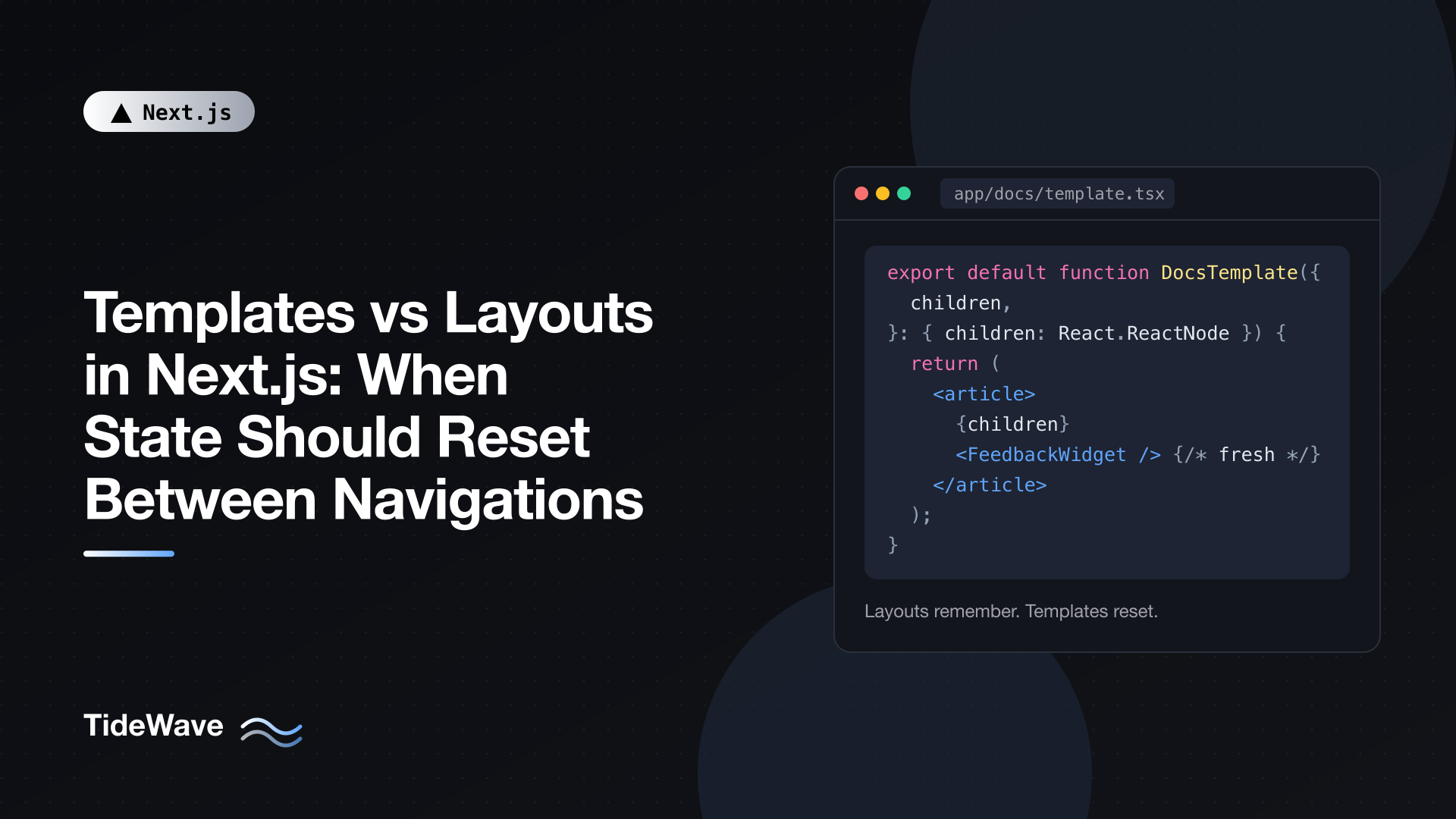
Templates vs Layouts in Next.js: When State Should Reset Between Navigations
Layouts in the App Router are built to persist. Navigate between two pages that share a layout, and the layout stays mounted: its state, its DOM, and its effects all carry over. Most of the time that's exactly what you want. A sidebar shouldn't collapse and a search box shouldn't clear just because the user clicked a link.
Sometimes, though, the persistence is the bug. A "Was this page helpful?" widget still says "Thanks for your feedback!" on the next article. An entrance animation plays once and never again. A page-view effect fires on the first page and ignores every navigation after it. A loading skeleton shows on the first visit and never on later ones.
template.tsx is the App Router's answer to those cases. It looks almost identical to a layout, with one difference: it remounts on navigation. This post explains exactly what that means, which navigations trigger a remount, the cases where a template is the right tool, the cheaper alternatives that are often better, and how Cache Components changes the picture in Next.js 16.
The One Difference
A template file exports a component that receives children, just like a layout:
// app/docs/template.tsx
export default function DocsTemplate({
  children,
}: {
  children: React.ReactNode;
}) {
  return <div>{children}</div>;
}
The difference is in how Next.js renders it. A template is given a unique key based on the route segment below it. When that segment changes, the key changes, and React does what it always does with a new key: it throws away the old component tree and mounts a fresh one.
Conceptually, the output looks like this:
// Conceptual output, not code you write
<DocsLayout>
  <DocsTemplate key={activeChildSegment}>{children}</DocsTemplate>
</DocsLayout>
That single key has several consequences, all of which follow from React's normal rules:
- Client Components inside the template lose their state and start over.
- Effects run again, because the components mount fresh.
- The DOM is recreated, so CSS animations replay, focus is lost, and inner scroll positions reset.
- Suspense boundaries inside the template show their fallback again, because they're new boundaries.
Layouts have none of these behaviors. That's the whole trade-off.
Where Templates Sit in the Tree
Within a route segment, Next.js nests the special files in a fixed order:
// Component hierarchy for one segment
<Layout>
  <Template>
    <ErrorBoundary fallback={<Error />}>
      <Suspense fallback={<Loading />}>
        <NotFoundBoundary fallback={<NotFound />}>
          <Page />
        </NotFoundBoundary>
      </Suspense>
    </ErrorBoundary>
  </Template>
</Layout>
The template wraps error.tsx, loading.tsx, not-found.tsx, and the page (or a nested layout), but not the layout in the same folder. So you can have both app/docs/layout.tsx and app/docs/template.tsx: the layout persists, and everything inside the template resets.
Like layouts, templates are Server Components by default. Add "use client" only if the template itself needs hooks.
Exactly When a Template Remounts
The rule is precise: a template remounts when the segment directly below it changes, including changes to that segment's dynamic params. Given this tree:
app/
├── layout.tsx
├── template.tsx              # root template
├── page.tsx                  # /
├── about/page.tsx            # /about
└── blog/
    ├── template.tsx          # blog template
    ├── page.tsx              # /blog
    └── [slug]/page.tsx       # /blog/:slug
Here's what happens on each navigation:
| Navigation | Root template | Blog template |
|---|---|---|
/ to /about | Remounts (first segment changed) | Not involved |
/about to /blog | Remounts | Mounts |
/blog to /blog/first-post | Stays (first segment is still blog) | Remounts (child segment changed) |
/blog/first-post to /blog/second-post | Stays | Remounts (slug param changed) |
/blog?page=1 to /blog?page=2 | Stays | Stays |
Two details matter in practice:
- Deeper navigations don't remount higher templates. The root template only cares about the first segment. Moving between blog posts doesn't touch it.
- Search params never trigger a remount. If your list page paginates with
?page=2, a template won't reset anything. Use akeyderived from the search param instead (shown later).
Use Case 1: Per-Page Feedback Widgets
A docs site has a sidebar in app/docs/layout.tsx and a "Was this page helpful?" widget at the bottom of each article. If the widget lives in the layout, it keeps its state across pages: vote on one article and every following article shows "Thanks!".
Render it from a template instead:
// app/docs/layout.tsx
import { DocsSidebar } from "./docs-sidebar";

export default function DocsLayout({
  children,
}: {
  children: React.ReactNode;
}) {
  return (
    <div className="flex gap-10">
      <DocsSidebar />
      <div className="min-w-0 flex-1">{children}</div>
    </div>
  );
}
// app/docs/template.tsx
import { FeedbackWidget } from "./feedback-widget";

export default function DocsTemplate({
  children,
}: {
  children: React.ReactNode;
}) {
  return (
    <>
      <article className="prose">{children}</article>
      <FeedbackWidget />
    </>
  );
}
// app/docs/feedback-widget.tsx
"use client";

import { useState } from "react";
import { usePathname } from "next/navigation";

export function FeedbackWidget() {
  const pathname = usePathname();
  const [vote, setVote] = useState<"yes" | "no" | null>(null);

  async function send(value: "yes" | "no") {
    setVote(value);
    await fetch("/api/feedback", {
      method: "POST",
      headers: { "Content-Type": "application/json" },
      body: JSON.stringify({ page: pathname, helpful: value === "yes" }),
    });
  }

  if (vote) {
    return (
      <p className="mt-10 text-sm text-slate-500">Thanks for your feedback!</p>
    );
  }

  return (
    <div className="mt-10 flex items-center gap-3 text-sm">
      <span>Was this page helpful?</span>
      <button onClick={() => send("yes")} className="rounded border px-3 py-1">
        Yes
      </button>
      <button onClick={() => send("no")} className="rounded border px-3 py-1">
        No
      </button>
    </div>
  );
}
The sidebar in the layout persists (its scroll position and expanded sections survive), while the widget in the template starts fresh on every article. The template itself stays a Server Component; only the widget is client code.
Use Case 2: Effects That Should Run on Every Navigation
Effects in a layout run once, when the layout mounts. If you need something to happen on every page change inside a section, such as logging a view, focusing the main heading for screen reader users, or starting a timer, a template's remount re-runs the effect:
// app/docs/template.tsx
import { FocusHeading } from "./focus-heading";

export default function DocsTemplate({
  children,
}: {
  children: React.ReactNode;
}) {
  return (
    <>
      <FocusHeading />
      <article className="prose">{children}</article>
    </>
  );
}
// app/docs/focus-heading.tsx
"use client";

import { useEffect } from "react";

export function FocusHeading() {
  useEffect(() => {
    const heading = document.querySelector<HTMLElement>("article h1");
    if (!heading) return;
    heading.setAttribute("tabindex", "-1");
    heading.focus({ preventScroll: true });
  }, []);

  return null;
}
Each time the user moves to another docs page, FocusHeading mounts again and moves focus to the new page's heading, which helps keyboard and screen reader users notice that the content changed.
Use Case 3: Entrance Animations
Because the DOM inside a template is recreated, a CSS animation on its wrapper plays on every navigation:
/* app/globals.css */
@import "tailwindcss";

@theme {
  --animate-page-in: page-in 200ms ease-out;

  @keyframes page-in {
    from {
      opacity: 0;
      transform: translateY(6px);
    }
    to {
      opacity: 1;
      transform: translateY(0);
    }
  }
}
// app/blog/template.tsx
export default function BlogTemplate({
  children,
}: {
  children: React.ReactNode;
}) {
  return <div className="motion-safe:animate-page-in">{children}</div>;
}
The @theme block registers a custom animate-page-in utility in Tailwind CSS v4, and motion-safe: skips it for users who've asked for reduced motion. In a layout, this animation would play only on the first visit to the section. If you need exit animations or shared-element transitions, look at the View Transitions support in React and Next.js instead; a template can only animate the incoming content.
Use Case 4: Showing the Loading State on Every Navigation
Navigation in the App Router runs inside a React transition. During a transition, React won't hide content that's already on screen to show a Suspense fallback again. So a Suspense boundary inside a layout shows its fallback on the first load and then, on later navigations, keeps showing the old content until the new content is ready.
That's usually the better experience. If you'd rather show the skeleton every time (for example, a report page where stale numbers would be misleading), wrap the content in a template. Each remount creates a new boundary, and a new boundary shows its fallback:
// app/reports/template.tsx
import { Suspense } from "react";

export default function ReportsTemplate({
  children,
}: {
  children: React.ReactNode;
}) {
  return (
    <Suspense
      fallback={<div className="h-64 animate-pulse rounded-lg bg-slate-100" />}
    >
      {children}
    </Suspense>
  );
}
What Templates Cost
Templates aren't free. Everything inside them is unmounted and rebuilt on every navigation at their level:
- State you may have wanted to keep (a half-typed comment, an expanded section) is lost.
- Focus and inner scroll positions reset.
- Client Components re-run their mount logic, including any data fetching they do in effects.
- On large subtrees, rebuilding the DOM is more work than updating it.
So keep templates narrow. Put persistent UI in the layout and only the resettable part in the template, as the docs example does with the sidebar and the feedback widget.
Often Better: Reset with a key
A template resets everything inside it. Often you only need to reset one component, and a React key does that with less collateral damage. You decide what the key is, so it can include things a template ignores, like search params:
// app/products/page.tsx
import { ProductFilters } from "./product-filters";
import { ProductGrid } from "./product-grid";

export default async function ProductsPage({
  searchParams,
}: PageProps<"/products">) {
  const { category = "all" } = await searchParams;
  const current = Array.isArray(category) ? category[0] : category;

  return (
    <>
      <ProductFilters key={current} category={current} />
      <ProductGrid category={current} />
    </>
  );
}
Changing ?category= remounts only ProductFilters, which resets its local state (an open price slider, a half-typed brand search). The grid and everything else stay mounted. A template couldn't do this at all, since search params don't change its key.
For state inside a single Client Component, another option is to reset it when the pathname changes, without remounting anything:
// components/mobile-menu.tsx
"use client";

import { useState } from "react";
import { usePathname } from "next/navigation";

export function MobileMenu({ children }: { children: React.ReactNode }) {
  const pathname = usePathname();
  const [open, setOpen] = useState(false);
  const [lastPath, setLastPath] = useState(pathname);

  // Close the menu whenever the route changes.
  if (pathname !== lastPath) {
    setLastPath(pathname);
    setOpen(false);
  }

  return (
    <>
      <button onClick={() => setOpen((o) => !o)} aria-expanded={open}>
        Menu
      </button>
      {open && <nav>{children}</nav>}
    </>
  );
}
This uses React's "adjust state while rendering" pattern: when the pathname differs from the last one seen, it updates state during render, which avoids an extra effect and a flash of the open menu. The menu can live in a layout and still close after every navigation.
Templates and Cache Components
Next.js 16 adds a twist. With cacheComponents: true, the App Router no longer unmounts the pages you navigate away from. It hides them with React's Activity component and keeps up to three recent routes alive, so going back to a page restores its state and DOM: form drafts, scroll positions, expanded panels.
That changes the default from "pages reset" to "pages remember", and it means more of the reset logic is now your decision. The tools from this post still apply:
- Templates still remount when their segment changes on a forward navigation.
- Keys still reset exactly the component you key.
- Deriving state from the URL (a search param for an open dialog, for example) makes it reset naturally when the URL changes.
useLayoutEffectcleanups run when Activity hides a component, so they're a good place to clear transient state like open dropdowns or stale success messages.
Next.js also exposes useRouter().bfcacheId, a string that changes on fresh push or replace navigations but stays the same on back and forward. Using it as a key resets a subtree on new navigations while still restoring it when the user presses back:
// app/checkout/new/page.tsx
"use client";

import { useRouter } from "next/navigation";
import { CheckoutForm } from "./checkout-form";

export default function NewCheckoutPage() {
  const { bfcacheId } = useRouter();
  return <CheckoutForm key={bfcacheId} />;
}
The Next.js docs describe bfcacheId mainly as a migration tool and recommend more targeted resets (in an event handler, or with a key derived from your data) for new code. It's still useful to know it exists when a template feels too blunt.
Choosing Between Them
| You want... | Use |
|---|---|
| Shared UI that keeps state across pages (nav, sidebar, filters) | layout.tsx |
| A subtree that starts fresh on every page in a section | template.tsx |
| Effects or CSS animations to re-run per page | template.tsx |
| A skeleton on every navigation, not just the first | template.tsx with Suspense |
| One component to reset when a param or search param changes | A key on that component |
| A menu or popover to close after navigation | Reset state from usePathname |
| Fresh state on new visits but restored state on back (Cache Components) | key={bfcacheId} or targeted resets |
Most apps need many layouts and very few templates. Start with a layout, and reach for a template only when you notice state surviving a navigation it shouldn't.
Conclusion
Templates and layouts differ by one thing: a template is keyed by the segment below it, so it remounts when that segment or its params change, while a layout stays mounted. That remount resets state, re-runs effects, recreates the DOM, and re-shows Suspense fallbacks. It's the right tool for per-page widgets, per-navigation effects, entrance animations, and always-visible loading states, and it's the wrong tool for anything users expect to persist.
For narrower resets, a key or a pathname check usually does the job with less cost. If you're using Cache Components, remember that pages are now preserved by default, and decide deliberately which state should come back with them. For a deeper look at what layouts keep and why, see the post on nested layouts.


