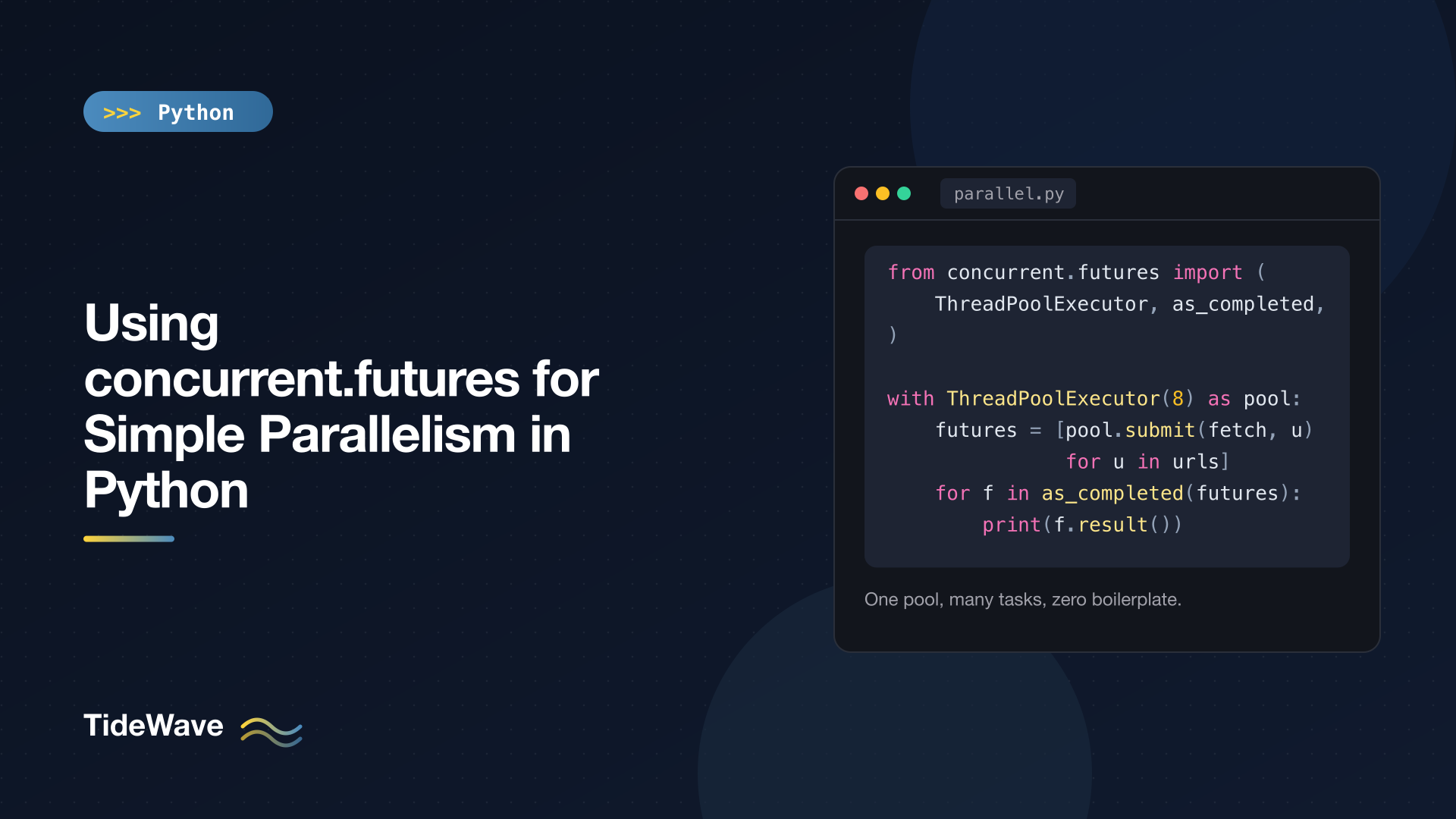
Using concurrent.futures for Simple Parallelism in Python
Most scripts that need to "do things in parallel" don't need a framework. They have a list of URLs to fetch, files to process, or numbers to crunch, and they want to run several at once and collect the results. Managing threading.Thread objects or multiprocessing.Process objects by hand for that is tedious: you have to start them, join them, ship results back, and propagate errors yourself.
The concurrent.futures module in the standard library solves exactly this problem. It gives you a pool of workers and a small, consistent API for handing them work. Switch one class name and the same code runs on threads or on processes.
This post walks through the module from the ground up: the two main executors, map() versus submit(), collecting results as they finish, error handling, timeouts and cancellation, worker initialization, and how to pick pool sizes and chunksize. The examples were run on Python 3.13, with a short section on what's new in 3.14.
The Core Idea: Executors and Futures
The module has two concepts:
- An executor owns a pool of workers. You give it callables and it runs them.
- A future is a handle to a call that may not have finished yet. You ask it for the result when you need it.
There are two executors you'll use most of the time:
| Executor | Workers | Good for |
|---|---|---|
ThreadPoolExecutor | Threads in the current process | I/O-bound work: HTTP requests, database calls, file reads |
ProcessPoolExecutor | Separate Python processes | CPU-bound pure-Python work: parsing, number crunching, image processing in Python |
Threads share memory and start instantly, but on a standard CPython build only one runs Python bytecode at a time because of the GIL. Processes sidestep the GIL but cost more to start, and every argument and result has to be pickled to cross the process boundary. If you want the background on why, read Understanding the GIL and Free-Threaded Python.
Your First Thread Pool with map()
The simplest way to use an executor is executor.map(). It works like the built-in map(), except the calls run concurrently.
# fetch_sizes.py
import time
from concurrent.futures import ThreadPoolExecutor

PAGES = ["home", "about", "blog", "pricing", "docs", "contact"]


def fetch(page: str) -> int:
    time.sleep(0.3)  # pretend this is an HTTP request
    return len(page) * 100


start = time.perf_counter()
with ThreadPoolExecutor(max_workers=6) as executor:
    sizes = list(executor.map(fetch, PAGES))

print(dict(zip(PAGES, sizes)))
print(f"took {time.perf_counter() - start:.2f}s")
{'home': 400, 'about': 500, 'blog': 400, 'pricing': 700, 'docs': 400, 'contact': 700}
took 0.31s
Six calls that each take 0.3 seconds finish in about 0.3 seconds total. A few things to notice:
- The
withblock callsexecutor.shutdown(wait=True)on exit, so all work is finished by the time you leave it. map()returns results in the order of the inputs, not the order they finish. That makeszip(PAGES, sizes)safe.map()returns a lazy iterator. Wrapping it inlist()waits for everything.
Switching to Processes for CPU-Bound Work
Here's a CPU-heavy function run serially and then on a ProcessPoolExecutor:
# primes_parallel.py
import time
from concurrent.futures import ProcessPoolExecutor


def count_primes(limit: int) -> int:
    count = 0
    for n in range(2, limit):
        if all(n % d for d in range(2, int(n**0.5) + 1)):
            count += 1
    return count


def main() -> None:
    limits = [200_000] * 8

    start = time.perf_counter()
    serial = [count_primes(n) for n in limits]
    print(f"serial:   {time.perf_counter() - start:.2f}s")

    start = time.perf_counter()
    with ProcessPoolExecutor() as executor:
        parallel = list(executor.map(count_primes, limits))
    print(f"parallel: {time.perf_counter() - start:.2f}s")

    assert serial == parallel


if __name__ == "__main__":
    main()
On an 8-core machine:
serial:   2.14s
parallel: 0.70s
The only change from the thread version is the class name. Process pools come with a few rules, though:
- Guard the entry point with
if __name__ == "__main__":. On macOS and Windows, worker processes are started with thespawnmethod, which imports your module fresh in each worker. Without the guard, each worker would try to create its own pool. Python 3.14 also changed the Linux default fromforktoforkserver, so the guard is needed everywhere now. - The function must be importable. It has to be defined at module top level. Lambdas, nested functions, and functions defined in an interactive session won't pickle.
- Arguments and return values must be picklable and ideally small. Sending a 500 MB DataFrame to each worker can cost more than the work itself.
submit() and as_completed(): More Control
map() is convenient when you're applying one function to an iterable. When you need different arguments per call, want results as soon as each one is ready, or want to handle errors per task, use submit().
executor.submit(fn, *args, **kwargs) schedules one call and immediately returns a Future. as_completed() takes an iterable of futures and yields each one as it finishes.
# submit_demo.py
import time
from concurrent.futures import ThreadPoolExecutor, as_completed


def fetch(page: str, delay: float) -> str:
    time.sleep(delay)
    if page == "broken":
        raise ConnectionError(f"could not reach /{page}")
    return f"/{page} ok"


jobs = {"home": 0.3, "broken": 0.1, "blog": 0.2, "docs": 0.4}

with ThreadPoolExecutor(max_workers=4) as executor:
    future_to_page = {
        executor.submit(fetch, page, delay): page for page, delay in jobs.items()
    }
    for future in as_completed(future_to_page):
        page = future_to_page[future]
        try:
            print(future.result())
        except ConnectionError as exc:
            print(f"{page} failed: {exc}")
broken failed: could not reach /broken
/blog ok
/home ok
/docs ok
The results arrive in completion order, fastest first. The dictionary mapping each future back to its input is a common idiom: futures don't remember their arguments, so you keep track yourself.
What a Future Can Tell You
A Future has a small API worth knowing:
| Method | What it does |
|---|---|
result(timeout=None) | Waits for the call and returns its value, or re-raises its exception |
exception(timeout=None) | Waits and returns the exception (or None) without raising it |
done() | True if finished, cancelled, or failed |
running() | True if a worker is executing it right now |
cancel() | Tries to cancel; only works if it hasn't started |
cancelled() | True if it was cancelled |
add_done_callback(fn) | Calls fn(future) when it finishes |
Callbacks are handy for logging or progress counters:
from concurrent.futures import Future, ThreadPoolExecutor


def report(future: Future[int]) -> None:
    print("callback got", future.result())


with ThreadPoolExecutor() as executor:
    future = executor.submit(sum, [1, 2, 3])
    future.add_done_callback(report)
callback got 6
The callback runs in the worker thread that completed the future (or immediately in your thread if the future is already done), so keep it short and thread-safe.
Error Handling
Exceptions raised inside a worker don't vanish. They're stored on the future and re-raised when you call result(). With submit(), you catch them per task, as shown above.
With map(), the exception is raised when the iterator reaches the failing item, and iteration stops there:
from concurrent.futures import ThreadPoolExecutor


def parse(value: str) -> int:
    return int(value)


with ThreadPoolExecutor() as executor:
    results = executor.map(parse, ["1", "2", "oops", "4"])
    try:
        for r in results:
            print(r)
    except ValueError as exc:
        print("stopped:", exc)
1
2
stopped: invalid literal for int() with base 10: 'oops'
The "4" was still processed by a worker; you just never got to it. If you need every result regardless of failures, either use submit() with per-future try/except, or catch the exception inside the worker function and return an error value.
One trap: if you submit() work and never call result() or exception(), a failure is silently swallowed. Always look at every future you create.
Waiting Strategies with wait()
concurrent.futures.wait() blocks until a condition is met and returns two sets: done and not_done. The return_when argument controls the condition: ALL_COMPLETED (the default), FIRST_COMPLETED, or FIRST_EXCEPTION.
A classic use is racing redundant requests and taking the fastest:
# wait_demo.py
import time
from concurrent.futures import FIRST_COMPLETED, ThreadPoolExecutor, wait


def mirror(name: str, delay: float) -> str:
    time.sleep(delay)
    return name


with ThreadPoolExecutor() as executor:
    futures = [
        executor.submit(mirror, "eu-mirror", 0.4),
        executor.submit(mirror, "us-mirror", 0.1),
        executor.submit(mirror, "asia-mirror", 0.7),
    ]
    done, not_done = wait(futures, return_when=FIRST_COMPLETED)
    print("fastest:", done.pop().result())
    print("still running:", len(not_done))
    for f in not_done:
        f.cancel()
fastest: us-mirror
still running: 2
Note that the with block still waits for the slower calls on exit. The cancel() calls fail here because those calls are already running, which leads to the next topic.
Timeouts and Cancellation
Timeouts
result(), exception(), as_completed(), wait(), and map() all accept a timeout in seconds. When it expires, they raise TimeoutError (in Python 3.11+, concurrent.futures.TimeoutError is the built-in TimeoutError).
# timeout_demo.py
import time
from concurrent.futures import ThreadPoolExecutor, TimeoutError


def slow() -> str:
    time.sleep(2)
    return "done"


executor = ThreadPoolExecutor(max_workers=1)
future = executor.submit(slow)
try:
    print(future.result(timeout=0.5))
except TimeoutError:
    print("gave up after 0.5s; running:", future.running())
executor.shutdown(wait=False, cancel_futures=True)
gave up after 0.5s; running: True
The timeout is about how long you wait, not how long the task runs. The call keeps going in the background. Python can't kill a running thread, so the interpreter will still wait for it before the process exits. If you need hard limits on a task's runtime, build them into the task (for example a timeout on the HTTP request itself), or use a process pool and terminate it.
Cancellation
future.cancel() only succeeds for calls that are still queued:
import time
from concurrent.futures import ThreadPoolExecutor

with ThreadPoolExecutor(max_workers=1) as executor:
    first = executor.submit(time.sleep, 0.2)
    second = executor.submit(time.sleep, 0.2)
    print("cancel running:", first.cancel())
    print("cancel pending:", second.cancel())
    print("second cancelled?", second.cancelled())
cancel running: False
cancel pending: True
second cancelled? True
To drop everything still in the queue at once, call executor.shutdown(cancel_futures=True). That's useful when one failure means the rest of the batch is pointless.
Initializing Workers
Sometimes each worker needs expensive setup: a database connection, an HTTP session, a loaded model. Doing it inside every task is wasteful. The initializer and initargs parameters run a function once when each worker starts.
# init_demo.py
import sqlite3
import threading
from concurrent.futures import ThreadPoolExecutor

local = threading.local()


def init_worker(db_path: str) -> None:
    local.conn = sqlite3.connect(db_path)


def square(n: int) -> int:
    (result,) = local.conn.execute("SELECT ? * ?", (n, n)).fetchone()
    return result


with ThreadPoolExecutor(
    max_workers=3, initializer=init_worker, initargs=(":memory:",)
) as executor:
    print(list(executor.map(square, range(6))))
[0, 1, 4, 9, 16, 25]
sqlite3 connections can't be shared between threads by default, so each thread gets its own via threading.local(). In a process pool you'd store the resource in a module-level global instead, since each process has its own globals.
ProcessPoolExecutor also accepts max_tasks_per_child, which replaces a worker process after it has run that many tasks. That's a pragmatic fix for libraries that leak memory over time.
Choosing Pool Sizes and chunksize
max_workers
If you leave max_workers out:
ThreadPoolExecutorusesmin(32, (os.process_cpu_count() or 1) + 4).ProcessPoolExecutorusesos.process_cpu_count().
For CPU-bound process pools, the default (one per core) is usually right. For I/O-bound thread pools, the right number depends on how many concurrent requests the remote side can handle. Ten to fifty threads is common for HTTP; more than a few hundred usually means you should look at asyncio instead. See asyncio in Python: A Beginner's Guide.
chunksize for Process Pools
With processes, every task is pickled, sent through a pipe, run, and the result is pickled back. For many tiny tasks, that overhead dominates. map() takes a chunksize argument that batches items into larger messages:
# chunksize_demo.py
import time
from concurrent.futures import ProcessPoolExecutor


def is_even(n: int) -> bool:
    return n % 2 == 0


def main() -> None:
    numbers = range(100_000)
    with ProcessPoolExecutor() as executor:
        for chunksize in (1, 1_000):
            start = time.perf_counter()
            evens = sum(executor.map(is_even, numbers, chunksize=chunksize))
            elapsed = time.perf_counter() - start
            print(f"chunksize={chunksize:>5}: {evens} evens in {elapsed:.2f}s")


if __name__ == "__main__":
    main()
chunksize=    1: 50000 evens in 7.16s
chunksize= 1000: 50000 evens in 0.02s
The same work is hundreds of times faster with batching. (Honestly, for a function this cheap, a plain loop beats both, which is the other lesson: parallelism only pays when each task does real work.) chunksize has no effect on ThreadPoolExecutor.
New in Python 3.14
Two additions are worth knowing if you're on 3.14:
InterpreterPoolExecutorruns each worker in its own subinterpreter inside the same process. Each subinterpreter has its own GIL, so CPU-bound code runs in parallel without the startup cost of full processes. Functions and arguments still need to be shareable, and some C extensions don't support subinterpreters yet.Executor.map(..., buffersize=N)limits how many tasks are submitted ahead of the results you've consumed. Without it,map()submits every input up front, which can use a lot of memory for huge or infinite iterables.
# interp_pool.py  (Python 3.14+)
from concurrent.futures import InterpreterPoolExecutor


def count_primes(limit: int) -> int:
    count = 0
    for n in range(2, limit):
        if all(n % d for d in range(2, int(n**0.5) + 1)):
            count += 1
    return count


if __name__ == "__main__":
    with InterpreterPoolExecutor() as executor:
        print(list(executor.map(count_primes, [50_000] * 4)))
[5133, 5133, 5133, 5133]
On a free-threaded 3.14 build (python3.14t), a plain ThreadPoolExecutor also runs CPU-bound code in parallel.
Common Mistakes
- Using threads for CPU-bound pure Python on a standard build and expecting a speedup. Use processes.
- Forgetting the
__main__guard with process pools, which leads to errors or runaway worker creation. - Creating a new executor per task inside a loop. Create one pool and reuse it.
- Ignoring futures, which hides exceptions.
- Sharing mutable state between threads without a lock. The pool doesn't make your code thread-safe.
- Shipping large objects to processes for every task. Pass file paths or IDs and let workers load what they need, or use
initializer.
Conclusion
concurrent.futures covers the common case of "run this function on a lot of inputs at once" with very little code. Use ThreadPoolExecutor for I/O-bound work and ProcessPoolExecutor for CPU-bound work. Reach for map() when you want ordered results from one function, and submit() with as_completed() when you want per-task control and results as they finish. Check every future for errors, remember that timeouts don't stop running work, and batch small tasks with chunksize when using processes.
For a broader comparison of concurrency models and when each fits, see Threading vs Multiprocessing vs asyncio.


