What Is the Difference Between WordPress.com and WordPress.org?
WordPress.com and WordPress.org share a name and the same underlying software, but they are two very different products with different tradeoffs. This is genuinely one of the most common points of confusion for anyone starting out, and picking the wrong one for your situation means either paying for flexibility you don't need or hitting a wall you didn't expect a few months into building your site.
Here's what actually separates them, and how to figure out which one fits what you're trying to do.
The Short Version
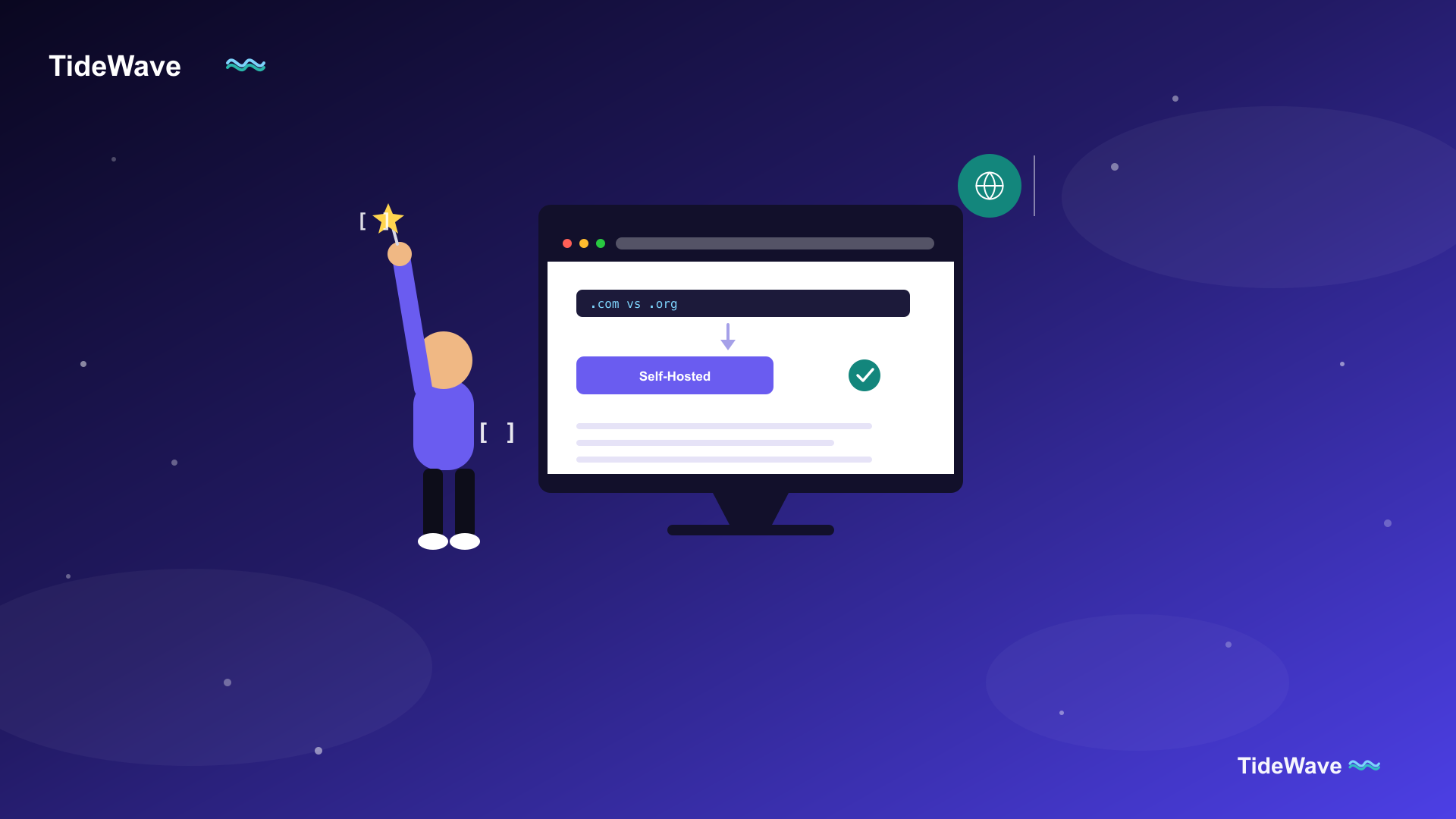
- WordPress.org is the free, open-source WordPress software itself. You download it and install it on hosting you choose (or a host installs it for you), and you own and control everything: files, database, plugins, themes, hosting choice.
- WordPress.com is a hosted service, built by Automattic on top of that same open-source software, where you sign up for an account and WordPress.com runs the hosting, updates, and infrastructure for you, similar in spirit to Squarespace or Wix.
People often say "self-hosted WordPress" to mean the .org version specifically, because you (or your host) are hosting it, versus WordPress.com hosting it for you.
WordPress.org: Full Control, Full Responsibility
With WordPress.org, you:
- Choose your own hosting provider — shared, managed, VPS, whatever fits your budget and needs.
- Install any of the tens of thousands of plugins in the official repository, or any premium plugin from a third-party developer, with no restrictions.
- Install any theme, including fully custom ones you build yourself.
- Have complete access to every file and database table, so you can edit code, add custom functionality, and integrate with anything you want.
- Are responsible for your own backups, security, and updates, unless your host or a plugin handles that for you.
This is the version referenced throughout most WordPress tutorials, including the rest of this blog. When someone says they built a WordPress site with a custom theme and a dozen plugins, they mean WordPress.org.
WordPress.com: Managed, Simpler, More Limited
WordPress.com offers several plans, from a free tier up through Business and Commerce plans:
- Free plan: a WordPress.com subdomain (
yoursite.wordpress.com), limited storage, WordPress.com branding, and no plugin or custom theme installation. - Personal/Premium plans: a custom domain, more storage, and removed ads, but still no third-party plugin installation.
- Business plan and above: this is the point where WordPress.com starts to resemble WordPress.org — you unlock the ability to install plugins and third-party themes, and get SFTP/database access.
The appeal is that WordPress.com handles hosting, updates, security, and backups entirely on their infrastructure. You don't manage a server, you don't worry about PHP versions, and you don't have to think about most of what a self-hosted site owner has to think about.
Feature Comparison
| WordPress.org | WordPress.com | |
|---|---|---|
| Cost | Free software, but you pay for hosting | Free tier available, paid plans for more features |
| Hosting | You choose your own host | Hosted by WordPress.com |
| Plugins | Any plugin, no restrictions | Only on Business plan and above |
| Themes | Any theme, including custom-built | Limited selection unless on Business+ |
| Monetization | Full control (ads, affiliate links, your own store) | Restricted on free/lower plans |
| Custom code | Full access | Only on Business plan and above |
| Maintenance | You (or your host/plugins) handle updates & backups | Handled by WordPress.com |
| Ownership | You own everything outright | Subject to WordPress.com's terms of service |
Which One Should You Choose?
Choose WordPress.org if:
- You want to monetize your site with ads, affiliate links, or your own store without restriction.
- You need a specific plugin or custom functionality not available on WordPress.com's lower tiers.
- You want full control over hosting, performance tuning, and every line of code on your site.
- You're building anything beyond a simple personal blog: a business site, an online store, a membership site, a client project.
Choose WordPress.com if:
- You want to start writing immediately with zero setup and no hosting decisions to make.
- You're running a personal blog, hobby project, or portfolio where built-in themes and no custom plugins are genuinely fine.
- You'd rather pay a predictable subscription than manage hosting, security, and updates yourself.
A Common Migration Path
It's common to start on WordPress.com's free tier to test an idea, then move to self-hosted WordPress.org once the site outgrows what the free plan allows. WordPress.com does offer an export tool that produces a WordPress-compatible XML file, which a self-hosted install can then import through Tools > Import, though media and design elements often need cleanup after the move, and it's not a substitute for a proper backup-and-restore migration between two self-hosted installs — see how to move WordPress to a new domain for what a full self-hosted migration involves once you're there.
Frequently Asked Questions (FAQ) About WordPress.com vs WordPress.org
The WordPress software itself is free and open-source, but you still need to pay for hosting and, typically, a domain name. Most premium themes and plugins also cost money, though there are extensive free options for both in the official repositories.
Only on the Business plan and above. Free, Personal, and Premium plans restrict you to WordPress.com's built-in feature set and theme options, without third-party plugin support.
Both can rank well, since the underlying software and HTML output are the same. Self-hosted WordPress.org gives you unrestricted access to SEO plugins and full technical control (like custom sitemap and schema setups), which matters more as your SEO needs get more advanced.
On the Business plan and above, yes, you get access to the same official plugin and theme repositories. Below that tier, WordPress.com limits you to a curated selection of built-in themes and features instead.
Yes. WordPress.com provides an export tool that generates a WordPress-compatible XML file, importable into a self-hosted WordPress.org install via Tools > Import. Expect to redo some theme and design work, since your new host and theme choice won't automatically match your WordPress.com setup.
Because they share the same name, the same core software, and Automattic (the company behind WordPress.com) is also the largest corporate contributor to the WordPress.org open-source project. The confusion is common enough that it's one of the first things most WordPress guides address.
No, the free plan gives you a subdomain like yoursite.wordpress.com. A custom domain requires at least the Personal plan.
Conclusion
WordPress.com and WordPress.org aren't competing versions of the same product — they're different products built for different needs, sharing the same underlying engine. WordPress.com trades flexibility for simplicity and managed convenience; WordPress.org trades a bit of setup effort for complete control over your site's plugins, themes, hosting, and code.
If you're not sure which fits, ask yourself one question: do you expect to need a specific plugin, custom functionality, or unrestricted monetization at some point? If the answer is yes, or even "maybe," self-hosted WordPress.org will save you a migration down the line.