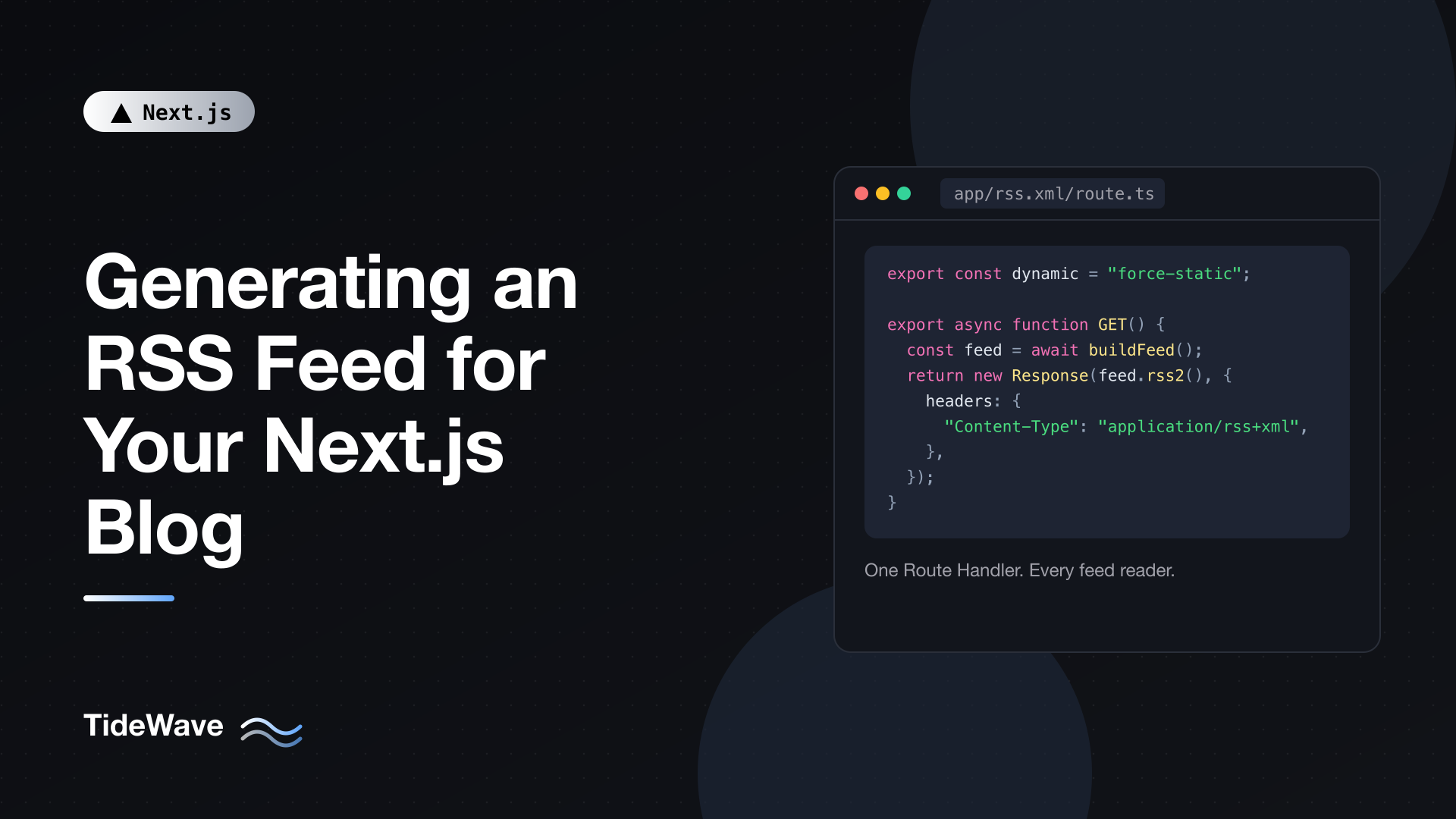
Generating an RSS Feed for Your Next.js Blog
RSS never went away. Feed readers, newsletter tools, podcast apps, Slack integrations, and plenty of aggregators still pull content from a plain XML file, and a lot of your most loyal readers would rather subscribe than remember to visit. If your blog runs on Next.js, adding a feed takes one file and maybe one dependency.
Next.js doesn't ship a built-in rss.ts convention the way it does for sitemap.ts and robots.ts, so you build the feed yourself with a Route Handler. That's a good thing: you control exactly what goes into it.
In this post I'll build an RSS 2.0 feed for a Markdown-based blog using the App Router. I'll cover writing the XML by hand, switching to the feed package when you want Atom and JSON Feed too, including full post content, generating the feed statically at build time (with and without Cache Components), and making the feed discoverable.
What an RSS Feed Actually Needs
An RSS 2.0 document is a small XML file with one channel and a list of item elements. The minimum useful version looks like this:
<?xml version="1.0" encoding="UTF-8"?>
<rss version="2.0" xmlns:atom="http://www.w3.org/2005/Atom">
  <channel>
    <title>My Blog</title>
    <link>https://example.com</link>
    <description>Notes on web development</description>
    <language>en</language>
    <atom:link href="https://example.com/rss.xml" rel="self" type="application/rss+xml" />
    <item>
      <title>Hello World</title>
      <link>https://example.com/blog/hello-world</link>
      <guid isPermaLink="true">https://example.com/blog/hello-world</guid>
      <pubDate>Mon, 28 Sep 2026 06:00:00 GMT</pubDate>
      <description>My first post.</description>
    </item>
  </channel>
</rss>
A few rules matter more than the rest:
- Every URL must be absolute. Feed readers don't know your domain, so
/blog/hello-worldis meaningless to them. pubDateuses the RFC 822 format, likeMon, 28 Sep 2026 06:00:00 GMT. JavaScript'sDate.prototype.toUTCString()produces exactly that.guidmust be stable. Readers use it to decide whether they've seen an item before. If it changes, subscribers get duplicates. The post URL is a fine choice as long as you never change slugs.- Text must be escaped. A title like "Tips & Tricks" contains an ampersand that breaks the XML unless you escape it.
- The
atom:link rel="self"element isn't strictly required, but validators warn without it, so include it.
The Content Source
I'll assume a common setup: Markdown files in a content/blog folder, each with frontmatter parsed by gray-matter. If your posts come from a CMS or database instead, only this loader changes.
npm install gray-matter
// lib/posts.ts
import fs from "node:fs/promises";
import path from "node:path";
import matter from "gray-matter";

export type Post = {
  slug: string;
  title: string;
  description: string;
  date: Date;
  author?: string;
  categories: string[];
  draft: boolean;
  content: string;
};

const POSTS_DIR = path.join(process.cwd(), "content/blog");

export async function getAllPosts(): Promise<Post[]> {
  const files = await fs.readdir(POSTS_DIR);

  const posts = await Promise.all(
    files
      .filter((file) => file.endsWith(".md") || file.endsWith(".mdx"))
      .map(async (file) => {
        const raw = await fs.readFile(path.join(POSTS_DIR, file), "utf8");
        const { data, content } = matter(raw);

        return {
          slug: file.replace(/\.mdx?$/, ""),
          title: String(data.title),
          description: String(data.description ?? ""),
          date: new Date(data.date),
          author: data.author ? String(data.author) : undefined,
          categories: Array.isArray(data.categories) ? data.categories : [],
          draft: Boolean(data.draft),
          content,
        };
      }),
  );

  const now = new Date();

  return posts
    .filter((post) => !post.draft && post.date <= now)
    .sort((a, b) => b.date.getTime() - a.date.getTime());
}
The loader filters out drafts and future-dated posts, then sorts newest first. Your blog pages should use the same function, so the feed and the site never disagree about what's published.
Keep site-wide values in one place as well:
// lib/site.ts
export const site = {
  title: "My Blog",
  description: "Notes on web development",
  url: process.env.NEXT_PUBLIC_SITE_URL ?? "https://example.com",
  language: "en",
  author: "Maria",
};
Option 1: Writing the XML by Hand
For a basic feed, you don't need a library. A Route Handler can return any Response, including an XML string.
Route Handler folders can contain a dot, so a folder named rss.xml with a route.ts inside serves /rss.xml:
app/
  rss.xml/
    route.ts
// app/rss.xml/route.ts
import { getAllPosts } from "@/lib/posts";
import { site } from "@/lib/site";
export const dynamic = "force-static";
function escapeXml(value: string): string {
return value
.replace(/&/g, "&")
.replace(/</g, "<")
.replace(/>/g, ">")
.replace(/"/g, """)
.replace(/'/g, "'");
}
export async function GET() {
const posts = (await getAllPosts()).slice(0, 20);
const items = posts
.map((post) => {
const url = `${site.url}/blog/${post.slug}`;
const categories = post.categories
.map((c) => `<category>${escapeXml(c)}</category>`)
.join("");
return `
<item>
<title>${escapeXml(post.title)}</title>
<link>${url}</link>
<guid isPermaLink="true">${url}</guid>
<pubDate>${post.date.toUTCString()}</pubDate>
<description>${escapeXml(post.description)}</description>
${categories}
</item>`;
})
.join("");
const xml = `<?xml version="1.0" encoding="UTF-8"?>
<rss version="2.0" xmlns:atom="http://www.w3.org/2005/Atom">
<channel>
<title>${escapeXml(site.title)}</title>
<link>${site.url}</link>
<description>${escapeXml(site.description)}</description>
<language>${site.language}</language>
<lastBuildDate>${new Date().toUTCString()}</lastBuildDate>
<atom:link href="${site.url}/rss.xml" rel="self" type="application/rss+xml" />
${items}
</channel>
</rss>`;
return new Response(xml, {
headers: {
"Content-Type": "application/rss+xml; charset=utf-8",
},
});
}
Here's what each piece does:
escapeXmlhandles the five characters that have special meaning in XML. Every piece of text that comes from content (titles, descriptions, categories) goes through it.slice(0, 20)limits the feed to recent posts. Readers poll feeds regularly, so there's no reason to ship your entire archive on every request. Twenty to fifty items is typical.toUTCString()gives the RFC 822 date format RSS expects.- The
Content-Typeheader tells browsers and readers what they're getting.application/rss+xmlis the standard type; some people useapplication/xml, which also works.
Why force-static?
Since Next.js 15, GET Route Handlers are dynamic by default: they run on every request. A blog feed only changes when you publish, so running it on every request wastes work. export const dynamic = "force-static" tells Next.js to run the handler once at build time and serve the result as a static file.
If you publish by redeploying (as you do with file-based content), that's all you need. If your posts come from a CMS, add export const revalidate = 3600 to regenerate the feed at most once an hour, or call revalidatePath("/rss.xml") from your publish webhook. I cover that pattern in On-Demand Revalidation in Next.js with revalidatePath and revalidateTag.
With Cache Components Enabled
If you've turned on cacheComponents in next.config.ts, the route segment configs change. The dynamic export isn't used anymore. Instead, GET handlers follow the same model as pages: they prerender when they don't touch uncached or runtime data. Reading files with async fs calls counts as uncached data, so you move that work into a function marked with "use cache":
// app/rss.xml/route.ts (with cacheComponents: true)
import { cacheLife } from "next/cache";
import { getAllPosts } from "@/lib/posts";
import { site } from "@/lib/site";
import { buildRss } from "@/lib/rss";

async function getFeedXml() {
  "use cache";
  cacheLife("max");

  const posts = (await getAllPosts()).slice(0, 20);
  return buildRss(posts, site);
}

export async function GET() {
  const xml = await getFeedXml();

  return new Response(xml, {
    headers: { "Content-Type": "application/rss+xml; charset=utf-8" },
  });
}
"use cache" can't go directly on the GET export, which is why the work lives in a helper. buildRss here is just the string-building code from the previous example moved into its own module. With cacheLife("max"), the feed is generated at build time and treated as long-lived; if you use tags, cacheTag("posts") plus revalidateTag lets you refresh it on publish. The use cache directive guide goes deeper on those APIs.
Option 2: Using the feed Package
Hand-written XML is fine until you want more than one format, or full HTML content, or proper author and image fields. The feed package generates RSS 2.0, Atom 1.0, and JSON Feed 1.0 from a single object, and it handles escaping and CDATA for you.
npm install feed
Put the feed construction in a shared module so several routes can use it:
// lib/feed.ts
import { Feed } from "feed";
import { getAllPosts } from "@/lib/posts";
import { site } from "@/lib/site";

export async function buildFeed() {
  const posts = (await getAllPosts()).slice(0, 20);

  const feed = new Feed({
    title: site.title,
    description: site.description,
    id: site.url,
    link: site.url,
    language: site.language,
    image: `${site.url}/images/logo.png`,
    favicon: `${site.url}/favicon.ico`,
    copyright: `All rights reserved ${new Date().getFullYear()}, ${site.author}`,
    updated: posts[0]?.date ?? new Date(),
    feedLinks: {
      rss: `${site.url}/rss.xml`,
      atom: `${site.url}/atom.xml`,
      json: `${site.url}/feed.json`,
    },
    author: {
      name: site.author,
      link: site.url,
    },
  });

  for (const post of posts) {
    const url = `${site.url}/blog/${post.slug}`;

    feed.addItem({
      title: post.title,
      id: url,
      link: url,
      description: post.description,
      date: post.date,
      author: post.author ? [{ name: post.author }] : undefined,
      category: post.categories.map((name) => ({ name })),
    });
  }

  return feed;
}
The Feed constructor takes channel-level metadata. A few fields worth noting:
idis required for Atom. Using your site URL is conventional.updatedis set to the newest post's date rather than "now", so the feed's timestamp doesn't change on every build when nothing was published.feedLinksproduces the self-referencing links in each format.
Each addItem call adds an entry. title, link, and date are required; the rest is optional.
Now the routes become one-liners:
// app/rss.xml/route.ts
import { buildFeed } from "@/lib/feed";

export const dynamic = "force-static";

export async function GET() {
  const feed = await buildFeed();

  return new Response(feed.rss2(), {
    headers: { "Content-Type": "application/rss+xml; charset=utf-8" },
  });
}
// app/atom.xml/route.ts
import { buildFeed } from "@/lib/feed";

export const dynamic = "force-static";

export async function GET() {
  const feed = await buildFeed();

  return new Response(feed.atom1(), {
    headers: { "Content-Type": "application/atom+xml; charset=utf-8" },
  });
}
// app/feed.json/route.ts
import { buildFeed } from "@/lib/feed";

export const dynamic = "force-static";

export async function GET() {
  const feed = await buildFeed();

  return new Response(feed.json1(), {
    headers: { "Content-Type": "application/feed+json; charset=utf-8" },
  });
}
Do you need all three? Probably not. RSS 2.0 is the one every reader supports. Atom is a slightly stricter format some tools prefer, and JSON Feed is convenient if you expect developers to consume your feed programmatically. Since the cost is a few lines each, many blogs publish all three.
Including Full Post Content
So far each item only carries a short description. Many readers prefer full-content feeds so they can read the whole post inside their app. To do that, convert your Markdown to HTML and pass it as content.
The unified ecosystem does the conversion:
npm install unified remark-parse remark-gfm remark-rehype rehype-stringify
// lib/markdown-to-html.ts
import { unified } from "unified";
import remarkParse from "remark-parse";
import remarkGfm from "remark-gfm";
import remarkRehype from "remark-rehype";
import rehypeStringify from "rehype-stringify";

export async function markdownToHtml(markdown: string): Promise<string> {
  const file = await unified()
    .use(remarkParse)
    .use(remarkGfm)
    .use(remarkRehype)
    .use(rehypeStringify)
    .process(markdown);

  return String(file);
}
Then in the feed builder:
// lib/feed.ts (inside the loop)
import { markdownToHtml } from "@/lib/markdown-to-html";

// ...
const html = await markdownToHtml(post.content);

feed.addItem({
  title: post.title,
  id: url,
  link: url,
  description: post.description,
  content: absolutizeUrls(html, site.url),
  date: post.date,
});
Two details make full-content feeds work properly.
Make Relative Links Absolute
Your post body probably contains links and images like /blog/other-post or /images/diagram.png. Inside a feed reader those relative URLs point nowhere. A small replacement fixes the common cases:
// lib/feed.ts
function absolutizeUrls(html: string, baseUrl: string): string {
  return html.replace(
    /(href|src)="\/(?!\/)/g,
    (_match, attr: string) => `${attr}="${baseUrl}/`,
  );
}
The regex matches href="/ and src="/ but skips protocol-relative URLs that start with //. For more complex content (srcset, inline styles), a rehype plugin that rewrites URLs on the syntax tree is sturdier than a regex.
Watch Out for MDX Components
If your posts are MDX and use custom components, those components won't exist in a feed reader. The plain Markdown pipeline above will either drop them or output their raw tags. You have a few choices:
- Strip JSX from the content before converting it.
- Publish full content only for posts that are plain Markdown, and descriptions for the rest.
- Render your MDX to static HTML with the same components on the server (for example with
renderToStaticMarkupfromreact-dom/server), which gives readers a close approximation of the page.
The middle option is the simplest and works well for most blogs. The custom MDX components post covers how those components are wired up on the site itself.
Making the Feed Discoverable
A feed nobody can find doesn't help. Browsers, extensions, and readers look for a link rel="alternate" tag in your page's head. With the Metadata API, you add it in the root layout:
// app/layout.tsx
import type { Metadata } from "next";
import { site } from "@/lib/site";
import "./globals.css";

export const metadata: Metadata = {
  metadataBase: new URL(site.url),
  title: {
    default: site.title,
    template: `%s | ${site.title}`,
  },
  description: site.description,
  alternates: {
    types: {
      "application/rss+xml": `${site.url}/rss.xml`,
      "application/atom+xml": `${site.url}/atom.xml`,
    },
  },
};

export default function RootLayout({
  children,
}: {
  children: React.ReactNode;
}) {
  return (
    <html lang="en">
      <body>{children}</body>
    </html>
  );
}
alternates.types renders a link rel="alternate" tag with the matching type for each entry. Because it's in the root layout, every page advertises the feed. If you want readers to find it without tooling, also add a visible "RSS" link in your footer pointing at /rss.xml.
Per-Category Feeds
Larger blogs sometimes offer a feed per category so readers can subscribe to only the topics they care about. A dynamic Route Handler handles that, and generateStaticParams lets you prerender every category at build time:
// app/categories/[category]/rss.xml/route.ts
import { Feed } from "feed";
import { getAllPosts } from "@/lib/posts";
import { site } from "@/lib/site";

export const dynamic = "force-static";

export async function generateStaticParams() {
  const posts = await getAllPosts();
  const categories = new Set(posts.flatMap((post) => post.categories));

  return [...categories].map((category) => ({
    category: category.toLowerCase(),
  }));
}

export async function GET(
  _request: Request,
  ctx: RouteContext<"/categories/[category]/rss.xml">,
) {
  const { category } = await ctx.params;

  const posts = (await getAllPosts()).filter((post) =>
    post.categories.some((c) => c.toLowerCase() === category),
  );

  if (posts.length === 0) {
    return new Response("Not found", { status: 404 });
  }

  const feed = new Feed({
    title: `${site.title}: ${category}`,
    description: `Posts about ${category}`,
    id: `${site.url}/categories/${category}`,
    link: `${site.url}/categories/${category}`,
    language: site.language,
    copyright: `All rights reserved ${new Date().getFullYear()}, ${site.author}`,
    updated: posts[0].date,
  });

  for (const post of posts.slice(0, 20)) {
    const url = `${site.url}/blog/${post.slug}`;
    feed.addItem({
      title: post.title,
      id: url,
      link: url,
      description: post.description,
      date: post.date,
    });
  }

  return new Response(feed.rss2(), {
    headers: { "Content-Type": "application/rss+xml; charset=utf-8" },
  });
}
Two things to notice. params is a promise in Next.js 16, so you await ctx.params. And RouteContext is a globally available type helper that types params from the route path, so there's nothing to import for it. Category values here are lowercased for URLs; if your category names contain spaces, slugify them consistently in both generateStaticParams and the filter.
Testing and Validating Your Feed
Run the dev server and open http://localhost:3000/rss.xml. You should see raw XML (or a formatted tree, depending on your browser). Then check it properly:
- Validate it. Paste the production URL into the W3C Feed Validation Service at
validator.w3.org/feed. It catches bad dates, unescaped characters, and missing required elements. - Subscribe in a real reader. Add the feed to a reader you use and confirm titles, dates, and links look right. This is where relative URLs and broken MDX output show up.
- Check the build output. After
next build, the route summary should list/rss.xmlas static (prerendered). If it shows as dynamic, something in your handler is reading request data or the static config isn't applied.
A quick command-line check is handy too:
curl -sI https://example.com/rss.xml | grep -i content-type
curl -s https://example.com/rss.xml | head -20
Common Mistakes
| Problem | Cause | Fix |
|---|---|---|
| Feed reader shows duplicates | guid or id changed | Use a stable URL or ID and never change slugs |
| Validator: "not well-formed" | Unescaped & or < in text | Escape text, or use the feed package |
Links open localhost | Site URL read from the wrong env | Set NEXT_PUBLIC_SITE_URL in production |
| Dates look wrong | Non-RFC 822 format | Use toUTCString() |
| Feed never updates | Static route, content from a CMS | Add revalidate or revalidate on publish |
| Images broken in readers | Relative src paths | Rewrite to absolute URLs |
The localhost one is worth calling out. If you build the feed with a URL from an environment variable, make sure that variable is set during the production build, since a static feed bakes the value in at build time. The environment variables post explains how build-time values work.
Conclusion
An RSS feed in Next.js is a Route Handler that returns XML. For a simple feed, a template string plus an escape function is enough. When you want Atom, JSON Feed, full content, or less XML to maintain, the feed package builds all three formats from one object.
Whichever route you pick, keep the essentials in mind: absolute URLs, stable GUIDs, RFC 822 dates, and escaped text. Generate the feed statically with force-static (or a "use cache" helper when Cache Components is on), advertise it through alternates.types in your root layout, and run it through a validator before you announce it.


