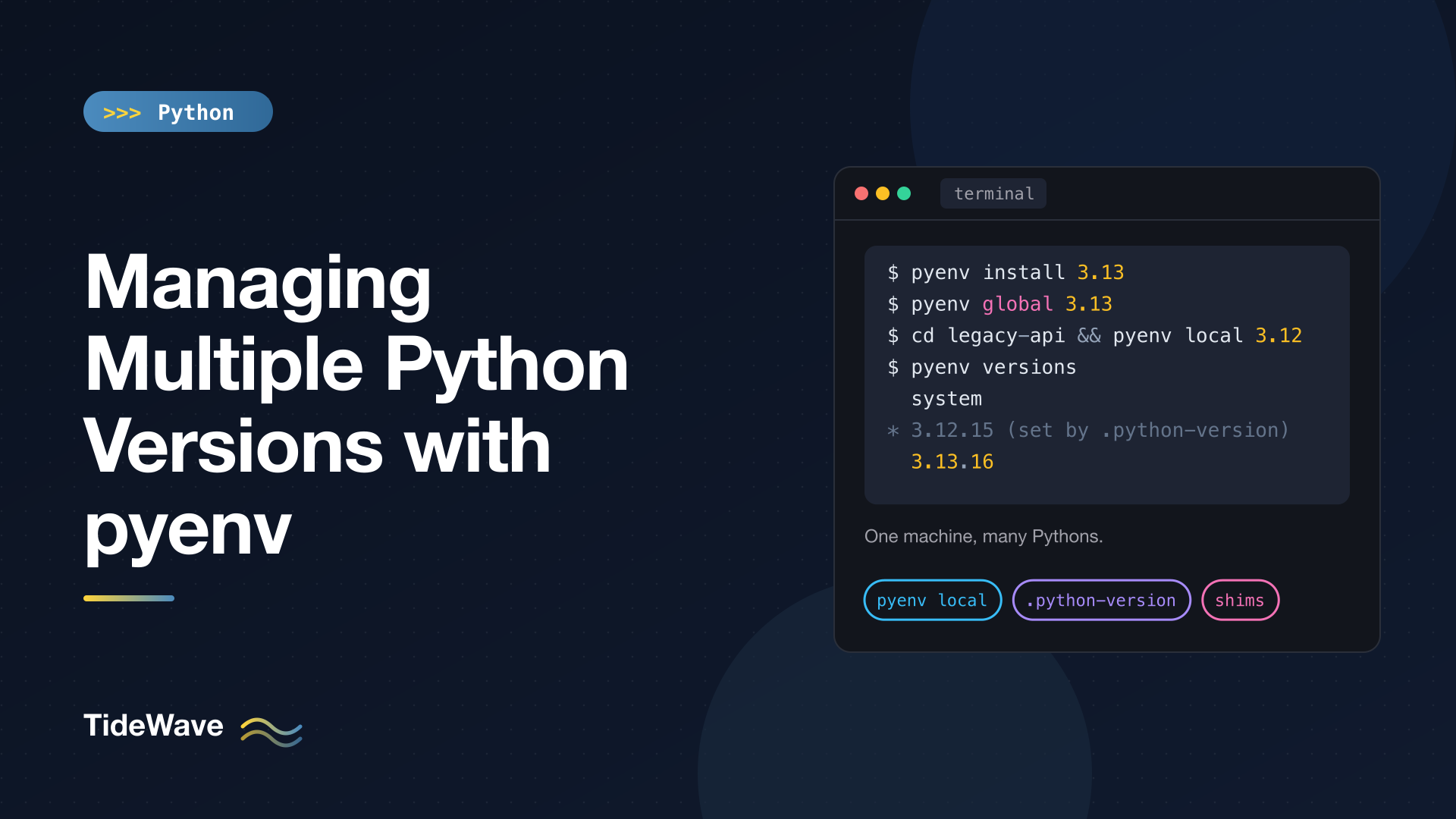
Managing Multiple Python Versions with pyenv
Sooner or later you need more than one Python. A client project is pinned to 3.11, your own work is on 3.13, and you want to try the free-threaded 3.14 build without breaking either. The operating system's Python is no help here: on macOS and most Linux distributions it belongs to the system, upgrading it can break tools that depend on it, and you only get one version at a time.
pyenv solves this by installing as many Python versions as you like into your home directory and letting you pick one per project, per shell, or globally. This guide covers how pyenv works under the hood, how to install and configure it, the commands you'll use every day, how it fits together with virtual environments, and how to fix the problems people usually hit.
How pyenv Works
pyenv doesn't modify any existing Python installation. It does two things:
- Builds Python versions from source into
~/.pyenv/versions/<version>/. Each one is a complete, independent installation with its ownpipandsite-packages. - Puts a directory of "shims" at the front of your
PATH. A shim is a tiny script namedpython,python3,pip,pytest, and so on. When you runpython, the shell finds the shim first; the shim asks pyenv which version should be active right now, then runs the real executable from that version's directory.
Because the decision happens every time a command runs, switching versions is instant. There's nothing to activate or deactivate: you change which version is selected, and the next python you run follows the new selection.
How the Version Is Chosen
pyenv checks these sources in order and uses the first one it finds:
- The
PYENV_VERSIONenvironment variable (set bypyenv shell). - A
.python-versionfile in the current directory. - A
.python-versionfile in any parent directory, searching upward to the filesystem root. - The global version file at
~/.pyenv/version(set bypyenv global). - If none of those exist,
system, meaning whatever Python would be found onPATHwithout pyenv.
You'll mostly use (2) and (4): a global default for everyday work, and a .python-version file in each project that needs something different.
Installing pyenv
pyenv runs on macOS and Linux. On Windows, use the separate pyenv-win project, which has a similar command set but is a different codebase; or use WSL and follow the Linux steps.
macOS
Homebrew is the simplest route:
brew update
brew install pyenv
Linux
The official installer script clones pyenv (plus a few useful plugins) into ~/.pyenv:
curl -fsSL https://pyenv.run | bash
You can also clone the repository yourself with git clone https://github.com/pyenv/pyenv.git ~/.pyenv.
Shell Setup
pyenv needs three lines in your shell startup file: one to set PYENV_ROOT, one to put the pyenv command on PATH, and one to load the shims and shell integration. Recent versions can add them for you:
pyenv init --install
(If you used the installer script, run it as ~/.pyenv/bin/pyenv init --install, since pyenv isn't on your PATH yet.)
To do it by hand for zsh, the default shell on macOS, add this to ~/.zshrc:
# ~/.zshrc
export PYENV_ROOT="$HOME/.pyenv"
[[ -d $PYENV_ROOT/bin ]] && export PATH="$PYENV_ROOT/bin:$PATH"
eval "$(pyenv init - zsh)"
For Bash, use the same three lines with pyenv init - bash, and put them in ~/.bashrc plus whichever login file your system reads (~/.profile or ~/.bash_profile). The pyenv README has exact instructions for Fish and other shells.
Restart your terminal (or run exec "$SHELL") and check that it worked:
pyenv --version
pyenv 2.8.8
Install the Build Dependencies
This step trips up more people than any other. pyenv compiles Python from source, so it needs a C compiler and the development headers for the libraries Python's standard library links against. If they're missing, the build either fails or quietly produces a Python without ssl, sqlite3, or tkinter.
On macOS, install the Xcode command-line tools (xcode-select --install) and then:
brew install openssl readline sqlite3 xz tcl-tk@8 libb2 zstd zlib pkgconfig
On Debian and Ubuntu, recent pyenv versions ship a helper that runs apt-get for you:
pyenv install-prerequisites
If you're on another distribution or an older pyenv, the suggested build environment page on the pyenv wiki lists the packages for each one. On Ubuntu the manual equivalent is:
sudo apt update
sudo apt install build-essential libssl-dev zlib1g-dev libbz2-dev \
  libreadline-dev libsqlite3-dev curl git libncursesw5-dev xz-utils \
  tk-dev libxml2-dev libxmlsec1-dev libffi-dev liblzma-dev libzstd-dev
Installing Python Versions
List what pyenv can install:
pyenv install --list | grep -E "^\s+3\.1[34]"
The list includes every CPython release plus PyPy, GraalPy, Miniforge, and others. You rarely need the full version number, though. Give pyenv a prefix and it resolves to the newest matching release:
pyenv install 3.13
pyenv install 3.12
To see what a prefix will resolve to before you install, use pyenv latest -k (the -k means "known", as opposed to installed):
pyenv latest -k 3.13
pyenv latest -k 3.14
3.13.16
3.14.8
(Your numbers will be newer; pyenv's list of known versions updates whenever you upgrade pyenv itself.)
The build takes a few minutes per version. When it finishes, the new interpreter lives in ~/.pyenv/versions/3.13.16/.
Free-Threaded Builds
Python 3.13 introduced an experimental build without the global interpreter lock, and in 3.14 it became officially supported (though still not the default). pyenv lists these builds with a t suffix:
pyenv install 3.14t
That installs a separate free-threaded interpreter next to the regular 3.14, so you can benchmark the same code on both. Inside it, sys._is_gil_enabled() returns False. For background on what changes without the GIL, see Understanding the GIL and free-threaded Python.
Listing Installed Versions
pyenv versions
* system (set by /Users/maria/.pyenv/version)
  3.12.15
  3.13.16
  3.14.8
The asterisk marks the version that's active in the current directory, and the note in parentheses tells you which rule selected it.
Switching Versions
There are three scopes, from broadest to narrowest.
pyenv global: Your Default
pyenv global 3.13
This writes 3.13 to ~/.pyenv/version. Every directory without its own .python-version now gets the newest installed 3.13.x. Many people prefer setting a global pyenv version over relying on system, so that pip install never touches the operating system's Python.
pyenv local: Per Project
Inside a project directory:
cd ~/code/legacy-api
pyenv local 3.12
cat .python-version
3.12
pyenv local writes a .python-version file in the current directory. Whenever you're in that directory or any subdirectory, pyenv uses 3.12. Commit this file to the repository: it documents the expected version, and other tools read it too (uv, for example, honors .python-version).
Writing the prefix (3.12) rather than a full version (3.12.15) means the project picks up patch releases automatically when you install them. If you need an exact build for reproducibility, write the full version instead.
pyenv refuses to set a version you haven't installed:
pyenv local 3.11
pyenv: version `3.11' not installed
To remove the setting, run pyenv local --unset, which deletes the file.
pyenv shell: This Terminal Only
pyenv shell 3.14
This sets PYENV_VERSION for the current shell session, overriding both local and global settings until you close the terminal or run pyenv shell --unset. It's handy for a quick experiment. The same effect works for a single command with an environment variable:
PYENV_VERSION=3.12 python -c "import sys; print(sys.version)"
Checking What's Active
Two commands answer "which Python am I running and why?":
pyenv version
pyenv which python
3.12.15 (set by /Users/maria/code/legacy-api/.python-version)
/Users/maria/.pyenv/versions/3.12.15/bin/python
pyenv version shows the selected version and its source. pyenv which shows the real executable a shim will run. When something behaves unexpectedly, these are the first two things to check.
pyenv and Virtual Environments
pyenv chooses the interpreter. A virtual environment isolates a project's packages. You want both: pyenv to get the right Python version, and a venv on top so each project has its own dependencies.
The cleanest pattern is to let pyenv select the version, then create a regular venv with it:
cd ~/code/legacy-api
pyenv local 3.12
python -m venv .venv
source .venv/bin/activate
python --version
Python 3.12.15
The venv records which interpreter created it, so it keeps using 3.12 even if you later change .python-version. If you do change the project's version, delete .venv and create it again. The guide to venv covers how environments work in detail.
Avoid installing project dependencies directly into a pyenv version with plain pip install. It works, but every project using that version then shares one site-packages, which is exactly the problem venvs solve. Global command-line tools are a reasonable exception, though pipx or uv tool are better homes for them.
The pyenv-virtualenv Plugin
The installer script also sets up pyenv-virtualenv, a plugin that stores environments under ~/.pyenv/versions/ and lets you select them by name with pyenv local, like any other version:
pyenv virtualenv 3.13 blog-env
pyenv local blog-env
Now entering the directory activates the environment. Some people love this; others prefer a project-local .venv that their editor and other tools find automatically. Either works, but don't mix both in the same project.
Testing Against Several Versions
pyenv can make more than one version available at once, which is what tools like tox and nox need to run your test suite on each supported Python:
pyenv local 3.13 3.12 3.11
The .python-version file now lists all three. The first one is what python runs, but python3.12 and python3.11 also resolve through the shims, so tox can find each interpreter by name.
Maintenance
Upgrading pyenv
New Python releases only show up in pyenv install --list after you upgrade pyenv:
brew upgrade pyenv     # Homebrew installs
pyenv update           # installer-script installs (uses the pyenv-update plugin)
For a plain Git clone, run git pull inside ~/.pyenv.
Upgrading a Python Patch Version
pyenv doesn't upgrade versions in place. Install the new patch release, and any .python-version file that uses a prefix like 3.13 picks it up automatically. Recreate project venvs so they use the new interpreter, then remove the old one:
pyenv install 3.13
pyenv uninstall 3.13.15
pyenv uninstall needs the full version name; it doesn't resolve prefixes, which protects you from removing the wrong thing.
Rehashing Shims
When you install a package that provides a command, say pip install httpie, pyenv needs a shim for http. Shell integration usually creates it automatically, but if a newly installed command isn't found, run:
pyenv rehash
Troubleshooting
| Symptom | Likely cause and fix |
|---|---|
python still runs the system version | Shell setup isn't loaded. Check ~/.zshrc / ~/.bashrc, restart the terminal, and confirm pyenv root's shims directory is first in echo $PATH. |
ModuleNotFoundError: No module named '_ssl' (or _sqlite3, _tkinter) | Python was built without that library's headers. Install the build dependencies, then reinstall with pyenv install --force 3.13. |
WARNING: The Python ... extension was not compiled during install | Same cause: a missing dev package. The warning names the module. |
pyenv: version '3.12' not installed | A .python-version file is asking for a version you don't have. Install it, or check pyenv version to find which file is responsible. |
| A command you installed with pip isn't found | Run pyenv rehash. |
| Build fails on macOS after an OS upgrade | Reinstall the Xcode command-line tools and brew upgrade the dependencies, then retry. |
When a build fails, pyenv prints the path to a log file. The real error is near the end of that log, usually a missing header or library.
pyenv or uv?
uv can also install and manage Python versions (uv python install 3.13), and it downloads prebuilt binaries instead of compiling, so it's much faster and doesn't need build dependencies. If you're already using uv for your projects, you may not need pyenv at all; the uv guide covers how it handles interpreters.
pyenv still has advantages: it's a mature, single-purpose tool, it gives you real python shims that every program on your machine sees, it supports a very long list of implementations and versions, and building from source lets you customize compile options. Plenty of teams use pyenv to provide interpreters and a separate tool for dependencies, and that's a perfectly good setup.
Conclusion
pyenv gives each project the Python it needs without touching the system interpreter. Install it, add the shell setup, install the build dependencies before your first build, and then the day-to-day workflow is short: pyenv install to add a version, pyenv global for your default, pyenv local to pin a project, and a regular venv on top for packages.
When something looks wrong, pyenv version and pyenv which python tell you exactly which interpreter is running and why, which solves most mysteries in a few seconds.


