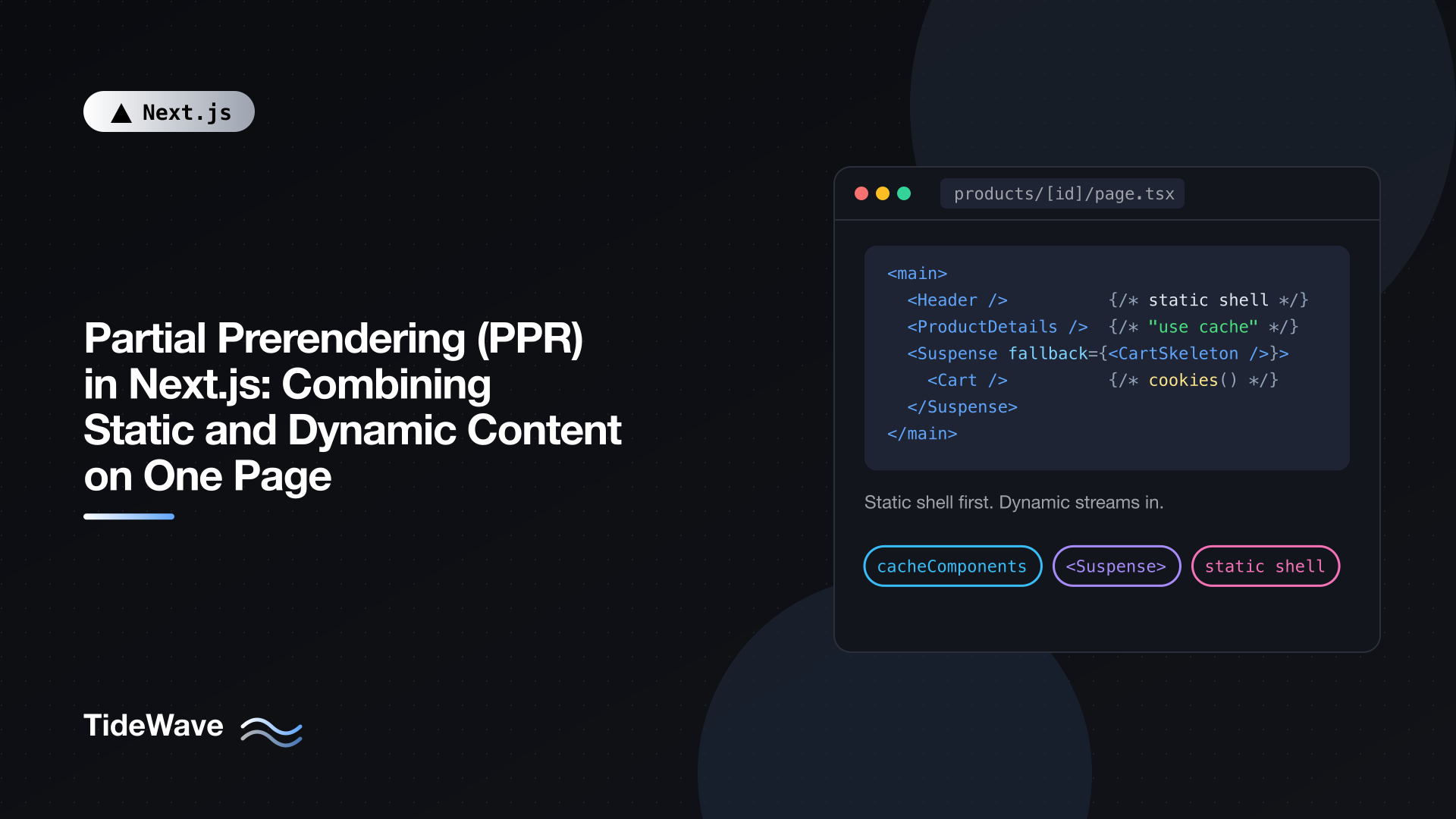
Partial Prerendering (PPR) in Next.js: Combining Static and Dynamic Content on One Page
For years, every route in a Next.js app had to pick a side. A static route was prerendered once and served instantly from a CDN, but it couldn't show anything specific to the visitor. A dynamic route could read cookies and show a personalized cart, but every request waited for the server to render the whole page. One cookie read in a header component was enough to turn an otherwise static product page into a fully dynamic one.
Partial Prerendering (PPR) removes that either/or choice. A single route gets a static shell, prerendered at build time and served immediately, with holes where dynamic content goes. Those holes are filled by content streamed from the server in the same response. The product description, navigation, and footer arrive instantly; the cart count and personalized recommendations follow a moment later.
This post explains how PPR works in Next.js 16, how to enable it, how Next.js decides what goes in the shell, and how to structure pages so the shell is as useful as possible. If you've read about the experimental PPR flag in Next.js 15, note that the setup has changed.
How PPR Works
At build time, Next.js renders each route as far as it can. Whenever it hits something that can't be known ahead of time, such as a cookie read or an uncached database query, it stops at the nearest Suspense boundary and uses that boundary's fallback instead. The result is:
- A static HTML shell containing everything that rendered, with fallbacks in place of the dynamic parts.
- An RSC payload for the static portion, used for client-side navigation.
- Postponed state that lets the server resume rendering exactly where it stopped.
At request time:
- The shell is sent immediately. It can come straight from a CDN.
- The server resumes rendering the dynamic parts.
- Each dynamic part streams into the same response as soon as it's ready, replacing its fallback.
It's one HTTP request. The browser doesn't make extra fetches for the dynamic sections; they arrive on the same stream. The visitor sees meaningful content right away, and time to first byte reflects serving a static file rather than waiting on your slowest query.
Enabling PPR in Next.js 16
In Next.js 15, PPR was an experimental flag (experimental.ppr) with a per-route opt-in (experimental_ppr). Both were removed in Next.js 16. PPR is now the default rendering model when you enable Cache Components:
// next.config.ts
import type { NextConfig } from "next";

const nextConfig: NextConfig = {
  cacheComponents: true,
};

export default nextConfig;
That's the only switch. With it on, every App Router route is partially prerendered as far as its code allows. Cache Components also changes a few defaults: data is dynamic unless cached with "use cache", and route segment configs like export const dynamic are no longer used. The companion post on the "use cache" directive covers those changes in detail.
Cache Components requires the Node.js runtime, so routes using runtime = "edge" need to move off it.
What Ends Up in the Static Shell
Next.js sorts everything it renders into one of a few buckets:
| What the code does | Where it ends up |
|---|---|
| Pure rendering, module imports, synchronous computation | Static shell |
Data inside a "use cache" scope with a normal lifetime | Static shell |
cookies(), headers(), searchParams, or unknown params | Streams at request time |
Uncached fetch or database calls | Streams at request time |
"use cache" with a very short lifetime (such as seconds) | Streams at request time |
Date.now(), Math.random(), crypto.randomUUID() | Must be cached or deferred with connection() |
Anything in the "streams" rows must sit inside a Suspense boundary. If it doesn't, there's no fallback to put in the shell, and Next.js tells you so: the development overlay shows a "blocking route" insight naming the component and suggesting fixes, and the build fails with an error. That strictness is deliberate. It guarantees every route produces a usable shell.
A Product Page, Step by Step
Let's build a product page with three kinds of content:
- A header and layout that never change.
- Product details that change only when someone edits the product.
- A cart summary and recommendations that depend on the visitor.
The data layer
// lib/products.ts
import { cacheLife, cacheTag } from "next/cache";

export type Product = {
  id: string;
  name: string;
  description: string;
  price: number;
};

const API = "https://api.example.com";

export async function getProduct(id: string): Promise<Product | null> {
  "use cache";
  cacheLife("max");
  cacheTag(`product:${id}`);

  const res = await fetch(`${API}/products/${id}`);
  if (res.status === 404) return null;
  if (!res.ok) throw new Error("Failed to load product");
  return res.json();
}

export async function getFeaturedProductIds(): Promise<string[]> {
  "use cache";
  cacheLife("days");

  const res = await fetch(`${API}/products/featured`);
  if (!res.ok) throw new Error("Failed to load featured products");
  const products: { id: string }[] = await res.json();
  return products.map((p) => p.id);
}

export async function getRecommendations(
  productId: string,
  visitorId: string,
): Promise<Product[]> {
  const res = await fetch(
    `${API}/recommendations?product=${productId}&visitor=${visitorId}`,
  );
  if (!res.ok) return [];
  return res.json();
}
getProduct is cached for a long time and tagged, so an admin edit can invalidate it on demand. getRecommendations is deliberately not cached, because it's personal to each visitor.
The page
// app/products/[id]/page.tsx
import { Suspense } from "react";
import { getFeaturedProductIds } from "@/lib/products";
import { ProductDetails, ProductDetailsSkeleton } from "./product-details";
import { CartSummary, CartSummarySkeleton } from "./cart-summary";
import { Recommendations, RecommendationsSkeleton } from "./recommendations";

export async function generateStaticParams() {
  const ids = await getFeaturedProductIds();
  return ids.map((id) => ({ id }));
}

export default function ProductPage({
  params,
}: {
  params: Promise<{ id: string }>;
}) {
  return (
    <main>
      <header className="site-header">
        <a href="/">Acme Store</a>
        <Suspense fallback={<CartSummarySkeleton />}>
          <CartSummary />
        </Suspense>
      </header>

      <Suspense fallback={<ProductDetailsSkeleton />}>
        {params.then(({ id }) => (
          <ProductDetails id={id} />
        ))}
      </Suspense>

      <section>
        <h2>You might also like</h2>
        <Suspense fallback={<RecommendationsSkeleton />}>
          {params.then(({ id }) => (
            <Recommendations productId={id} />
          ))}
        </Suspense>
      </section>
    </main>
  );
}
Notice what the page doesn't do: it isn't async and it never awaits params at the top. Instead, it passes the params promise into each Suspense boundary and resolves it there. That matters for product IDs that weren't returned by generateStaticParams. For those, the param is unknown at build time, and awaiting it at the top would leave nothing to prerender. Resolving it inside the boundaries keeps the header and all the fallbacks in the shell no matter which product is requested.
For IDs that generateStaticParams did return, Next.js knows the param at build time, so the cached ProductDetails output is rendered right into that product's shell. Only the cart and recommendations stream.
The cached section
// app/products/[id]/product-details.tsx
import { notFound } from "next/navigation";
import { getProduct } from "@/lib/products";

export async function ProductDetails({ id }: { id: string }) {
  const product = await getProduct(id);
  if (!product) notFound();

  return (
    <article>
      <h1>{product.name}</h1>
      <p>{product.description}</p>
      <p className="price">${product.price.toFixed(2)}</p>
    </article>
  );
}

export function ProductDetailsSkeleton() {
  return (
    <article aria-busy="true">
      <div className="skeleton h-10 w-2/3" />
      <div className="skeleton h-24 w-full" />
      <div className="skeleton h-6 w-24" />
    </article>
  );
}
ProductDetails itself has no directive; the caching happens in getProduct. Because that function is cached with a long lifetime, its output can be prerendered.
The dynamic sections
// app/products/[id]/cart-summary.tsx
import { cookies } from "next/headers";

export async function CartSummary() {
  const cartCookie = (await cookies()).get("cart")?.value;
  const count = cartCookie ? (JSON.parse(cartCookie) as string[]).length : 0;

  return <a href="/cart">Cart ({count})</a>;
}

export function CartSummarySkeleton() {
  return <span className="skeleton inline-block h-5 w-16" />;
}
// app/products/[id]/recommendations.tsx
import { cookies } from "next/headers";
import { getRecommendations } from "@/lib/products";

export async function Recommendations({ productId }: { productId: string }) {
  const visitorId = (await cookies()).get("visitor_id")?.value ?? "anonymous";
  const products = await getRecommendations(productId, visitorId);

  if (products.length === 0) return null;

  return (
    <ul className="grid grid-cols-2 gap-4 md:grid-cols-4">
      {products.map((p) => (
        <li key={p.id}>
          <a href={`/products/${p.id}`}>{p.name}</a>
        </li>
      ))}
    </ul>
  );
}

export function RecommendationsSkeleton() {
  return (
    <ul className="grid grid-cols-2 gap-4 md:grid-cols-4">
      {Array.from({ length: 4 }, (_, i) => (
        <li key={i} className="skeleton h-32" />
      ))}
    </ul>
  );
}
Both read cookies, so both stream at request time. Each has its own boundary, so a slow recommendations service doesn't hold up the cart count.
Checking the result
Run a production build:
npm run build
Partially prerendered routes are marked with ◐ in the route table:
Route (app)
┌ ○ /
└   /products/[id]
  ├ ◐ /products/[id]
  ├ ◐ /products/p-100
  └ ◐ /products/p-200

○  (Static)             prerendered as static content
◐  (Partial Prerender)  prerendered as static HTML with dynamic server-streamed content
Then npm run start and load a product page with the network tab open. You'll see the document start arriving immediately with the header, product details, and skeletons, and the cart and recommendations arrive later on the same response.
Getting the Most Out of the Shell
Push dynamic access down
The deeper your dynamic reads sit in the component tree, the more of the page prerenders. A cookie read in the root layout makes everything below it wait; the same read inside a small CartSummary component affects only that component. When you find yourself awaiting cookies(), headers(), searchParams, or params near the top of a page or layout, ask whether a child could do it instead.
The params.then(...) pattern above is one tool for this. Another is passing the promise itself as a prop and awaiting it inside the child component.
Cache what's shared, stream what's personal
PPR rewards a clear split between data that's the same for everyone and data that isn't. Product information, article bodies, navigation, and pricing tables can usually be cached and baked into the shell. Carts, greetings, recommendations, and anything else that depends on the visitor should stream. If personalized data can be grouped (for example, by region), read the cookie outside a cached function and pass the region in, so each region gets one cached entry.
Design fallbacks to match the final layout
Fallbacks are part of your static shell, so they're the first thing users see. Make them the same size as the content they replace. A skeleton with a fixed height prevents the page from jumping when content streams in, which keeps Cumulative Layout Shift low. Avoid a single page-wide spinner; the point of PPR is that most of the page doesn't need one.
Handle per-request values explicitly
Calls like Date.now() or crypto.randomUUID() produce different results every time they run, so Next.js won't silently freeze them into the shell. Decide what you want:
// app/components/request-id.tsx
import { connection } from "next/server";

export async function RequestId() {
  await connection(); // defer to request time
  return <small>Request {crypto.randomUUID()}</small>;
}
Wrap a component like this in Suspense. If one value shared by everyone is fine, put the computation inside a "use cache" scope instead.
Status Codes, Redirects, and Bots
Streaming has one consequence worth planning for. Once the shell starts streaming, the response has already committed to a 200 OK status. If notFound() runs inside a streamed boundary, as in ProductDetails above for an unknown ID, Next.js can't change the status code anymore. It renders the not-found UI and injects a noindex robots meta tag so search engines don't index the page. Similarly, a redirect() inside a streamed section becomes a client-side redirect.
If a real 404 status matters, check existence before any Suspense boundary or await that streams. That trades a little shell for a correct status, so use it where it matters, such as for SEO-critical routes.
Bots and crawlers are handled differently: Next.js detects them by user agent and sends the fully rendered page instead of a shell plus stream. Make sure everything your shell depends on is also available at request time, since a bot's render runs it again. For more on how rendering choices affect search, see the SEO benefits of Next.js.
PPR Compared with the Older Models
| Static (SSG/ISR) | Dynamic (SSR) | Partial Prerendering | |
|---|---|---|---|
| First byte | From cache, fast | After full server render | From cache, fast |
| Personalized content | No | Yes | Yes, in streamed sections |
| One cookie read affects | Route becomes dynamic | Nothing more | Only its Suspense boundary |
| Request count | One | One | One |
With PPR, you no longer choose a rendering mode per route. You decide per component whether something is static, cached, or dynamic, and the route is composed from those decisions. For background on the older models, see how server-side rendering works in Next.js and ISR in Next.js.
When PPR Needs Extra Thought
- Deployment platform. The shell and the resumed render need to be served together. Node.js servers and Docker deployments support this out of the box; static export (
output: "export") doesn't support Cache Components at all. If you deploy behind a custom CDN, the platform has to support PPR to serve the shell from the edge. - Mostly-dynamic pages. A dashboard where nearly everything depends on the user gets little benefit beyond a fast skeleton. That's still a win, but don't expect a static-like experience.
- Root layout reading cookies. If your root layout reads a cookie to set a theme or locale on the
htmlelement, the entire tree becomes request-bound. Use an inline script or route-based locales instead so the shell stays static.
Conclusion
Partial Prerendering lets one page be both fast and personal. With cacheComponents: true in Next.js 16, every route prerenders as much as it can into a static shell, and anything that depends on the request streams into Suspense boundaries in the same response.
To get the most out of it, cache shared data with "use cache", keep cookie and header reads in small components deep in the tree, resolve params inside boundaries for routes with unknown IDs, and design fallbacks that match the final layout. Check the ◐ markers in your build output, and you'll know exactly which parts of each page are instant and which are on their way.


