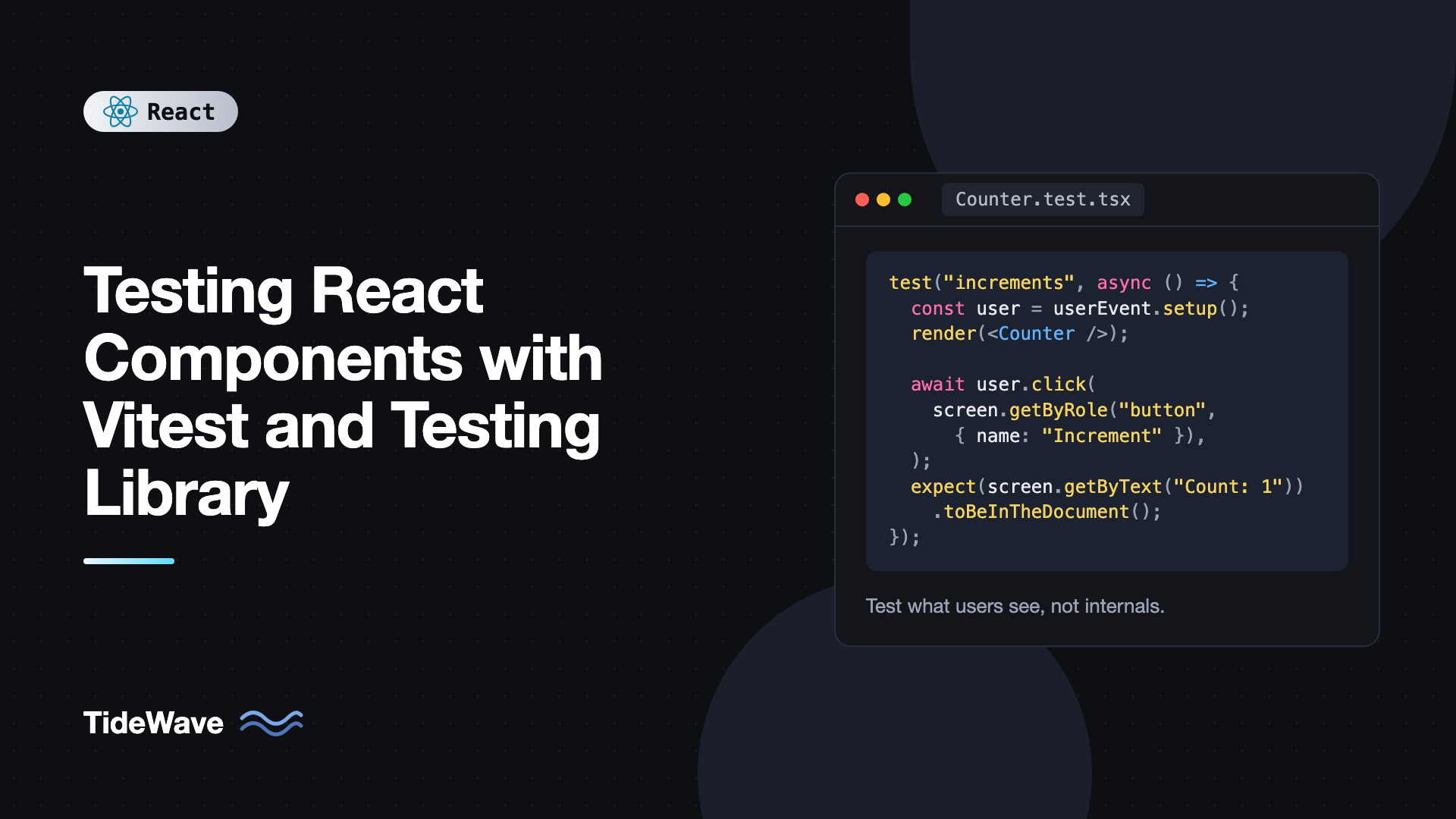
Testing React Components with Vitest and Testing Library
Most React bugs that reach users aren't in complex algorithms. They're a button that stops submitting after a refactor, an error message that never appears, or a loading spinner that spins forever. Clicking through every screen after every change doesn't scale, and tests that inspect component internals break every time you rename a state variable, even when nothing visible changed.
Vitest and React Testing Library solve both problems together. Vitest is a fast test runner that shares your Vite config, so TypeScript, JSX, and path aliases work without extra setup. Testing Library renders components into a simulated DOM and encourages you to query it the way a user would: by role, label, and visible text. Tests written that way survive refactors and fail only when behavior actually breaks.
This guide sets up both tools in a Vite + React 19 project, then works through real examples: rendering and queries, simulating user interaction, forms, async behavior, components that need providers, mocking modules and timers, and the patterns that keep a test suite fast and trustworthy.
Setting Up Vitest
Install Vitest, a DOM implementation, and the Testing Library packages:
npm install -D vitest jsdom @testing-library/react @testing-library/dom @testing-library/user-event @testing-library/jest-dom
What each package does:
vitestruns the tests.jsdomprovidesdocument,window, and DOM APIs in Node.@testing-library/reactrenders components and exposes queries.@testing-library/domis a peer dependency that contains the core queries.@testing-library/user-eventsimulates realistic clicks, typing, and keyboard input.@testing-library/jest-domadds DOM matchers liketoBeInTheDocumentandtoBeDisabled.
Add a test block to your Vite config:
// vite.config.ts
/// <reference types="vitest/config" />
import { defineConfig } from "vite";
import react from "@vitejs/plugin-react";

export default defineConfig({
  plugins: [react()],
  test: {
    environment: "jsdom",
    setupFiles: ["./src/test/setup.ts"],
    css: false,
  },
});
The triple-slash reference gives you type checking for the test key. css: false skips processing CSS files during tests, which speeds things up.
Then create the setup file:
// src/test/setup.ts
import "@testing-library/jest-dom/vitest";
import { afterEach } from "vitest";
import { cleanup } from "@testing-library/react";

afterEach(() => {
  cleanup();
});
The jest-dom/vitest entry registers the matchers with Vitest's expect and adds their types. The cleanup call unmounts rendered components after each test. Testing Library does that automatically only when test globals are enabled, so calling it yourself makes the setup explicit.
Finally, add scripts:
{
  "scripts": {
    "test": "vitest",
    "test:run": "vitest run",
    "coverage": "vitest run --coverage"
  }
}
vitest starts watch mode, rerunning only tests affected by the files you change. vitest run runs once, which is what you want in CI. Coverage needs @vitest/coverage-v8 installed as well.
If you're coming from Create React App and Jest, migrating from Create React App to Vite covers the move. Most Jest tests run in Vitest after replacing jest.fn() with vi.fn().
Your First Component Test
Start with a simple counter:
// src/components/Counter.tsx
import { useState } from "react";

export function Counter({ initial = 0 }: { initial?: number }) {
  const [count, setCount] = useState(initial);

  return (
    <div>
      <p>Count: {count}</p>
      <button type="button" onClick={() => setCount((c) => c + 1)}>
        Increment
      </button>
      <button type="button" onClick={() => setCount(initial)} disabled={count === initial}>
        Reset
      </button>
    </div>
  );
}
And its test:
// src/components/Counter.test.tsx
import { render, screen } from "@testing-library/react";
import userEvent from "@testing-library/user-event";
import { describe, expect, test } from "vitest";
import { Counter } from "./Counter";

describe("Counter", () => {
  test("starts at the initial value", () => {
    render(<Counter initial={5} />);
    expect(screen.getByText("Count: 5")).toBeInTheDocument();
  });

  test("increments and resets", async () => {
    const user = userEvent.setup();
    render(<Counter />);

    const reset = screen.getByRole("button", { name: "Reset" });
    expect(reset).toBeDisabled();

    await user.click(screen.getByRole("button", { name: "Increment" }));
    await user.click(screen.getByRole("button", { name: "Increment" }));
    expect(screen.getByText("Count: 2")).toBeInTheDocument();
    expect(reset).toBeEnabled();

    await user.click(reset);
    expect(screen.getByText("Count: 0")).toBeInTheDocument();
  });
});
Notice what the test doesn't do. It doesn't read count from state, call setCount, or check how many times the component rendered. It clicks buttons a user can see and checks text a user can read. You could rewrite Counter with useReducer and this test would still pass.
Choosing the Right Query
Testing Library offers several query types. Each comes in three variants:
getBy...returns the element or throws if it's missing. Use it when the element should be there.queryBy...returns the element ornull. Use it to assert something is not present.findBy...returns a promise that resolves when the element appears. Use it for async UI.
Each also has an All version (getAllByRole) that returns arrays.
Prefer queries in this order, because it mirrors how people and assistive technology find elements:
getByRolewith anameoption, such asgetByRole("button", { name: "Save" }).getByLabelTextfor form fields.getByPlaceholderTextif there's no label (though there should be).getByTextfor non-interactive content.getByDisplayValuefor filled-in form values.getByAltTextandgetByTitlefor images and titled elements.getByTestIdonly as a last resort.
Role queries double as an accessibility check. If getByRole("button", { name: "Close" }) can't find your icon button, a screen reader user can't identify it either. The guide on accessibility best practices for React developers explains how to give every control an accessible name.
When you're unsure which query to use, call screen.debug() to print the current DOM, or screen.logTestingPlaygroundURL() to get a link that suggests queries.
Simulating User Interaction
userEvent simulates complete interactions. A user.type call fires focus, keydown, keypress, input, and keyup events for each character, just like a real keyboard. That's more realistic than the lower-level fireEvent, which dispatches a single event.
Always create a session with userEvent.setup() at the start of the test and await every interaction:
const user = userEvent.setup();

await user.type(screen.getByLabelText("Email"), "ada@example.com");
await user.clear(screen.getByLabelText("Search"));
await user.selectOptions(screen.getByLabelText("Country"), "Germany");
await user.click(screen.getByRole("checkbox", { name: "Remember me" }));
await user.keyboard("{Enter}");
await user.tab();
Testing a Form
Forms are where component tests pay off most. Here's a login form that validates input and calls an onSubmit prop:
// src/components/LoginForm.tsx
import { useState, type FormEvent } from "react";

type Props = {
  onSubmit: (values: { email: string; password: string }) => Promise<void>;
};

export function LoginForm({ onSubmit }: Props) {
  const [error, setError] = useState<string | null>(null);
  const [pending, setPending] = useState(false);

  async function handleSubmit(event: FormEvent<HTMLFormElement>) {
    event.preventDefault();
    const data = new FormData(event.currentTarget);
    const email = String(data.get("email") ?? "");
    const password = String(data.get("password") ?? "");

    if (!email.includes("@")) {
      setError("Enter a valid email address");
      return;
    }

    setError(null);
    setPending(true);
    try {
      await onSubmit({ email, password });
    } catch {
      setError("Invalid email or password");
    } finally {
      setPending(false);
    }
  }

  return (
    <form onSubmit={handleSubmit} noValidate>
      <label htmlFor="email">Email</label>
      <input id="email" name="email" type="email" />

      <label htmlFor="password">Password</label>
      <input id="password" name="password" type="password" />

      {error && <p role="alert">{error}</p>}

      <button type="submit" disabled={pending}>
        {pending ? "Signing in…" : "Sign in"}
      </button>
    </form>
  );
}
The tests use vi.fn() to create a mock onSubmit:
// src/components/LoginForm.test.tsx
import { render, screen } from "@testing-library/react";
import userEvent from "@testing-library/user-event";
import { expect, test, vi } from "vitest";
import { LoginForm } from "./LoginForm";

function setup() {
  const onSubmit = vi.fn().mockResolvedValue(undefined);
  const user = userEvent.setup();
  render(<LoginForm onSubmit={onSubmit} />);
  return { onSubmit, user };
}

test("submits email and password", async () => {
  const { onSubmit, user } = setup();

  await user.type(screen.getByLabelText("Email"), "ada@example.com");
  await user.type(screen.getByLabelText("Password"), "hunter22");
  await user.click(screen.getByRole("button", { name: "Sign in" }));

  expect(onSubmit).toHaveBeenCalledWith({
    email: "ada@example.com",
    password: "hunter22",
  });
});

test("shows a validation error for an invalid email", async () => {
  const { onSubmit, user } = setup();

  await user.type(screen.getByLabelText("Email"), "not-an-email");
  await user.click(screen.getByRole("button", { name: "Sign in" }));

  expect(screen.getByRole("alert")).toHaveTextContent("Enter a valid email address");
  expect(onSubmit).not.toHaveBeenCalled();
});

test("shows an error when sign-in fails", async () => {
  const { onSubmit, user } = setup();
  onSubmit.mockRejectedValueOnce(new Error("401"));

  await user.type(screen.getByLabelText("Email"), "ada@example.com");
  await user.type(screen.getByLabelText("Password"), "wrong");
  await user.click(screen.getByRole("button", { name: "Sign in" }));

  expect(await screen.findByRole("alert")).toHaveTextContent(
    "Invalid email or password",
  );
});
A small setup helper keeps each test focused on what's different. This is generally better than beforeEach with shared mutable variables, because each test reads top to bottom.
Testing Async Behavior
When a component fetches data or updates after a promise, use findBy queries or waitFor. Both retry until the assertion passes or a timeout (1 second by default) expires.
import { render, screen, waitFor } from "@testing-library/react";

test("loads and shows the user", async () => {
  render(<UserProfile id="42" />);

  expect(screen.getByText("Loading…")).toBeInTheDocument();
  expect(await screen.findByRole("heading", { name: "Ada Lovelace" })).toBeInTheDocument();

  await waitFor(() => {
    expect(screen.queryByText("Loading…")).not.toBeInTheDocument();
  });
});
Prefer findBy when you're waiting for one element to appear. Use waitFor for other conditions, and keep a single assertion inside it, so a failure points to the right thing. Don't put side effects like clicks inside waitFor, since the callback may run many times.
For real network calls, don't mock fetch by hand in every test. Intercept requests at the network level instead. Mocking API calls in React tests with MSW shows how to set that up with Vitest.
Components That Need Providers
Real components often depend on context: a router, a query client, a theme, or an auth provider. Instead of wrapping every render by hand, create a custom render function:
// src/test/render.tsx
import type { ReactElement, ReactNode } from "react";
import { render, type RenderOptions } from "@testing-library/react";
import { QueryClient, QueryClientProvider } from "@tanstack/react-query";
import { MemoryRouter } from "react-router";

type Options = RenderOptions & { route?: string };

export function renderWithProviders(ui: ReactElement, { route = "/", ...options }: Options = {}) {
  const queryClient = new QueryClient({
    defaultOptions: { queries: { retry: false } },
  });

  function Wrapper({ children }: { children: ReactNode }) {
    return (
      <QueryClientProvider client={queryClient}>
        <MemoryRouter initialEntries={[route]}>{children}</MemoryRouter>
      </QueryClientProvider>
    );
  }

  return { queryClient, ...render(ui, { wrapper: Wrapper, ...options }) };
}
Two details matter here. A new QueryClient per test prevents cached data from leaking between tests. And retry: false stops TanStack Query from retrying failed requests three times with backoff, which would make error-state tests slow or time out.
Mocking Modules, Timers, and Browser APIs
Mocking a Module
vi.mock replaces an entire module. Vitest hoists the call to the top of the file, so it applies before imports run:
import { render, screen } from "@testing-library/react";
import userEvent from "@testing-library/user-event";
import { expect, test, vi } from "vitest";
import { trackEvent } from "../lib/analytics";
import { SignupButton } from "./SignupButton";

vi.mock("../lib/analytics", () => ({
  trackEvent: vi.fn(),
}));

test("tracks the click", async () => {
  const user = userEvent.setup();
  render(<SignupButton />);

  await user.click(screen.getByRole("button", { name: "Sign up" }));
  expect(trackEvent).toHaveBeenCalledWith("signup_clicked");
});
Mock things at the edges of your app, like analytics, payment SDKs, or the network. Avoid mocking your own child components, because then you're testing a fake version of the app.
Fake Timers
Components with debounces, delays, or polling are slow to test in real time. Fake timers let you skip ahead:
import { act, render, screen } from "@testing-library/react";
import { afterEach, beforeEach, expect, test, vi } from "vitest";
import { Toast } from "./Toast";

beforeEach(() => {
  vi.useFakeTimers();
});

afterEach(() => {
  vi.useRealTimers();
});

test("toast dismisses itself after 3 seconds", () => {
  render(<Toast message="Saved" duration={3000} />);
  expect(screen.getByText("Saved")).toBeInTheDocument();

  act(() => {
    vi.advanceTimersByTime(2999);
  });
  expect(screen.getByText("Saved")).toBeInTheDocument();

  act(() => {
    vi.advanceTimersByTime(1);
  });
  expect(screen.queryByText("Saved")).not.toBeInTheDocument();
});
Wrapping the timer advance in act flushes the resulting React state updates before you assert. If the same test also uses userEvent, create the session with userEvent.setup({ advanceTimers: vi.advanceTimersByTime }). Otherwise its internal delays wait on a clock that never moves, and the test hangs.
Browser APIs jsdom Lacks
jsdom doesn't implement layout or some newer browser APIs, such as matchMedia, IntersectionObserver, and ResizeObserver. Stub them in the setup file or per test with vi.stubGlobal:
import { vi } from "vitest";

vi.stubGlobal(
  "matchMedia",
  vi.fn((query: string) => ({
    matches: false,
    media: query,
    onchange: null,
    addEventListener: vi.fn(),
    removeEventListener: vi.fn(),
    addListener: vi.fn(),
    removeListener: vi.fn(),
    dispatchEvent: vi.fn(),
  })),
);
If a component relies heavily on real layout, scrolling, or CSS, it's a better fit for a browser-based test with Playwright or Vitest's browser mode.
Best Practices for Component Tests
- Test behavior, not implementation. Assert on what users see and do. Don't reach into state, refs, or private functions.
- Use
screenfor queries. It's always bound todocument.bodyand keeps tests consistent. - Prefer
getByRole. It tests accessibility for free and is resilient to markup changes. - Always
awaituser-event calls. Missing anawaitleads to flaky tests and act warnings. - Keep tests isolated. Create fresh clients, stores, and mocks per test. Reset with
vi.restoreAllMocks()if you spy on globals. - Don't snapshot whole components. Large snapshots get approved without being read. Assert on the specific output that matters.
- Name tests after behavior. "shows an error when sign-in fails" tells you what broke when it goes red.
Frequently Asked Questions (FAQ) About Vitest and React Testing Library
Both work. jsdom is more complete and is the safer default, especially for forms and accessibility queries. happy-dom is faster but implements fewer APIs, so some tests may behave differently than in a browser. Start with jsdom and switch only if test speed becomes a real problem.
fireEvent dispatches a single DOM event, like one click event. userEvent simulates a full interaction, including focus changes, pointer events, and every keystroke while typing. userEvent catches more real bugs, so use it by default and fall back to fireEvent only for events it doesn't support.
React warns when state updates happen outside of an act boundary, usually because something async finished after your test stopped waiting. Testing Library wraps renders and user events in act for you, so the fix is normally to await the right thing with findBy or waitFor instead of wrapping more code in act.
No. Importing describe, test, expect, and vi from vitest is explicit and works well with TypeScript. Enabling globals: true lets you skip the imports and also makes Testing Library clean up automatically, but you then need to add vitest/globals to your TypeScript types.
Wrap it in a MemoryRouter with initialEntries set to the route you want, or use createMemoryRouter with RouterProvider if the component depends on loaders or route params. A custom render helper keeps this setup in one place.
Focus on behavior that would hurt if it broke: forms, conditional rendering, error states, and shared components. Coverage percentages are a weak signal. A smaller set of meaningful tests is more valuable than high coverage from tests that only check that components render.
Conclusion
Vitest and React Testing Library make component testing fast and focused on behavior. Vitest reuses your Vite config, so setup takes a few lines, and its watch mode keeps feedback quick. Testing Library pushes you to query by role, label, and text, and userEvent simulates interactions the way users perform them. Together they produce tests that fail when the app breaks, not when the code changes shape.
Start with your most important form or interactive component. Write one test for the happy path and one for the error path, using getByRole and userEvent. Add a custom render helper as soon as you need providers, and reach for MSW when components start talking to an API. Once those few pieces are in place, writing new tests becomes routine.


