A Practical Guide to useEffect and Its Dependency Array
useEffect is the hook people get wrong most often, and the dependency array is usually where it goes wrong. Leave a value out and your effect works with stale data. Put an object in and it runs on every render. Add a state setter that changes that object and you've built an infinite loop that hammers your API.
The fix isn't memorizing tricks. It's understanding what the dependency array actually tells React, and then structuring your code so the array is easy to get right. Once that clicks, the react-hooks/exhaustive-deps lint rule stops feeling like an obstacle and starts catching real bugs.
This guide covers how React compares dependencies, the three forms of the array, how to deal with functions and objects, how to fix stale closures and infinite loops, and the many cases where the best fix is to remove the effect entirely.
What useEffect Is For
An effect lets a component synchronize with something outside React: a network connection, a browser API, a timer, a third-party widget, the document title. React runs your effect after it commits the render to the screen.
import { useEffect, useState } from "react";

export function UnreadBadge() {
  const [unread, setUnread] = useState(3);

  useEffect(() => {
    document.title = unread > 0 ? `(${unread}) Inbox` : "Inbox";
  }, [unread]);

  return <button onClick={() => setUnread(0)}>Mark all read</button>;
}
The effect keeps document.title in sync with unread. Whenever unread changes, React re-runs it.
The Three Forms of the Dependency Array
The second argument controls when the effect re-runs:
useEffect(() => {
  // Runs after every render.
});

useEffect(() => {
  // Runs after the first render only (and again in Strict Mode dev).
}, []);

useEffect(() => {
  // Runs after the first render and whenever a or b changes.
}, [a, b]);
The important mental shift: the dependency array is not a list of triggers you choose. It's a list of every reactive value the effect reads. Reactive values are props, state, context, and anything computed from them inside the component body. If the effect uses it, it goes in the array.
How React Compares Dependencies
After each render, React compares every item in the new array with the item at the same position in the previous array using Object.is. If any item differs, the effect's cleanup runs, then the effect runs again.
Object.is compares primitives by value and objects by reference:
Object.is(1, 1); // true
Object.is("a", "a"); // true
Object.is({ id: 1 }, { id: 1 }); // false, different objects
Object.is([1], [1]); // false
const fn = () => {};
Object.is(fn, fn); // true, same reference
That's the source of most dependency problems. An object, array, or function created during render is a new reference every render, so an effect depending on it re-runs every time.
Cleanup and Re-Running
Every effect can return a cleanup function. React calls it before running the effect again, and when the component unmounts:
import { useEffect, useState } from "react";

export function Clock({ intervalMs }: { intervalMs: number }) {
  const [now, setNow] = useState(() => new Date());

  useEffect(() => {
    const id = setInterval(() => setNow(new Date()), intervalMs);
    return () => clearInterval(id);
  }, [intervalMs]);

  return <time>{now.toLocaleTimeString()}</time>;
}
When intervalMs changes from 1000 to 500, React clears the old interval and starts a new one. Nothing leaks, and you never end up with two intervals running.
Fixing Stale Closures
Leaving a dependency out doesn't stop the value from changing. It just means the effect keeps using the version from the render where it was created. That's a stale closure:
import { useEffect, useState } from "react";

export function BrokenTicker() {
  const [count, setCount] = useState(0);

  useEffect(() => {
    const id = setInterval(() => {
      setCount(count + 1); // always 0 + 1
    }, 1000);
    return () => clearInterval(id);
  }, []); // count is missing

  return <p>{count}</p>;
}
This counter goes from 0 to 1 and stops. The interval callback captured count = 0 forever.
Adding count to the array fixes it but recreates the interval every second. The better fix removes the dependency altogether with an updater function:
useEffect(() => {
  const id = setInterval(() => {
    setCount((c) => c + 1);
  }, 1000);
  return () => clearInterval(id);
}, []);
Now the effect doesn't read count at all, so [] is honest. The general lesson: don't lie about dependencies. Change the code so it needs fewer of them.
Handling Object and Array Dependencies
Say a component builds an options object and passes it to a connection:
import { useEffect } from "react";
import { createConnection } from "./chat";

export function ChatRoom({
  roomId,
  serverUrl,
}: {
  roomId: string;
  serverUrl: string;
}) {
  const options = { serverUrl, roomId }; // new object every render

  useEffect(() => {
    const connection = createConnection(options);
    connection.connect();
    return () => connection.disconnect();
  }, [options]); // reconnects on every render

  return <h2>Room: {roomId}</h2>;
}
Any re-render, even one caused by typing in an unrelated input, disconnects and reconnects. The fix is to create the object inside the effect and depend on the primitives:
useEffect(() => {
  const connection = createConnection({ serverUrl, roomId });
  connection.connect();
  return () => connection.disconnect();
}, [serverUrl, roomId]);
If an object comes in as a prop from a parent, destructure the primitive fields you need before the effect and list those instead.
Handling Function Dependencies
Functions defined in the component body have the same problem. Three options, in order of preference:
1. Move the function inside the effect if only the effect uses it:
useEffect(() => {
  async function loadUser() {
    const res = await fetch(`/api/users/${userId}`);
    setUser(await res.json());
  }
  loadUser();
}, [userId]);
2. Move it outside the component if it doesn't use props or state:
function buildUrl(path: string) {
  return `${import.meta.env.VITE_API_URL}${path}`;
}
A module-level function never changes, so it's not a dependency.
3. Memoize it with useCallback when it's needed both inside the effect and elsewhere, or it comes from a custom hook:
const loadUser = useCallback(async () => {
  const res = await fetch(`/api/users/${userId}`);
  setUser(await res.json());
}, [userId]);

useEffect(() => {
  loadUser();
}, [loadUser]);
The effect now re-runs only when loadUser changes, which happens only when userId changes. For when this kind of memoization is worth it, see useMemo and useCallback: when memoization actually helps.
Fetching Data Safely
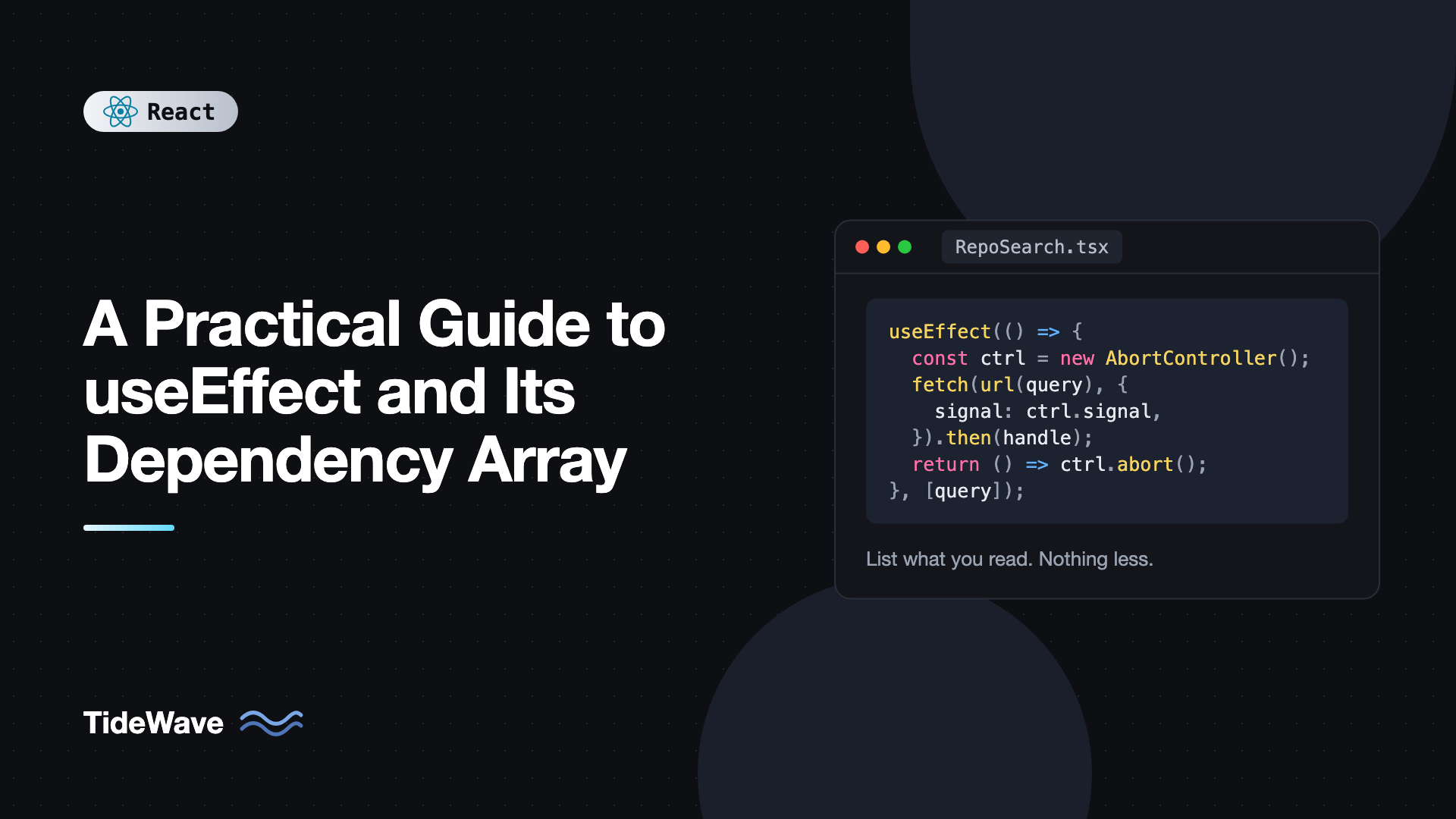
Data fetching in an effect needs one more piece: handling responses that arrive out of order. If query changes quickly, an old slow response can overwrite a newer one.
import { useEffect, useState } from "react";

type Repo = { id: number; full_name: string };

export function RepoSearch({ query }: { query: string }) {
  const [repos, setRepos] = useState<Repo[]>([]);
  const [error, setError] = useState<string | null>(null);

  useEffect(() => {
    if (!query) {
      setRepos([]);
      return;
    }

    const controller = new AbortController();

    fetch(
      `https://api.github.com/search/repositories?q=${encodeURIComponent(query)}`,
      {
        signal: controller.signal,
      },
    )
      .then((res) => {
        if (!res.ok) throw new Error(`HTTP ${res.status}`);
        return res.json();
      })
      .then((data: { items: Repo[] }) => {
        setRepos(data.items);
        setError(null);
      })
      .catch((err: unknown) => {
        if (err instanceof DOMException && err.name === "AbortError") return;
        setError(err instanceof Error ? err.message : "Request failed");
      });

    return () => controller.abort();
  }, [query]);

  if (error) return <p role="alert">{error}</p>;

  return (
    <ul>
      {repos.map((r) => (
        <li key={r.id}>{r.full_name}</li>
      ))}
    </ul>
  );
}
The cleanup aborts the previous request whenever query changes, so only the latest result is ever applied. In real apps, a data library such as TanStack Query handles caching, deduplication, and retries for you; managing server state with TanStack Query shows how. If the query comes from a text input, also debounce it so you aren't firing a request per keystroke.
Fixing Infinite Loops
An infinite loop happens when an effect sets state that changes one of its own dependencies:
const [filters, setFilters] = useState<{ page: number; loaded?: boolean }>({
  page: 1,
});

useEffect(() => {
  setFilters({ ...filters, loaded: true }); // new object
}, [filters]); // which triggers the effect again
Each run creates a new filters object, which differs by reference, which re-runs the effect. The usual fixes:
- If you're deriving data, compute it during render and remove the effect.
- If you need the previous value, use an updater:
setFilters((f) => ...)and removefiltersfrom the dependencies. - If you're syncing two pieces of state, ask whether one of them should exist at all.
React will warn "Maximum update depth exceeded" for synchronous loops. Loops caused by async work, like a fetch that sets an object, don't trigger that warning and quietly spam your server, so watch the Network tab.
You Might Not Need an Effect
Many effects shouldn't exist. If there's no external system involved, there's usually a simpler option.
Derived Data: Compute During Render
// Avoid
const [fullName, setFullName] = useState("");
useEffect(() => {
  setFullName(`${first} ${last}`);
}, [first, last]);

// Prefer
const fullName = `${first} ${last}`;
If the computation is expensive, wrap it in useMemo. Either way, no effect and no extra render.
Responding to Events: Use the Handler
// Avoid: effect watching a flag set by a click
useEffect(() => {
  if (submitted) {
    fetch("/api/subscribe", {
      method: "POST",
      body: JSON.stringify({ email }),
    });
  }
}, [submitted, email]);

// Prefer: do it where the user acted
async function handleSubmit() {
  await fetch("/api/subscribe", {
    method: "POST",
    body: JSON.stringify({ email }),
  });
}
The handler version runs exactly once per click and can't be accidentally re-triggered by an unrelated dependency change.
Resetting State When a Prop Changes: Use a Key
Instead of an effect that clears state when userId changes, render the component with key={userId} so React mounts a fresh instance. The post on understanding the React component lifecycle in the hooks era covers this pattern.
Trust the Lint Rule
The react-hooks/exhaustive-deps rule from eslint-plugin-react-hooks checks that your array includes every reactive value the effect reads. Install it in any React project:
npm install -D eslint-plugin-react-hooks
// eslint.config.js
import reactHooks from "eslint-plugin-react-hooks";

export default [reactHooks.configs.flat.recommended];
When it warns, the right response is almost never to disable it. Either add the dependency or restructure the code using the techniques above so the dependency goes away. A disabled lint comment today tends to become a stale data bug six months later.
Common Mistakes With the Dependency Array
- Omitting values to "run it once." The effect then reads stale props and state. Restructure instead.
- Depending on objects or functions created during render. They change every render. Move them inside the effect, outside the component, or memoize them.
- Using effects for derived state. Compute during render. It's faster and always correct.
- Missing cleanup. Timers, listeners, subscriptions, and in-flight requests need to be cleared or aborted.
- Async effect functions.
useEffect(async () => ...)returns a promise, not a cleanup function. Define an async function inside and call it. - Expecting effects to run once in development. Strict Mode deliberately runs mount effects twice. Your effect should handle it with correct cleanup.
Frequently Asked Questions (FAQ) About useEffect and Its Dependency Array
The effect runs after every render. That's occasionally what you want, for example logging, but for anything expensive or anything that sets state, it usually leads to wasted work or a loop.
Close, but not quite. It runs after the first commit and its cleanup runs on unmount. In development Strict Mode, React mounts, unmounts, and remounts, so it runs twice. It's also only correct when the effect truly reads no reactive values.
No. Setter functions from useState and dispatch from useReducer are stable, so the lint rule doesn't require them. Including them is harmless.
A ref object from useRef is stable, so it doesn't need to be listed. Changing ref.current also doesn't trigger a re-render or re-run any effect, so don't rely on it as a trigger.
React expects the effect to return either nothing or a cleanup function. An async function always returns a promise. Declare an async function inside the effect and call it, and use an AbortController or an ignore flag in the cleanup.
If it's state you're updating, use an updater function. If the effect needs to read a value without reacting to it, use useEffectEvent, which became stable in React 19.2, to wrap that logic in a function that always sees the latest props and state. On older versions, keep the latest value in a ref.
Conclusion
The dependency array is a declaration of what your effect reads, not a schedule you control. React compares each item with Object.is, so primitives behave predictably while objects and functions created during render cause constant re-runs. Updater functions, moving code inside the effect, and moving code out of the component are the main tools for keeping the array short and honest.
Before writing your next effect, ask whether there's an external system involved. If not, compute the value during render or put the logic in an event handler. When you do need an effect, include every dependency, return a cleanup, and let the lint rule keep you honest.