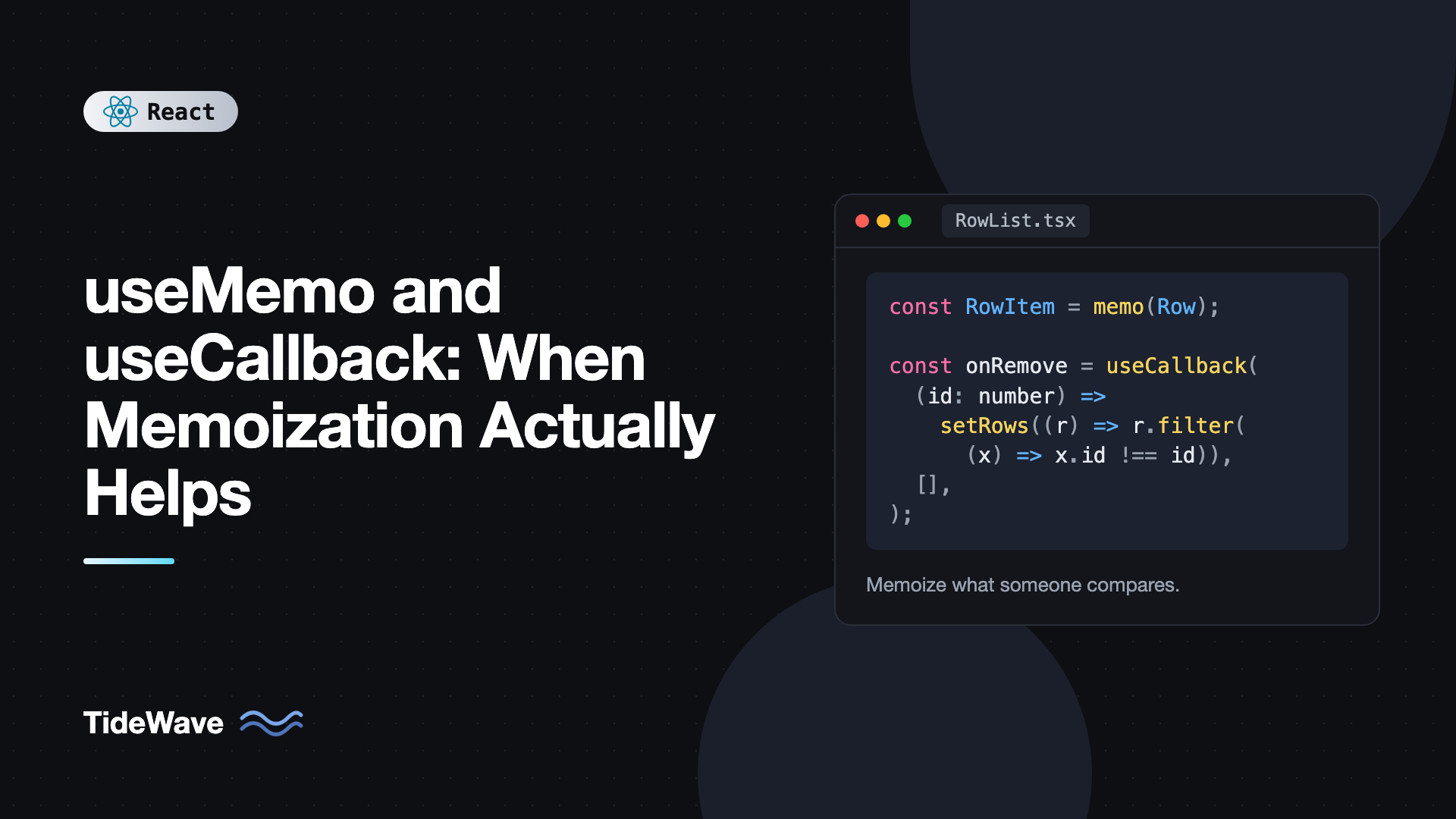
useMemo and useCallback: When Memoization Actually Helps
Open almost any React codebase and you'll find useMemo and useCallback wrapped around things that don't need them: a string concatenation, an inline click handler passed to a plain button, a two-item array. Open another and you'll find a slow list that re-renders a thousand rows on every keystroke because nobody memoized anything.
Both hooks are caching tools. They help in specific situations and add noise everywhere else. The skill is recognizing which situation you're in, and that comes down to understanding what they actually cache and who benefits from the cache.
This post explains how each hook works, the three cases where memoization genuinely pays off, the common cases where it does nothing, how to measure the difference, and how the React Compiler changes the picture in 2026.
What useMemo Does
useMemo caches the result of a calculation between renders. It recomputes only when one of its dependencies changes:
import { useMemo, useState } from "react";

type Product = { id: number; name: string; price: number };

export function ProductList({ products }: { products: Product[] }) {
  const [query, setQuery] = useState("");
  const [darkMode, setDarkMode] = useState(false);

  const visible = useMemo(() => {
    const q = query.toLowerCase();
    return products
      .filter((p) => p.name.toLowerCase().includes(q))
      .sort((a, b) => a.price - b.price);
  }, [products, query]);

  return (
    <div className={darkMode ? "dark" : ""}>
      <button onClick={() => setDarkMode((d) => !d)}>Toggle theme</button>
      <input value={query} onChange={(e) => setQuery(e.target.value)} />
      <ul>
        {visible.map((p) => (
          <li key={p.id}>
            {p.name}: ${p.price}
          </li>
        ))}
      </ul>
    </div>
  );
}
Toggling dark mode re-renders the component, but products and query haven't changed, so React returns the cached visible array instead of filtering and sorting again.
What useCallback Does
useCallback caches a function definition. It's equivalent to useMemo returning a function:
const handleSelect = useCallback((id: number) => {
  setSelectedId(id);
}, []);

// Same as:
const handleSelect2 = useMemo(() => (id: number) => setSelectedId(id), []);
It doesn't make the function run faster or less often. It only makes sure handleSelect is the same function object across renders until dependencies change. That's useful only if something cares about the function's identity.
Why Identity Matters
Every render creates new objects, arrays, and functions:
function Parent() {
  const options = { sort: "asc" }; // new object each render
  const onSave = () => save(); // new function each render
  return <Child options={options} onSave={onSave} />;
}
By default, that's fine. Child re-renders whenever Parent does anyway, regardless of props. New references only matter when some code compares them:
- A child wrapped in
memo, which skips rendering when props are shallowly equal. - A dependency array in
useEffect,useMemo, oruseCallback. - External code that relies on identity, like a library that resubscribes when a callback changes.
If none of those consumers exist, memoizing the value is pure overhead.
Case 1: Expensive Calculations
useMemo helps when a calculation is slow enough to matter and runs on renders where its inputs didn't change. How slow is "slow"? Measure it:
console.time("filter");
const visible = filterAndSort(products, query);
console.timeEnd("filter");
If it logs 1ms or more consistently, especially with realistic data sizes and on a throttled CPU in DevTools, memoizing is worth considering. Filtering ten items takes microseconds and doesn't need it. Sorting 20,000 rows, building a search index, parsing Markdown, or computing chart data from raw points often does.
import { useMemo } from "react";
import { marked } from "marked";

export function MarkdownPreview({ source, fontSize }: { source: string; fontSize: number }) {
  const html = useMemo(() => marked.parse(source, { async: false }), [source]);

  return (
    <article
      style={{ fontSize }}
      dangerouslySetInnerHTML={{ __html: html }}
    />
  );
}
Changing fontSize no longer re-parses the document. (If source comes from users, sanitize the HTML with a library like DOMPurify before rendering it.)
Keep in mind that useMemo doesn't speed up the first render. It only helps on re-renders. If the initial computation is the bottleneck, look at moving the work to the server, a web worker, or splitting it up.
Case 2: Props for Memoized Children
memo lets a component skip re-rendering when its props are unchanged. But a memo child receiving a fresh function every render never skips:
import { memo, useCallback, useState } from "react";

type Row = { id: number; label: string };

const RowItem = memo(function RowItem({
  row,
  onRemove,
}: {
  row: Row;
  onRemove: (id: number) => void;
}) {
  return (
    <li>
      {row.label} <button onClick={() => onRemove(row.id)}>Remove</button>
    </li>
  );
});

export function RowList({ initial }: { initial: Row[] }) {
  const [rows, setRows] = useState(initial);
  const [filter, setFilter] = useState("");

  const handleRemove = useCallback((id: number) => {
    setRows((r) => r.filter((row) => row.id !== id));
  }, []);

  return (
    <>
      <input value={filter} onChange={(e) => setFilter(e.target.value)} />
      <ul>
        {rows
          .filter((r) => r.label.includes(filter))
          .map((row) => (
            <RowItem key={row.id} row={row} onRemove={handleRemove} />
          ))}
      </ul>
    </>
  );
}
Typing in the filter re-renders RowList, but each RowItem gets the same row object and the same handleRemove, so the visible rows that didn't change skip rendering. Without useCallback, memo would be useless here.
Two details make this work. The updater form setRows((r) => ...) means the callback doesn't depend on rows, so its dependency array is empty and the function never changes. And the memo must be on the child. useCallback alone, with a non-memoized child, does nothing for rendering.
For a full look at memo, see preventing unnecessary re-renders with React.memo.
Case 3: Stable Dependencies for Effects and Other Hooks
When a function or object is used in an effect's dependency array, a new reference each render re-runs the effect each render:
import { useCallback, useEffect, useState } from "react";

type Result = { id: string; title: string };

export function useSearch(query: string, page: number) {
  const [results, setResults] = useState<Result[]>([]);

  const fetchResults = useCallback(
    async (signal: AbortSignal) => {
      const res = await fetch(`/api/search?q=${encodeURIComponent(query)}&page=${page}`, {
        signal,
      });
      return (await res.json()) as Result[];
    },
    [query, page],
  );

  useEffect(() => {
    const controller = new AbortController();
    fetchResults(controller.signal)
      .then(setResults)
      .catch(() => {});
    return () => controller.abort();
  }, [fetchResults]);

  return { results, refetch: fetchResults };
}
Here fetchResults is used inside the effect and also returned to callers, so it can't simply move inside the effect. useCallback keeps it stable until query or page changes. Custom hooks that return functions should generally memoize them, since you don't know how consumers will use them. The practical guide to useEffect and its dependency array covers alternatives like moving functions inside the effect.
The same applies to objects passed as context values:
import { createContext, useMemo, useState, type ReactNode } from "react";

type Auth = { user: string | null; login: (name: string) => void; logout: () => void };
export const AuthContext = createContext<Auth | null>(null);

export function AuthProvider({ children }: { children: ReactNode }) {
  const [user, setUser] = useState<string | null>(null);

  const value = useMemo<Auth>(
    () => ({
      user,
      login: (name) => setUser(name),
      logout: () => setUser(null),
    }),
    [user],
  );

  return <AuthContext value={value}>{children}</AuthContext>;
}
Without useMemo, every render of AuthProvider creates a new value, and every consumer re-renders even when user didn't change.
When Memoization Doesn't Help
Skip it in these cases:
- Cheap calculations.
const fullName = first + " " + lastis faster than theuseMemobookkeeping. - Callbacks passed to DOM elements.
button onClickdoesn't care about identity.useCallbackthere does nothing. - Props to non-memoized children. The child re-renders anyway.
- Dependencies that change every render. If you memoize with an object dependency that's recreated every time, the cache never hits.
- Values used only in event handlers. Handlers read the current value when they run; caching doesn't matter.
Each unnecessary useMemo adds a dependency array to keep correct, a closure allocation, and a comparison every render. Individually tiny, collectively noise that makes code harder to read and easier to get wrong.
Measure Before and After
Don't guess. Use the React DevTools Profiler:
- Open the Profiler tab and click record.
- Perform the slow interaction, such as typing in a filter.
- Stop recording and look at the flame graph. Gray components didn't render; colored ones did, with their render time.
- Check "Why did this render?" in the profiler settings to see which prop or state changed.
Then add memoization to the specific hot spot and record again. If the number doesn't move meaningfully, remove it. Profiling React apps with React DevTools walks through this workflow.
Also consider structural fixes first, since they often beat memoization:
- Move state down into the component that uses it, so typing in an input doesn't re-render a big sibling.
- Pass children as props, so a wrapper with changing state doesn't re-render the content it wraps.
- Virtualize long lists so you render 30 rows instead of 3,000.
The React Compiler Changes the Default
The React Compiler, stable since late 2025, analyzes your components at build time and inserts memoization automatically, at a finer grain than you'd write by hand. With it enabled, most manual useMemo, useCallback, and memo calls become unnecessary.
For a Vite project, it's a Babel plugin:
npm install -D babel-plugin-react-compiler
// vite.config.ts
import { defineConfig } from "vite";
import react from "@vitejs/plugin-react";

export default defineConfig({
  plugins: [
    react({
      babel: {
        plugins: ["babel-plugin-react-compiler"],
      },
    }),
  ],
});
A few practical notes:
- The compiler assumes your components follow the rules of React: pure render, no mutation of props or state. Code that breaks those rules is skipped, not miscompiled.
- Existing
useMemoanduseCallbackcalls keep working. You can remove them gradually. - You may still want manual memoization as an escape hatch, for example to guarantee an effect dependency's identity.
The details are covered in React Compiler explained. If your project isn't on the compiler yet, the rules in this post are how you decide manually.
Common Mistakes With useMemo and useCallback
- Memoizing everything by default. It adds complexity without measurable benefit. Memoize hot spots you've profiled.
useCallbackwithoutmemoon the child. The child still re-renders. Both halves are needed.- Missing dependencies. A memoized value with stale dependencies shows stale data. Follow the
exhaustive-depslint rule. - Using
useMemofor side effects. It's for pure calculations. Fetching or subscribing insideuseMemois a bug. - Relying on
useMemoas a semantic guarantee. React may discard cached values in some cases. Your code must still be correct if it recomputes. - Memoizing with unstable dependencies. An inline object in the dependency array defeats the cache every render.
Frequently Asked Questions (FAQ) About useMemo and useCallback
useMemo caches the value a function returns. useCallback caches the function itself. useCallback(fn, deps) is the same as useMemo(() => fn, deps).
No. It only helps when something compares the function's identity, such as a memo child, a dependency array, or a library. Functions passed to DOM elements or non-memoized components don't benefit.
No. It still runs the calculation on the first render, plus a small amount of bookkeeping. It only saves time on later renders when dependencies haven't changed.
Mostly not. The compiler memoizes components, values, and callbacks automatically. Manual hooks remain useful as escape hatches, and they're still needed in projects that don't use the compiler.
Yes, and it should. If a value is computed from props or state, compute it during render, wrapping it in useMemo only if it's expensive. Copying it into state with an effect causes an extra render and can briefly show stale data.
Wrap it in console.time and console.timeEnd, test with realistic data, and enable CPU throttling in browser DevTools. If it consistently takes a millisecond or more, memoization is worth trying, and the Profiler will confirm whether it helped.
Conclusion
useMemo caches calculation results and useCallback caches function identity. They help in three situations: expensive calculations on re-renders, props passed to memo children, and values used as dependencies by effects, other hooks, or context consumers. Outside those situations they add code without adding speed.
Start by profiling the interaction that feels slow, try structural fixes like moving state down, and add memoization to the specific spots the profiler points at. If you can, enable the React Compiler and let it handle the routine cases, so your manual memoization is reserved for the few places that really need a guarantee.


