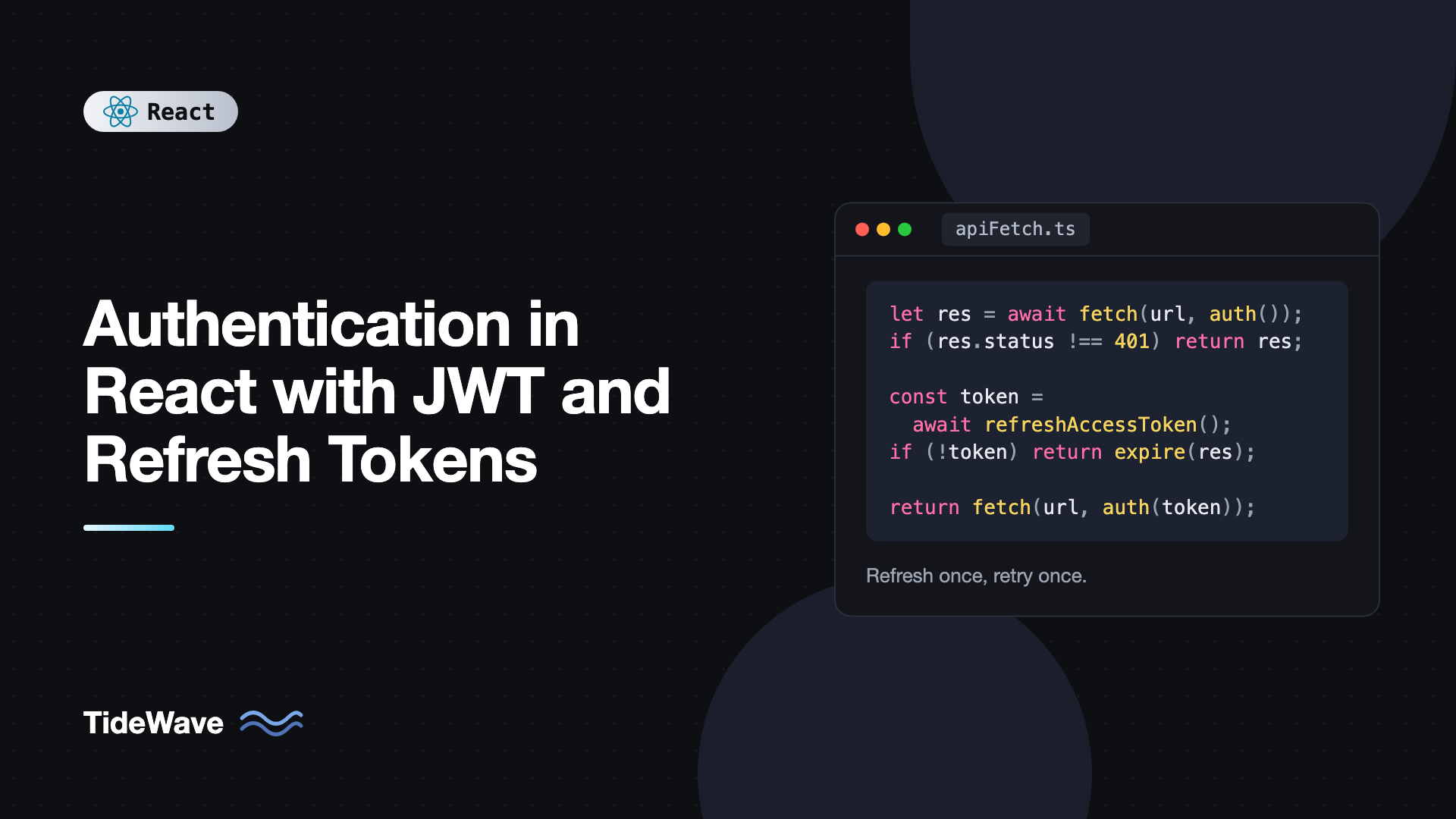
Authentication in React with JWT and Refresh Tokens
Most JWT tutorials end with localStorage.setItem("token", jwt) and an Authorization header on every request. It works on day one. Then the token expires after an hour and users get logged out mid-task, or someone sets the expiry to 30 days to avoid that, and now a single XSS bug hands an attacker a month of access.
The fix is a two-token design. A short-lived access token proves who the user is on each API call, and a long-lived refresh token quietly gets new access tokens when the old one expires. Where you store each token, and how your client handles the refresh, decides whether the system is actually secure and whether it feels seamless.
This guide walks through the full flow in a React app: the token model, a small Express backend, an auth context, a fetch wrapper that refreshes once even when ten requests fail at the same time, session restore on page load, logout, and multi-tab sync.
How Access and Refresh Tokens Work Together
A JSON Web Token (JWT) is a signed string with three base64url-encoded parts: a header, a payload of claims (user ID, expiry, roles), and a signature. The server can verify the signature without a database lookup, which is what makes JWTs attractive for APIs.
The problem is that a JWT can't be revoked before it expires. Whoever holds it is the user until the exp claim passes. So you split responsibilities:
- Access token: short-lived (5 to 15 minutes), sent in the
Authorization: Bearerheader on API requests. If it leaks, the damage window is small. - Refresh token: long-lived (days or weeks), used only to call a
/refreshendpoint. It's stored server-side as well, so you can revoke it on logout or when you detect abuse.
The lifecycle looks like this:
- The user logs in with credentials. The server returns an access token in the response body and sets the refresh token as an
httpOnlycookie. - The client keeps the access token in memory and attaches it to API calls.
- When an API call returns
401, the client calls/refresh. The browser sends the cookie automatically, and the server responds with a new access token (and rotates the refresh token). - The client retries the original request with the new token.
- On logout, the server deletes the refresh token and clears the cookie.
Where to Store Each Token
This is the decision that matters most.
Access token in memory. A module variable or React state. JavaScript can read it, which it must, to set the header. Because it's not persisted, an XSS payload can only use it while the page is open, and it expires in minutes anyway. The downside is that it disappears on refresh, which is why you need step 3 on page load.
Refresh token in an httpOnly, Secure, SameSite cookie. JavaScript can't read httpOnly cookies at all, so XSS can't steal it. Secure restricts it to HTTPS. SameSite=Strict or Lax stops other sites from triggering requests that include it. Scoping the cookie with Path=/api/auth means it's only sent to the auth endpoints, not every request.
Why not localStorage? Anything in localStorage is readable by any script running on your page, including a compromised npm dependency or an injected analytics tag. Putting a long-lived refresh token there turns any XSS into a persistent account takeover. The guide to securing React apps against XSS covers how those scripts get in.
A Minimal Backend
The React code makes more sense with a concrete server. Here's a compact Express implementation using jsonwebtoken and cookie-parser.
npm install express jsonwebtoken cookie-parser
// server.mjs
import express from "express";
import jwt from "jsonwebtoken";
import cookieParser from "cookie-parser";
import crypto from "node:crypto";

const app = express();
app.use(express.json());
app.use(cookieParser());

const ACCESS_SECRET = process.env.ACCESS_SECRET;
const refreshTokens = new Map(); // tokenId -> userId (use a database in production)

function issueTokens(res, userId) {
  const accessToken = jwt.sign({ sub: userId }, ACCESS_SECRET, {
    expiresIn: "10m",
  });
  const refreshId = crypto.randomUUID();
  refreshTokens.set(refreshId, userId);

  res.cookie("refresh_token", refreshId, {
    httpOnly: true,
    secure: true,
    sameSite: "strict",
    path: "/api/auth",
    maxAge: 7 * 24 * 60 * 60 * 1000,
  });

  return accessToken;
}

app.post("/api/auth/login", async (req, res) => {
  const { email, password } = req.body;
  const user = await verifyCredentials(email, password); // your own lookup
  if (!user) return res.status(401).json({ error: "Invalid credentials" });
  res.json({ accessToken: issueTokens(res, user.id), user });
});

app.post("/api/auth/refresh", (req, res) => {
  const oldId = req.cookies.refresh_token;
  const userId = oldId && refreshTokens.get(oldId);
  if (!userId) return res.status(401).json({ error: "Session expired" });

  refreshTokens.delete(oldId); // rotation: each refresh token works once
  res.json({ accessToken: issueTokens(res, userId) });
});

app.post("/api/auth/logout", (req, res) => {
  refreshTokens.delete(req.cookies.refresh_token);
  res.clearCookie("refresh_token", { path: "/api/auth" });
  res.status(204).end();
});

function requireAuth(req, res, next) {
  const header = req.headers.authorization ?? "";
  const token = header.startsWith("Bearer ") ? header.slice(7) : null;
  try {
    req.userId = jwt.verify(token, ACCESS_SECRET).sub;
    next();
  } catch {
    res.status(401).json({ error: "Unauthorized" });
  }
}

app.get("/api/me", requireAuth, (req, res) => {
  res.json({ id: req.userId });
});

app.listen(3001);
Here the refresh token is an opaque random ID rather than a JWT. That's a perfectly good choice, because the server needs a lookup to revoke it anyway. Rotation means every successful refresh invalidates the old refresh token and issues a new one. If an attacker ever replays a stolen refresh token, it will already have been used, which a production system can treat as a signal to revoke the user's whole session family.
During development, run the Vite dev server with a proxy so the API and the app share an origin and cookies just work:
// vite.config.ts
import { defineConfig } from "vite";
import react from "@vitejs/plugin-react";

export default defineConfig({
  plugins: [react()],
  server: {
    proxy: { "/api": "http://localhost:3001" },
  },
});
The Token Store
On the client, keep the access token in a tiny module outside React. Both the fetch wrapper and the auth context need it, and a module avoids threading it through props or re-rendering the tree each time it changes.
// tokenStore.ts
let accessToken: string | null = null;

export const tokenStore = {
  get: () => accessToken,
  set: (token: string | null) => {
    accessToken = token;
  },
};
A Fetch Wrapper That Refreshes Once
The core of the client is a wrapper around fetch that attaches the token, detects a 401, refreshes, and retries. The subtle part is concurrency. When the access token expires, a dashboard might fire six requests at once, and all six get a 401. If each one calls /refresh, refresh token rotation means only the first succeeds, and the other five log the user out.
The fix is a single-flight refresh: share one in-progress refresh promise between all callers.
// apiFetch.ts
import { tokenStore } from "./tokenStore";

let refreshPromise: Promise<string | null> | null = null;

export async function refreshAccessToken(): Promise<string | null> {
  if (!refreshPromise) {
    refreshPromise = fetch("/api/auth/refresh", {
      method: "POST",
      credentials: "include",
    })
      .then(async (res) => {
        if (!res.ok) return null;
        const { accessToken } = (await res.json()) as { accessToken: string };
        return accessToken;
      })
      .catch(() => null)
      .then((token) => {
        tokenStore.set(token);
        return token;
      })
      .finally(() => {
        refreshPromise = null;
      });
  }
  return refreshPromise;
}

type Listener = () => void;
const sessionExpiredListeners = new Set<Listener>();

export function onSessionExpired(fn: Listener) {
  sessionExpiredListeners.add(fn);
  return () => {
    sessionExpiredListeners.delete(fn);
  };
}

function withAuth(init: RequestInit, token: string | null): RequestInit {
  const headers = new Headers(init.headers);
  if (token) headers.set("Authorization", `Bearer ${token}`);
  return { ...init, headers, credentials: "include" };
}

export async function apiFetch(
  input: string,
  init: RequestInit = {},
): Promise<Response> {
  let res = await fetch(input, withAuth(init, tokenStore.get()));
  if (res.status !== 401) return res;

  const newToken = await refreshAccessToken();
  if (!newToken) {
    sessionExpiredListeners.forEach((fn) => fn());
    return res;
  }

  res = await fetch(input, withAuth(init, newToken));
  return res;
}
How it behaves:
- The first
401starts a refresh and stores its promise. Every other401that arrives while it's pending awaits the same promise. - When the refresh resolves,
finallyclears the promise so the next expiry triggers a fresh refresh. - Each failed request is retried exactly once. If the retry also fails, it's returned to the caller rather than looping forever.
- If the refresh itself fails, the session is over. Listeners are notified so the UI can redirect to login.
One caveat: if init.body is a stream, it can only be read once, so the retry would fail. JSON strings and FormData are fine to resend.
If you use Axios, the same logic lives in a response interceptor, with the same single-flight promise. The structure is identical.
The Auth Context
React components need to know whether a user is logged in, who they are, and how to log in or out. A context provides that without prop drilling.
// AuthProvider.tsx
import { createContext, use, useEffect, useState, type ReactNode } from "react";
import { apiFetch, onSessionExpired, refreshAccessToken } from "./apiFetch";
import { tokenStore } from "./tokenStore";

type User = { id: string; email: string };
type AuthState =
  | { status: "loading" }
  | { status: "authenticated"; user: User }
  | { status: "anonymous" };

type AuthContextValue = AuthState & {
  login: (email: string, password: string) => Promise<void>;
  logout: () => Promise<void>;
};

const AuthContext = createContext<AuthContextValue | null>(null);

export function AuthProvider({ children }: { children: ReactNode }) {
  const [state, setState] = useState<AuthState>({ status: "loading" });

  // Restore the session on first load using the refresh cookie
  useEffect(() => {
    let cancelled = false;
    (async () => {
      const token = await refreshAccessToken();
      if (!token) {
        if (!cancelled) setState({ status: "anonymous" });
        return;
      }
      const res = await apiFetch("/api/me");
      if (cancelled) return;
      setState(
        res.ok
          ? { status: "authenticated", user: await res.json() }
          : { status: "anonymous" },
      );
    })();
    return () => {
      cancelled = true;
    };
  }, []);

  useEffect(
    () => onSessionExpired(() => setState({ status: "anonymous" })),
    [],
  );

  async function login(email: string, password: string) {
    const res = await fetch("/api/auth/login", {
      method: "POST",
      headers: { "Content-Type": "application/json" },
      credentials: "include",
      body: JSON.stringify({ email, password }),
    });
    if (!res.ok) throw new Error("Invalid email or password");
    const { accessToken, user } = await res.json();
    tokenStore.set(accessToken);
    setState({ status: "authenticated", user });
  }

  async function logout() {
    await fetch("/api/auth/logout", { method: "POST", credentials: "include" });
    tokenStore.set(null);
    setState({ status: "anonymous" });
  }

  return (
    <AuthContext value={{ ...state, login, logout }}>{children}</AuthContext>
  );
}

export function useAuth() {
  const ctx = use(AuthContext);
  if (!ctx) throw new Error("useAuth must be used inside AuthProvider");
  return ctx;
}
This uses two React 19 features: rendering <AuthContext> directly as a provider, and reading it with use. On older React versions, use <AuthContext.Provider> and useContext instead.
The "loading" state matters. On a hard refresh, the access token is gone and the session restore takes a moment. If you treated "no token yet" as "logged out," protected pages would redirect to login and then bounce back. Render a splash or skeleton while status === "loading".
Strict Mode runs the restore effect twice in development. Thanks to the single-flight refresh, both runs share the same /refresh request, so rotation doesn't invalidate the session.
Protecting Routes
With the context in place, guarding routes is a small component. The full patterns, including redirecting back after login, are in protected routes and authentication flows in React.
import { Navigate, Outlet, useLocation } from "react-router";
import { useAuth } from "./AuthProvider";

export function RequireAuth() {
  const auth = useAuth();
  const location = useLocation();

  if (auth.status === "loading") return <p>Checking your session...</p>;
  if (auth.status === "anonymous") {
    return <Navigate to="/login" replace state={{ from: location }} />;
  }
  return <Outlet />;
}
Client-side guards are a UX feature, not security. The server must check the access token on every protected endpoint. Hiding a route in React only stops honest users from seeing an empty page.
Keeping Multiple Tabs in Sync
If a user logs out in one tab, other tabs still hold an access token in memory and keep working until it expires. And because of refresh token rotation, two tabs refreshing at the same moment can race. BroadcastChannel lets tabs coordinate.
// authChannel.ts
import { tokenStore } from "./tokenStore";

type AuthMessage = { type: "logout" } | { type: "token"; token: string };

const channel = new BroadcastChannel("auth");

export function broadcastLogout() {
  channel.postMessage({ type: "logout" } satisfies AuthMessage);
}

export function broadcastToken(token: string) {
  channel.postMessage({ type: "token", token } satisfies AuthMessage);
}

export function listenForAuthMessages(onLogout: () => void) {
  const handler = (event: MessageEvent<AuthMessage>) => {
    if (event.data.type === "logout") {
      tokenStore.set(null);
      onLogout();
    }
    if (event.data.type === "token") {
      tokenStore.set(event.data.token);
    }
  };
  channel.addEventListener("message", handler);
  return () => channel.removeEventListener("message", handler);
}
Call broadcastLogout() in logout, broadcastToken() after a successful refresh, and listenForAuthMessages in an effect inside AuthProvider. Sharing new access tokens between tabs means most tabs never need to refresh themselves. For complete protection against concurrent rotation, have the server allow the previous refresh token for a few seconds after rotation (a grace period), which absorbs any remaining races.
Proactive Refresh
Waiting for a 401 costs one failed request per expiry. You can avoid it by refreshing shortly before the token expires. Decode the exp claim (decoding is safe on the client, verifying is the server's job) and schedule a refresh a minute ahead.
function getExpiry(token: string): number {
  const payload = JSON.parse(
    atob(token.split(".")[1].replace(/-/g, "+").replace(/_/g, "/")),
  );
  return payload.exp * 1000;
}

export function scheduleRefresh(token: string, refresh: () => void) {
  const delay = Math.max(0, getExpiry(token) - Date.now() - 60_000);
  const timer = setTimeout(refresh, delay);
  return () => clearTimeout(timer);
}
Keep the 401 handling anyway. Laptops sleep, timers drift, and clocks differ between client and server.
Common Mistakes With JWT Authentication
- Storing the refresh token in
localStorage. Any XSS can read it and keep an attacker logged in for weeks. Use anhttpOnlycookie. - Long-lived access tokens. A 24-hour access token can't be revoked. Keep access tokens short and rely on refresh.
- Refreshing per failed request. Concurrent
401responses each trigger a refresh, and rotation logs the user out. Share one refresh promise. - Infinite retry loops. Retry each request once. If the refresh fails, end the session.
- Treating "loading" as "logged out." Wait for the session restore before redirecting.
- Putting secrets or sensitive data in the JWT payload. The payload is only encoded, not encrypted. Anyone can read it.
- Relying on client-side route guards for security. Always verify tokens on the server.
- Forgetting CSRF on cookie-authenticated endpoints.
SameSite=Strictplus restricting the cookie path to the refresh endpoint covers most cases. If you needSameSite=Nonefor cross-site setups, add a CSRF token.
Frequently Asked Questions (FAQ) About JWT Authentication in React
Keep the short-lived access token in memory, such as a module variable, and the refresh token in an httpOnly, Secure, SameSite cookie. Memory storage limits the damage of XSS, and httpOnly cookies can't be read by JavaScript at all. Avoid localStorage for anything long-lived.
Access tokens can't be revoked before they expire, so they should be short-lived. Without a refresh token, short expiry means constant logouts. The refresh token lets the client get new access tokens silently, and because the server tracks refresh tokens, you can revoke them on logout or suspicious activity.
Each time a refresh token is used, the server invalidates it and issues a new one. A stolen refresh token therefore stops working after the legitimate client's next refresh, and reuse of an old token is a strong signal of theft that can trigger revoking the whole session.
On app startup, call the refresh endpoint. The browser sends the httpOnly refresh cookie automatically, and the server returns a new access token if the session is still valid. Show a loading state until this check finishes so protected routes don't redirect prematurely.
Use a single-flight refresh. The first failed request starts the refresh and stores its promise, and every other failed request awaits that same promise. When it resolves, all of them retry with the new token, and only one refresh call reaches the server.
For a single web app talking to its own backend, a classic session cookie is simpler and easy to revoke. JWT access tokens shine when several services need to verify identity without sharing a session store, or when mobile and web clients share an API. The access and refresh pattern combines the benefits of both.
Conclusion
Secure JWT authentication in React comes down to splitting responsibilities. A short-lived access token lives in memory and goes in the Authorization header. A rotating refresh token lives in an httpOnly cookie that JavaScript never touches. A fetch wrapper refreshes once for all concurrent 401 responses, retries each request a single time, and ends the session cleanly when refreshing fails.
Wrap it in an auth context with an explicit loading state, restore the session on startup, guard routes for UX while the server enforces access, and sync tabs with BroadcastChannel. Once that foundation is in place, adding roles, social login, or multi-factor authentication only changes what the server puts in the token, not how the client handles it.


