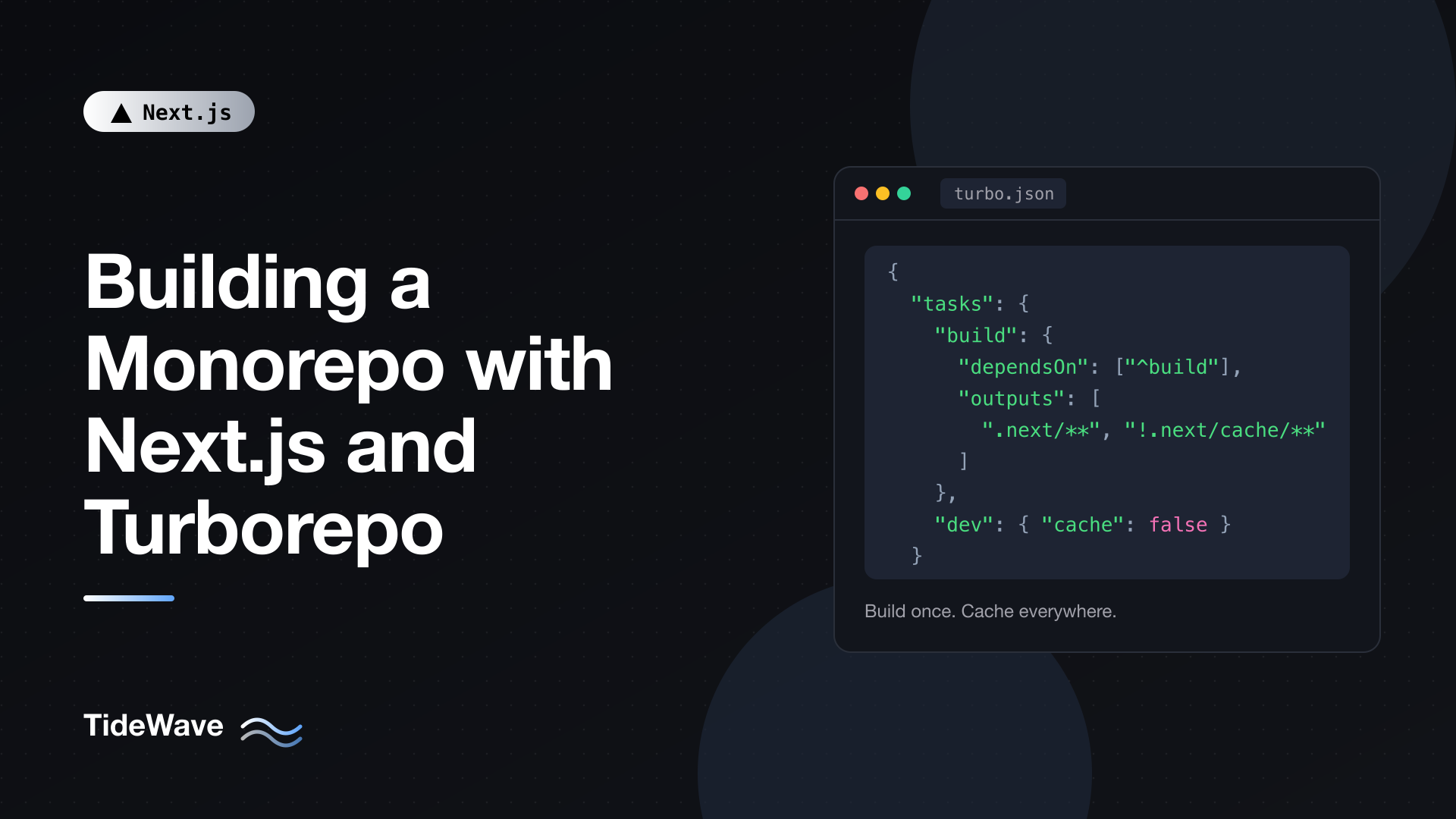
Building a Monorepo with Next.js and Turborepo
The second Next.js app is usually where things get messy. You build a marketing site, then a dashboard, then maybe a docs site, and each one needs the same button, the same design tokens, the same ESLint rules, and the same TypeScript settings. Copying them between repositories works until someone fixes a bug in one copy and not the others. Publishing them as npm packages works too, but now every small change needs a version bump, a publish, and an upgrade in each app.
A monorepo puts all of those apps and shared packages in one repository. A change to the shared button shows up in every app immediately, and a single pull request can update a component and every place that uses it. The cost is build complexity: running build across ten packages in the right order, and not rebuilding the ones that didn't change. That's the problem Turborepo solves.
This guide sets up a Next.js monorepo with pnpm workspaces and Turborepo: the folder structure, shared UI and config packages, the turbo.json task pipeline, caching and remote caching, environment variables, running it in CI, and building a Docker image for one app.
What Turborepo Does (and Doesn't Do)
Turborepo is a task runner. It doesn't install packages or link them together; your package manager's workspaces feature does that. Turborepo's job is to run scripts like build, lint, and test across workspace packages:
- In dependency order. If
webdepends on@repo/ui, then@repo/uibuilds first. - In parallel wherever the dependency graph allows.
- With caching. If a package's inputs haven't changed since the last run, Turborepo replays the cached output and logs instead of running the task again. With remote caching, that cache is shared between teammates and CI.
The Structure
Here's the layout we'll build:
my-monorepo/
  apps/
    web/                 # Next.js marketing site
    dashboard/           # Next.js app
  packages/
    ui/                  # shared React components
    typescript-config/   # shared tsconfig files
    eslint-config/       # shared ESLint flat config
  package.json
  pnpm-workspace.yaml
  turbo.json
The convention is apps/ for deployable things and packages/ for code they share. Nothing enforces it, but it makes the repository easy to scan.
You can scaffold this with npx create-turbo@latest, which generates a similar structure with two Next.js apps. Building it by hand once is worth it, though, because you'll understand every file.
Setting Up the Workspace
Root package.json
{
  "name": "my-monorepo",
  "private": true,
  "packageManager": "pnpm@10.18.0",
  "scripts": {
    "build": "turbo run build",
    "dev": "turbo run dev",
    "lint": "turbo run lint",
    "check-types": "turbo run check-types"
  },
  "devDependencies": {
    "turbo": "^2.5.0"
  }
}
The root is private so it's never published. packageManager pins the package manager version; Turborepo uses it to understand your workspace, and Corepack uses it to install the right pnpm. Set it to whatever pnpm version you actually use. The scripts all delegate to turbo run, so pnpm build at the root builds everything.
pnpm-workspace.yaml
# pnpm-workspace.yaml
packages:
  - "apps/*"
  - "packages/*"
This tells pnpm which folders contain workspace packages. With npm or Yarn, you'd use a workspaces array in the root package.json instead.
Shared Configuration Packages
Start with the packages that have no dependencies of their own.
TypeScript Config
// packages/typescript-config/package.json
{
  "name": "@repo/typescript-config",
  "version": "0.0.0",
  "private": true
}
// packages/typescript-config/base.json
{
  "$schema": "https://json.schemastore.org/tsconfig",
  "compilerOptions": {
    "target": "ES2022",
    "lib": ["dom", "dom.iterable", "ES2022"],
    "module": "ESNext",
    "moduleResolution": "Bundler",
    "jsx": "preserve",
    "strict": true,
    "noUncheckedIndexedAccess": true,
    "esModuleInterop": true,
    "skipLibCheck": true,
    "isolatedModules": true,
    "resolveJsonModule": true,
    "incremental": true,
    "noEmit": true
  }
}
// packages/typescript-config/nextjs.json
{
  "$schema": "https://json.schemastore.org/tsconfig",
  "extends": "./base.json",
  "compilerOptions": {
    "allowJs": true,
    "plugins": [{ "name": "next" }]
  }
}
The @repo/ scope is just a naming convention for internal packages. It makes imports obviously internal and avoids clashing with names on the npm registry.
ESLint Config
// packages/eslint-config/package.json
{
  "name": "@repo/eslint-config",
  "version": "0.0.0",
  "private": true,
  "type": "module",
  "exports": {
    "./next": "./next.js"
  },
  "devDependencies": {
    "eslint": "^9.0.0",
    "eslint-config-next": "^16.0.0"
  }
}
// packages/eslint-config/next.js
import nextVitals from "eslint-config-next/core-web-vitals";
import nextTs from "eslint-config-next/typescript";

const config = [
  ...nextVitals,
  ...nextTs,
  {
    ignores: [".next/**", "out/**", "next-env.d.ts"],
  },
];

export default config;
Since Next.js 16 removed next lint, each app runs ESLint directly with a flat config. Centralizing the config here means one place to change rules for every app. Each app runs ESLint from its own folder, so the Next.js rules find the app automatically. If you ever run ESLint once from the repository root instead, set settings.next.rootDir (for example to "apps/*/") so the plugin knows where the apps live.
The Shared UI Package
This is the package that makes a monorepo worth it.
// packages/ui/package.json
{
  "name": "@repo/ui",
  "version": "0.0.0",
  "private": true,
  "type": "module",
  "exports": {
    "./button": "./src/button.tsx",
    "./card": "./src/card.tsx"
  },
  "scripts": {
    "lint": "eslint .",
    "check-types": "tsc --noEmit"
  },
  "peerDependencies": {
    "react": "^19.0.0"
  },
  "devDependencies": {
    "@repo/eslint-config": "workspace:*",
    "@repo/typescript-config": "workspace:*",
    "@types/react": "^19.0.0",
    "eslint": "^9.0.0",
    "typescript": "^5.9.0"
  }
}
A few choices here are deliberate:
exportspoint at TypeScript source, not compiled JavaScript. This is a "just-in-time" internal package: the consuming Next.js app compiles it as part of its own build. There's nobuildscript and nodistfolder to keep in sync. In Next.js 16, Turbopack transpiles workspace packages automatically, so you don't even needtranspilePackages.- One export per component (
@repo/ui/button) instead of a single barrelindex.ts. Apps only pull in what they import, and you avoid the bundle bloat barrel files can cause. reactis a peer dependency, so the UI package uses the app's copy of React. Two copies of React in one bundle cause confusing hook errors.workspace:*tells pnpm to link the local package instead of fetching from the registry.
A component that needs interactivity marks itself as a Client Component, exactly as it would inside an app:
// packages/ui/src/button.tsx
"use client";

import type { ButtonHTMLAttributes } from "react";

type ButtonProps = ButtonHTMLAttributes<HTMLButtonElement> & {
  variant?: "primary" | "secondary";
};

export function Button({
  variant = "primary",
  className = "",
  ...props
}: ButtonProps) {
  const styles =
    variant === "primary"
      ? "bg-blue-600 text-white hover:bg-blue-700"
      : "bg-gray-100 text-gray-900 hover:bg-gray-200";

  return (
    <button
      className={`rounded-md px-4 py-2 text-sm font-medium ${styles} ${className}`}
      {...props}
    />
  );
}
A purely presentational component can stay a Server Component by leaving out the directive:
// packages/ui/src/card.tsx
import type { ReactNode } from "react";

export function Card({
  title,
  children,
}: {
  title: string;
  children: ReactNode;
}) {
  return (
    <section className="rounded-lg border border-gray-200 p-6">
      <h2 className="mb-2 text-lg font-semibold">{title}</h2>
      {children}
    </section>
  );
}
Server and Client Component rules don't change because code lives in a package. The "use client" boundary works the same way it does inside an app. See composition patterns for mixing Server and Client Components for how to structure that boundary well.
// packages/ui/tsconfig.json
{
  "extends": "@repo/typescript-config/base.json",
  "include": ["src"]
}
The Next.js Apps
Each app depends on the shared packages through the workspace protocol:
// apps/web/package.json
{
  "name": "web",
  "version": "0.0.0",
  "private": true,
  "scripts": {
    "dev": "next dev --port 3000",
    "build": "next build",
    "start": "next start",
    "lint": "eslint .",
    "check-types": "next typegen && tsc --noEmit"
  },
  "dependencies": {
    "@repo/ui": "workspace:*",
    "next": "^16.0.0",
    "react": "^19.2.0",
    "react-dom": "^19.2.0"
  },
  "devDependencies": {
    "@repo/eslint-config": "workspace:*",
    "@repo/typescript-config": "workspace:*",
    "@types/node": "^22.0.0",
    "@types/react": "^19.0.0",
    "@types/react-dom": "^19.0.0",
    "eslint": "^9.0.0",
    "typescript": "^5.9.0"
  }
}
The dashboard app is identical except for its name and --port 3001, so both can run side by side.
// apps/web/tsconfig.json
{
  "extends": "@repo/typescript-config/nextjs.json",
  "compilerOptions": {
    "paths": { "@/*": ["./*"] }
  },
  "include": ["next-env.d.ts", "**/*.ts", "**/*.tsx", ".next/types/**/*.ts"],
  "exclude": ["node_modules"]
}
// apps/web/eslint.config.mjs
import nextConfig from "@repo/eslint-config/next";

export default nextConfig;
Using the shared components looks like using any package:
// apps/web/app/page.tsx
import { Button } from "@repo/ui/button";
import { Card } from "@repo/ui/card";

export default function Home() {
  return (
    <main className="mx-auto max-w-2xl p-8">
      <Card title="Welcome">
        <p className="mb-4">
          This card and button come from the shared UI package.
        </p>
        <Button>Get started</Button>
      </Card>
    </main>
  );
}
Run pnpm install at the root. pnpm links @repo/ui into each app's node_modules, and edits to packages/ui/src/button.tsx show up in both apps with hot reload.
Tailwind CSS Across Packages
If you use Tailwind CSS v4, its automatic content detection scans the app's own folder but doesn't know about packages/ui. Tell it with @source in the app's stylesheet:
/* apps/web/app/globals.css */
@import "tailwindcss";
@source "../../../packages/ui/src";
The path is relative to the CSS file. Without it, classes used only inside the UI package won't be generated. The post on what's new in Tailwind CSS v4 covers @source and the CSS-first config.
Configuring Turborepo
Now the task pipeline:
// turbo.json
{
  "$schema": "https://turborepo.com/schema.json",
  "ui": "tui",
  "tasks": {
    "build": {
      "dependsOn": ["^build"],
      "inputs": ["$TURBO_DEFAULT$", ".env*"],
      "outputs": [".next/**", "!.next/cache/**", "dist/**"]
    },
    "lint": {
      "dependsOn": ["^lint"]
    },
    "check-types": {
      "dependsOn": ["^check-types"]
    },
    "dev": {
      "cache": false,
      "persistent": true
    }
  }
}
What each key means:
dependsOn: ["^build"]: the^means "runbuildin this package's dependencies first". Our UI package has nobuildscript, so Turborepo skips it, but if you later add a package that does compile (say, a generated API client), ordering is already handled.inputs: which files affect the task's result.$TURBO_DEFAULT$means all files tracked by git in the package; adding.env*makes environment file changes invalidate the cache too.outputs: which files to save in the cache and restore on a hit. For Next.js that's.next/**, excluding.next/cache/**, which is Next.js's own incremental cache and shouldn't be stored as an output.dev:cache: falsebecause dev servers produce no reusable output, andpersistent: truebecause they never exit, so nothing should depend on them.ui: "tui": an interactive terminal UI that shows each task's logs in its own pane. Useful when running two dev servers at once.
In Turborepo 2, the top-level key is tasks. Older guides use pipeline, which was the version 1 name.
Running Tasks
From the root:
pnpm dev                           # all dev servers
pnpm build                         # build everything
pnpm turbo run build --filter=web  # build only web (and what it depends on)
pnpm turbo run dev --filter=dashboard
pnpm turbo run lint --filter=...[origin/main]  # only packages changed since main
--filter is how you avoid doing work you don't need. --filter=web runs the task in web plus whatever web depends on. --filter=...[origin/main] selects packages changed since main and everything that depends on them, which is ideal for CI on pull requests.
Run pnpm build twice. The second run finishes almost instantly, with FULL TURBO in the summary: every task was a cache hit.
Environment Variables
This is where monorepos most often trip people up, for two reasons.
First, Next.js loads .env files from the app's folder, not the monorepo root. apps/web/.env.local is read for the web app; a .env at the repo root is not. Keep env files per app.
Second, Turborepo has to know which variables affect a task, or it can serve a cached build made with different values. If NEXT_PUBLIC_API_URL changes between builds and Turborepo doesn't know, you'd get a cached bundle with the old URL inlined. Declare variables in the task:
// turbo.json (excerpt)
{
  "tasks": {
    "build": {
      "dependsOn": ["^build"],
      "inputs": ["$TURBO_DEFAULT$", ".env*"],
      "outputs": [".next/**", "!.next/cache/**"],
      "env": ["NEXT_PUBLIC_*", "DATABASE_URL", "CMS_API_TOKEN"]
    }
  }
}
Wildcards work, so NEXT_PUBLIC_* covers every public variable. Turborepo 2 runs in strict environment mode by default: only variables listed in env or globalEnv (plus a few system ones) are passed to tasks. If a build works locally but a variable is undefined under turbo, this is the first thing to check. For build-time vs runtime details in Next.js itself, see managing environment variables in Next.js.
Remote Caching
The local cache lives in .turbo/ on your machine. Remote caching shares it: if CI already built web at this commit, your laptop downloads the result instead of rebuilding, and vice versa.
With Vercel's free remote cache:
pnpm turbo login
pnpm turbo link
Turborepo's remote cache API is open, so you can also self-host a compatible cache server and point Turborepo at it with the --api flag or the TURBO_API environment variable. In CI, you authenticate with TURBO_TOKEN and TURBO_TEAM instead of logging in interactively.
Running It in CI
Here's a GitHub Actions workflow that checks only what changed:
# .github/workflows/ci.yml
name: CI

on:
  pull_request:
  push:
    branches: [main]

jobs:
  ci:
    runs-on: ubuntu-latest
    env:
      TURBO_TOKEN: ${{ secrets.TURBO_TOKEN }}
      TURBO_TEAM: ${{ vars.TURBO_TEAM }}
    steps:
      - uses: actions/checkout@v4
        with:
          fetch-depth: 0

      - uses: pnpm/action-setup@v4

      - uses: actions/setup-node@v4
        with:
          node-version: 22
          cache: pnpm

      - run: pnpm install --frozen-lockfile

      - name: Lint, typecheck, build affected packages
        run: pnpm turbo run lint check-types build --filter="...[origin/main]"
fetch-depth: 0 fetches full git history so the [origin/main] comparison works. pnpm/action-setup reads the pnpm version from packageManager in the root package.json. With remote caching enabled, even packages that are "affected" can be cache hits if someone already built that exact state. For a fuller pipeline with tests and deployment, see setting up CI/CD for Next.js with GitHub Actions.
Deploying One App with Docker
Building a Docker image for one app in a monorepo has a classic problem: copying the whole repository into the build context means any change anywhere invalidates the dependency install layer. turbo prune solves it by producing a minimal subset of the monorepo for one app:
pnpm turbo prune web --docker
That writes out/json/ (only the package.json files the app needs, plus a pruned lockfile) and out/full/ (the source of those packages). The Dockerfile installs from out/json first, so the install layer is only invalidated when dependencies actually change.
First, configure the app for standalone output and point tracing at the monorepo root, so files from packages/ are included:
// apps/web/next.config.ts
import path from "node:path";
import type { NextConfig } from "next";

const nextConfig: NextConfig = {
  output: "standalone",
  outputFileTracingRoot: path.join(import.meta.dirname, "../../"),
};

export default nextConfig;
Then the Dockerfile at the repository root:
FROM node:24-alpine AS base
RUN corepack enable

FROM base AS pruner
WORKDIR /app
COPY . .
RUN pnpm dlx turbo@^2 prune web --docker

FROM base AS builder
WORKDIR /app
COPY --from=pruner /app/out/json/ .
RUN pnpm install --frozen-lockfile
COPY --from=pruner /app/out/full/ .
RUN pnpm turbo run build --filter=web

FROM base AS runner
WORKDIR /app
ENV NODE_ENV=production HOSTNAME=0.0.0.0 PORT=3000
RUN addgroup --system --gid 1001 nodejs && adduser --system --uid 1001 nextjs
USER nextjs
COPY --from=builder --chown=nextjs:nodejs /app/apps/web/.next/standalone ./
COPY --from=builder --chown=nextjs:nodejs /app/apps/web/.next/static ./apps/web/.next/static
COPY --from=builder --chown=nextjs:nodejs /app/apps/web/public ./apps/web/public
EXPOSE 3000
CMD ["node", "apps/web/server.js"]
Because tracing starts at the monorepo root, the standalone output mirrors the repo layout, and server.js ends up at apps/web/server.js. The static assets and public/ folder go next to it. The post on self-hosting Next.js with Docker explains each stage in more detail.
If you deploy to Vercel instead, create one Vercel project per app and set each project's root directory to apps/web or apps/dashboard. Vercel detects Turborepo and uses remote caching automatically.
Common Pitfalls
- "Module not found: @repo/ui". Run
pnpm installat the root after adding a workspace dependency, and check theexportspath matches the import. - Hooks errors like "Invalid hook call". Two copies of React. Make React a
peerDependencyin shared packages, not a regular dependency. - Stale builds after changing an env var. The variable isn't listed in the task's
envinturbo.json, so it isn't part of the cache key. - Tailwind classes from
packages/uimissing. Add an@sourcedirective pointing at the package. - Missing files in the standalone build. Set
outputFileTracingRootto the monorepo root.
Conclusion
A Next.js monorepo with Turborepo has three layers. pnpm workspaces link the packages together. Internal packages (a UI library exporting TypeScript source, plus shared TypeScript and ESLint config) give every app one source of truth, and Next.js 16 compiles them without extra configuration. Turborepo runs tasks across all of it in dependency order, in parallel, and caches the results locally and remotely. Declare your outputs and environment variables in turbo.json, use --filter to only build what changed, and use turbo prune when one app needs its own Docker image.


