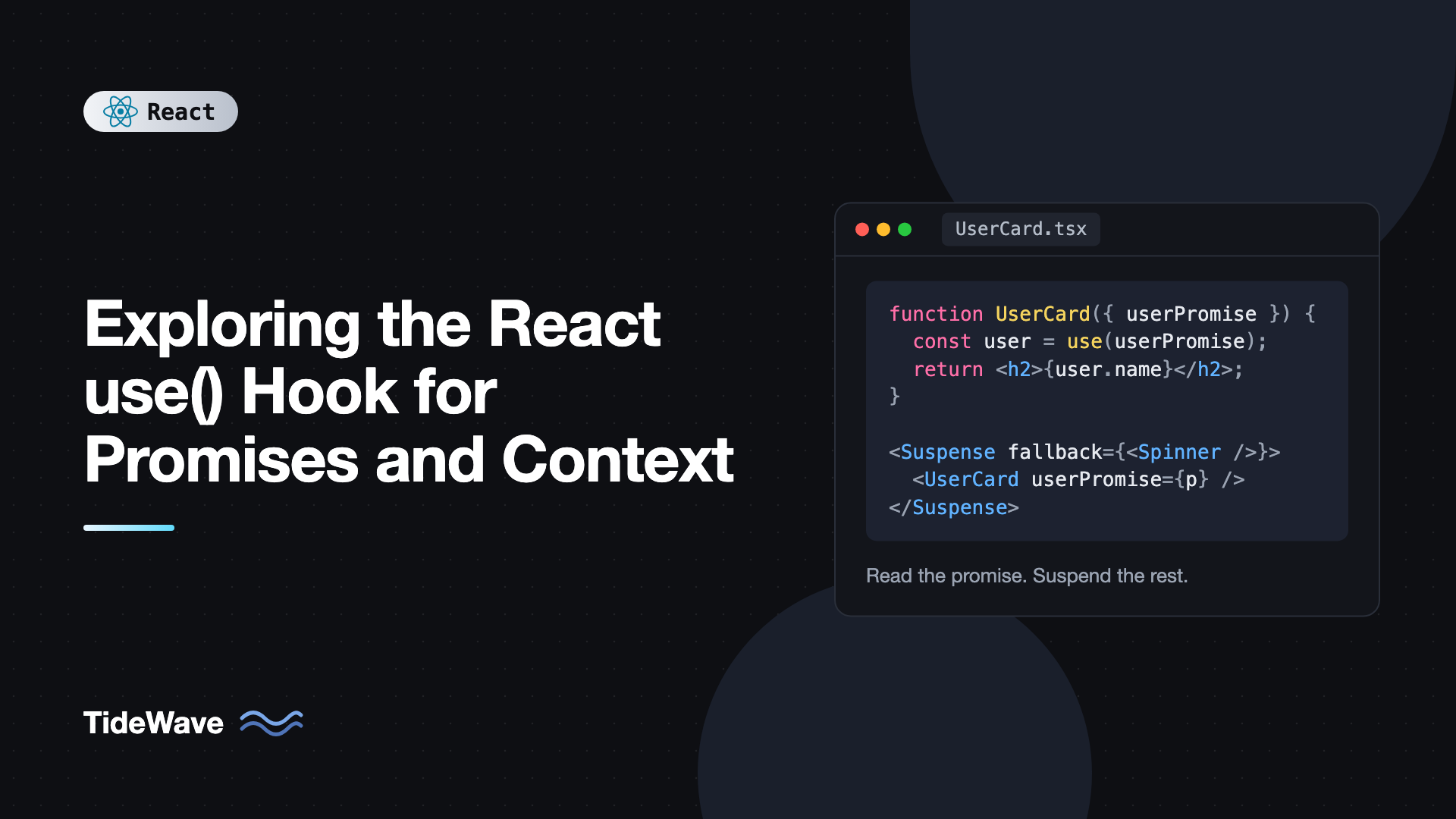
Exploring the React use() Hook for Promises and Context
For years, reading async data in a React component meant the same ritual: a useState for the data, another for loading, another for errors, and a useEffect with an abort controller to tie them together. React 19 adds a different option. With use, a component can read the value of a promise directly, and React suspends the component until the promise resolves.
use also reads context, and unlike useContext, it can be called inside if statements and loops. That small difference makes some components noticeably simpler.
It's also easy to misuse. The most common first attempt, creating a promise inside the component and passing it to use, causes an endless loop of suspending. This post explains how use works with promises and context, where promises should come from, how to pair it with Suspense and error boundaries, and how it fits with Server Components and data libraries.
What use() Is
use is a React API that reads the value of a resource. In React 19, a resource is either a promise or a context:
import { use } from "react";

const value = use(somePromise); // the resolved value
const theme = use(ThemeContext); // the current context value
React calls it a hook-like API rather than a hook because it doesn't follow the usual rule of top-level calls. You can call it conditionally, but it still has to be called during render, inside a component or a custom hook.
Reading Context With use()
For context, use behaves like useContext: it returns the value from the nearest provider above. The difference is flexibility:
import { createContext, use } from "react";

type Theme = "light" | "dark";
export const ThemeContext = createContext<Theme>("light");

export function Panel({ title, collapsed }: { title: string; collapsed: boolean }) {
  if (collapsed) {
    return <h3>{title}</h3>;
  }

  const theme = use(ThemeContext); // fine after an early return
  return (
    <section className={`panel panel-${theme}`}>
      <h3>{title}</h3>
    </section>
  );
}
With useContext, this early return would break the rules of hooks, forcing you to read the context at the top even when it's not needed. use reads the context directly each time, without occupying a slot in the component's hook list, so it's safe in conditions.
React 19 also lets you render the context itself as a provider:
import { useState, type ReactNode } from "react";
import { ThemeContext } from "./theme";

export function ThemeProvider({ children }: { children: ReactNode }) {
  const [theme, setTheme] = useState<"light" | "dark">("light");
  return (
    <ThemeContext value={theme}>
      <button onClick={() => setTheme((t) => (t === "light" ? "dark" : "light"))}>
        Toggle theme
      </button>
      {children}
    </ThemeContext>
  );
}
ThemeContext.Provider still works, but the shorter form is the new default.
Reading Promises With use()
When you pass a promise to use:
- If the promise has already resolved,
usereturns its value immediately. - If it's pending, the component suspends. React shows the nearest
Suspensefallback and retries rendering when the promise settles. - If it rejects,
usethrows the error to the nearest error boundary.
import { Suspense, use } from "react";

type User = { id: number; name: string; email: string };

function UserCard({ userPromise }: { userPromise: Promise<User> }) {
  const user = use(userPromise);
  return (
    <div>
      <h2>{user.name}</h2>
      <p>{user.email}</p>
    </div>
  );
}

export function UserPage({ userPromise }: { userPromise: Promise<User> }) {
  return (
    <Suspense fallback={<p>Loading user...</p>}>
      <UserCard userPromise={userPromise} />
    </Suspense>
  );
}
Notice there's no loading state and no useEffect in UserCard. When it renders, user is always the resolved value. The loading UI is declared by the parent through Suspense. If you want to see how this works internally, Suspense for data fetching: how it works under the hood goes deeper.
The Most Important Rule: Don't Create the Promise During Render
Here's the mistake almost everyone makes first:
// Broken
import { use } from "react";

function UserCard({ id }: { id: number }) {
  const user = use(fetch(`/api/users/${id}`).then((r) => r.json()));
  return <h2>{user.name}</h2>;
}
Every render creates a new promise. The component suspends on it. When it resolves, React retries the render, which creates another new promise, which suspends again. React warns in development that a component was suspended by an uncached promise.
The promise has to be stable across renders: created once, outside the component that reads it, and reused while it's relevant. There are three good sources.
Source 1: A Server Component
In frameworks with React Server Components, such as Next.js App Router, a Server Component can start a fetch and pass the promise to a Client Component without awaiting it:
// app/users/[id]/page.tsx (Server Component)
import { Suspense } from "react";
import { UserCard } from "./user-card";

async function getUser(id: string) {
  const res = await fetch(`https://api.example.com/users/${id}`);
  if (!res.ok) throw new Error("Failed to load user");
  return res.json() as Promise<{ id: number; name: string; email: string }>;
}

export default async function Page({ params }: { params: Promise<{ id: string }> }) {
  const { id } = await params;
  const userPromise = getUser(id); // not awaited

  return (
    <Suspense fallback={<p>Loading user...</p>}>
      <UserCard userPromise={userPromise} />
    </Suspense>
  );
}
// app/users/[id]/user-card.tsx
"use client";

import { use } from "react";

type User = { id: number; name: string; email: string };

export function UserCard({ userPromise }: { userPromise: Promise<User> }) {
  const user = use(userPromise);
  return <h2>{user.name}</h2>;
}
The page shell streams to the browser immediately, and the user card fills in when the data arrives. The promise is created once per request on the server, so it's stable by definition.
Source 2: A Cache Outside the Component
In a client-only app, cache promises by key at module level, or in a data library:
// src/data/users.ts
export type User = { id: number; name: string; email: string };

const cache = new Map<number, Promise<User>>();

export function fetchUser(id: number): Promise<User> {
  let promise = cache.get(id);
  if (!promise) {
    promise = fetch(`/api/users/${id}`).then((res) => {
      if (!res.ok) throw new Error(`Failed to load user ${id}`);
      return res.json() as Promise<User>;
    });
    cache.set(id, promise);
  }
  return promise;
}
import { use } from "react";
import { fetchUser } from "./data/users";

export function UserName({ id }: { id: number }) {
  const user = use(fetchUser(id));
  return <span>{user.name}</span>;
}
fetchUser(5) returns the same promise every time, so the retry after suspension finds it resolved. This is a minimal cache with no invalidation or eviction. A failed request also stays cached, so in real code you'd delete the entry on error. Production apps should use a proper data layer.
Source 3: State or an Event Handler
You can also create the promise in an event handler and store it in state, which keeps it stable until the next interaction:
import { Suspense, use, useState } from "react";

type Quote = { text: string; author: string };

function fetchQuote(): Promise<Quote> {
  return fetch("/api/quote").then((r) => r.json());
}

function QuoteView({ quotePromise }: { quotePromise: Promise<Quote> }) {
  const quote = use(quotePromise);
  return (
    <blockquote>
      {quote.text} ({quote.author})
    </blockquote>
  );
}

export function QuoteOfTheDay() {
  const [quotePromise, setQuotePromise] = useState(fetchQuote);

  return (
    <div>
      <Suspense fallback={<p>Loading quote...</p>}>
        <QuoteView quotePromise={quotePromise} />
      </Suspense>
      <button onClick={() => setQuotePromise(fetchQuote())}>New quote</button>
    </div>
  );
}
Passing fetchQuote (not fetchQuote()) to useState uses it as a lazy initializer, so the first request is created once on mount. Each button click creates one new promise.
Handling Errors
A rejected promise is thrown from use, so it's caught by the nearest error boundary. Wrap Suspense and the boundary together:
import { Suspense } from "react";
import { ErrorBoundary } from "react-error-boundary";
import { UserCard } from "./UserCard";
import type { User } from "./data/users";

export function UserSection({ userPromise }: { userPromise: Promise<User> }) {
  return (
    <ErrorBoundary fallback={<p role="alert">Couldn't load this user.</p>}>
      <Suspense fallback={<p>Loading...</p>}>
        <UserCard userPromise={userPromise} />
      </Suspense>
    </ErrorBoundary>
  );
}
If you'd rather show a fallback value instead of an error UI, handle the rejection on the promise before passing it in:
const safePromise = userPromise.catch(() => null);
Then the component receives null and decides what to render. Note that you can't wrap use in try/catch inside the component, since React relies on the throw to suspend. More patterns are covered in error boundaries: gracefully handling crashes in React.
Avoiding Unwanted Fallbacks With Transitions
When you replace a promise in response to user input, the component suspends again and Suspense swaps the existing content for the fallback. For things like pagination, that flash is jarring. Wrap the state update in a transition, and React keeps showing the old content until the new promise resolves:
import { useState, useTransition } from "react";

export function usePagedPromise<T>(load: (page: number) => Promise<T>) {
  const [page, setPage] = useState(1);
  const [promise, setPromise] = useState(() => load(1));
  const [isPending, startTransition] = useTransition();

  function goTo(next: number) {
    startTransition(() => {
      setPage(next);
      setPromise(load(next));
    });
  }

  return { page, promise, isPending, goTo };
}
Use isPending to dim the old content or show a small spinner. useTransition and useDeferredValue for smoother UIs covers this behavior in detail.
use() vs useEffect Fetching vs Data Libraries
When should you use each?
useEffectfetching works everywhere but needs manual loading, error, and race condition handling. Fine for small cases, verbose at scale.usewith a stable promise gives clean components and works naturally with streaming and Server Components. You're responsible for where the promise comes from and how it's cached.- Data libraries like TanStack Query handle caching, invalidation, refetching, and retries. TanStack Query's
useSuspenseQuerygives you the same Suspense-driven experience with a full cache behind it.
A practical rule: use use directly for promises passed from Server Components or created by a framework loader. For client-side fetching with caching needs, use a data library rather than building your own cache.
Common Mistakes With use()
- Creating a promise during render. It's new every time, so the component suspends forever. Create promises in Server Components, loaders, caches, event handlers, or lazy state initializers.
- Forgetting
Suspense. Without a boundary above, a suspended component suspends the nearest boundary higher up, possibly hiding the whole page. - Wrapping
useintry/catch. It breaks suspension. Use an error boundary or catch on the promise itself. - Calling
useoutside render. Event handlers and effects can't call it. It reads values during rendering only. - Caching failures forever. A simple module cache that keeps a rejected promise will never retry. Evict on error.
Frequently Asked Questions (FAQ) About the React use() Hook
use is stable in React 19. It was available earlier in canary and experimental builds, but React 19 is the first stable release that supports it for both promises and context.
It can be. use(SomeContext) returns the same value as useContext(SomeContext), and it also works inside conditions and loops. useContext still works and isn't deprecated, so there's no need to rewrite existing code.
No. Client Components can't be async functions. Server Components can be async and await data directly. In Client Components, read a promise with use and let Suspense handle the pending state.
The promise is almost certainly being created during render, so every retry gets a brand new pending promise. Move promise creation to a Server Component, a cache keyed by ID, a loader, or a state initializer so the same promise is reused.
Yes. Server Components can call use, though they can usually just await the promise instead. The most common pattern is a Server Component creating a promise and passing it to a Client Component that reads it with use.
Yes. Unlike other hooks, use can be called in loops and conditions. It still has to be called during render, inside a component or custom hook.
Conclusion
React 19's use reads two kinds of resources. With context, it's a more flexible useContext that works after early returns and inside conditions. With promises, it lets a component read async data as if it were synchronous, while Suspense handles loading and error boundaries handle failures.
The key to using it well is where the promise comes from. Create it in a Server Component, a loader, a keyed cache, or a state initializer, never inline during render. Start by converting one component that currently fetches in an effect, wrap it in Suspense and an error boundary, and compare how much state management disappears.


