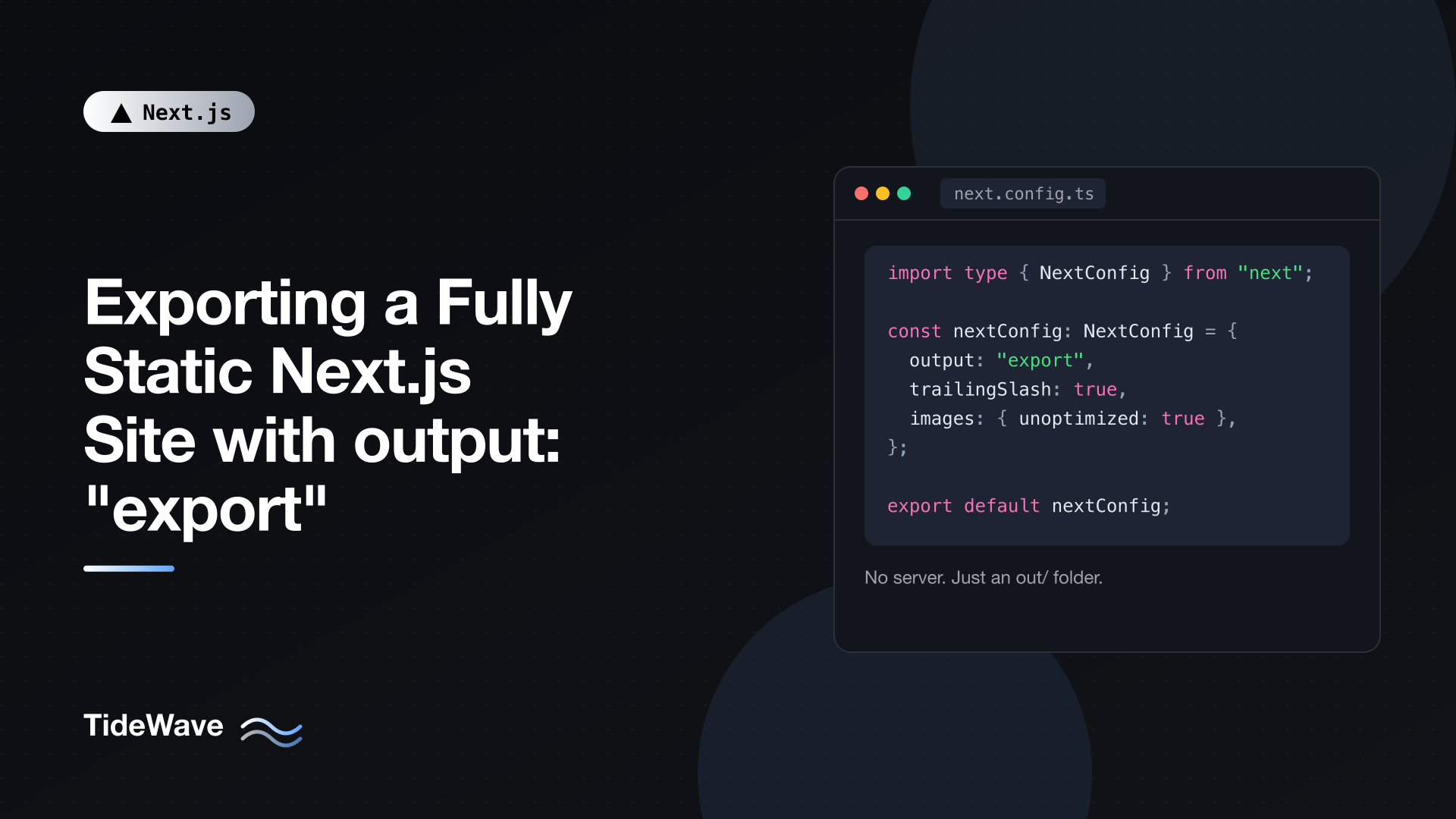
Exporting a Fully Static Next.js Site with output: "export"
Not every Next.js project needs a server. A documentation site, a portfolio, a marketing site, or a blog whose content changes only when you deploy can be built entirely ahead of time. Once that's true, running a Node.js process in production is overhead: something to patch, monitor, and pay for, just to serve files that never change between deploys.
Next.js can build your App Router project into a folder of plain HTML, CSS, and JavaScript with one config option: output: "export". You keep Server Components, layouts, next/link navigation, the Metadata API, and code splitting. You lose anything that has to run per request. The output can be hosted on any static file host: S3, Cloudflare Pages, GitHub Pages, Netlify, nginx, or a CDN bucket.
This post covers how to enable static export, how each App Router feature behaves at build time, how to handle dynamic routes and images, what isn't supported and what to do instead, and how to deploy the result.
Enabling Static Export
Add one line to your config:
// next.config.ts
import type { NextConfig } from "next";

const nextConfig: NextConfig = {
  output: "export",
};

export default nextConfig;
Run the normal build:
npm run build
Instead of a server build in .next, you get an out/ folder:
out/
  index.html
  404.html
  about.html
  blog/
    hello-world.html
    second-post.html
  _next/
    static/
      chunks/...
      css/...
There is no separate next export command anymore; it was removed in Next.js 14. The output option replaces it.
To preview the result locally, serve the folder with any static server:
npx serve out
Don't use next start here. It runs the Node.js server, which isn't what you'll be deploying.
How App Router Features Behave in an Export
The mental model is simple: everything runs once, during next build. Whatever a component renders at build time is what every visitor gets.
Server Components Run at Build Time
Server Components work unchanged. They run on the build machine, and their output becomes HTML for the first load plus a small payload used for client-side navigation:
// app/page.tsx
type Release = { tag_name: string; published_at: string };

export default async function Home() {
  const res = await fetch(
    "https://api.github.com/repos/vercel/next.js/releases/latest",
  );
  const release: Release = await res.json();

  return (
    <main>
      <h1>Latest Next.js release</h1>
      <p>
        {release.tag_name}, published{" "}
        {new Date(release.published_at).toLocaleDateString("en-US")}
      </p>
    </main>
  );
}
That fetch happens once during the build. The page shows the release that was current at build time until you rebuild. This is the right behavior for content that changes on deploy, and the wrong one for anything that must be live. You can read files from disk, query a database, or call a CMS here. The build machine just needs access.
Client Components Still Hydrate
Client Components are prerendered to HTML at build time and then hydrate in the browser as usual. State, effects, and event handlers all work. The one rule: browser APIs like window, localStorage, and navigator don't exist during the build, so access them inside useEffect or event handlers, not during render.
// app/components/theme-toggle.tsx
"use client";

import { useEffect, useState } from "react";

export function ThemeToggle() {
  const [theme, setTheme] = useState<"light" | "dark">("light");

  useEffect(() => {
    const saved = localStorage.getItem("theme");
    if (saved === "dark" || saved === "light") setTheme(saved);
  }, []);

  function toggle() {
    const next = theme === "light" ? "dark" : "light";
    setTheme(next);
    localStorage.setItem("theme", next);
    document.documentElement.dataset.theme = next;
  }

  return <button onClick={toggle}>Theme: {theme}</button>;
}
Navigation Is Client-Side
next/link works exactly as it does in a server-hosted app. After the first page load, navigation fetches the prerendered payload for the next route and swaps the content without a full reload. Prefetching works too, since those payloads are just static files.
Client-Side Data Fetching for Live Data
For data that must be fresh, fetch it in the browser. Any library works; here's a plain version:
// app/status/live-status.tsx
"use client";

import { useEffect, useState } from "react";

type Status = { state: "operational" | "degraded" | "down"; updatedAt: string };

export function LiveStatus() {
  const [status, setStatus] = useState<Status | null>(null);
  const [error, setError] = useState(false);

  useEffect(() => {
    fetch("https://status.example.com/api/status.json")
      .then((r) => (r.ok ? r.json() : Promise.reject(r.status)))
      .then(setStatus)
      .catch(() => setError(true));
  }, []);

  if (error) return <p>Could not load status.</p>;
  if (!status) return <p>Checking status...</p>;
  return <p>All systems: {status.state}</p>;
}
The external API needs to allow requests from your site's origin (CORS), since there's no server of your own to proxy through. For anything beyond a single request, a library like SWR or TanStack Query handles caching and revalidation for you.
Dynamic Routes Need generateStaticParams
A static host can only serve files that exist. So for a route like app/blog/[slug]/page.tsx, Next.js has to know every slug at build time. You provide them with generateStaticParams:
// app/blog/[slug]/page.tsx
import { notFound } from "next/navigation";
import { getAllPosts, getPostBySlug } from "@/lib/posts";

export const dynamicParams = false;

export async function generateStaticParams() {
  const posts = await getAllPosts();
  return posts.map((post) => ({ slug: post.slug }));
}

export default async function PostPage({
  params,
}: {
  params: Promise<{ slug: string }>;
}) {
  const { slug } = await params;
  const post = await getPostBySlug(slug);
  if (!post) notFound();

  return (
    <article>
      <h1>{post.title}</h1>
      <div dangerouslySetInnerHTML={{ __html: post.html }} />
    </article>
  );
}
A few things are happening:
generateStaticParamsreturns one object per page to generate. Next.js renders/blog/<slug>for each one.paramsis a Promise in Next.js 16, so youawaitit.dynamicParams = falsetells Next.js that any slug not in the list is a 404. With a static export this isn't optional in practice:dynamicParams: trueis unsupported, because there's no server to render unknown slugs on demand.
The lib/posts helpers are whatever reads your content: Markdown files on disk, a CMS API, a database. Since this all runs at build time, a slow content source only slows down builds, not page loads. For nested segments like app/docs/[section]/[page], return both keys from generateStaticParams, or generate the parent params in the parent segment and the child params in the child.
Catch-all routes work too. For app/docs/[...slug]/page.tsx, return arrays: { slug: ["getting-started", "install"] }.
Images
The default next/image loader optimizes images on demand on a server. A static export has no server, so you have two options.
Option 1: Disable Optimization
// next.config.ts
import type { NextConfig } from "next";

const nextConfig: NextConfig = {
  output: "export",
  images: {
    unoptimized: true,
  },
};

export default nextConfig;
next/image still gives you lazy loading, width/height to prevent layout shift, and a consistent API, but it serves the original file. Pre-optimize your images (compress, convert to WebP or AVIF, resize) before adding them to public/.
Option 2: Use an Image CDN with a Custom Loader
If your images live on a service like Cloudinary, imgix, or Cloudflare Images, point next/image at it:
// next.config.ts
import type { NextConfig } from "next";

const nextConfig: NextConfig = {
  output: "export",
  images: {
    loader: "custom",
    loaderFile: "./image-loader.ts",
  },
};

export default nextConfig;
// image-loader.ts
"use client";

type LoaderProps = { src: string; width: number; quality?: number };

export default function cloudinaryLoader({ src, width, quality }: LoaderProps) {
  const params = ["f_auto", "c_limit", `w_${width}`, `q_${quality ?? "auto"}`];
  return `https://res.cloudinary.com/your-cloud/image/upload/${params.join(",")}${src}`;
}
Now <Image src="/photos/beach.jpg" width={800} height={600} alt="" /> produces a responsive srcset pointing at the CDN, which handles resizing and format negotiation. Optimization happens at request time on the CDN, not during your build.
Route Handlers for Static Files
Route Handlers can generate static files during the build, which is great for JSON data, RSS feeds, or a search index. Only GET is supported, and you need to mark the handler as static explicitly:
// app/search-index.json/route.ts
import { getAllPosts } from "@/lib/posts";

export const dynamic = "force-static";

export async function GET() {
  const posts = await getAllPosts();
  const index = posts.map((p) => ({
    slug: p.slug,
    title: p.title,
    summary: p.summary,
  }));
  return Response.json(index);
}
The build writes out/search-index.json. A Client Component can fetch /search-index.json and run search entirely in the browser. The same pattern works for feed.xml (return a Response with an XML body and Content-Type header); the post on generating an RSS feed shows the feed format.
Anything that reads the incoming Request (query strings, headers, the body) can't be exported.
Metadata Files
sitemap.ts, robots.ts, manifest.ts, and static icon/opengraph-image files are special Route Handlers that are cached by default, so they export to static files as long as they don't use request-time APIs. The Metadata API (export const metadata and generateMetadata) works normally, producing static <title> and <meta> tags in each HTML file.
What Isn't Supported
Anything that needs a running server, or runs per request, is unavailable:
| Feature | Why it fails | Alternative |
|---|---|---|
cookies(), headers() | No request at build time | Read document.cookie in a Client Component |
| Server Actions | No server to receive the POST | Form service, serverless function, or external API |
proxy.ts | Runs per request | Host-level rules (redirects, auth at the CDN) |
redirects, rewrites, headers in config | Need a server | Configure them on your host |
ISR and revalidate | Needs a server to regenerate | Rebuild and redeploy (e.g. on a CMS webhook) |
| Default image optimization | Needs a server | unoptimized: true or a custom loader |
Dynamic routes without generateStaticParams | Unknown pages | List all params at build time |
Route Handlers reading Request | No request at build time | External API |
| Draft Mode | Needs cookies and a server | Preview deployments of a separate server build |
| Intercepting Routes | Depend on server routing | Regular routes or client-side modals |
The good news is that Next.js tells you early. With output: "export" set, using an unsupported feature in next dev throws an error, so you don't discover problems at deploy time.
Forms Without Server Actions
Contact forms are the most common snag. Post to an external endpoint from a Client Component:
// app/contact/contact-form.tsx
"use client";

import { useState } from "react";

export function ContactForm() {
  const [state, setState] = useState<"idle" | "sending" | "sent" | "error">(
    "idle",
  );

  async function handleSubmit(event: React.FormEvent<HTMLFormElement>) {
    event.preventDefault();
    setState("sending");
    const data = new FormData(event.currentTarget);

    const res = await fetch("https://forms.example.com/submit/abc123", {
      method: "POST",
      body: data,
      headers: { Accept: "application/json" },
    });

    setState(res.ok ? "sent" : "error");
  }

  if (state === "sent") return <p>Thanks, we'll be in touch.</p>;

  return (
    <form onSubmit={handleSubmit}>
      <input name="email" type="email" required placeholder="you@example.com" />
      <textarea name="message" required />
      <button type="submit" disabled={state === "sending"}>
        {state === "sending" ? "Sending..." : "Send"}
      </button>
      {state === "error" && <p>Something went wrong. Please try again.</p>}
    </form>
  );
}
The endpoint can be a hosted form service or a single serverless function on your host. Either way, your Next.js site stays static.
Reading Search Params
useSearchParams() works in an export, but only in the browser, since there's no query string at build time. Wrap the component that uses it in Suspense so the rest of the page can be prerendered:
// app/search/page.tsx
import { Suspense } from "react";
import { SearchResults } from "./search-results";

export default function SearchPage() {
  return (
    <main>
      <h1>Search</h1>
      <Suspense fallback={<p>Loading results...</p>}>
        <SearchResults />
      </Suspense>
    </main>
  );
}
SearchResults is a Client Component that calls useSearchParams() and filters a prebuilt index like the search-index.json above.
Trailing Slashes and Output Paths
By default, /about exports to out/about.html. Many static hosts serve about.html at /about automatically, but some only serve index.html files from directories. Setting trailingSlash: true changes the layout:
// next.config.ts
import type { NextConfig } from "next";

const nextConfig: NextConfig = {
  output: "export",
  trailingSlash: true,
};

export default nextConfig;
Now /about becomes out/about/index.html and links use /about/. Pick whichever matches your host, and stay consistent: switching later changes every URL, which matters for SEO.
Deploying the out Folder
nginx
Tell nginx to try the .html version of each path and fall back to your 404 page:
# nginx.conf
server {
  listen 80;
  server_name example.com;
  root /var/www/out;

  location / {
    try_files $uri $uri.html $uri/ =404;
  }

  location /_next/static/ {
    add_header Cache-Control "public, max-age=31536000, immutable";
  }

  error_page 404 /404.html;
}
Files under /_next/static/ have content hashes in their names, so caching them for a year is safe.
GitHub Pages
Project sites on GitHub Pages live under a sub-path like https://user.github.io/repo/, so set basePath:
// next.config.ts
import type { NextConfig } from "next";

const nextConfig: NextConfig = {
  output: "export",
  basePath: "/my-repo",
  images: { unoptimized: true },
};

export default nextConfig;
Add an empty .nojekyll file to public/ so GitHub Pages doesn't ignore the _next folder (Jekyll skips folders that start with an underscore). Then publish out/ with the official Pages actions:
# .github/workflows/pages.yml
name: Deploy to GitHub Pages

on:
  push:
    branches: [main]

permissions:
  contents: read
  pages: write
  id-token: write

jobs:
  build:
    runs-on: ubuntu-latest
    steps:
      - uses: actions/checkout@v4
      - uses: actions/setup-node@v4
        with:
          node-version: 22
          cache: npm
      - run: npm ci
      - run: npm run build
      - uses: actions/upload-pages-artifact@v3
        with:
          path: out

  deploy:
    needs: build
    runs-on: ubuntu-latest
    environment:
      name: github-pages
      url: ${{ steps.deployment.outputs.page_url }}
    steps:
      - id: deployment
        uses: actions/deploy-pages@v4
S3, Cloudflare Pages, Netlify, and Others
For any object storage or static host: upload the contents of out/, set 404.html as the error document, and add long cache headers for /_next/static/*. Most of these hosts also offer their own redirects and headers configuration, which replaces the redirects and headers options you can't use from next.config.ts.
When to Choose Static Export
Static export is a great fit when:
- Content changes on deploy, not per request (docs, blogs, marketing, portfolios).
- You want the cheapest, simplest hosting with nothing to keep running.
- Dynamic features are limited to client-side fetching from APIs you already have.
It's a poor fit when you need authentication on the server, personalized HTML, Server Actions, ISR, or on-demand image optimization. In those cases, a Node.js deployment (for example with Docker and standalone output) keeps every feature available. Starting static and moving to a server later is straightforward: remove output: "export", and the same code runs on a server.
Conclusion
output: "export" makes Next.js a static site generator without giving up the App Router. Server Components render at build time, Client Components hydrate as usual, generateStaticParams with dynamicParams = false enumerates your dynamic pages, and force-static Route Handlers produce JSON, XML, or text files alongside your HTML. Handle images with unoptimized: true or a CDN loader, move forms and live data to client-side requests, configure redirects and headers on your host, and the out folder can go anywhere that serves files.


