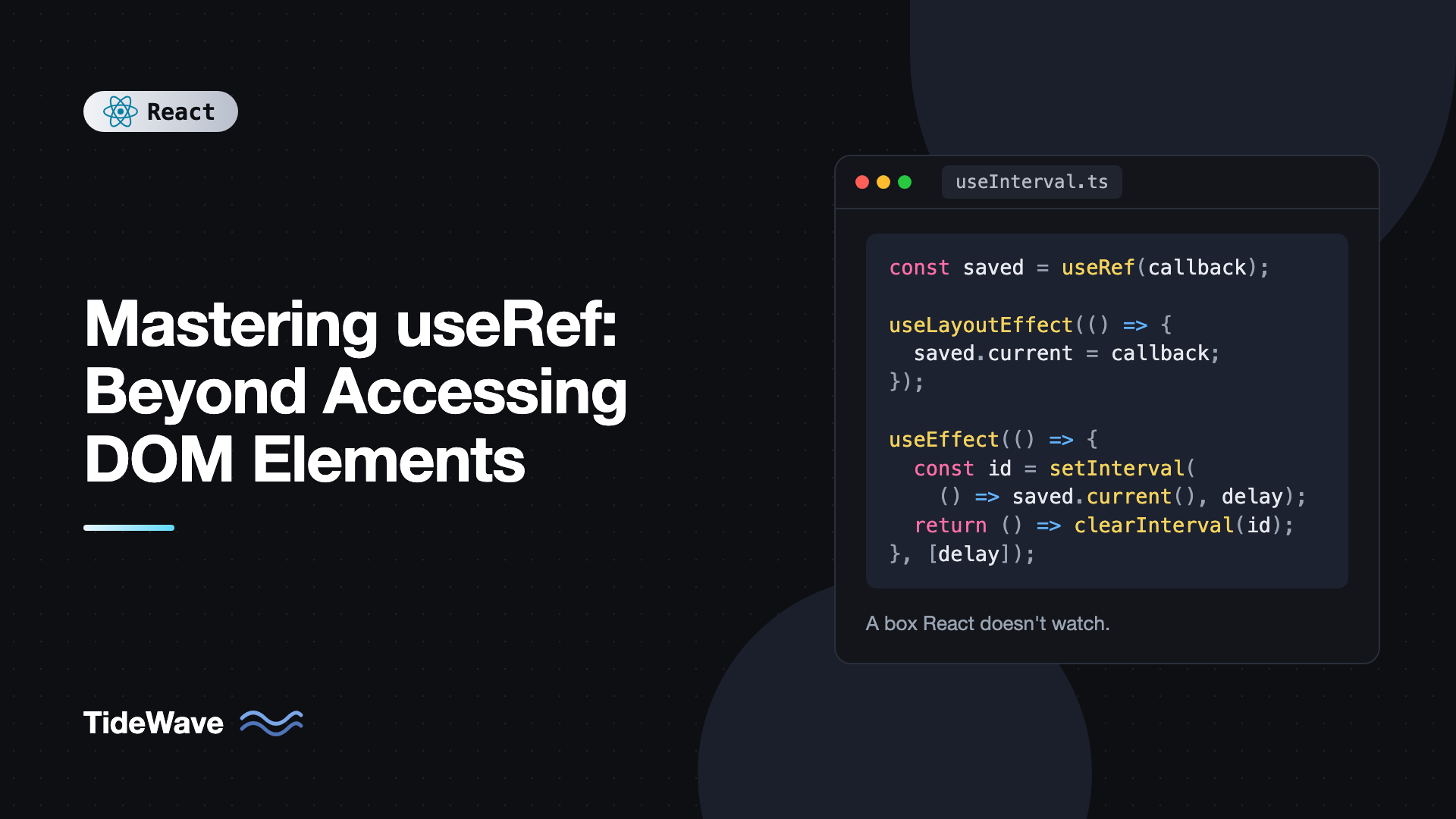
Mastering useRef: Beyond Accessing DOM Elements
Most developers meet useRef as "the hook for focusing an input." You attach it to an element, call ref.current.focus(), and move on. That's a fine use, but it's a small slice of what refs are for.
A ref is really a box that holds any value, survives re-renders, and doesn't cause a re-render when you change it. That makes it the right tool for timer IDs, previous values, instances of third-party libraries, the latest version of a callback, and flags that track what's happening without affecting what's shown. It also makes it easy to misuse, because a value React doesn't track won't update your UI.
This post covers how refs work, the DOM use cases (including React 19's ref-as-prop and ref callback cleanup), and the non-DOM patterns that make useRef one of the most useful hooks in your toolkit. It finishes with the rules for when a ref is the wrong choice.
How useRef Works
useRef(initialValue) returns a plain object with a single property, current:
import { useRef } from "react";

export function RenderCounter() {
  const renders = useRef(0);
  renders.current += 1; // see the warning below

  return <p>Rendered {renders.current} times</p>;
}
Three properties define a ref:
- Same object every render. React returns the identical object for the component's whole lifetime.
- Mutable. You can assign
ref.currentdirectly. No setter function. - No re-render. Changing
currentdoesn't tell React anything. The UI won't update.
Compare that to state: state is immutable per render and triggers a re-render when set. A useful rule of thumb is that if a value affects what's rendered, it's state; if it's only used by handlers and effects, it can be a ref.
The example above writes to the ref during render, which you should avoid in real code. React expects render to be pure, and Strict Mode double-invokes render functions, so a render counter like this would be off, and the React Compiler's lint rules flag reading or writing refs during render. Read and write refs in event handlers and effects.
Accessing DOM Elements
The classic use: get a handle to a DOM node.
import { useRef } from "react";

export function SearchBox() {
  const inputRef = useRef<HTMLInputElement>(null);

  return (
    <div>
      <input ref={inputRef} type="search" placeholder="Search..." />
      <button onClick={() => inputRef.current?.focus()}>Focus search</button>
    </div>
  );
}
React sets inputRef.current to the input element during commit and resets it to null when the element is removed. That's why the type is HTMLInputElement | null and why you use optional chaining.
Common DOM tasks for refs:
- Focusing, selecting, or blurring inputs.
- Scrolling an element into view:
ref.current?.scrollIntoView({ behavior: "smooth" }). - Measuring size or position with
getBoundingClientRect(). - Playing or pausing media:
videoRef.current?.play(). - Handing a node to a non-React library.
Passing Refs to Your Own Components in React 19
In React 19, function components receive ref as a regular prop. You no longer need forwardRef:
import { useRef, type ComponentProps } from "react";

function TextField({ label, ...props }: ComponentProps<"input"> & { label: string }) {
  return (
    <label>
      {label}
      <input {...props} />
    </label>
  );
}

export function SignupForm() {
  const emailRef = useRef<HTMLInputElement>(null);

  return (
    <form onSubmit={(e) => e.preventDefault()}>
      <TextField label="Email" type="email" ref={emailRef} />
      <button type="button" onClick={() => emailRef.current?.focus()}>
        Edit email
      </button>
    </form>
  );
}
ComponentProps<"input"> already includes ref, so spreading the rest of the props onto input forwards it. If you need to expose a custom API instead of the raw node, see forwardRef and useImperativeHandle explained.
Ref Callbacks and Cleanup
Instead of a ref object, you can pass a function. React calls it with the node when it's attached. In React 19, the function can return a cleanup that runs when the node is detached:
import { useState } from "react";

export function ResizableBox() {
  const [width, setWidth] = useState(0);

  return (
    <div
      ref={(node) => {
        if (!node) return;
        const observer = new ResizeObserver(([entry]) => {
          setWidth(Math.round(entry.contentRect.width));
        });
        observer.observe(node);
        return () => observer.disconnect();
      }}
      style={{ resize: "horizontal", overflow: "auto", border: "1px solid" }}
    >
      Width: {width}px
    </div>
  );
}
One caveat: an inline callback is a new function every render, so React detaches and reattaches it each time. For an observer that's wasteful. Define the callback outside the component or wrap it in useCallback when the setup is expensive. Ref callbacks are especially handy for lists, where you can't call useRef once per item.
Storing Timer and Interval IDs
A timer ID needs to survive re-renders so you can clear it later, but it never affects the output. That's exactly what a ref is for:
import { useEffect, useRef, useState } from "react";

export function Stopwatch() {
  const [elapsed, setElapsed] = useState(0);
  const [running, setRunning] = useState(false);
  const intervalRef = useRef<number | null>(null);

  function start() {
    if (intervalRef.current !== null) return;
    setRunning(true);
    const startedAt = Date.now() - elapsed;
    intervalRef.current = window.setInterval(() => {
      setElapsed(Date.now() - startedAt);
    }, 50);
  }

  function stop() {
    if (intervalRef.current !== null) {
      clearInterval(intervalRef.current);
      intervalRef.current = null;
    }
    setRunning(false);
  }

  useEffect(() => stop, []);

  return (
    <div>
      <p>{(elapsed / 1000).toFixed(2)}s</p>
      <button onClick={running ? stop : start}>{running ? "Stop" : "Start"}</button>
    </div>
  );
}
If you stored the interval ID in state, setting it would cause an extra render for no reason. If you stored it in a plain variable inside the component, it would be lost on the next render. The ref is the only option that both persists and stays quiet.
The useEffect(() => stop, []) line registers stop as a cleanup, so the interval is cleared if the component unmounts while running.
Tracking the Previous Value
Sometimes you want to compare the current prop with the last one, for example to animate a price going up or down. A ref updated after each commit holds the previous value:
import { useEffect, useRef } from "react";

export function usePrevious<T>(value: T): T | undefined {
  const ref = useRef<T | undefined>(undefined);

  useEffect(() => {
    ref.current = value;
  }, [value]);

  return ref.current;
}
Usage:
export function PriceTag({ price }: { price: number }) {
  const previous = usePrevious(price);
  const trend =
    previous === undefined ? "" : price > previous ? "up" : price < previous ? "down" : "";

  return <span className={trend}>${price.toFixed(2)}</span>;
}
This reads ref.current during render, which technically breaks the "don't read refs during render" guideline, and the React Compiler may flag it. A purely state-based alternative stores the previous value in state and updates it during render when it differs:
import { useState } from "react";

export function usePreviousState<T>(value: T): T | undefined {
  const [current, setCurrent] = useState(value);
  const [previous, setPrevious] = useState<T | undefined>(undefined);

  if (!Object.is(value, current)) {
    setPrevious(current);
    setCurrent(value);
  }

  return previous;
}
React handles state updates during render by re-running the component immediately before committing, so this is safe and fully consistent. Prefer it in codebases that use the React Compiler.
Keeping the Latest Callback
A common problem: you want an effect to call a function prop, but you don't want the effect to re-run every time the parent passes a new function. Keep the latest version in a ref:
import { useEffect, useLayoutEffect, useRef } from "react";

export function useInterval(callback: () => void, delay: number | null) {
  const savedCallback = useRef(callback);

  useLayoutEffect(() => {
    savedCallback.current = callback;
  }, [callback]);

  useEffect(() => {
    if (delay === null) return;
    const id = setInterval(() => savedCallback.current(), delay);
    return () => clearInterval(id);
  }, [delay]);
}
The interval is set up once per delay, but each tick calls whatever callback is current. Updating the ref in a layout effect ensures it's fresh before any regular effect or timer could call it.
React 19.2 added useEffectEvent, which solves this same problem with a dedicated API. Inside effects, prefer it when it's available. The ref pattern still works everywhere and is what many existing libraries use. Patterns like this are the backbone of building your own custom hooks in React.
Holding Instances of Non-React Objects
Third-party libraries often give you an object you need to keep around: a map, an editor, a WebSocket, an AbortController. Store it in a ref so handlers can reach it:
import { useEffect, useRef, useState } from "react";

export function LiveFeed({ url }: { url: string }) {
  const socketRef = useRef<WebSocket | null>(null);
  const [messages, setMessages] = useState<string[]>([]);

  useEffect(() => {
    const socket = new WebSocket(url);
    socketRef.current = socket;
    socket.addEventListener("message", (e) => {
      setMessages((m) => [...m, String(e.data)]);
    });
    return () => {
      socket.close();
      socketRef.current = null;
    };
  }, [url]);

  function ping() {
    if (socketRef.current?.readyState === WebSocket.OPEN) {
      socketRef.current.send("ping");
    }
  }

  return (
    <div>
      <button onClick={ping}>Ping</button>
      <ul>
        {messages.map((m, i) => (
          <li key={i}>{m}</li>
        ))}
      </ul>
    </div>
  );
}
The effect owns the socket's lifecycle. The ref just gives event handlers access to it. For a fuller treatment, see real-time updates in React with WebSockets.
Lazy Ref Initialization
useRef doesn't accept an initializer function like useState does. useRef(new ExpensiveThing()) constructs a new object on every render and throws away all but the first. If construction is expensive, initialize lazily:
import { useRef } from "react";

class IdGenerator {
  private next = 0;
  get() {
    return `id-${this.next++}`;
  }
}

export function useIdGenerator() {
  const ref = useRef<IdGenerator | null>(null);
  if (ref.current === null) {
    ref.current = new IdGenerator();
  }
  return ref.current;
}
Initializing a ref during render this way is the one sanctioned exception to "don't write refs during render," because it only happens once and always produces the same result.
When Not to Use a Ref
- When the value is shown in the UI. If you render
ref.current, the screen won't update when it changes. Use state. - To skip re-renders for performance. Storing form values in refs to "avoid renders" usually creates bugs. Profile first; preventing unnecessary re-renders with React.memo is often the better fix.
- As an effect dependency. Changing
ref.currentdoesn't re-run effects. If you need reactivity, it's state. - To fake "run once" in Strict Mode. A
useRef(false)guard hides missing cleanup. Write the cleanup.
Best Practices for useRef
- Read and write refs in handlers and effects, not during render, except for one-time lazy initialization.
- Type DOM refs with
null:useRef<HTMLDivElement>(null), and use optional chaining when reading. - Clean up whatever a ref points to when the component unmounts, such as timers, sockets, and library instances.
- Name refs by what they hold:
intervalRef,socketRef,latestCallbackRef. It makes the mutable parts of a component obvious. - Prefer ref callbacks for dynamic lists of elements instead of arrays of
useRefcalls, which would break the rules of hooks.
Frequently Asked Questions (FAQ) About useRef
Both persist values across renders. Updating state triggers a re-render and the new value is visible in the next render. Updating a ref changes it immediately but React doesn't re-render. Use state for anything displayed, and refs for values only handlers and effects need.
DOM refs are only populated after React commits the element. During the first render, and whenever the element is conditionally not rendered, current is null. Read it inside effects or event handlers instead of in the component body.
No. In React 19, function components receive ref as a normal prop, so you can destructure it or spread it onto an element. forwardRef still works but is expected to be deprecated in a future version.
A ref is scoped to one component instance, so two instances get separate values. A module-level variable is shared by every instance. Use a ref when the value belongs to the instance, and a module variable only for true app-wide singletons.
Use a ref callback that stores each node in a Map held in a single ref, keyed by item ID. Remove the entry in the callback's cleanup. This avoids calling useRef in a loop, which isn't allowed.
No. Mutating ref.current is invisible to React. Children only re-render through state, props, or context changes.
Conclusion
useRef gives you a stable, mutable box tied to a component instance that React doesn't watch. That makes it right for DOM nodes, timer IDs, library instances, previous values, and the latest version of a callback, and wrong for anything the user needs to see. React 19 makes refs even simpler with ref as a prop and cleanup functions for ref callbacks.
When you're deciding where a value lives, ask whether it changes what's on screen. If yes, use state. If it's bookkeeping for handlers and effects, a ref keeps it out of the render cycle. Try refactoring a component that stores a timer or socket in state into a ref, and you'll notice both fewer renders and simpler code.


