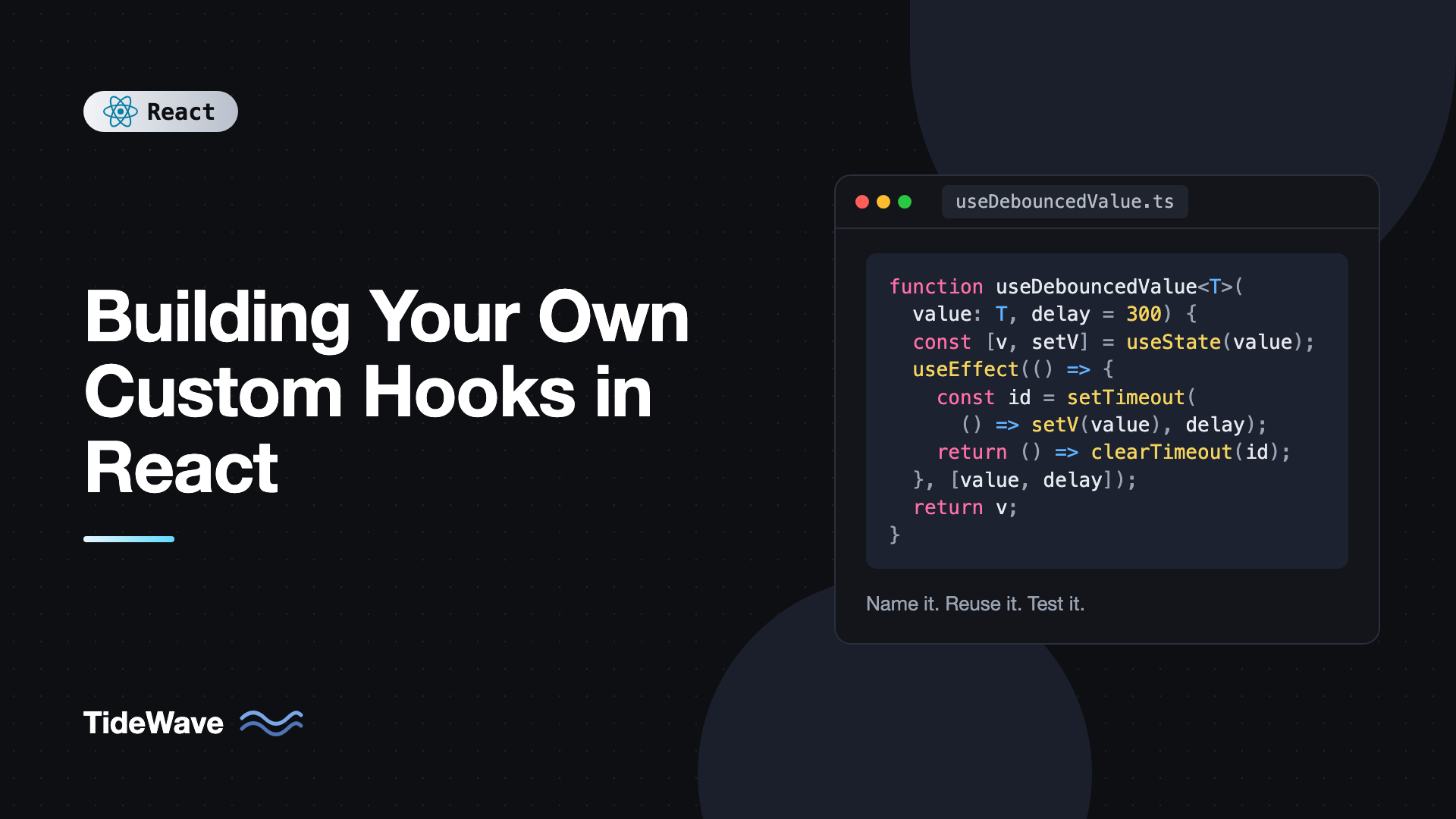
Building Your Own Custom Hooks in React
You write a component that tracks window width with useState, useEffect, and a resize listener. A week later you need the same thing in another component, so you copy it. Then a third. Then you find a bug in the cleanup and have to fix it in three places.
Custom hooks exist for exactly this. A custom hook is a function whose name starts with use and that calls other hooks. It lets you pull stateful logic out of a component and reuse it anywhere, while each component that calls it still gets its own independent state. There's no special API to learn. If you can write a component, you can write a hook.
This post shows how to recognize logic worth extracting, how to design a hook's inputs and outputs, and how to build a set of practical, typed hooks: useLocalStorage, useDebouncedValue, useMediaQuery, useFetch, and useToggle. It finishes with how to test hooks and the mistakes that make them hard to use.
What Makes a Function a Hook
A custom hook is just a JavaScript function with two properties:
- Its name starts with
usefollowed by a capital letter, likeuseOnlineStatus. The linter and the React Compiler rely on this convention to know the function may call hooks. - It calls other hooks, built-in or custom.
Here's the simplest useful example:
import { useEffect, useState } from "react";

export function useOnlineStatus() {
  const [isOnline, setIsOnline] = useState(() => navigator.onLine);

  useEffect(() => {
    const update = () => setIsOnline(navigator.onLine);
    window.addEventListener("online", update);
    window.addEventListener("offline", update);
    return () => {
      window.removeEventListener("online", update);
      window.removeEventListener("offline", update);
    };
  }, []);

  return isOnline;
}
Any component can now use it:
export function SaveButton() {
  const isOnline = useOnlineStatus();
  return <button disabled={!isOnline}>{isOnline ? "Save" : "Offline"}</button>;
}
Important: hooks share logic, not state. If two components call useOnlineStatus, each gets its own useState and its own listeners. If you need components to share the same value, put it in context or a store. Hooks follow the rules of hooks, so call them only at the top level of components or other hooks.
If a function doesn't call any hooks, don't name it useSomething. A plain helper like formatPrice should stay a plain function so it can be called anywhere, including conditionally.
When to Extract a Hook
Good candidates share a pattern:
- The same effect and state combination appears in several places: subscriptions, timers, listeners.
- A component's logic obscures what it renders. Moving forty lines of setup into
useCheckout()makes the component readable. - The logic has a clear name. If you can describe it in two or three words, "debounced value," "media query," "local storage state," it's probably a good hook.
Avoid hooks that just wrap a lifecycle without meaning, like useMount(fn). They hide dependencies and push you back toward class-style thinking. A good hook describes what it does, not when.
useToggle: Returning a Tuple
Start small. A boolean with a toggle function:
import { useCallback, useState } from "react";

export function useToggle(initial = false) {
  const [value, setValue] = useState(initial);
  const toggle = useCallback(() => setValue((v) => !v), []);
  return [value, toggle, setValue] as const;
}
Usage:
const [isOpen, toggleOpen] = useToggle();
Return a tuple (as const keeps the types precise) when the hook has a primary value and a setter, like useState. Callers can name the items whatever they want. Return an object when there are more than two or three values, so callers can pick what they need by name.
toggle is wrapped in useCallback because it's returned from a hook. You don't know whether a caller will pass it to a memo child or an effect, so giving it stable identity is the polite default.
useLocalStorage: State That Persists
A hook that works like useState but reads and writes localStorage:
import { useCallback, useEffect, useState } from "react";

export function useLocalStorage<T>(key: string, initialValue: T) {
  const [value, setValue] = useState<T>(() => {
    try {
      const stored = localStorage.getItem(key);
      return stored !== null ? (JSON.parse(stored) as T) : initialValue;
    } catch {
      return initialValue;
    }
  });

  useEffect(() => {
    try {
      localStorage.setItem(key, JSON.stringify(value));
    } catch {
      // Storage full or unavailable; keep in-memory state.
    }
  }, [key, value]);

  useEffect(() => {
    function onStorage(e: StorageEvent) {
      if (e.key === key && e.newValue !== null) {
        setValue(JSON.parse(e.newValue) as T);
      }
    }
    window.addEventListener("storage", onStorage);
    return () => window.removeEventListener("storage", onStorage);
  }, [key]);

  const remove = useCallback(() => {
    localStorage.removeItem(key);
    setValue(initialValue);
    // eslint-disable-next-line react-hooks/exhaustive-deps
  }, [key]);

  return [value, setValue, remove] as const;
}
Notes on the design:
- Generic
Tmeans callers get proper types:useLocalStorage<"light" | "dark">("theme", "light"). - Lazy initializer reads storage once, on mount.
- The
storageevent syncs the value across browser tabs. try/catchprotects against private browsing modes and quota errors.initialValueis intentionally left out ofremove's dependencies so an inline object literal doesn't recreate it every render.
This version reads localStorage during the initial render, so it's for client-rendered apps. With server rendering, start from initialValue and read storage in an effect to avoid hydration mismatches. A hook like this is the basis for building a dark mode toggle in React.
useDebouncedValue: Delaying Fast Changes
Debouncing a value is a classic hook:
import { useEffect, useState } from "react";

export function useDebouncedValue<T>(value: T, delay = 300): T {
  const [debounced, setDebounced] = useState(value);

  useEffect(() => {
    const id = setTimeout(() => setDebounced(value), delay);
    return () => clearTimeout(id);
  }, [value, delay]);

  return debounced;
}
Every change to value cancels the previous timer and starts a new one. Only after the value stays the same for delay milliseconds does debounced update:
import { useState } from "react";
import { useDebouncedValue } from "./useDebouncedValue";
import { useFetch } from "./useFetch";

type User = { id: number; name: string };

export function UserSearch() {
  const [query, setQuery] = useState("");
  const debouncedQuery = useDebouncedValue(query, 400);
  const { data, isLoading } = useFetch<User[]>(
    debouncedQuery ? `/api/users?q=${encodeURIComponent(debouncedQuery)}` : null,
  );

  return (
    <div>
      <input value={query} onChange={(e) => setQuery(e.target.value)} />
      {isLoading && <p>Searching...</p>}
      <ul>{data?.map((u) => <li key={u.id}>{u.name}</li>)}</ul>
    </div>
  );
}
Hooks compose naturally. UserSearch combines two custom hooks, and neither knows about the other. The debouncing and throttling user input post goes further with throttling and debounced callbacks.
useFetch: Returning an Object
A small fetching hook that handles loading, errors, and race conditions:
import { useEffect, useState } from "react";

type FetchState<T> = {
  data: T | undefined;
  error: Error | undefined;
  isLoading: boolean;
};

export function useFetch<T>(url: string | null): FetchState<T> {
  const [state, setState] = useState<FetchState<T>>({
    data: undefined,
    error: undefined,
    isLoading: url !== null,
  });

  useEffect(() => {
    if (url === null) {
      setState({ data: undefined, error: undefined, isLoading: false });
      return;
    }

    const controller = new AbortController();
    setState((s) => ({ ...s, isLoading: true, error: undefined }));

    fetch(url, { signal: controller.signal })
      .then((res) => {
        if (!res.ok) throw new Error(`HTTP ${res.status}`);
        return res.json() as Promise<T>;
      })
      .then((data) => setState({ data, error: undefined, isLoading: false }))
      .catch((error: unknown) => {
        if (controller.signal.aborted) return;
        setState({
          data: undefined,
          error: error instanceof Error ? error : new Error(String(error)),
          isLoading: false,
        });
      });

    return () => controller.abort();
  }, [url]);

  return state;
}
Accepting null lets callers skip the request conditionally, without calling the hook conditionally, which would break the rules of hooks. The abort in cleanup means a slow, outdated response can never overwrite a newer one.
This is a fine learning exercise and works for simple cases, but for real apps, prefer TanStack Query or a router loader. Caching, background refetching, deduplication, and retries are a lot of work to get right.
useMediaQuery: Subscribing to the Browser
For values that live outside React and change over time, useSyncExternalStore is the right building block:
import { useCallback, useSyncExternalStore } from "react";

export function useMediaQuery(query: string): boolean {
  const subscribe = useCallback(
    (onChange: () => void) => {
      const mql = window.matchMedia(query);
      mql.addEventListener("change", onChange);
      return () => mql.removeEventListener("change", onChange);
    },
    [query],
  );

  return useSyncExternalStore(
    subscribe,
    () => window.matchMedia(query).matches,
    () => false, // server snapshot
  );
}
const isMobile = useMediaQuery("(max-width: 640px)");
const prefersReducedMotion = useMediaQuery("(prefers-reduced-motion: reduce)");
useSyncExternalStore avoids tearing during concurrent rendering and supports a server snapshot, which a useState plus useEffect version can't do cleanly. subscribe is memoized so React doesn't resubscribe on every render.
Designing Good Hook APIs
A few principles make hooks pleasant to use:
- Accept primitives where possible.
useFetch(url)is easier to keep stable thanuseFetch({ url, method }), since an inline object is a new reference every render. - Return stable functions. Wrap returned callbacks in
useCallbackso consumers can put them in dependency arrays. - Keep one responsibility.
useCartthat also handles authentication is two hooks. - Don't hide effects that surprise the caller. If a hook sends network requests, its name should hint at it.
- Type the return value. Explicit return types make the API clear in editor tooltips and catch accidental changes.
Testing Custom Hooks
Test hooks through renderHook from Testing Library. With Vitest:
npm install -D vitest @testing-library/react jsdom
// useToggle.test.ts
import { act, renderHook } from "@testing-library/react";
import { describe, expect, it } from "vitest";
import { useToggle } from "./useToggle";

describe("useToggle", () => {
  it("starts with the initial value and toggles", () => {
    const { result } = renderHook(() => useToggle(true));
    expect(result.current[0]).toBe(true);

    act(() => result.current[1]());
    expect(result.current[0]).toBe(false);
  });
});
For timers, use fake timers:
// useDebouncedValue.test.ts
import { act, renderHook } from "@testing-library/react";
import { afterEach, beforeEach, expect, it, vi } from "vitest";
import { useDebouncedValue } from "./useDebouncedValue";

beforeEach(() => vi.useFakeTimers());
afterEach(() => vi.useRealTimers());

it("updates only after the delay", () => {
  const { result, rerender } = renderHook(
    ({ value }) => useDebouncedValue(value, 300),
    { initialProps: { value: "a" } },
  );

  rerender({ value: "ab" });
  expect(result.current).toBe("a");

  act(() => vi.advanceTimersByTime(300));
  expect(result.current).toBe("ab");
});
Set environment: "jsdom" in your Vitest config so browser APIs are available. Testing custom hooks the right way covers async hooks and mocking.
Common Mistakes With Custom Hooks
- Expecting shared state. Two components calling the same hook get separate state. Use context or a store for shared values.
- Naming non-hooks with
use. It confuses the linter and forces callers to follow hook rules for no reason. - Calling hooks conditionally inside the custom hook. The same rules apply inside hooks as in components.
- Returning new functions every render. Consumers that list them as dependencies will re-run effects constantly.
- Accepting objects and using them as dependencies. Inline objects from callers change every render. Destructure primitives or document that callers should memoize.
- Lifecycle wrappers like
useMount. They hide dependencies. Write the effect with its real dependencies, or give the hook a purpose-driven name.
Frequently Asked Questions (FAQ) About Custom Hooks in React
No. Each call to a custom hook has its own independent state and effects. To share state, lift it into a common parent, provide it through context, or use an external store with useSyncExternalStore or a library like Zustand.
The prefix tells the linter and the React Compiler that the function may call hooks, so they can enforce the rules of hooks inside it and wherever it's called. Without it, mistakes like conditional hook calls go undetected.
It can, but if it mainly returns UI it should be a component instead. Hooks are best for logic and data. Some hooks return render helpers or props objects for elements, which is fine as long as the main job is behavior.
Return a tuple when there are one or two values that callers will often rename, like useState. Return an object when there are several values or callers typically need only some of them.
No. Custom hooks follow the same rules as built-in hooks. To skip work conditionally, pass a parameter like null or enabled: false and handle the condition inside the hook.
Hooks used by one feature live next to that feature. Hooks used across the app go in a shared hooks folder. Keep each hook in its own file with its tests alongside it.
Conclusion
A custom hook is a plain function that starts with use and calls other hooks. It lets you name a piece of stateful logic, reuse it across components, and test it in isolation, while each caller keeps its own state. Good hooks accept primitives, return stable functions, do one thing, and are built on the right primitive, whether that's useState, useEffect, or useSyncExternalStore.
Look through your current project for repeated combinations of state and effects, especially listeners, timers, and storage access. Extract one into a hook, write a renderHook test for it, and replace the copies. After the first few, you'll start seeing hook-shaped logic everywhere.


