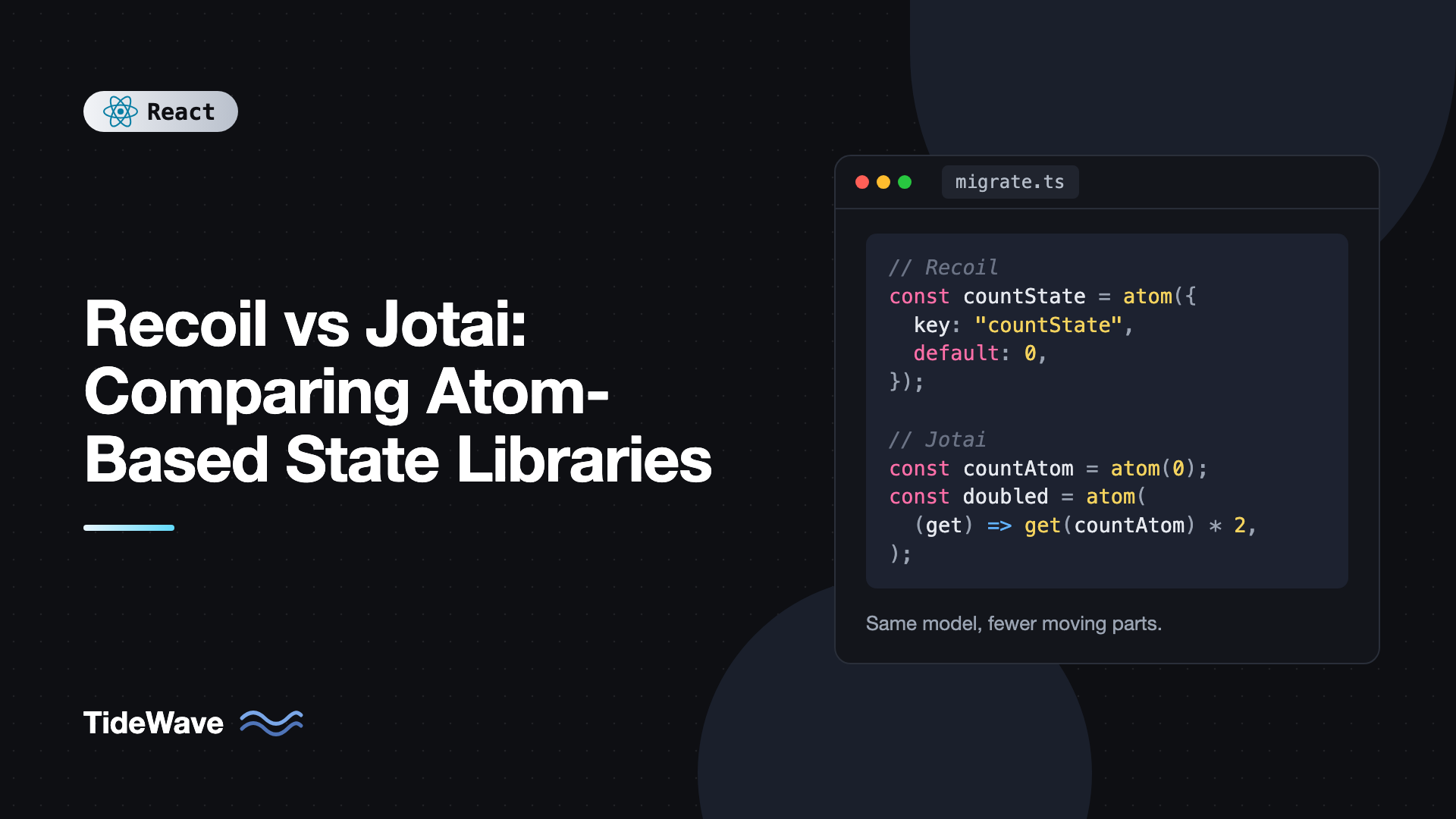
Recoil vs Jotai: Comparing Atom-Based State Libraries
Recoil introduced many React developers to the idea of atomic state: small, independent pieces of state that components subscribe to individually, with derived values computed through a dependency graph. Jotai arrived shortly after with the same core idea and a much smaller API. For a few years, choosing between them was a matter of taste.
That changed when Meta archived the Recoil repository at the start of 2025. Recoil no longer receives fixes, it was never released as 1.0, and it does not officially support React 19. If you maintain a Recoil app, the question is no longer which one to pick but how to move off Recoil safely. If you are starting fresh, you still benefit from understanding how the two compare, because most atomic state tutorials and older codebases you will meet use one or the other.
This post compares Recoil and Jotai concept by concept with side-by-side code, covers the differences that matter in practice, and finishes with a step-by-step migration strategy.
The Shared Idea
Both libraries share the same mental model:
- Atoms are units of state. Updating an atom re-renders only the components that read it.
- Derived state (Recoil calls it a selector, Jotai uses a derived atom) is computed from atoms and recomputes only when its dependencies change.
- Async values can be part of the graph and integrate with
Suspense. - Families create parameterized atoms, such as one atom per todo id.
The differences are in the API surface, how atoms are identified, and the project's health. If you want a deeper walkthrough of the Jotai side first, read Jotai and atomic state management in React.
Setup and the Root Provider
Recoil requires a RecoilRoot at the top of the tree. Any hook used outside it throws an error.
// Recoil
import { RecoilRoot } from "recoil";
import App from "./App";

export function Root() {
  return (
    <RecoilRoot>
      <App />
    </RecoilRoot>
  );
}
Jotai works without any provider by using a default store. A Provider is optional and is used when you want isolated state, such as per test or per widget instance.
// Jotai: no provider required, but you can add one
import { Provider } from "jotai";
import App from "./App";

export function Root() {
  return (
    <Provider>
      <App />
    </Provider>
  );
}
Defining Atoms
Recoil atoms need a globally unique string key. Two atoms with the same key cause a warning and subtle bugs, which tends to show up with hot module reloading or when code is split across packages.
// Recoil
import { atom } from "recoil";

export const countState = atom<number>({
  key: "countState",
  default: 0,
});
Jotai atoms are identified by object reference, so there are no keys to manage:
// Jotai
import { atom } from "jotai";

export const countAtom = atom(0);
This sounds like a small thing, but in a large Recoil codebase, key management is real maintenance work. Teams usually invent naming conventions like "feature/entity/field" just to avoid collisions.
Reading and Writing Atoms
The hooks map almost one to one:
| Purpose | Recoil | Jotai |
|---|---|---|
| Read and write | useRecoilState | useAtom |
| Read only | useRecoilValue | useAtomValue |
| Write only | useSetRecoilState | useSetAtom |
| Reset to default | useResetRecoilState | useResetAtom with atomWithReset |
| Read without Suspense | useRecoilValueLoadable | useAtomValue with loadable |
Here is the same counter in both libraries:
// Recoil
import { useRecoilState } from "recoil";
import { countState } from "./state";

export function Counter() {
  const [count, setCount] = useRecoilState(countState);
  return <button onClick={() => setCount((c) => c + 1)}>{count}</button>;
}
// Jotai
import { useAtom } from "jotai";
import { countAtom } from "./atoms";

export function Counter() {
  const [count, setCount] = useAtom(countAtom);
  return <button onClick={() => setCount((c) => c + 1)}>{count}</button>;
}
Derived State: Selectors vs Derived Atoms
Recoil selectors are objects with a key and a get function that receives a get helper:
// Recoil
import { atom, selector } from "recoil";

interface Todo {
  id: string;
  title: string;
  done: boolean;
}

export const todoListState = atom<Todo[]>({
  key: "todoListState",
  default: [],
});

export const remainingCountState = selector<number>({
  key: "remainingCountState",
  get: ({ get }) => get(todoListState).filter((t) => !t.done).length,
});
In Jotai, a derived atom is just atom with a function:
// Jotai
import { atom } from "jotai";

interface Todo {
  id: string;
  title: string;
  done: boolean;
}

export const todoListAtom = atom<Todo[]>([]);

export const remainingCountAtom = atom(
  (get) => get(todoListAtom).filter((t) => !t.done).length,
);
Writable Derived State
Recoil adds a set function to a selector to make it writable:
// Recoil
import { atom, selector, DefaultValue } from "recoil";

export const celsiusState = atom({ key: "celsius", default: 20 });

export const fahrenheitState = selector<number>({
  key: "fahrenheit",
  get: ({ get }) => (get(celsiusState) * 9) / 5 + 32,
  set: ({ set }, newValue) => {
    if (newValue instanceof DefaultValue) {
      set(celsiusState, newValue);
      return;
    }
    set(celsiusState, ((newValue - 32) * 5) / 9);
  },
});
The DefaultValue check is needed because a reset passes a special sentinel instead of a number. Jotai's version is shorter, and writes can accept any arguments, not just a new value:
// Jotai
import { atom } from "jotai";

export const celsiusAtom = atom(20);

export const fahrenheitAtom = atom(
  (get) => (get(celsiusAtom) * 9) / 5 + 32,
  (_get, set, newF: number) => set(celsiusAtom, ((newF - 32) * 5) / 9),
);
Because Jotai write functions take arbitrary arguments, they double as actions. A write-only atom like atom(null, (get, set, id: string) => ...) replaces what Recoil apps often did with useRecoilCallback.
Async Data
Both libraries let a derived value be async and suspend while it loads.
// Recoil
import { Suspense } from "react";
import { atom, selector, useRecoilValue } from "recoil";

const userIdState = atom({ key: "userId", default: 1 });

const userState = selector({
  key: "userState",
  get: async ({ get }) => {
    const res = await fetch(`/api/users/${get(userIdState)}`);
    if (!res.ok) throw new Error("Failed to load user");
    return (await res.json()) as { id: number; name: string };
  },
});

function UserName() {
  const user = useRecoilValue(userState);
  return <p>{user.name}</p>;
}

export function UserPanel() {
  return (
    <Suspense fallback={<p>Loading...</p>}>
      <UserName />
    </Suspense>
  );
}
// Jotai
import { Suspense } from "react";
import { atom, useAtomValue } from "jotai";

const userIdAtom = atom(1);

const userAtom = atom(async (get, { signal }) => {
  const res = await fetch(`/api/users/${get(userIdAtom)}`, { signal });
  if (!res.ok) throw new Error("Failed to load user");
  return (await res.json()) as { id: number; name: string };
});

function UserName() {
  const user = useAtomValue(userAtom);
  return <p>{user.name}</p>;
}

export function UserPanel() {
  return (
    <Suspense fallback={<p>Loading...</p>}>
      <UserName />
    </Suspense>
  );
}
Two differences worth knowing:
- Cancellation. Jotai passes an
AbortSignalto async read functions and aborts it when dependencies change. Recoil has no built-in equivalent. - Caching. Recoil selectors cache results by their dependency values, so going back to a previous user id reuses the earlier result. Jotai keeps only the latest value of a derived atom. If you need a per-id cache, use a family or a data fetching library.
For anything resembling real server state, with refetching and mutations, neither library is a full solution. TanStack Query for server state is a better fit, and both libraries pair well with it for client state.
Families
Recoil has atomFamily and selectorFamily built in:
// Recoil
import { atomFamily, selectorFamily } from "recoil";

export const todoItemState = atomFamily<
  { title: string; done: boolean },
  string
>({
  key: "todoItem",
  default: (id) => ({ title: `Todo ${id}`, done: false }),
});

export const todoLabelState = selectorFamily<string, string>({
  key: "todoLabel",
  get:
    (id) =>
    ({ get }) => {
      const todo = get(todoItemState(id));
      return todo.done ? `${todo.title} (done)` : todo.title;
    },
});
Jotai offers an atomFamily utility (from jotai/utils, and also as the standalone jotai-family package). Because a derived atom is just an atom, the same helper covers both cases:
// Jotai
import { atom } from "jotai";
import { atomFamily } from "jotai/utils";

export const todoItemAtom = atomFamily((id: string) =>
  atom({ title: `Todo ${id}`, done: false }),
);

export const todoLabelAtom = atomFamily((id: string) =>
  atom((get) => {
    const todo = get(todoItemAtom(id));
    return todo.done ? `${todo.title} (done)` : todo.title;
  }),
);
Both libraries keep family members in memory until you remove them. In Jotai, call todoItemAtom.remove(id) when an item is deleted, or members accumulate over the life of the app.
Side Effects and Persistence
Recoil has atom effects, functions attached to an atom that can initialize it and react to changes. They were commonly used for persistence:
// Recoil
import { atom, type AtomEffect } from "recoil";

const localStorageEffect =
  <T,>(key: string): AtomEffect<T> =>
  ({ setSelf, onSet }) => {
    const saved = localStorage.getItem(key);
    if (saved != null) setSelf(JSON.parse(saved));
    onSet((newValue, _old, isReset) => {
      if (isReset) localStorage.removeItem(key);
      else localStorage.setItem(key, JSON.stringify(newValue));
    });
  };

export const themeState = atom<"light" | "dark">({
  key: "theme",
  default: "light",
  effects: [localStorageEffect("theme")],
});
Jotai covers the persistence case directly with atomWithStorage, which also syncs across browser tabs:
// Jotai
import { atomWithStorage } from "jotai/utils";

export const themeAtom = atomWithStorage<"light" | "dark">("theme", "light");
For general effects, Jotai atoms have an onMount hook that runs when the first component subscribes and returns a cleanup function for when the last one unsubscribes. This is a good fit for subscriptions like WebSockets or timers:
// Jotai
import { atom } from "jotai";

export const nowAtom = atom(Date.now());

nowAtom.onMount = (setNow) => {
  const id = setInterval(() => setNow(Date.now()), 1000);
  return () => clearInterval(id);
};
The jotai-effect package adds a more general atomEffect for reacting to atom changes if you need it.
Bundle Size, API Surface, and Maintenance
| Aspect | Recoil | Jotai |
|---|---|---|
| Status | Archived, no longer maintained | Actively maintained |
| React 19 | Not supported | Supported |
| Provider | RecoilRoot required | Optional |
| Atom identity | Unique string keys | Object reference |
| Core size | Large, tens of kB | A few kB |
| Async cancellation | No | Yes, via AbortSignal |
| Selector caching | Caches by dependency values | Latest value only |
| DevTools | Snapshots and observer hooks | jotai-devtools package |
The maintenance row is the deciding one. Recoil relied on React internals, and those changed in React 19. Staying on Recoil means staying on React 18, which blocks you from features like actions, useOptimistic, and the React Compiler. If you are planning that upgrade anyway, the guide to upgrading to React 19 covers the rest of the checklist.
Migrating From Recoil to Jotai
Because the models match so closely, migration is mostly mechanical. A safe approach:
1. Run Both Side by Side
Both libraries can coexist. Keep RecoilRoot in place and migrate one feature at a time. Do this while still on React 18, then upgrade React once Recoil is gone.
2. Convert Leaf Atoms First
Start with atoms that no selector depends on. Replace atom({ key, default }) with atom(default) and swap the hooks:
useRecoilStatetouseAtomuseRecoilValuetouseAtomValueuseSetRecoilStatetouseSetAtom
3. Convert Selectors
Each selector({ key, get }) becomes atom((get) => ...). The inner get calls stay the same once the atoms they read are converted. Writable selectors become atoms with a write function, and you can drop the DefaultValue checks.
4. Replace useRecoilCallback With Write Atoms
Code that reads several atoms and writes others in an event handler usually used useRecoilCallback with snapshot.getPromise. In Jotai, that becomes a write-only atom:
import { atom } from "jotai";
import { cartAtom, userAtom, ordersAtom } from "./atoms";

export const checkoutAtom = atom(null, async (get, set) => {
  const cart = get(cartAtom);
  const user = get(userAtom);
  const res = await fetch("/api/orders", {
    method: "POST",
    headers: { "Content-Type": "application/json" },
    body: JSON.stringify({ userId: user.id, items: cart }),
  });
  if (!res.ok) throw new Error("Checkout failed");
  set(ordersAtom, [...get(ordersAtom), await res.json()]);
  set(cartAtom, []);
});
5. Replace Effects and Loadables
Persistence effects become atomWithStorage. Subscription effects become onMount. useRecoilValueLoadable becomes useAtomValue(loadable(someAtom)), where loadable comes from jotai/utils and the wrapped atom is defined at module level. Note that Jotai's loadable uses result.data and result.error instead of Recoil's single contents field.
6. Remove RecoilRoot and Upgrade
Once no component imports from recoil, remove RecoilRoot, uninstall the package, and upgrade to React 19.
Common Migration Mistakes
- Creating atoms in component bodies. Recoil's keys hid this mistake by deduplicating by key. Jotai identifies atoms by reference, so an atom created during render is a new atom every time.
- Expecting selector-style caching. Async derived atoms do not remember results for previous dependency values. Use a family keyed by id, or a data fetching library.
- Forgetting to clean up families. Call
removeon family members when the underlying item is deleted. - Converting everything at once. Big-bang migrations are hard to review and test. Feature-by-feature keeps each change small.
- Leaving Suspense boundaries unchanged. Async behavior is similar but not identical. Re-test loading and error states for each converted feature.
Frequently Asked Questions (FAQ) About Recoil vs Jotai
No. Meta archived the Recoil repository in early 2025. It still installs from npm, but it receives no bug fixes or new features, and it does not support React 19.
Not literally, since the imports and some APIs differ, but the concepts map one to one. Atoms, selectors, families, and Suspense-based async values all have direct Jotai equivalents, which makes migration mostly mechanical.
Yes. They are independent libraries with separate stores. You can keep RecoilRoot mounted while converting features to Jotai one at a time, as long as you remain on a React version that Recoil supports during the transition.
No. Jotai atoms are identified by their object reference. You only add a debugLabel if you want readable names in DevTools.
Jotai does not ship snapshot APIs in its core. The jotai-devtools package provides an inspector with time travel for debugging, and an explicit store from createStore lets you read and set any atom from outside React.
Jotai is the closer match because it keeps the atomic model, so migration is easier. Zustand is a good choice if your state is mostly a few cohesive objects rather than many small interdependent pieces.
Conclusion
Recoil and Jotai share the same atomic model: small atoms, derived values that track dependencies, async values with Suspense, and families for parameterized state. Jotai expresses all of it with fewer concepts, no string keys, no required provider, and built-in cancellation for async reads. Recoil's selector caching and atom effects were nice touches, but Jotai has practical equivalents for both.
With Recoil archived and incompatible with React 19, new projects should choose Jotai (or another maintained library), and existing Recoil apps should plan a migration. Convert leaf atoms first, then selectors, then callbacks and effects, and only upgrade React once the last recoil import is gone.


