What Is Headless WordPress and How Does It Work?
Headless WordPress separates content management from the front end, letting WordPress store and serve content over an API while any framework, React, Vue, Next.js, or something else entirely, handles the rendering and the visitor-facing experience. Instead of WordPress themes generating HTML with PHP template tags, WordPress becomes a pure content API, and a separate application fetches that content and turns it into pages.
This isn't a plugin you install or a setting you flip. It's an architectural decision: you keep the WordPress admin, its post types, its editorial workflow, and its enormous plugin ecosystem, but you throw away (or simply stop using) the theme layer that turns that content into HTML. This guide covers what headless WordPress actually means, how the pieces fit together, when it's worth the added complexity, and when it isn't.
What "Headless" Actually Means
In a traditional WordPress setup, one system does two jobs: WordPress stores your posts, pages, and media in its database, and it also renders that content into HTML via PHP templates (single.php, page.php, archive.php, and so on) using the Template Hierarchy. A visitor requests a URL, WordPress runs a database query, a theme template loops over the results, and PHP outputs a finished HTML page.
"Headless" means cutting that second job away. WordPress keeps doing what it's good at: providing an editorial interface, structuring content into post types and taxonomies, handling media uploads, managing users and revisions. But instead of a PHP theme turning that content into a webpage, WordPress exposes it as structured data, JSON, over an API, and a completely separate application (the "front end," running on its own stack) requests that data and decides how to display it.
The name comes from the analogy of a body without a head: the "body" (the content, the admin, the data layer) stays intact, but the "head" (the part a visitor actually sees) is detached and can be swapped for anything.
The Two APIs That Make This Possible
WordPress ships two ways to pull content out as structured data instead of rendered HTML:
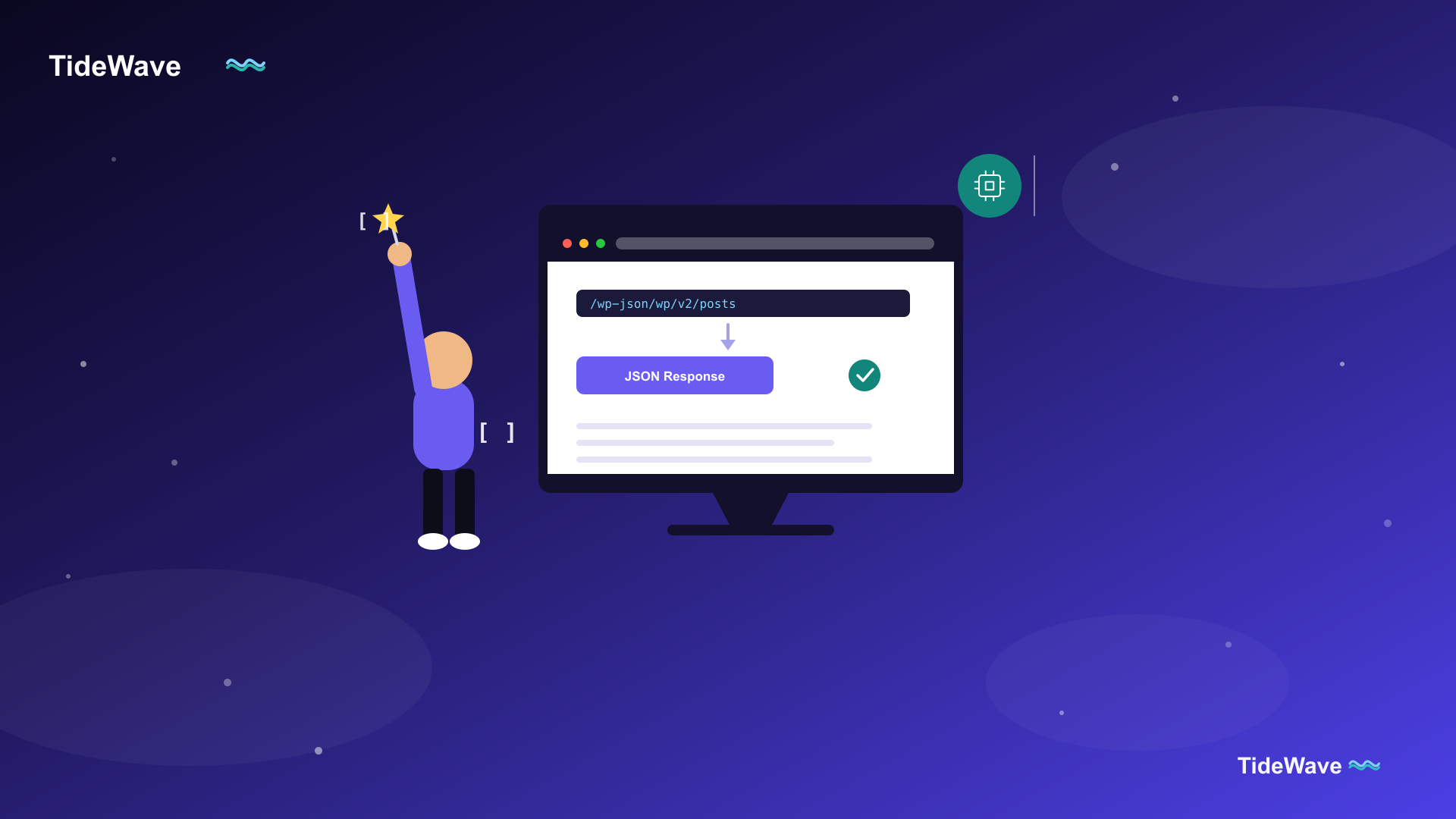
- The WordPress REST API, built into WordPress core since version 4.7, exposes posts, pages, media, users, taxonomies, and custom post types as JSON at endpoints like
/wp-json/wp/v2/posts. It requires no plugin for basic use. See the WordPress REST API for a full walkthrough of its endpoints and request patterns. - WPGraphQL, a free plugin, exposes the same content through a single GraphQL endpoint (
/graphql) where the front end specifies exactly which fields it wants in one request, rather than making several REST calls and over-fetching data it doesn't need.
Either API turns a WordPress post into something like this:
{
  "id": 42,
  "date": "2026-08-01T09:00:00",
  "slug": "hello-headless",
  "title": { "rendered": "Hello, Headless" },
  "content": { "rendered": "<p>This is the post body as HTML.</p>" },
  "featured_media": 17
}
A front-end application fetches JSON like this instead of receiving a finished HTML page from WordPress, then decides for itself how to lay it out, style it, and combine it with other data.
How a Headless Request Actually Flows
It helps to trace what happens end to end when someone visits a headless WordPress site:
- A visitor requests a page, say
/blog/hello-headless, from your front-end application's domain (not from WordPress directly). - The front-end framework (Next.js, Nuxt, Gatsby, or similar) receives that request and, depending on its rendering strategy, either has the content already built at deploy time or fetches it on demand.
- It sends a request to WordPress's REST API or GraphQL endpoint, asking for the post matching that slug.
- WordPress queries its database exactly as it always has, formats the result as JSON instead of HTML, and returns it.
- The front-end application takes that JSON and renders it into HTML using its own components and templates, entirely independent of any WordPress theme.
- The finished HTML (or a client-side-rendered equivalent) is what actually reaches the visitor's browser.
WordPress never touches the final markup in this flow. It's purely a data source, queried like any other API.
A Minimal Example: Fetching a Post in Next.js
Here's what step 3 through 5 look like in practice, a Next.js server component fetching a single post from a headless WordPress REST API:
// app/blog/[slug]/page.tsx
async function getPost(slug: string) {
  const res = await fetch(
    `https://cms.example.com/wp-json/wp/v2/posts?slug=${slug}&_embed`,
    { next: { revalidate: 3600 } }
  );

  if (!res.ok) {
    throw new Error("Failed to fetch post");
  }

  const posts = await res.json();
  return posts[0] ?? null;
}

export default async function PostPage({ params }: { params: { slug: string } }) {
  const post = await getPost(params.slug);

  if (!post) {
    return <p>Post not found.</p>;
  }

  return (
    <article>
      <h1 dangerouslySetInnerHTML={{ __html: post.title.rendered }} />
      <div dangerouslySetInnerHTML={{ __html: post.content.rendered }} />
    </article>
  );
}
Notice that title.rendered and content.rendered arrive as HTML strings, WordPress still runs its content through the_content filters server-side before handing it over, so shortcodes and embeds are already processed. The _embed query parameter tells the REST API to include related data (like featured images and author info) inline, avoiding extra round trips. For a deeper look at connecting the two systems together, see how to connect WordPress to Next.js as a headless CMS.
Why Teams Go Headless
A few concrete reasons this architecture has become popular for content-heavy sites:
- Performance. A React or Next.js front end, especially one that pre-renders pages at build time or caches aggressively, can be dramatically faster than a PHP theme rendering on every request, particularly under load.
- Front-end freedom. Teams that already have a design system or component library built in React, Vue, or Svelte don't have to port it into a WordPress theme; they just point their existing app at a WordPress API.
- Multi-channel content. The same WordPress content can feed a website, a mobile app, and a digital kiosk, since it's just JSON that any client can consume, not HTML tied to one theme.
- Security surface. With the front end on a separate domain or infrastructure, the WordPress admin can be locked down or kept off the public internet entirely, reducing the attack surface visitors interact with directly.
- Editorial familiarity. Content teams keep the WordPress editing experience they already know (including the block editor), so going headless doesn't mean retraining anyone who writes and publishes content.
The Real Tradeoffs
Headless WordPress isn't free, and it's worth being honest about what it costs:
- You lose most WordPress plugins' front-end functionality. A caching plugin, an SEO plugin's schema markup, an SEO plugin's XML sitemap, a WooCommerce cart, these are all built assuming a PHP theme renders the page. In headless setups, you often have to replicate that functionality on the front end yourself or find a plugin that specifically exposes its data over the API.
- You need two deployments instead of one. A traditional WordPress site is one server running PHP. A headless site is (at minimum) a WordPress installation plus a separate front-end application, each with its own hosting, its own deploy pipeline, and its own points of failure.
- Preview and draft workflows get harder. WordPress's built-in "Preview" button expects a theme to render the draft. Previewing unpublished content on a headless front end usually requires custom work, a preview mode that fetches draft content via authenticated API requests.
- It's more moving parts for a small site. If you're running a five-page brochure site or a simple blog with modest traffic, a traditional WordPress theme (see how to create a custom WordPress theme) is almost always less work to build and maintain than standing up and syncing two separate systems.
When Headless Makes Sense (and When It Doesn't)
Headless WordPress tends to be a good fit when a team already has front-end engineering resources and a specific need for performance or an existing component system, when content needs to reach multiple platforms (web, app, kiosk) from one source, or when the WordPress admin needs to be isolated from public traffic for security reasons.
It tends to be the wrong choice when the site is small and mostly informational, when the team doesn't have front-end developers who can build and maintain a separate application, or when the value the WordPress plugin ecosystem provides (SEO tooling, forms, e-commerce) matters more than the performance or architectural gains of decoupling.
A useful middle ground worth knowing about: WordPress's block editor and Full Site Editing have narrowed the performance gap that originally drove a lot of headless adoption, so it's worth confirming a traditional (or child-themed) WordPress site, see what is a WordPress child theme, genuinely can't meet your requirements before taking on a headless architecture's added complexity.
Frequently Asked Questions (FAQ) About Headless WordPress
Yes. The admin dashboard, the block editor, post types, taxonomies, media library, and user roles all work exactly as they do in a traditional install. Headless only changes how content gets from the database to the visitor; it doesn't change how content gets created or managed.
Not strictly. The REST API ships with WordPress core and works out of the box for reading published content. Many headless setups add WPGraphQL for a more efficient query interface, and some add a preview or authentication plugin, but there's no single "make it headless" plugin, since headless describes an architecture, not a feature.
Yes, but it takes extra work. WooCommerce exposes its own REST API for products, carts, and orders, but cart and checkout logic that a WooCommerce theme normally handles for you has to be rebuilt on the front end, which is a meaningfully larger project than a standard WooCommerce theme installation.
It can be, mainly because a well-built headless front end tends to load faster, and page speed is a ranking factor. But it isn't automatic: you lose the SEO plugin features (meta tags, schema, sitemaps) that assume a PHP theme is rendering pages, and you have to reimplement them on the front end, so a poorly executed headless build can easily end up worse for SEO than a well-optimized traditional theme.
They're often used together. A static site generator (or a framework like Next.js in static-export mode) can pull content from headless WordPress at build time and generate plain HTML files, combining WordPress's editorial tools with the performance of a fully static site. Headless describes where content comes from; static generation describes how the front end turns it into pages.
Generally no, since they still write and publish through the familiar WordPress admin and block editor. The main change they notice is that the "Preview" button and unpublished-draft previews may work differently (or require a custom-built preview mode) than they're used to in a traditional theme.
Media still lives in the WordPress Media Library and gets uploaded and organized there as usual. The API returns image URLs and metadata (dimensions, alt text, available sizes) as part of a post's response, and the front-end framework is responsible for actually rendering an <img> tag or its own image component pointed at that URL.
Conclusion
Headless WordPress keeps the parts of WordPress that make it a genuinely good content management system, the admin, the editorial workflow, the plugin ecosystem for content modeling, while replacing the part that renders pages with a front end you build and control yourself. The REST API and WPGraphQL are the two doors that make this possible, both turning WordPress content into structured JSON any framework can consume.
It's a real architectural tradeoff, not a strict upgrade over a traditional theme. Teams that already have front-end engineering capacity, a need for top-tier performance, or a requirement to serve the same content to multiple platforms tend to get real value from it. Teams running a simpler site are usually better served sticking with a traditional or child theme and leaning on the plugin ecosystem headless setups have to give up.
If you're evaluating this for your own project, the next practical steps are learning the WordPress REST API in detail and reading through how to connect WordPress to Next.js as a headless CMS, which walks through an actual integration.
A few additional resources if you want to go deeper:
- WordPress REST API Handbook — the official reference for WordPress's built-in content API.
- WPGraphQL Documentation — documentation for the leading GraphQL plugin for WordPress.
- Next.js Documentation — the framework most commonly paired with headless WordPress in modern builds.