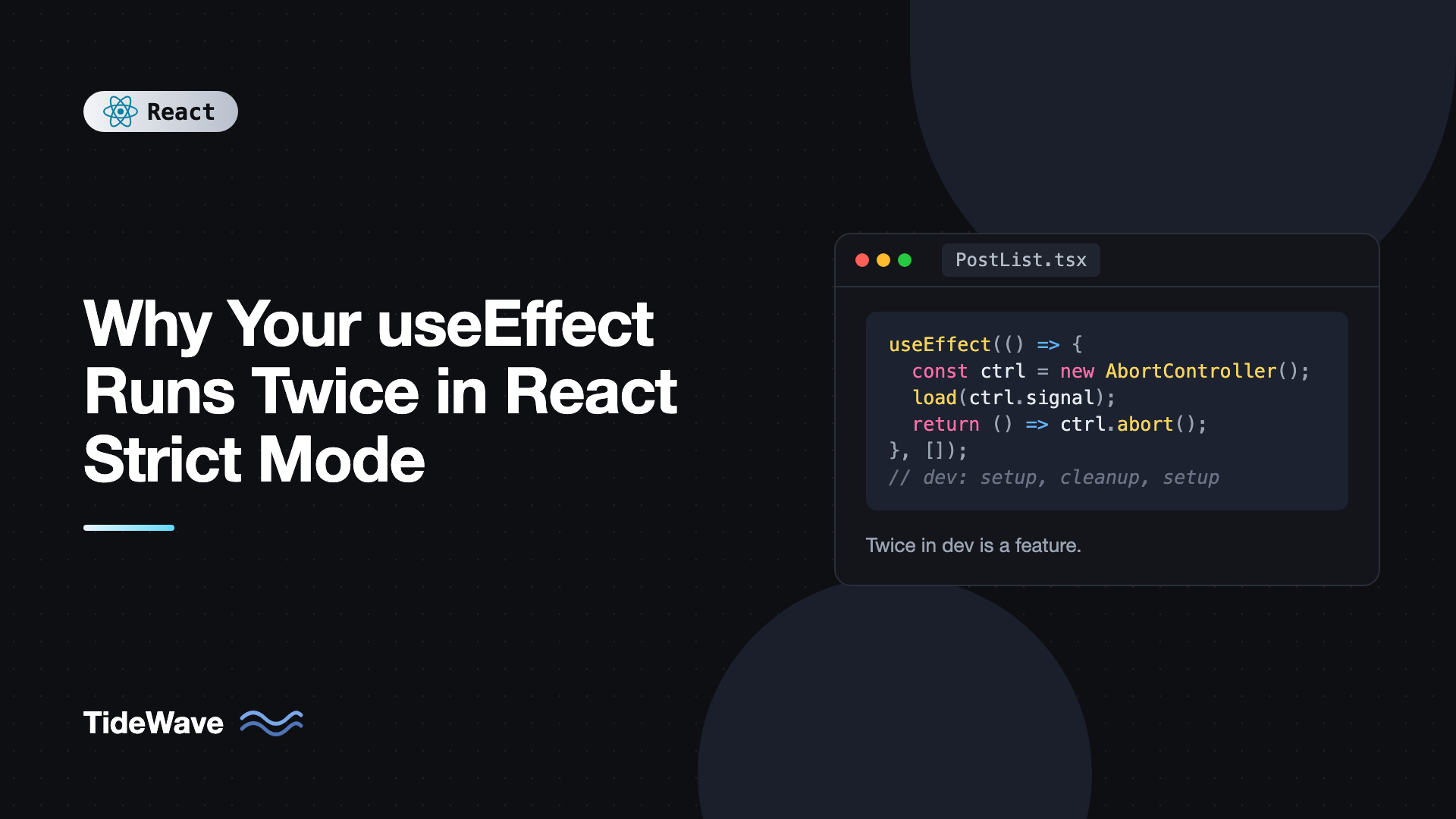
Why Your useEffect Runs Twice in React Strict Mode
You add a console.log inside useEffect, open the browser, and see it printed twice. Your API request shows up twice in the Network tab. An analytics event fires twice. Your first instinct is that something is broken, and your second is to search for a way to make it stop.
Nothing is broken. In development, React's Strict Mode intentionally mounts your component, unmounts it, and mounts it again. It does this to surface effects that don't clean up after themselves, which would otherwise cause bugs that only appear later, in production, under conditions that are hard to reproduce.
This post explains exactly what Strict Mode does, why the double run exists, how to fix the most common effects that break under it (data fetching, subscriptions, timers, and third-party widgets), and what to do with the rare effects that genuinely should run only once.
What Strict Mode Is
Strict Mode is a development-only wrapper component. It renders no UI and has zero effect on production builds. It just turns on extra checks for everything inside it:
// src/main.tsx
import { StrictMode } from "react";
import { createRoot } from "react-dom/client";
import App from "./App";

createRoot(document.getElementById("root")!).render(
  <StrictMode>
    <App />
  </StrictMode>,
);
Vite's React template, and most frameworks, enable it by default. In React 19, Strict Mode does the following in development:
- Double-invokes component functions,
useStateanduseMemoinitializers, and reducers, to catch impure rendering. - Runs effects an extra time: mount, then simulated unmount (cleanup), then mount again.
- Runs ref callbacks an extra time in the same way, including the cleanup functions React 19 lets ref callbacks return.
- Warns about deprecated APIs.
The effect double run is what most people notice.
What the Double Run Looks Like
Take this component:
import { useEffect } from "react";

export function Demo() {
  useEffect(() => {
    console.log("effect: setup");
    return () => console.log("effect: cleanup");
  }, []);

  return <p>Open the console</p>;
}
With Strict Mode in development, the console shows:
effect: setup
effect: cleanup
effect: setup
React mounted the component, ran the effect, then immediately ran the cleanup as if the component were unmounting, then ran the effect again. The component's state is preserved across this simulated remount, and in production you'd see a single effect: setup.
Why React Does This
An effect is supposed to describe how to start synchronizing with something and how to stop. If stopping and restarting produces a different result than starting once, the effect has a bug.
That bug doesn't stay hidden forever. Real remounts happen in production:
- A user navigates away and back, and the component remounts.
- A parent changes a
key, forcing a fresh instance. - React's
<Activity>component hides and later shows a subtree, which runs effect cleanups when hidden and re-runs effects when shown. - Future features that preserve state while unmounting UI rely on the same guarantee.
Strict Mode compresses all of those cases into one immediate test on every mount. If your app behaves correctly with the double run, it will behave correctly when those real remounts happen.
A missing cleanup is easy to spot under this test. Here's a chat connection without one:
import { useEffect } from "react";
import { createConnection } from "./chat";

export function ChatRoom({ roomId }: { roomId: string }) {
  useEffect(() => {
    const connection = createConnection(roomId);
    connection.connect();
    // No cleanup!
  }, [roomId]);

  return <h2>Room {roomId}</h2>;
}
In development, you'll see two active connections. Without Strict Mode, you'd only notice after users switch rooms a few times and you find a dozen open sockets per tab. Add the cleanup and the problem disappears in both environments:
useEffect(() => {
  const connection = createConnection(roomId);
  connection.connect();
  return () => connection.disconnect();
}, [roomId]);
Now the development sequence is connect, disconnect, connect, leaving exactly one live connection.
Fixing Data Fetching
The most common complaint is "my API is called twice." The fetch itself isn't the bug, but the lack of cleanup is. Without cleanup, both responses call setState, and if the first one happens to arrive last, it wins. That's a race condition you'll also hit in production whenever props change quickly.
Abort the first request in the cleanup:
import { useEffect, useState } from "react";

type Post = { id: number; title: string };

export function PostList() {
  const [posts, setPosts] = useState<Post[]>([]);

  useEffect(() => {
    const controller = new AbortController();

    async function load() {
      try {
        const res = await fetch("/api/posts", { signal: controller.signal });
        const data: Post[] = await res.json();
        setPosts(data);
      } catch (err) {
        if (err instanceof DOMException && err.name === "AbortError") return;
        console.error(err);
      }
    }

    load();
    return () => controller.abort();
  }, []);

  return (
    <ul>
      {posts.map((p) => (
        <li key={p.id}>{p.title}</li>
      ))}
    </ul>
  );
}
In development you'll still see two requests in the Network tab, with the first one marked as canceled. That's expected and fine. Only one result reaches state.
If you'd rather not deal with this at all, use a data fetching library. TanStack Query, SWR, and React Router loaders cache and deduplicate requests, so a remount reuses the in-flight request instead of sending another one. The post on managing server state with TanStack Query walks through the setup.
Fixing Subscriptions and Event Listeners
Anything you subscribe to must be unsubscribed. Browser events:
import { useEffect, useState } from "react";

export function OnlineStatus() {
  const [online, setOnline] = useState(() => navigator.onLine);

  useEffect(() => {
    const update = () => setOnline(navigator.onLine);
    window.addEventListener("online", update);
    window.addEventListener("offline", update);
    return () => {
      window.removeEventListener("online", update);
      window.removeEventListener("offline", update);
    };
  }, []);

  return <span>{online ? "Online" : "Offline"}</span>;
}
The cleanup must pass the same function reference to removeEventListener. An inline arrow in both calls creates two different functions and silently leaves the listener attached. For external stores like this, useSyncExternalStore is often an even better fit, since it handles subscription and consistency for you.
Fixing Timers
Intervals and timeouts are classic leaks:
import { useEffect, useState } from "react";

export function Countdown({ seconds }: { seconds: number }) {
  const [left, setLeft] = useState(seconds);

  useEffect(() => {
    const id = setInterval(() => {
      setLeft((s) => (s > 0 ? s - 1 : 0));
    }, 1000);
    return () => clearInterval(id);
  }, []);

  return <p>{left}s remaining</p>;
}
Without clearInterval, Strict Mode would leave two intervals running and the countdown would tick twice as fast. That's a very visible way to catch the bug.
Fixing Third-Party Widgets
Libraries that attach to a DOM node, such as maps, charts, and editors, need their instance destroyed on cleanup. Many will throw an error like "Map container is already initialized" if you don't:
import { useEffect, useRef } from "react";
import { Chart } from "chart.js/auto";

export function SalesChart({ data }: { data: number[] }) {
  const canvasRef = useRef<HTMLCanvasElement>(null);

  useEffect(() => {
    const canvas = canvasRef.current;
    if (!canvas) return;

    const chart = new Chart(canvas, {
      type: "line",
      data: {
        labels: data.map((_, i) => `Day ${i + 1}`),
        datasets: [{ label: "Sales", data }],
      },
    });

    return () => chart.destroy();
  }, [data]);

  return <canvas ref={canvasRef} />;
}
The pattern is always the same: create in setup, destroy in cleanup. If a library doesn't offer a destroy method, at least remove what it added to the DOM. The mastering useRef post covers more patterns for holding instances like this.
Effects That Really Should Run Once
Some things truly should happen once per app load, not once per component mount: initializing an analytics SDK, checking an auth token on boot, loading a feature flag config. A component-level effect is the wrong place for these even without Strict Mode, because components can remount for real.
Put them at module level, outside any component:
// src/main.tsx
import { StrictMode } from "react";
import { createRoot } from "react-dom/client";
import { initAnalytics } from "./analytics";
import App from "./App";

initAnalytics(); // Runs once when the module is first evaluated.

createRoot(document.getElementById("root")!).render(
  <StrictMode>
    <App />
  </StrictMode>,
);
Or guard with a module-level flag if it must live near a component:
import { useEffect } from "react";
import { loadUserSession } from "./auth";

let didInit = false;

export function App() {
  useEffect(() => {
    if (didInit) return;
    didInit = true;
    loadUserSession();
  }, []);

  return <main>...</main>;
}
Notice this is a module variable, not a ref. A ref is reset with the component (React does preserve refs across the Strict Mode simulated remount, but not across real remounts), so useRef(false) guards are fragile and hide the real problem. Use the module flag only for true one-time app initialization.
What About Analytics Page Views?
A page view logged in an effect will be sent twice in development. That's acceptable: development traffic shouldn't go to your production analytics anyway. Configure the analytics client to no-op or log locally in development, and in production you'll get one event per real visit.
POST Requests in Effects
If an effect sends a non-idempotent request like "create order" or "buy item," Strict Mode is pointing at a design problem. That request should be triggered by an event handler, the user clicking the button, not by a component appearing on screen. Move it to the handler.
Should You Turn Strict Mode Off?
You can, by removing the <StrictMode> wrapper, but it's almost never the right fix. You'd be hiding exactly the class of bug it exists to find. Every bug it reveals in development is a bug that would have appeared in production through navigation, keys, or hidden UI.
If a third-party library you can't change breaks under Strict Mode, wrap only the parts of the tree that work in <StrictMode> rather than removing it globally. Strict Mode can be applied to any subtree.
Common Mistakes With Strict Mode
- Using a
useRefflag to skip the second run. It hides missing cleanup and breaks again on real remounts. Fix the cleanup instead. - Removing Strict Mode to silence the logs. It disables useful checks for the whole app, including impure render detection.
- Thinking it happens in production. It doesn't. Production builds run each effect once per mount.
- Passing different function references to add and remove listener calls. Define the handler once inside the effect and use it for both.
- Triggering mutations from effects. User-initiated writes belong in event handlers.
Frequently Asked Questions (FAQ) About useEffect Running Twice in Strict Mode
No. The extra mount, unmount, and remount cycle only happens in development builds with Strict Mode enabled. In production, each effect runs once per mount and again only when its dependencies change.
Strict Mode also calls your component function twice during development to detect impure rendering. React uses one result and discards the other. If your component logs, React 19 shows the second log dimmed in the browser console so you can tell the two apart.
In development, you don't need to. Add an AbortController or an ignore flag in the cleanup so only the latest response updates state. To avoid the duplicate request altogether, use a caching library like TanStack Query or a router loader that deduplicates requests.
No. The simulated unmount runs cleanup functions but keeps state and refs intact. That's different from a real unmount, where state is thrown away.
Yes. Wrap any subtree in StrictMode and the checks apply only to components inside it. This is useful when migrating a large app gradually.
Next.js enables React Strict Mode by default in the App Router, and Vite's React template wraps the app in StrictMode in main.tsx. Expect the double run in development on most modern setups.
Conclusion
Strict Mode runs effects twice in development to prove that every effect can be stopped and restarted cleanly. If you see a duplicate request, a doubled interval, or an "already initialized" error, the fix is a proper cleanup function: abort fetches, remove listeners, clear timers, and destroy widget instances. Truly one-time app initialization belongs at module level, and user-triggered writes belong in event handlers.
Keep Strict Mode on. Treat each double-run surprise as a free bug report, and your effects will hold up when real remounts happen in production. To go deeper on structuring effects, read a practical guide to useEffect and its dependency array.


