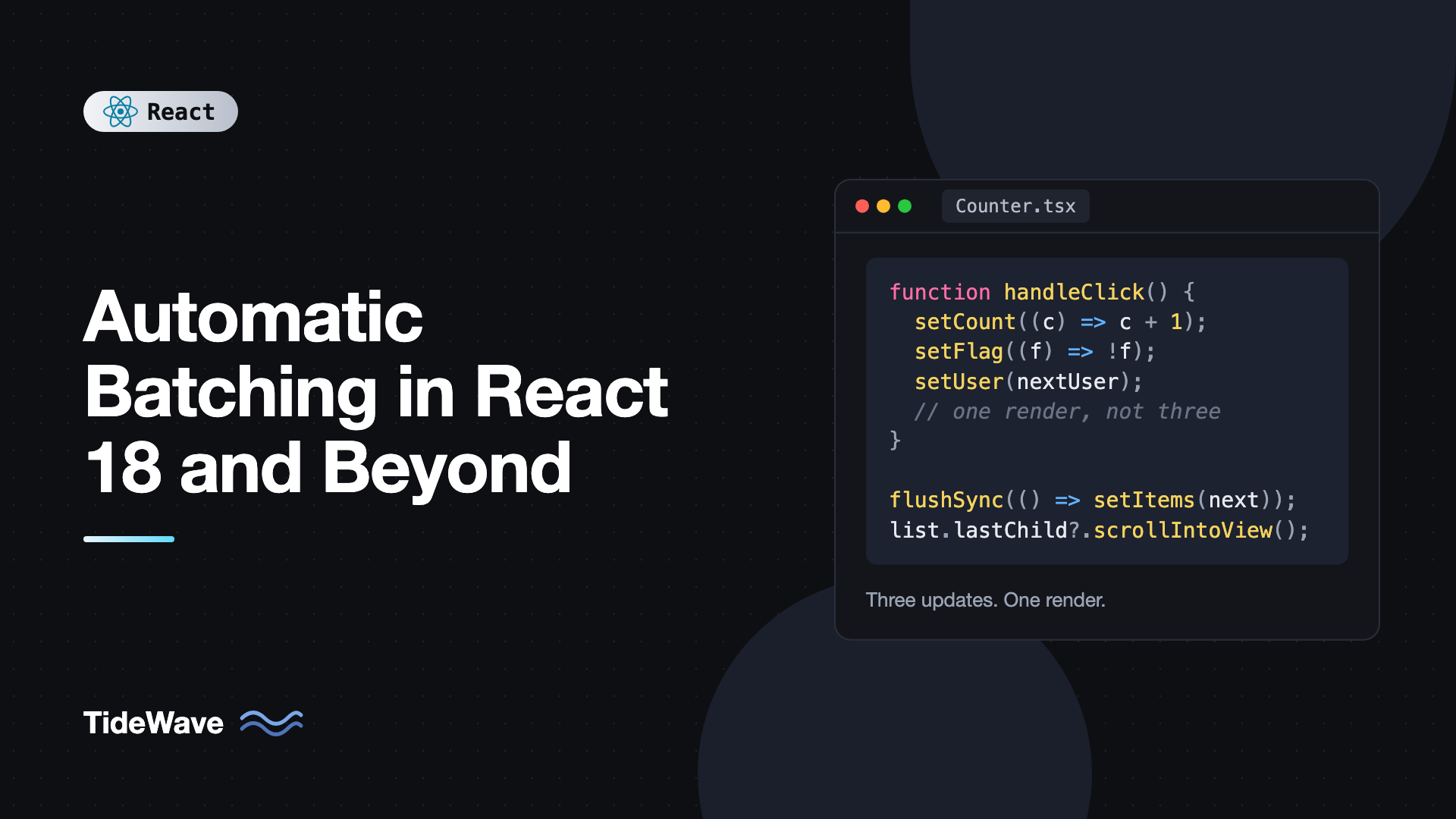
Automatic Batching in React 18 and Beyond
You call three state setters in a row inside a fetch callback and your component renders three times. Worse, the first of those renders shows the new data with the old isLoading, so for one frame your UI is in a state that should never exist. Before React 18, that was normal behavior for any update that didn't come from a React event handler.
Automatic batching fixed it. Since React 18, React groups every state update made in the same synchronous tick into a single re-render, no matter where the update came from: event handlers, promises, setTimeout, native event listeners, anything. It's one of those changes that quietly made most apps faster without anyone touching their code.
This post explains what batching is, how it worked before and after React 18, how it interacts with await, how to opt out with flushSync when you need to read the DOM, and the few situations where it changes behavior you were relying on.
What Batching Means
Batching is React's name for collecting multiple state updates and processing them in one render. Instead of rendering after each setState call, React queues the updates, waits until your code finishes running, then computes the final state and renders once.
import { useState } from "react";

export default function Counter() {
  const [count, setCount] = useState(0);
  const [flag, setFlag] = useState(false);

  console.log("render", count, flag);

  function handleClick() {
    setCount((c) => c + 1);
    setFlag((f) => !f);
    // React has not re-rendered yet
  }

  return <button onClick={handleClick}>Count: {count}</button>;
}
Click the button and you see one render log, not two. Both setters run, React notices the event handler has finished, and it renders once with both changes applied.
Batching gives you two things:
- Fewer renders. Ten updates cost one render instead of ten.
- Consistent UI. You never see an intermediate state where some updates have applied and others haven't.
How Batching Worked Before React 18
React 17 and earlier batched updates only inside React's own event handlers. React wrapped those handlers in an internal batching scope, so it knew when your code was done. Anything outside that scope rendered immediately, once per update:
// React 17 behavior
function handleClick() {
  fetch("/api/user")
    .then((res) => res.json())
    .then((user) => {
      setUser(user); // render #1
      setLoading(false); // render #2
    });
}
Same story for setTimeout, addEventListener callbacks, and any promise. The first render had user set but loading still true. If your JSX checked loading first, it rendered a spinner on top of a fully loaded user for a frame. Developers worked around it with the unstable ReactDOM.unstable_batchedUpdates API or by merging related state into one object.
Automatic Batching in React 18
With createRoot, all updates are batched by default:
import { createRoot } from "react-dom/client";
import App from "./App";

createRoot(document.getElementById("root")!).render(<App />);
Now every one of these renders once:
// Inside a timeout
setTimeout(() => {
  setCount((c) => c + 1);
  setFlag((f) => !f);
}, 1000);

// Inside a promise
fetch("/api/user")
  .then((res) => res.json())
  .then((user) => {
    setUser(user);
    setLoading(false);
  });

// Inside a native listener
window.addEventListener("resize", () => {
  setWidth(window.innerWidth);
  setHeight(window.innerHeight);
});
React doesn't need a special wrapper anymore. Updates are scheduled into a queue, and React processes that queue only after the current synchronous code finishes. If you're on React 19, createRoot is the only client root API, so every app gets automatic batching.
Batching and await
Batching groups updates in the same synchronous run of code. An await ends that run. Updates before the await are flushed as one batch, and updates after it form a new batch:
import { useState } from "react";

type User = { id: string; name: string };

export function UserLoader() {
  const [user, setUser] = useState<User | null>(null);
  const [status, setStatus] = useState<"idle" | "loading" | "done" | "error">(
    "idle",
  );
  const [error, setError] = useState<string | null>(null);

  async function load() {
    setStatus("loading");
    setError(null);
    // batch 1 renders here: status = loading, error = null

    try {
      const res = await fetch("/api/user");
      if (!res.ok) throw new Error(`HTTP ${res.status}`);
      const data: User = await res.json();
      setUser(data);
      setStatus("done");
      // batch 2: user and status update together
    } catch (err) {
      setError(err instanceof Error ? err.message : "Unknown error");
      setStatus("error");
      // batch 2 (error path): both update together
    }
  }

  return (
    <div>
      <button onClick={load} disabled={status === "loading"}>
        Load user
      </button>
      {status === "loading" && <p>Loading...</p>}
      {status === "error" && <p role="alert">{error}</p>}
      {status === "done" && user && <p>Hello, {user.name}</p>}
    </div>
  );
}
That's two renders, which is what you want. The loading state appears, then the result. Within each batch, the related values always change together.
Reading State After Calling a Setter
Batching explains a confusion every React developer hits once. You call a setter and then read the state variable, expecting the new value:
function handleClick() {
  setCount(count + 1);
  console.log(count); // still the old value
}
The setter doesn't change count in the current function. It schedules a re-render, and in that next render useState returns the new value. count here is a constant captured from the render your handler belongs to.
This is also why multiple setters based on the current value don't stack:
function handleClick() {
  setCount(count + 1);
  setCount(count + 1);
  setCount(count + 1);
  // count only goes up by 1
}
All three calls see the same count. Use the updater function form when the next state depends on the previous one. React runs the updaters in order during the batched render:
function handleClick() {
  setCount((c) => c + 1);
  setCount((c) => c + 1);
  setCount((c) => c + 1);
  // count goes up by 3, still one render
}
If you need the next value right away in your handler, compute it into a local variable first:
function handleClick() {
  const next = count + 1;
  setCount(next);
  analytics.track("count_changed", { value: next });
}
The same reasoning applies to useReducer. Every dispatch in a batch is queued and the reducer runs them in sequence. If you're choosing between the two, see useState vs useReducer.
Opting Out with flushSync
Occasionally you need React to apply an update to the DOM immediately, because the next line of code reads from the DOM. The classic case is scrolling to a newly added item:
import { useRef, useState } from "react";
import { flushSync } from "react-dom";

type Message = { id: number; text: string };

export function Chat() {
  const [messages, setMessages] = useState<Message[]>([]);
  const listRef = useRef<HTMLUListElement>(null);

  function addMessage(text: string) {
    flushSync(() => {
      setMessages((prev) => [...prev, { id: Date.now(), text }]);
    });
    // The new <li> is in the DOM now
    listRef.current?.lastElementChild?.scrollIntoView({ behavior: "smooth" });
  }

  return (
    <>
      <ul ref={listRef} style={{ maxHeight: 200, overflowY: "auto" }}>
        {messages.map((m) => (
          <li key={m.id}>{m.text}</li>
        ))}
      </ul>
      <button onClick={() => addMessage("Hello!")}>Send</button>
    </>
  );
}
Without flushSync, lastElementChild would still be the previous message, because the render hasn't happened yet when the next line runs. flushSync forces React to render and commit everything inside the callback synchronously before returning.
Use it sparingly:
- It's a performance escape hatch. Each
flushSyncis a forced, synchronous render. - It can force pending Suspense boundaries to show their fallback.
- Often there's a cleaner alternative. Scrolling after a render can usually be done in a
useEffectoruseLayoutEffectthat runs whenmessageschanges. See useLayoutEffect vs useEffect for when each fits.
Here's the effect-based version of the same feature, which needs no flushSync:
import { useLayoutEffect, useRef } from "react";

function useScrollToBottom<T extends HTMLElement>(dep: unknown) {
  const ref = useRef<T>(null);
  useLayoutEffect(() => {
    ref.current?.lastElementChild?.scrollIntoView({ behavior: "smooth" });
  }, [dep]);
  return ref;
}
Batching and Third-Party Code
Automatic batching applies to updates scheduled through React: useState setters, useReducer dispatches, and libraries that use useSyncExternalStore to notify React. Zustand, Redux Toolkit, and Jotai notify subscribers synchronously, but the resulting React re-renders are batched like any other update.
That means a store action that changes three fields, followed by a local setState, typically produces one render, not four. You don't need to call unstable_batchedUpdates anymore. It still exists in react-dom for backward compatibility, but with createRoot it's redundant.
Testing with Batched Updates
In tests, wrap code that triggers updates in act so React flushes the batch before you assert. Testing Library does this automatically for its render, fireEvent, and userEvent helpers. When you trigger updates yourself, import act from react:
import { act } from "react";
import { render, screen } from "@testing-library/react";
import { expect, test } from "vitest";
import { Counter } from "./Counter";

test("increments", async () => {
  render(<Counter />);
  await act(async () => {
    screen.getByRole("button").click();
  });
  expect(screen.getByRole("button")).toHaveTextContent("Count: 1");
});
In React 19, act is exported from react. The old react-dom/test-utils export was removed. For more test patterns, see Testing React Components with Vitest and Testing Library. (The toHaveTextContent matcher comes from @testing-library/jest-dom.)
How It Works Under the Hood
When you call a setter, React doesn't render. It does three cheap things:
- Creates an update object and appends it to the hook's queue.
- Marks the component's fiber, and its ancestors, as having pending work with a certain priority (a lane).
- Schedules a render task for the root if one isn't scheduled already.
Updates from discrete events like clicks and key presses get the highest priority, and React flushes them in a microtask once your handler returns. Updates from timers, promises, and other non-event code get a default priority and are rendered in a task queued through React's scheduler. Either way, by the time React actually renders, every update from your synchronous code is already in the queue, so one render handles them all.
React also bails out when an update produces the same value. Calling setCount(5) when count is already 5 is checked with Object.is, and if nothing changed React can skip re-rendering that component's children.
Common Mistakes with Batching
- Reading state right after setting it. The variable is a snapshot of the current render. Compute the next value into a local variable if you need it.
- Using
setX(x + 1)repeatedly. Multiple calls in one batch see the samex. Use the updater formsetX((prev) => prev + 1). - Reaching for
flushSyncto fix ordering bugs. Most of the time an effect, a ref, or restructuring state is the better fix.flushSyncadds forced synchronous renders. - Assuming updates across an
awaitare batched together. Each synchronous run betweenawaitpoints is its own batch. Set related values in the same run. - Splitting state that always changes together. If two values always update at once, a single object or a reducer makes the relationship explicit, even though batching would render once either way.
- Still calling
unstable_batchedUpdates. WithcreateRootit isn't needed. Remove it when you upgrade.
Frequently Asked Questions (FAQ) About Automatic Batching in React
No. Rendering your app with createRoot from react-dom/client enables it for every update. In React 19, createRoot is the only client root API, so every app has it. Apps still using the legacy ReactDOM.render on React 17 or 18 only batch inside React event handlers.
Not in the sense of returning a promise. Setters schedule an update and return immediately, and React renders shortly after your synchronous code finishes. You can't await a setter. If you need to run code after the DOM updates, use an effect or, rarely, flushSync.
Yes. Batching works across the whole root. If a click handler updates state in a parent and dispatches to a store that a sibling reads, React renders all affected components in a single pass and commits them together.
Only when code immediately after a state update must read the updated DOM, such as measuring an element, scrolling to a new item, or integrating with a non-React library that expects the DOM to be current. Prefer useLayoutEffect when the same logic can run after render.
In development, Strict Mode renders components twice on purpose to detect impure code. That isn't related to batching. If you see extra renders in a production build, check for updates split across an await or for effects that set state after the first render.
No. With createRoot, everything is batched automatically. The function is kept so old code doesn't break, but you can delete calls to it during an upgrade.
Conclusion
Automatic batching means React collects every state update from the same synchronous block of code and renders once, whether the update came from a click handler, a promise, a timer, or a native event. It reduces wasted renders and, just as importantly, prevents the UI from flashing inconsistent intermediate states. Each await starts a new batch, the updater form keeps sequential updates correct, and flushSync is there for the rare case where you need the DOM updated immediately.
If you're upgrading an older codebase, search for unstable_batchedUpdates and remove it, and look for places that merged state into objects only to avoid double renders. Then turn your attention to the renders that remain. A profiler session will tell you which components are worth memoizing, and which renders are cheap enough to leave alone.


