WOFF2 vs WOFF vs TTF vs OTF: Font Formats for the Web Explained
- Maria
- Typography
- 23 Oct, 2026
Download a font family and you might get a folder with .ttf files, another with .otf files, and a "web" folder with .woff and .woff2. Copy an old @font-face snippet from the internet and it lists five formats, including .eot and .svg. It's not obvious which of these you need, whether they look different, or why there are so many in the first place.
The short answer is that for a website today you need WOFF2, and nothing else. But the longer answer is worth knowing, because it explains what you're shipping, why WOFF2 is smaller, what to do with desktop font files, and when an old format might still show up. This post covers each format, how they relate to each other, and how to write @font-face rules for current browsers.
Two Kinds of Format: Font Data and Wrappers
The biggest source of confusion is that these formats aren't all the same kind of thing.
- TTF and OTF are actual font formats. They define how glyph outlines, metrics, character maps, and OpenType features are stored. They're what your operating system installs.
- WOFF and WOFF2 are wrappers. They take the same font data found in a TTF or OTF and compress it for transfer over the web. When the browser receives a WOFF2 file, it decompresses it back into ordinary font data.
That means a WOFF2 file and the TTF it was made from render identically. The glyphs, kerning, and features are the same. The only difference is how many bytes travel over the network.
TTF: TrueType
TrueType was developed by Apple and later adopted by Microsoft, and it became the standard outline font format on both platforms. TrueType outlines are drawn with quadratic Bézier curves, and the format includes a powerful (and complex) hinting system for controlling how glyphs snap to the pixel grid at small sizes.
A .ttf file is uncompressed. Browsers can load TTF files directly, but they're much larger than the same font as WOFF2. On the web, TTF is a source format: something you convert from, not something you serve.
OTF: OpenType
OpenType was developed jointly by Microsoft and Adobe as an extension of TrueType. It added support for advanced typographic features, such as ligatures, small caps, alternate glyphs, and old-style figures, through layout tables, along with much broader character support.
An important detail: OpenType files can contain either of two outline types.
| Outline flavor | Curves | Typical extension | Notes |
|---|---|---|---|
TrueType (glyf) | Quadratic | .ttf | TrueType hinting; most common for web fonts |
| CFF / CFF2 | Cubic | .otf | PostScript-style outlines; CFF2 supports variable fonts |
So the .ttf versus .otf extension mostly tells you which outline flavor is inside. Both are OpenType fonts in the modern sense, and both can have the same OpenType features. A .ttf file can have ligatures and small caps too.
For the web it doesn't matter much which flavor you start from. Both convert to WOFF2. Variable fonts are more commonly distributed with TrueType outlines, which is why so many variable font downloads are .ttf.
WOFF: Web Open Font Format
WOFF (Web Open Font Format) was created specifically for the web and standardized by the W3C. It wraps TrueType or CFF font data, compresses each table with zlib (the same compression family as gzip), and adds optional metadata, such as license information.
WOFF was a big step forward when it arrived. It was the first format supported across all the major browsers, it was smaller than raw TTF, and its wrapper made it less convenient to simply install a web font as a desktop font, which made foundries more comfortable licensing fonts for the web.
Today WOFF is a legacy format. Every browser that supports WOFF also supports WOFF2, except some very old versions you're unlikely to need.
WOFF2: The Current Standard
WOFF2 is the second version of the format, also a W3C Recommendation. It improves compression in two ways:
- Brotli compression instead of zlib. Brotli generally compresses better.
- Preprocessing of font data before compression. WOFF2 transforms certain tables, especially the glyph outline data, into a representation that compresses much more efficiently.
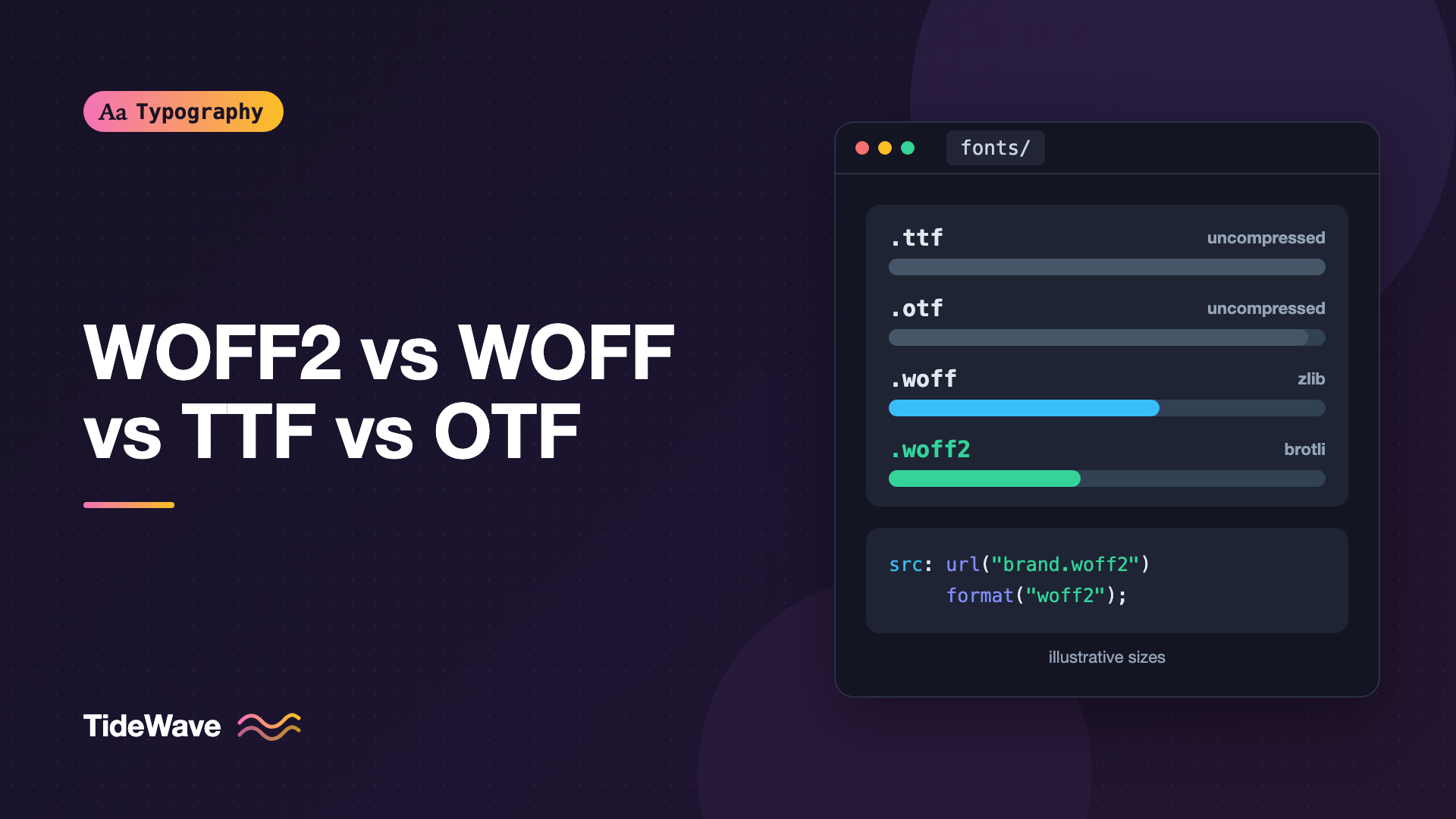
The result is usually a noticeably smaller file than WOFF for the same font, and dramatically smaller than an uncompressed TTF. How much smaller depends on the font, so measure with your own files rather than trusting a single percentage.
WOFF2 is supported in every current browser: Chrome, Edge, Firefox, Safari (including iOS), and the Chromium-based browsers built on them. You can confirm current numbers on caniuse.com.
The Legacy Formats
Older @font-face snippets include two more formats. You can safely drop both.
EOT (Embedded OpenType)
EOT was Microsoft's format for Internet Explorer, which before IE9 didn't support any other web font format. It's only useful for Internet Explorer 8 and earlier.
SVG Fonts
SVG fonts defined glyphs as SVG paths. Early versions of Safari on iOS supported only this format for a while. SVG fonts lacked kerning and OpenType features, Chrome removed its support years ago, Firefox never shipped it, and the format is considered obsolete. Don't confuse them with OpenType-SVG color fonts, which are a different, current technology for color glyphs; Color Fonts on the Web: COLRv1, SVG, and What Browsers Support covers those.
Comparison Table
| Format | What it is | Compression | Browser support today | Use on the web? |
|---|---|---|---|---|
| WOFF2 | Web wrapper for OpenType data | Brotli + table transforms | All current browsers | Yes, the only one needed |
| WOFF | Web wrapper for OpenType data | zlib per table | All current browsers | Only for very old browsers |
| TTF | TrueType-flavored OpenType | None | Supported, but large | Convert to WOFF2 |
| OTF | CFF-flavored OpenType | None | Supported, but large | Convert to WOFF2 |
| EOT | IE-only embedding format | Optional | Internet Explorer only | No |
| SVG | Glyphs as SVG paths | None | Removed from most browsers | No |
Writing @font-face for Today
Here's the old "bulletproof" syntax you'll still find in tutorials and in some font kits:
/* Outdated: don't copy this */
@font-face {
  font-family: "Brand Sans";
  src: url("brand-sans.eot");
  src:
    url("brand-sans.eot?#iefix") format("embedded-opentype"),
    url("brand-sans.woff2") format("woff2"),
    url("brand-sans.woff") format("woff"),
    url("brand-sans.ttf") format("truetype"),
    url("brand-sans.svg#BrandSans") format("svg");
}
And here's what you need now:
@font-face {
  font-family: "Brand Sans";
  src: url("/fonts/brand-sans-regular.woff2") format("woff2");
  font-weight: 400;
  font-style: normal;
  font-display: swap;
}
The format() hint lets the browser skip any source it can't use without downloading it. With only WOFF2 listed, it still helps by making the type explicit.
If You Must Support Very Old Browsers
If your analytics show meaningful traffic from browsers without WOFF2 support, add WOFF as a second source. The browser uses the first one it supports, so order matters:
@font-face {
  font-family: "Brand Sans";
  src:
    url("/fonts/brand-sans-regular.woff2") format("woff2"),
    url("/fonts/brand-sans-regular.woff") format("woff");
  font-weight: 400;
  font-style: normal;
  font-display: swap;
}
For most sites, the fallback system font is a perfectly good experience for those rare browsers, and you can skip WOFF entirely.
Variable Fonts
Variable fonts use the same WOFF2 format. Older guides suggested format("woff2-variations") or format("woff2") tech(variations), but plain format("woff2") works in every current browser. Variable Fonts in CSS: One File, Endless Styles covers the full setup.
Converting Desktop Fonts to WOFF2
If you have TTF or OTF files and the license allows web use, conversion is one command with fonttools:
pip install fonttools brotli

fonttools ttLib.woff2 compress BrandSans-Regular.otf
# -> BrandSans-Regular.woff2
In practice you'll usually subset and convert in one step with pyftsubset and its --flavor=woff2 option, which removes unused characters at the same time. Font Subsetting: Shrinking Web Font Files Without Losing Characters shows how.
Warning
Being able to convert a desktop font doesn't mean you're allowed to put it on a website. Many commercial desktop licenses exclude web use, and some web licenses forbid converting formats yourself. Check the license first. This isn't legal advice.
Checking What You're Actually Serving
A few ways to confirm your site serves the right files:
- DevTools Network panel, filtered to Font. Look at the file extension, the
Content-Typeheader (which should befont/woff2), and the transferred size. - Check for double compression. WOFF2 is already compressed, so a server applying gzip or Brotli on top gains almost nothing. It isn't harmful, but it's wasted CPU.
- Look for unexpected TTF requests, which usually means an old
@font-facerule or a third-party widget is loading fonts on its own.
You can also inspect a file locally to see what's inside:
# Show the tables in a font file; 'glyf' means TrueType outlines, 'CFF ' means CFF
fonttools ttx -l BrandSans-Regular.woff2
Font Collections and Other Extensions
You may run into a few other extensions:
.ttc/.otc: font collections, several fonts in one file that share tables. Common for system CJK fonts. Not used for web delivery..dfont: an old macOS-specific packaging format..pfb/.pfm: PostScript Type 1 fonts, long deprecated. Adobe ended support for Type 1 in its applications, and browsers never supported them.
If your source font is in one of these, you'll need to extract or convert it to OpenType before you can make a WOFF2.
Common Mistakes
- Serving TTF or OTF directly. It works, but you're shipping a much larger file than necessary.
- Copying the five-format "bulletproof" syntax. EOT and SVG sources are dead weight and clutter your CSS.
- Putting WOFF before WOFF2 in the
srclist. Browsers use the first supported format, so they'll download the larger file. - Wrong or missing
format()hint. A typo likeformat("woff-2")makes the browser skip the source entirely. - Confusing SVG fonts with color fonts. OpenType-SVG color fonts are current technology; the old SVG font format is not.
- Converting fonts the license doesn't cover for web use.
Conclusion
TTF and OTF are font formats: they store outlines, metrics, and OpenType features, using quadratic or cubic curves respectively. WOFF and WOFF2 are compressed wrappers around the same data, designed for the web. EOT and SVG fonts are historical formats for browsers that no longer matter.
For a modern site, convert your fonts to WOFF2, list only WOFF2 in @font-face, and let the system fallback handle the rare browser that can't use it. Your font files will be as small as the format allows, your CSS will be shorter, and the rendered text will look exactly the same.


