Font Subsetting: Shrinking Web Font Files Without Losing Characters
- Maria
- Typography
- 23 Oct, 2026
A modern open-source font can support hundreds of languages. Noto Sans, Inter, and Source Sans all cover Latin, Cyrillic, Greek, and often Vietnamese and other extended Latin alphabets, plus symbols, arrows, and math operators. That's wonderful for multilingual sites, but if your site is in English, every one of those extra glyphs is bytes your visitors download and never see.
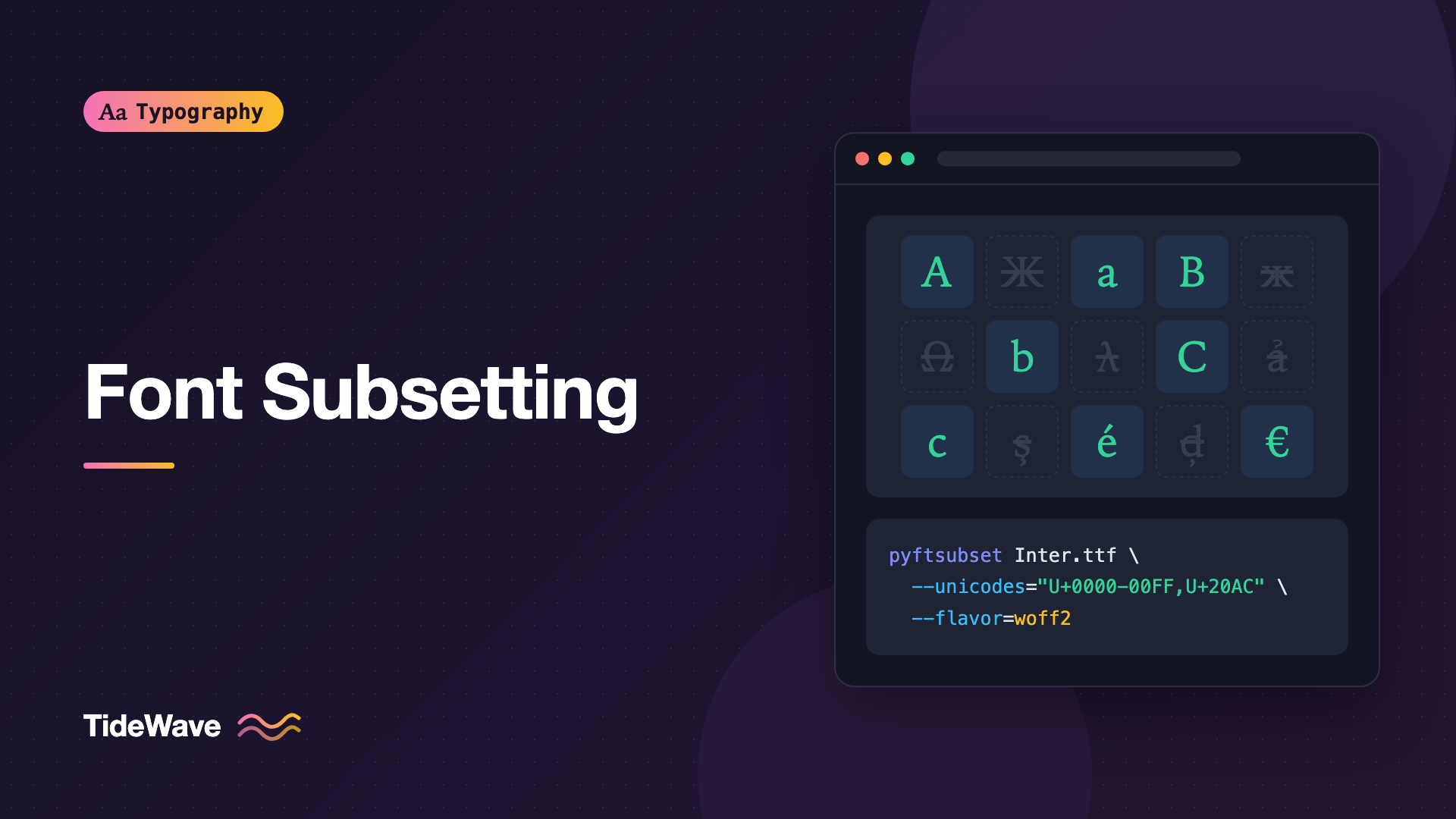
Font subsetting is the process of removing characters and features you don't need from a font file. Done well, it can shrink a font to a fraction of its original size with no visible difference. Done carelessly, it produces missing characters: a customer named Zoë whose name renders in a fallback font, or a price in euros where the euro sign looks different from the digits beside it.
This guide covers what's inside a font file, how to choose what to keep, how to subset with pyftsubset, how to split fonts by script with unicode-range, and how to avoid the common ways subsetting goes wrong.
What's Inside a Font File
A font file contains several kinds of data. The ones that matter for subsetting:
- Glyphs: the outlines for each character, and extra glyphs like alternates, ligatures, and small caps.
- The character map (
cmap): maps Unicode code points to glyphs. - OpenType layout tables (
GSUB,GPOS): substitution rules for ligatures, alternates, and contextual forms, plus positioning rules like kerning and mark placement. - Hinting: instructions that adjust outlines for low-resolution rendering, mostly relevant on Windows.
- Metadata: names, version strings, license info.
Glyphs are usually the bulk of the file, so removing unused characters gives the biggest savings. Layout features and hinting can also be significant.
Deciding What to Keep
Before running any tool, decide what your site actually needs. The right subset depends on your content, not just your interface language.
By Language
Unicode is organized in blocks. Common building blocks for subsets:
| Range | Contents |
|---|---|
U+0000-007F | Basic Latin (ASCII) |
U+0080-00FF | Latin-1 Supplement: accented letters, ©, °, £ |
U+0100-017F | Latin Extended-A: Central European letters |
U+0180-024F | Latin Extended-B |
U+0370-03FF | Greek and Coptic |
U+0400-04FF | Cyrillic |
U+2000-206F | General Punctuation: dashes, curly quotes, ellipsis |
U+20A0-20CF | Currency Symbols, including € |
Google Fonts uses a well-known "latin" subset that combines Basic Latin, Latin-1, and a handful of other characters such as typographic quotes, dashes, the euro sign, and the trademark symbol. It's a good default for English and most Western European languages:
U+0000-00FF, U+0131, U+0152-0153, U+02BB-02BC, U+02C6, U+02DA, U+02DC,
U+0304, U+0308, U+0329, U+2000-206F, U+20AC, U+2122, U+2191, U+2193,
U+2212, U+2215, U+FEFF, U+FFFD
Check the current definition in the Google Fonts CSS for your font if you want to match it exactly, since the list has been adjusted over time.
By Content, Not Just Interface
The interface language isn't the whole story. Think about:
- Names. User names, author names, and place names often include characters outside ASCII: ł, ő, ş, ñ.
- User-generated content. Comments, reviews, and profiles can contain anything.
- Typography. Curly quotes, en and em dashes, the ellipsis, the multiplication sign, and non-breaking spaces are easy to miss if you build a subset from ASCII alone. See Quotes, Apostrophes, and Primes: Getting Punctuation Right for why those characters matter.
- Currency and units. €, £, ¥, °, µ.
A safe pattern: use an aggressive subset for fonts that only appear in your own controlled content (logos, headings, navigation) and a broader one for body text that might contain user input.
OpenType Features
Subsetting tools keep a default set of layout features and drop the rest unless you ask for them. If you rely on small caps, tabular figures, or stylistic sets, you need to keep those features explicitly. Using OpenType Features in CSS with font-feature-settings lists the common feature tags.
Subsetting with pyftsubset
pyftsubset is part of fonttools, the standard Python library for working with font files. It's what many font services use under the hood.
Install
pip install fonttools brotli
brotli is needed to write WOFF2 output.
A Basic Latin Subset
pyftsubset Inter-Regular.ttf \
  --unicodes="U+0000-00FF,U+0131,U+0152-0153,U+02BB-02BC,U+02C6,U+02DA,U+02DC,U+2000-206F,U+20AC,U+2122,U+2191,U+2193,U+2212,U+2215,U+FEFF,U+FFFD" \
  --layout-features="kern,liga,calt,tnum,case" \
  --flavor=woff2 \
  --output-file=inter-latin-400.woff2
The key options:
| Option | What it does |
|---|---|
--unicodes | Code points to keep, as ranges or single values |
--text | Keep only the characters in a literal string |
--text-file | Keep the characters found in a file |
--layout-features | OpenType features to keep; * keeps all of them |
--flavor | Output format: woff2 or woff; omit for TTF/OTF |
--no-hinting | Drop hinting instructions for a smaller file |
--desubroutinize | Flatten CFF subroutines, which can help WOFF2 compress CFF fonts |
Keep All Features
If you're not sure which features your CSS uses, keeping them all is the safe choice. The file is a little larger, but nothing breaks:
pyftsubset SourceSerif4-Regular.ttf \
  --unicodes="U+0000-00FF,U+2000-206F,U+20AC,U+2122" \
  --layout-features="*" \
  --flavor=woff2 \
  --output-file=source-serif-4-latin-400.woff2
Subset to Exact Text
For a logo or a heading font used only for a fixed string, you can keep just those characters:
pyftsubset Fraunces-Black.ttf \
  --text="TideWave" \
  --layout-features="*" \
  --flavor=woff2 \
  --output-file=fraunces-logo.woff2
This can produce a file of only a few kilobytes. Only do this for text you fully control. If someone edits the heading and adds a letter that isn't in the subset, that letter renders in the fallback font.
Variable Fonts
pyftsubset works on variable fonts too, and keeps the variation data. You can combine it with fonttools varLib.instancer to restrict axis ranges first, for example limiting weight to 300–700, which shrinks the file further. See Variable Fonts in CSS: One File, Endless Styles for an example.
Batch Processing
For a family with several files, a short shell loop saves time:
LATIN="U+0000-00FF,U+0131,U+0152-0153,U+02BB-02BC,U+02C6,U+02DA,U+02DC,U+2000-206F,U+20AC,U+2122,U+2212,U+FEFF,U+FFFD"

for f in src-fonts/*.ttf; do
  name=$(basename "$f" .ttf | tr '[:upper:]' '[:lower:]')
  pyftsubset "$f" \
    --unicodes="$LATIN" \
    --layout-features="*" \
    --flavor=woff2 \
    --output-file="public/fonts/${name}-latin.woff2"
done
Splitting Fonts with unicode-range
Subsetting to one language is fine when you know the language. For multilingual sites, you can instead split a font into several subsets and let the browser download only the ones it needs. The unicode-range descriptor tells the browser which characters each file covers:
@font-face {
  font-family: "Inter";
  src: url("/fonts/inter-latin-var.woff2") format("woff2");
  font-weight: 100 900;
  font-display: swap;
  unicode-range:
    U+0000-00FF, U+0131, U+0152-0153, U+02BB-02BC, U+02C6, U+02DA, U+02DC,
    U+2000-206F, U+20AC, U+2122, U+2212, U+FEFF, U+FFFD;
}

@font-face {
  font-family: "Inter";
  src: url("/fonts/inter-latin-ext-var.woff2") format("woff2");
  font-weight: 100 900;
  font-display: swap;
  unicode-range:
    U+0100-02BA, U+02BD-02C5, U+02C7-02CC, U+02CE-02D7, U+02DD-02FF,
    U+1E00-1EFF, U+2020, U+20A0-20AB, U+20AD-20C0, U+2113, U+2C60-2C7F,
    U+A720-A7FF;
}

@font-face {
  font-family: "Inter";
  src: url("/fonts/inter-cyrillic-var.woff2") format("woff2");
  font-weight: 100 900;
  font-display: swap;
  unicode-range: U+0400-045F, U+0490-0491, U+04B0-04B1, U+2116;
}
All three rules share the same family name. When the page renders, the browser checks which characters actually appear and downloads only the files whose ranges match. An English page fetches the Latin file. A Polish page fetches Latin plus Latin Extended. A Russian page fetches Latin (for digits and punctuation) and Cyrillic.
Two things to know:
- The ranges must match the file's contents.
unicode-rangeis a promise to the browser. If you claim a file covers a character that it doesn't contain, that character falls back to the next font in the stack. - Avoid needless overlap. If two files claim the same characters, the browser may download both for a page that only needed one.
This is exactly how Google Fonts serves fonts, which is why its CSS contains many @font-face blocks per weight.
How Much Can You Save?
It depends entirely on the font. A font with wide language coverage has a lot to remove; a font that only ever supported Latin has very little. Rather than trusting a rule of thumb, measure:
ls -lh Inter-Regular.ttf inter-latin-400.woff2
Compare the original, a WOFF2 conversion of the full font, and your subset. That tells you how much of the saving comes from compression and how much from removing glyphs.
Testing a Subset
Subsetting bugs are quiet: the page still renders, just with a few characters in the wrong font. Check deliberately.
- Build a test page with every character you expect: the alphabet in both cases, digits, punctuation including curly quotes and dashes, currency symbols, and a few names with accents.
- Inspect the rendered font. In Chrome DevTools, select an element and look at "Rendered Fonts" at the bottom of the Computed tab. It lists each font used and how many glyphs came from each. Any fallback means a missing character.
- Test OpenType features you use, such as
font-variant-numeric: tabular-nums, to confirm they still work. - Test real content, especially pages with user names and comments.
You can also print how many characters a subset contains, and which ones, with fonttools:
python3 -c "from fontTools.ttLib import TTFont; cmap = TTFont('inter-latin-400.woff2').getBestCmap(); print(len(cmap)); print(''.join(chr(c) for c in sorted(cmap)))"
Warning
Check the license before subsetting a commercial font. Some web licenses treat subsetting as modification and don't allow it, or only allow it through the foundry's own tools. Open-source licenses like the OFL generally allow it. This isn't legal advice; when in doubt, ask the foundry.
Common Mistakes
- Subsetting to ASCII only. You lose curly quotes, dashes, the ellipsis, and accented letters that appear in names.
- Dropping layout features you use. Ligatures, tabular figures, or small caps silently stop working.
- Exact-text subsets for editable content. One new character in a CMS heading and the font falls back mid-word.
unicode-rangethat doesn't match the file. The browser trusts the declared range, and characters outside the real file fall back.- Forgetting the italic and bold files. Every style needs the same subset, or the bold version of a word might be missing a character the regular version has.
- Not re-subsetting after a font update. If you update the source font, regenerate the subsets from the new version.
Conclusion
Font subsetting removes the glyphs, features, and hinting your site doesn't use, and it's one of the most effective ways to shrink web fonts. Decide what to keep based on your real content, not just your interface language. Use pyftsubset to produce WOFF2 subsets, keep the OpenType features your CSS relies on, and split multilingual fonts with unicode-range so the browser downloads only what each page needs.
Then test. Build a page with every character you expect, check the rendered fonts in DevTools, and look for fallbacks. A subset that's a little larger but never drops a character is better than a tiny file that breaks someone's name.


