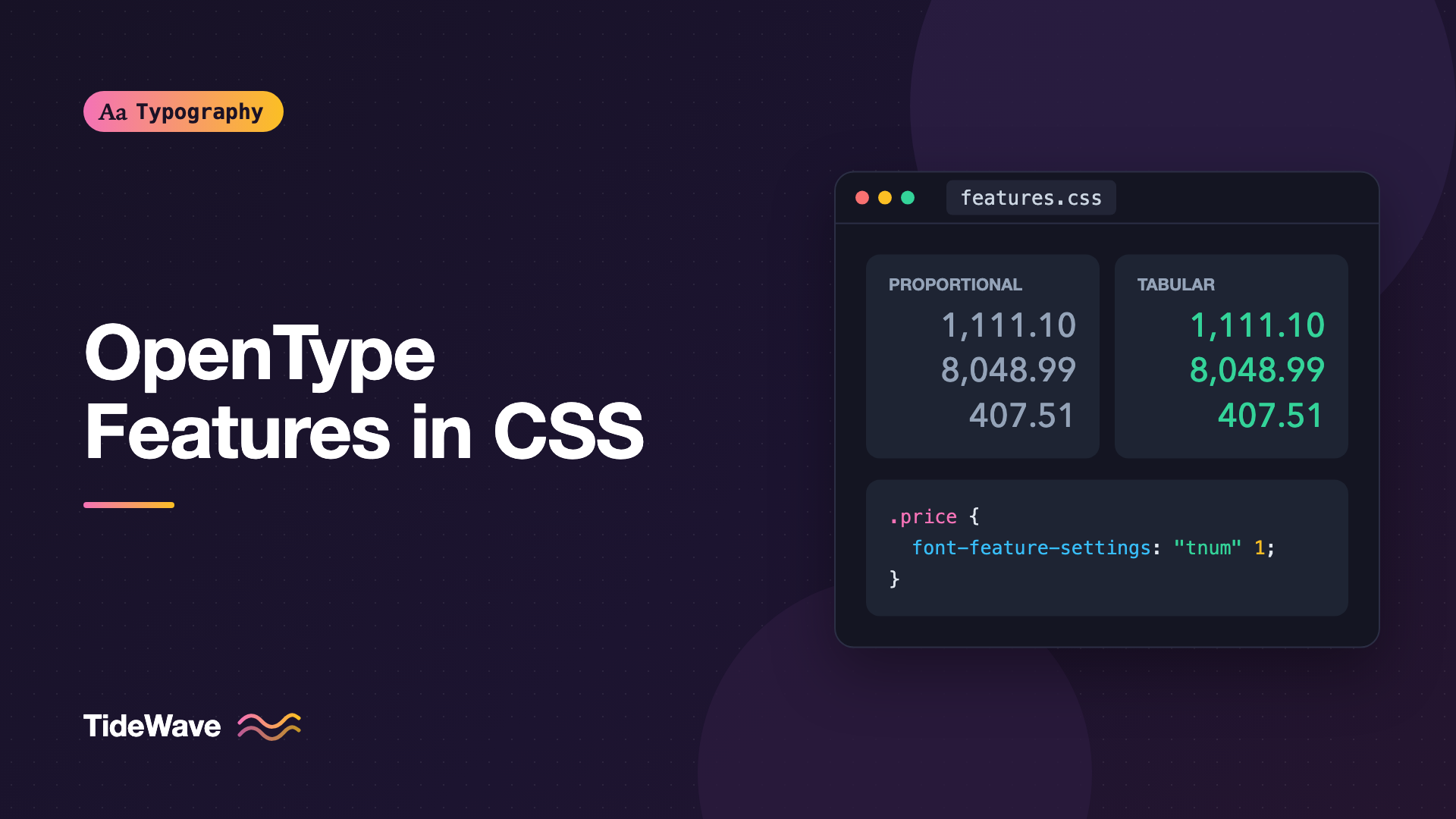
Using OpenType Features in CSS with font-feature-settings
- Maria
- Typography
- 23 Oct, 2026
You've built a pricing table and the numbers won't line up. The "1" in $119 is narrower than the "8" in $189, so every column looks slightly ragged. Or you've chosen Inter because the designer liked a single-story "a" in the mockup, but your site shows the regular two-story one. Both fixes are already inside the font file. You just haven't asked for them.
Professional fonts carry far more than one glyph per letter. OpenType features are switchable behaviors built into the font: tabular figures, old-style numerals, small caps, fractions, ligatures, alternate letterforms, and dozens more. Browsers turn on a few by default and leave the rest off. CSS gives you two ways to control them: the high-level font-variant-* properties, and the low-level font-feature-settings.
This guide covers what OpenType features are, the tags you'll actually use, how font-feature-settings works, when to prefer font-variant, the inheritance trap that catches most people, and how to find out which features a font supports.
What OpenType Features Are
An OpenType font can contain layout tables that describe substitutions and positioning adjustments. A substitution might replace the three glyphs "f", "f", "i" with a single "ffi" ligature, or swap a proportional "1" for a tabular one. A positioning rule might adjust the space between "A" and "V" (kerning) or move an accent into place.
Each behavior is grouped under a feature tag, a four-character code like liga (standard ligatures) or tnum (tabular numbers). The font designer decides which features exist; the browser applies them when asked.
Some features are on by default in browsers because the text would look wrong without them:
kern: kerningliga: standard ligatures such as fi and flcalt: contextual alternatesclig: contextual ligatures- Script-specific features required to render languages like Arabic or Devanagari correctly
Everything else is off until you turn it on.
The Feature Tags You'll Use Most
| Tag | Name | What it does |
|---|---|---|
liga | Standard ligatures | fi, fl, ff; on by default |
dlig | Discretionary ligatures | Decorative ligatures like ct and st |
kern | Kerning | Pair spacing adjustments; on by default |
smcp | Small capitals | Lowercase letters become small caps |
c2sc | Capitals to small capitals | Uppercase letters become small caps |
lnum | Lining figures | Numbers aligned to cap height |
onum | Old-style figures | Numbers with ascenders and descenders, like text |
tnum | Tabular figures | Every digit has the same width |
pnum | Proportional figures | Digits have natural widths |
frac | Fractions | 1/2 becomes a proper fraction |
sups | Superscript | True superscript glyphs |
subs | Subscript | True subscript glyphs |
zero | Slashed zero | Distinguishes 0 from O |
case | Case-sensitive forms | Punctuation adjusted for all-caps text |
ss01… | Stylistic sets | Font-specific sets of alternate glyphs |
cv01… | Character variants | Font-specific alternates for individual characters |
salt | Stylistic alternates | Generic alternates |
swsh | Swash | Decorative swash letterforms |
Stylistic sets and character variants are the most font-specific. ss01 in one font might give you a single-story "a"; in another it might give you round dots. Always check the font's documentation.
The font-feature-settings Syntax
font-feature-settings takes a comma-separated list of quoted feature tags, each with an optional value:
.price {
  font-feature-settings: "tnum" 1;
}

.intro {
  font-feature-settings:
    "onum" 1,
    "dlig" 1;
}

.no-ligatures {
  font-feature-settings: "liga" 0;
}
Values work like this:
1oronturns a feature on. Writing just the tag, like"tnum", also means on.0oroffturns it off.- Higher numbers pick an alternate from a list, for features that offer several choices.
"salt" 2selects the second stylistic alternate, where the font provides one.
Tags are case-sensitive and must be exactly four characters, in quotes. A typo or missing quote makes the browser ignore the whole declaration.
Prefer font-variant When It Exists
For most common features, CSS has higher-level properties that are easier to read and safer to use:
/* Low level */
.table-cell {
  font-feature-settings:
    "tnum" 1,
    "lnum" 1;
}

/* High level: same result */
.table-cell {
  font-variant-numeric: tabular-nums lining-nums;
}
Here's how the main tags map:
| Property | Example values | Feature tags |
|---|---|---|
font-variant-numeric | tabular-nums, oldstyle-nums, diagonal-fractions, slashed-zero, ordinal | tnum, onum, frac, zero, ordn |
font-variant-caps | small-caps, all-small-caps | smcp, c2sc |
font-variant-ligatures | common-ligatures, discretionary-ligatures, no-contextual | liga, dlig, calt |
font-variant-position | super, sub | sups, subs |
font-variant-alternates | styleset(), character-variant(), swash() | ss01, cv01, swsh |
font-kerning | auto, normal, none | kern |
Why prefer these?
- They're readable.
font-variant-numeric: tabular-numsexplains itself;"tnum" 1doesn't to most teammates. - They combine safely. Setting
font-variant-capson an element doesn't wipe outfont-variant-numericinherited from its parent. That's not true offont-feature-settings, as the next section shows. - They can fall back sensibly.
font-variant-caps: small-capscan synthesize small caps when the font lacks them;"smcp"just does nothing.
Use font-feature-settings for what the high-level properties can't express, mainly stylistic sets and character variants when you don't want to set up @font-feature-values, or features with no font-variant equivalent.
The numeric and ligature properties each have dedicated posts: font-variant-numeric: Tabular, Oldstyle, and Proportional Figures in CSS and Ligatures Explained: Standard, Discretionary, and Contextual.
The Inheritance Trap
font-feature-settings is one property with one value. Setting it on a child replaces the parent's value entirely; it doesn't merge.
body {
  font-feature-settings: "ss01" 1; /* a stylistic set, sitewide */
}

.price {
  font-feature-settings: "tnum" 1; /* oops: ss01 is now off here */
}
Inside .price, the stylistic set is gone because the new declaration replaced the inherited list. This is the same problem font-variation-settings has with variable font axes.
Fix 1: Repeat Everything
You can restate every feature each time:
.price {
  font-feature-settings:
    "ss01" 1,
    "tnum" 1;
}
It works, but every new rule has to know about every other one.
Fix 2: Use font-variant for What You Can
Move numeric features to font-variant-numeric, and they stop interfering:
body {
  font-feature-settings: "ss01" 1;
}

.price {
  font-variant-numeric: tabular-nums;
}
Now .price keeps ss01 from body and adds tabular figures. When both properties affect the same feature, font-feature-settings wins, so keep each feature in one place.
Fix 3: Custom Properties
For features only font-feature-settings can reach, drive each one with a custom property and declare the property once:
:root {
  --ss01: 0;
  --ss02: 0;
  --cv11: 0;
}

body,
input,
button,
textarea {
  font-feature-settings:
    "ss01" var(--ss01),
    "ss02" var(--ss02),
    "cv11" var(--cv11);
}

.brand-text {
  --ss01: 1;
}

.code-like {
  --cv11: 1;
}
Custom properties inherit and merge naturally, so each component changes only the feature it cares about. Form controls are listed because browsers give them their own font styles, so it's safest to apply the declaration to them directly.
Practical Examples
Tabular Figures in Tables and Dashboards
table,
.stat,
.price,
time {
  font-variant-numeric: tabular-nums;
}
Columns of numbers align, and counters or timers stop jittering as digits change. See Typography for Data Tables and Dashboards for more.
Old-Style Figures in Body Text
Lining figures are as tall as capitals and can look loud in running text. Old-style figures blend in with lowercase:
.article p {
  font-variant-numeric: oldstyle-nums proportional-nums;
}
Real Small Caps for Abbreviations
abbr,
.smallcaps {
  font-variant-caps: all-small-caps;
  letter-spacing: 0.04em;
}
all-small-caps turns both lowercase and capitals into small caps, which is what you want for acronyms like NASA or HTML in running text.
Case-Sensitive Punctuation for Uppercase Labels
Parentheses, hyphens, and brackets are designed to sit with lowercase letters. In all-caps text they can look too low. The case feature raises them:
.overline {
  text-transform: uppercase;
  letter-spacing: 0.08em;
  font-feature-settings: "case" 1;
}
Stylistic Sets for a Brand Look
Inter, for example, includes stylistic sets and character variants such as alternate digits and a single-story "a." The exact tags differ between font versions, so check the specimen for the version you load:
.hero-title {
  font-feature-settings:
    "ss01" 1,
    "cv05" 1;
}
Named Alternates with @font-feature-values
font-variant-alternates lets you give a font's stylistic sets readable names, and avoids the inheritance trap:
@font-feature-values "Inter" {
  @styleset {
    open-digits: 1;
  }
}

.stats {
  font-family: "Inter", sans-serif;
  font-variant-alternates: styleset(open-digits);
}
The name only applies to the font family listed in the @font-feature-values rule. Support has arrived across current browsers more recently than the other font-variant-* properties, so check MDN if you need older versions.
Finding Out What a Font Supports
You can't use features a font doesn't have. Ways to check:
- The font's specimen or documentation. Good type foundries and open-source projects list every feature with examples.
- Wakamai Fondue, a free browser-based tool where you drop in a font file and see every feature, axis, and supported character, with generated CSS.
- Google Fonts family pages list some features, though not always every stylistic set.
- fonttools, if you want to check from the command line:
pip install fonttools brotli
python3 -c "from fontTools.ttLib import TTFont; f = TTFont('inter-latin-var.woff2'); print(sorted({fr.FeatureTag for fr in f['GSUB'].table.FeatureList.FeatureRecord}))"
That prints the substitution feature tags in the file. Positioning features like kern live in the GPOS table instead.
Warning
Subsetting can strip OpenType features. If tabular figures or a stylistic set suddenly stop working after you optimized your fonts, check the subsetting options. Font Subsetting: Shrinking Web Font Files Without Losing Characters explains how to keep the features you need.
Performance and Rendering Notes
Turning on OpenType features doesn't download anything extra; the data is already in the font. The cost is in shaping text, which is normally negligible. A few things to keep in mind:
- Features don't apply to fallback fonts the same way. If the web font hasn't loaded, the fallback may not have the same features, and
ss01in the fallback means something else or nothing. - Hosted font services may strip features in their default files. If a feature works locally but not with the hosted version, try self-hosting the full font.
- Avoid disabling
kernorligaglobally. Turning off ligatures in code blocks can make sense; turning off kerning sitewide makes text worse.
Common Mistakes
- Using
font-feature-settingsfor features with afont-variantequivalent. The high-level property is clearer and doesn't cause inheritance problems. - Overwriting inherited features. A new
font-feature-settingson a child replaces the parent's list entirely. - Assuming a feature exists. Setting
"smcp"on a font without small caps does nothing. - Copying stylistic set numbers between fonts.
ss01means something different in every font. - Unquoted or misspelled tags. One invalid tag invalidates the whole declaration.
- Subsetting away the features you use. Check the layout features option of your subsetting tool.
Conclusion
OpenType features unlock the typographic details already sitting inside your fonts: tabular and old-style figures, small caps, fractions, ligatures, case-sensitive punctuation, and font-specific stylistic sets. Use the font-variant-* properties whenever one exists, because they're readable and combine safely. Reach for font-feature-settings for stylistic sets, character variants, and anything else without a high-level property, and drive it with custom properties so nested rules don't wipe each other out.
Start by checking which features your font supports, then turn on tabular figures for your tables and numbers. It's one line of CSS, and it's the change readers notice first.


