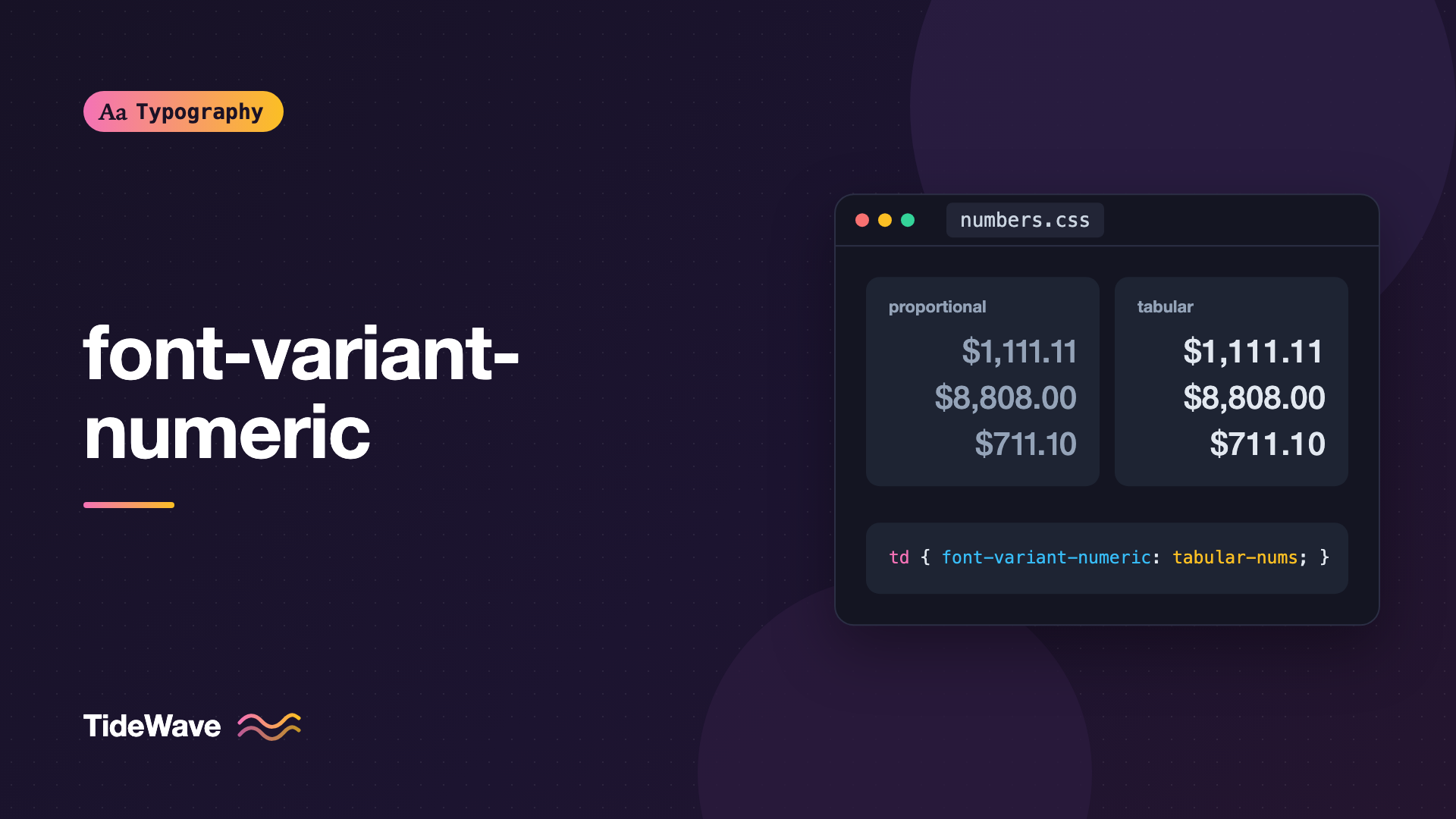
font-variant-numeric: Tabular, Oldstyle, and Proportional Figures in CSS
- Maria
- Typography
- 23 Oct, 2026
You build a pricing table, right-align the numbers, and the totals still don't line up. A countdown timer wobbles left and right every second because "1" is narrower than "8". A year in the middle of a paragraph looks oddly large and heavy next to the lowercase text around it. These are all problems with figures, the digits 0 to 9, and most of them come from using the wrong style of figure for the job.
Good fonts ship several sets of digits: some that share a single width, some that are spaced naturally, some that sit on the baseline like capitals, and some that rise and fall like lowercase letters. CSS gives you access to all of them through font-variant-numeric.
This guide covers the four main figure styles, how to switch between them, the extra values for fractions, ordinals, and slashed zeros, and where each one belongs in a real interface.
The Two Axes of Figure Style
Numeric styles vary along two independent axes. Once you see them that way, the property makes sense.
The first axis is height:
- Lining figures are all the same height, roughly the height of capital letters. They sit neatly next to uppercase text and look "modern". Most sans-serif UI fonts use them by default.
- Oldstyle figures (also called text figures) vary in height. Some, like 0, 1, and 2, stay at x-height. Others, like 6 and 8, rise above it, and 3, 4, 5, 7, and 9 drop below the baseline. They blend into running text the way lowercase letters do.
The second axis is width:
- Proportional figures have widths that match their shape. The 1 is narrow, the 0 is wide. Numbers set this way have even, natural spacing.
- Tabular figures all share the same advance width. Every digit occupies the same horizontal space, so columns of numbers line up digit for digit.
Because the axes are independent, a font can offer up to four combinations:
| Combination | Looks like | Best for |
|---|---|---|
| Lining + proportional | Even height, natural spacing | Headlines, UI labels, standalone data |
| Lining + tabular | Even height, fixed width | Tables, dashboards, timers, invoices |
| Oldstyle + proportional | Varying height, natural spacing | Body text, especially in serif fonts |
| Oldstyle + tabular | Varying height, fixed width | Financial tables in literary layouts |
Which combination is the default depends on the font. Many interface fonts default to lining tabular figures. Many book faces, including Georgia, default to oldstyle proportional figures. That's why you can't assume anything: check the font, then set what you need.
The font-variant-numeric Property
font-variant-numeric accepts one keyword from each of several groups. You can combine keywords from different groups in a single declaration.
| Group | Values | OpenType feature |
|---|---|---|
| Figure height | lining-nums, oldstyle-nums | lnum, onum |
| Figure width | proportional-nums, tabular-nums | pnum, tnum |
| Fractions | diagonal-fractions, stacked-fractions | frac, afrc |
| Ordinals | ordinal | ordn |
| Zero | slashed-zero | zero |
| Reset | normal | (none) |
A few valid examples:
.price {
  font-variant-numeric: tabular-nums;
}

.prose {
  font-variant-numeric: oldstyle-nums proportional-nums;
}

.code-sample {
  font-variant-numeric: slashed-zero tabular-nums;
}
You can't combine two values from the same group. font-variant-numeric: lining-nums oldstyle-nums is invalid, and the browser will drop the whole declaration.
The property inherits, so setting it on a container applies to every descendant until something overrides it. normal turns all of them off and returns to the font's defaults.
Why Not Just Use font-feature-settings?
You could write font-feature-settings: "tnum" 1 and get the same tabular figures. The problem is that font-feature-settings is one big value. If a parent sets "liga" 0 and a child sets "tnum" 1, the child's declaration replaces the parent's entirely, and the ligature setting is lost.
font-variant-numeric is a proper property that cascades on its own. Setting it on a table cell doesn't wipe out kerning or ligature settings from elsewhere. Use the high-level property whenever one exists, and save font-feature-settings for features that have no CSS equivalent. The sibling post on OpenType features with font-feature-settings covers that low-level syntax in detail.
Tabular Figures for Data and Interfaces
Tabular figures are the value you'll use most. Anywhere numbers change in place or stack in columns, they keep things steady.
Tables and Financial Data
<table class="ledger">
  <thead>
    <tr>
      <th scope="col">Item</th>
      <th scope="col">Qty</th>
      <th scope="col">Amount</th>
    </tr>
  </thead>
  <tbody>
    <tr>
      <td>Design retainer</td>
      <td>1</td>
      <td>$4,800.00</td>
    </tr>
    <tr>
      <td>Illustration</td>
      <td>12</td>
      <td>$1,140.50</td>
    </tr>
    <tr>
      <td>Stock licensing</td>
      <td>3</td>
      <td>$117.00</td>
    </tr>
  </tbody>
</table>
.ledger td:not(:first-child) {
  font-variant-numeric: tabular-nums;
  text-align: right;
}
With proportional figures, "$1,140.50" can end up visually narrower than "$4,800.00" even though it has the same number of characters, so the decimal points drift. Tabular figures guarantee that every digit column lines up, and right alignment does the rest.
For a deeper look at alignment, density, and headers in data-heavy layouts, see Typography for Data Tables and Dashboards.
Timers, Counters, and Live Values
Any number that updates in place should use tabular figures. Otherwise the text width changes on every tick and the surrounding layout shifts.
.countdown,
.stopwatch,
.stock-ticker__price,
.progress__percent {
  font-variant-numeric: tabular-nums;
}
This matters even for a single number. A percentage going from 11% to 88% grows noticeably wider in most proportional fonts. If the label is centered or sits next to other content, everything jiggles. Tabular figures remove the problem without needing a fixed-width container.
Monospaced Fonts Already Do This
In a monospaced font, every character has the same width, so digits are tabular by definition. You don't need tabular-nums on code. You might still want slashed-zero there, covered below.
Oldstyle Figures for Running Text
Lining figures are designed to match capital letters. In a paragraph of mostly lowercase text, a string like "In 1984, sales grew 230%" can look like it's shouting, because each digit is as tall as a capital.
Oldstyle figures fix that. Their varying heights echo the ascenders and descenders of lowercase letters, so numbers sit inside the texture of a paragraph instead of on top of it.
.article-body {
  font-family: "Source Serif 4", Georgia, serif;
  font-variant-numeric: oldstyle-nums proportional-nums;
}

.article-body table,
.article-body .data {
  font-variant-numeric: lining-nums tabular-nums;
}
The second rule is important. Oldstyle figures are great in sentences and poor in tables, where readers scan columns and compare magnitudes. Override the setting wherever numbers become data.
Some guidelines for oldstyle figures:
- They suit serif body text best. Many sans-serif fonts don't include oldstyle figures at all, and those that do can look unusual with them.
- Avoid them next to all-caps text. Small caps pair well with oldstyle figures, but full capitals pair with lining figures. If you're using small caps, the sibling guide on small caps explains how to set them properly.
- Don't use them in UI. Form fields, prices, and phone numbers are easier to read with lining figures.
Proportional Figures for Headlines and Prose
Proportional figures are the opposite of tabular. Each digit gets the width it needs, so a "1" doesn't leave a gap on either side. In large sizes the difference is obvious: tabular "2011" in a headline shows awkward space around each 1.
.stat-callout {
  font-size: clamp(3rem, 8vw, 6rem);
  font-weight: 700;
  font-variant-numeric: lining-nums proportional-nums;
}
Use proportional figures for:
- Big standalone numbers in hero sections or stat callouts.
- Dates and years in headings.
- Numbers inside prose, where even spacing matters more than alignment.
If your font defaults to tabular figures, which many UI fonts do, you'll need to opt into proportional-nums explicitly for these cases.
Fractions, Ordinals, and Slashed Zero
The remaining values are less common, but they're useful when the font supports them.
Fractions
diagonal-fractions turns a sequence like "1/2" into a true fraction with a smaller numerator, a fraction slash, and a smaller denominator. stacked-fractions stacks the numbers vertically with a horizontal bar, though fewer fonts support that style.
<p class="recipe">Add 3/4 cup of flour and 1/2 teaspoon of salt.</p>
.recipe {
  font-variant-numeric: diagonal-fractions;
}
Be careful where you apply it. The feature converts any digit-slash-digit sequence, so a date like "10/23/2026" can turn into a strange fraction. Scope it to elements that actually contain fractions, such as an ingredient list, and not to the whole page. The sibling post on typesetting fractions and math symbols covers fractions in more depth, including the Unicode alternatives.
Ordinals
ordinal raises and shrinks letter suffixes like "st", "nd", and "th" after numbers, so "1st" displays with a superscript-style suffix. Support varies a lot between fonts. Some apply it only after digits, others apply it to any letters in the element, so scope it narrowly:
<p>Finished <span class="ordinal">2nd</span> out of 40 teams.</p>
.ordinal {
  font-variant-numeric: ordinal;
}
Slashed Zero
slashed-zero adds a slash or dot inside the zero so it can't be mistaken for a capital O. That's valuable anywhere people copy or type values by hand:
.license-key,
.order-id,
.wifi-password,
code {
  font-variant-numeric: slashed-zero;
}
Many coding fonts already distinguish the zero by default, but in a sans-serif body font, "O0O0" can be genuinely ambiguous.
Checking Whether Your Font Supports a Feature
font-variant-numeric only works if the font contains the corresponding OpenType feature. If it doesn't, the browser silently ignores the request and shows the default figures. There's no error and no fallback.
Ways to check:
- Test it visually. Put "0123456789" in a test element, toggle the property in DevTools, and see if anything changes. For tabular figures, stack "111111" over "888888" and check whether the rows have the same width.
- Read the font's specimen page. Google Fonts and most foundries list supported OpenType features.
- Inspect the file. Tools like Wakamai Fondue let you drop in a font file and see every feature it contains.
Watch out for subsetting. Some font services and build tools strip OpenType features to reduce file size. If tabular-nums works with a locally installed copy but not with the web version, the web file may have been subset without its tnum table. See Font Subsetting for how to keep features while trimming characters.
System fonts are a mixed bag. Apple's system font supports tabular figures. Other platforms' defaults vary, so if numeric alignment is critical, test on every platform your users have or use a web font you know supports it.
Building Sensible Defaults
Here's a small baseline you can adapt. It keeps your UI steady, makes long-form text more comfortable, and scopes the fussier features carefully.
:root {
  font-variant-numeric: lining-nums proportional-nums;
}

/* Data that stacks or updates in place */
table,
.metric,
.price,
time,
[data-live] {
  font-variant-numeric: lining-nums tabular-nums;
}

/* Long-form serif content */
.prose {
  font-variant-numeric: oldstyle-nums proportional-nums;
}

.prose table {
  font-variant-numeric: lining-nums tabular-nums;
}

/* Identifiers people type by hand */
.order-id,
.license-key {
  font-variant-numeric: tabular-nums slashed-zero;
}
Because the property inherits, you only set it where the context changes.
If you use Tailwind, it ships utilities for each value: tabular-nums, oldstyle-nums, lining-nums, proportional-nums, diagonal-fractions, stacked-fractions, ordinal, and slashed-zero. Tailwind composes them, so class="tabular-nums slashed-zero" applies both features together.
Browser Support
font-variant-numeric is supported in all modern browsers, including Chrome, Edge, Firefox, and Safari. The real limiting factor is font support, not browser support. If a value appears to do nothing, the font almost certainly lacks that feature. Check MDN's font-variant-numeric reference for the full syntax.
Common Mistakes
- Leaving tables on proportional figures, so columns of prices never quite line up even with right alignment.
- Combining two values from the same group, like
lining-nums oldstyle-nums, which invalidates the whole declaration. - Applying
diagonal-fractionsglobally, which turns dates and ratios into accidental fractions. - Using oldstyle figures in UI, where varying heights make prices, codes, and phone numbers harder to scan.
- Using
font-feature-settingsfor numerals, then losing ligature or kerning settings when a child element overrides the whole list. - Assuming the font supports it, when the web version was subset and the feature was stripped.
Conclusion
font-variant-numeric gives you control over how digits look and behave. Use tabular-nums wherever numbers stack in columns or change in place, proportional-nums for large standalone figures and headlines, and oldstyle-nums in serif body text where numbers should blend in. The fraction, ordinal, and slashed-zero values are useful extras, but scope them to the elements that need them.
Start by adding tabular-nums to your tables, prices, and live counters. It's a one-line change, it fixes a problem users notice even if they can't name it, and it costs nothing in browsers or fonts that don't support it.


