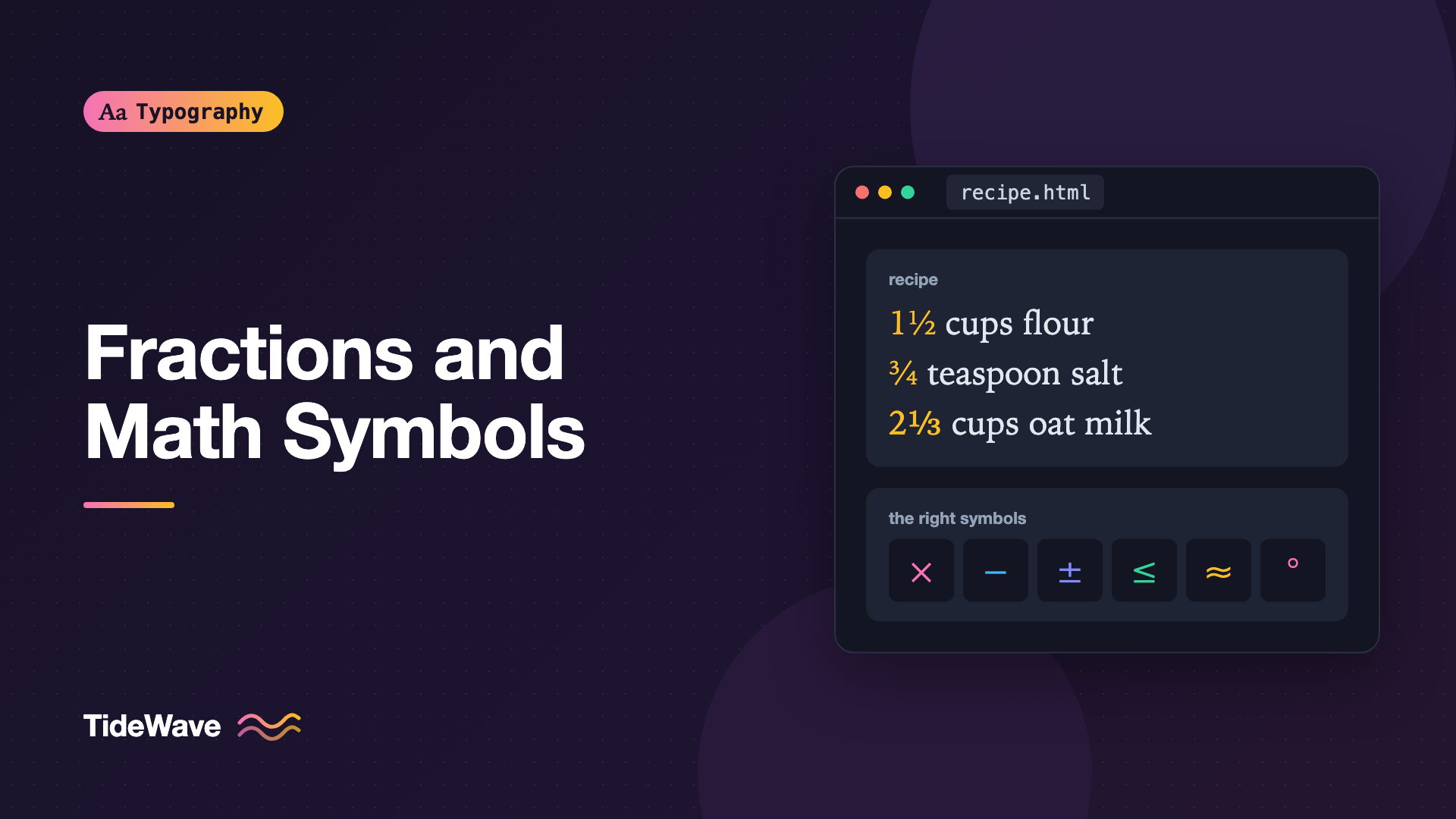
Typesetting Fractions and Math Symbols on the Web
- Maria
- Typography
- 23 Oct, 2026
A recipe calls for "1 1/2 cups flour". A product page lists a screen size as "6 x 4 in". A pricing table shows a discount as "-15%". Each one is readable, but each one is set with typewriter shortcuts: a slash for a fraction, a letter x for multiplication, a hyphen for a minus. In a well-set document, those would be 1½, 6 × 4, and −15%, using characters designed for the job.
Most web content doesn't need full mathematical typesetting, but almost every site needs a few numbers and symbols set properly. Fractions, operators, and superscripts show up in recipes, specs, prices, and scientific content. And when you do need real equations, browsers now have native support for the markup that describes them.
This guide covers the characters, CSS features, and markup you need, from a simple ½ to a full formula.
Use the Right Characters First
Many math-looking characters on a keyboard are stand-ins. Unicode has proper characters for each of them, and most good text fonts include the common ones.
| Instead of | Use | Name | Code point | HTML entity |
|---|---|---|---|---|
x | × | Multiplication sign | U+00D7 | × |
/ | ÷ | Division sign | U+00F7 | ÷ |
- | − | Minus sign | U+2212 | − |
+/- | ± | Plus-minus sign | U+00B1 | ± |
<= | ≤ | Less-than or equal | U+2264 | ≤ |
>= | ≥ | Greater-than or equal | U+2265 | ≥ |
!= | ≠ | Not equal | U+2260 | ≠ |
~ | ≈ | Almost equal | U+2248 | ≈ |
o | ° | Degree sign | U+00B0 | ° |
1/2 | ½ | Vulgar fraction one half | U+00BD | ½ |
The minus sign is the one people miss most often. A hyphen is shorter than a plus sign and sits at a different height, so "+5" and "-5" don't line up in a column of numbers. The true minus sign is designed to match the plus sign's width and position. The dashes guide covers when to use it and when the hyphen-minus is safer.
Write dimensions with the multiplication sign and a space on each side, or no spaces for compact labels:
<p>Display: 2560 × 1440 pixels</p>
<p>Recommended image size: 1200×630</p>
Fractions
There are three ways to set a fraction on the web, each with different trade-offs.
Precomposed Fraction Characters
Unicode includes ready-made fraction characters, called vulgar fractions in Unicode's terminology (meaning "common", not rude):
- ½ ¼ ¾ are in the Latin-1 block and are supported by almost every font.
- ⅓ ⅔ ⅕ ⅙ ⅛ ⅜ ⅝ ⅞ and others are in the Number Forms block, with less consistent font support.
<li>1½ cups all-purpose flour</li>
<li>¾ teaspoon salt</li>
<li>2⅓ cups milk</li>
These are convenient for a few common fractions, but they have limits. Only certain fractions exist, and fonts that lack the less common ones will borrow them from a fallback font, which can look mismatched. If you mix ½ (well supported) with ⅓ (less so), they may come from different fonts and look different sizes. The fallback fonts guide explains how the browser picks a substitute.
OpenType Fractions with font-variant-numeric
Many fonts include an OpenType frac feature that builds a proper fraction from any digits separated by a slash. In CSS, you enable it with font-variant-numeric:
<p class="ingredient">1 <span class="frac">1/3</span> cups oat milk</p>
.frac {
  font-variant-numeric: diagonal-fractions;
}
The browser renders "1/3" as a small numerator, a fraction slash, and a small denominator, using glyphs designed by the type designer. Because the underlying text is still "1/3", copy-paste, search, and screen readers all see a normal fraction.
There are two fraction styles:
| Value | Result | OpenType feature |
|---|---|---|
diagonal-fractions | Numerator and denominator on a diagonal | frac |
stacked-fractions | Numerator over denominator with a bar | afrc |
Diagonal fractions are far more widely supported in fonts. Stacked fractions are rare, so test before relying on them.
Apply the feature only to the fraction, not the whole paragraph. With frac on, any slash between digits becomes a fraction, so a date like "10/23" in the same element would turn into a fraction too.
The font-variant-numeric guide covers the other numeric features, like tabular and oldstyle figures, that you might combine with fractions.
The Fraction Slash
Unicode has a dedicated fraction slash (U+2044, ⁄) that's distinct from the regular solidus. In principle, text rendering should build a fraction from digits around it. In practice, few fonts and rendering engines do this automatically, and the result varies. It's still a slightly better choice than a regular slash when you write fractions without the frac feature, since it's narrower and sits at an angle designed for fractions:
<p>Use a 5⁄8 inch drill bit.</p>
Building Fractions with sup and sub
If your font has no frac feature and the fraction isn't available as a single character, you can build one from superscript and subscript markup:
<span class="fraction"><sup>7</sup>⁄<sub>16</sub></span>
.fraction sup,
.fraction sub {
  font-size: 0.6em;
  line-height: 0;
}

.fraction sup {
  vertical-align: 0.45em;
}

.fraction sub {
  vertical-align: 0;
}
The line-height: 0 stops the superscript and subscript from pushing lines apart, a common problem with the browser's default sup and sub styles.
Superscripts and Subscripts
Exponents, footnote markers, ordinals, and chemical formulas all need raised or lowered characters. HTML's sup and sub elements carry meaning, so use them for content like "m²" or "H₂O" when the position matters to understanding.
The browser's default styles shrink the text and shift it with vertical-align, which often increases the line height of any line containing them. A small reset fixes that:
sup,
sub {
  position: relative;
  font-size: 0.75em;
  line-height: 0;
  vertical-align: baseline;
}

sup {
  top: -0.5em;
}

sub {
  bottom: -0.25em;
}
Font-Designed Superscripts
Some fonts include real superscript and subscript glyphs, drawn with heavier strokes than scaled-down digits. CSS exposes them through font-variant-position:
.footnote-ref {
  font-variant-position: super;
}
Browser support for font-variant-position has been incomplete, so check caniuse. Unsupported browsers ignore it, so the text stays on the baseline unless you also provide a fallback. You can also use the low-level features directly:
.footnote-ref {
  font-feature-settings: "sups";
}
Unicode also has superscript and subscript digits, like ² and ₂, and these work for simple cases like "m²" or "CO₂". Don't build general formulas from them, because the set is incomplete and font support varies.
Fonts for Math
Ordinary text fonts include the common symbols, but full mathematical notation needs much more: operators, arrows, Greek letters, script letters, large brackets and integral signs that stretch, and precise rules for positioning them. That's the job of an OpenType math font, which includes a special table describing how to build and place these pieces.
Common math fonts include:
- STIX Two Math, a free, comprehensive math font designed to pair with Times-style text.
- Latin Modern Math, based on the classic TeX look.
- Cambria Math, which ships with Windows and Microsoft Office.
- Libertinus Math, which pairs with the Libertinus text fonts.
CSS has a generic family for math, which lets the browser pick an installed math font:
math {
  font-family: "STIX Two Math", "Latin Modern Math", "Cambria Math", math;
}
If you serve a math font yourself, load it only on pages that need it. These fonts are large because they cover so many symbols.
Writing Equations with MathML
For real equations, use MathML, the markup language for mathematics. MathML Core is supported natively in current versions of Chrome, Edge, Firefox, and Safari, so equations render without JavaScript, scale with the text, and are exposed to assistive technology.
Here's the quadratic formula in MathML:
<math display="block">
  <mi>x</mi>
  <mo>=</mo>
  <mfrac>
    <mrow>
      <mo>−</mo>
      <mi>b</mi>
      <mo>±</mo>
      <msqrt>
        <msup><mi>b</mi><mn>2</mn></msup>
        <mo>−</mo>
        <mn>4</mn><mi>a</mi><mi>c</mi>
      </msqrt>
    </mrow>
    <mrow><mn>2</mn><mi>a</mi></mrow>
  </mfrac>
</math>
The core elements are straightforward:
| Element | Meaning |
|---|---|
mi | Identifier, like a variable name |
mn | Number |
mo | Operator, like +, −, or = |
mrow | Group of elements |
mfrac | Fraction with numerator and denominator |
msup | Superscript |
msub | Subscript |
msqrt | Square root |
Writing MathML by hand is verbose. Most people write equations in LaTeX syntax and convert them. Tools like Temml and KaTeX can render LaTeX to MathML or HTML at build time, and MathJax has long rendered math in the browser. Rendering at build time keeps pages fast and works without JavaScript.
Inline Math
For math inside a sentence, omit display="block":
<p>
  The area of a circle is
  <math>
    <mi>A</mi>
    <mo>=</mo>
    <mi>π</mi>
    <msup><mi>r</mi><mn>2</mn></msup>
  </math>.
</p>
Inline math should match the size of the surrounding text. If the math font looks larger or smaller than your text font, adjust it with font-size on the math element, or choose a math font designed to pair with your text face.
Accessibility for Math and Symbols
Screen readers handle symbols in different ways:
- Common symbols like ×, ÷, ±, and ° are usually announced by name.
- Precomposed fractions like ½ are often read as "one half", while "1/2" may be read as "one slash two".
- MathML is read with structure, so a fraction is announced as a fraction, with support depending on the screen reader and browser combination.
For simple content, prefer characters that read naturally. For important measurements, consider writing the unit in words on first use. For equations, MathML gives assistive technology far more to work with than an image of an equation ever can. If you must use an image, include a text alternative that reads the equation in words.
Common Mistakes
- Using the letter x for multiplication, as in "1920 x 1080", instead of ×.
- Hyphens as minus signs in prices, temperatures, and changes, which misalign in tables.
- Turning on
diagonal-fractionsfor whole paragraphs, which converts dates and other slashed numbers into fractions. - Mixing precomposed fractions with poor font support, so ½ and ⅓ come from different fonts.
- Leaving default
supandsubstyles, which push lines apart. - Images of equations without text alternatives, when MathML renders natively.
- Building formulas from Unicode superscript digits, which only covers a few characters and looks uneven.
Conclusion
Setting math on the web starts with the right characters: ×, −, ±, °, and real fraction characters instead of typewriter stand-ins. For fractions, use precomposed characters for the common ones, font-variant-numeric: diagonal-fractions when your font supports it, and styled sup and sub as a fallback. For full equations, MathML now renders natively in all major browsers, especially with a proper math font.
A good first pass is to search your content for " x " between numbers, hyphens before digits, and "1/2" in recipes or specs. Replacing those with the correct characters is a quick change that makes data and measurements noticeably cleaner.


