Hyphens vs En Dashes vs Em Dashes: When to Use Each
- Maria
- Typography
- 23 Oct, 2026
Your keyboard has one key that looks like a dash. Typography has at least five characters that do. A pricing page that says "Open 9-5" or a temperature reading of "-4°" uses the same short hyphen for jobs that properly belong to an en dash and a minus sign. Most readers won't name the problem, but they'll sense that the text looks slightly off, and in some cases the wrong character changes how screen readers, search, and line breaking treat your content.
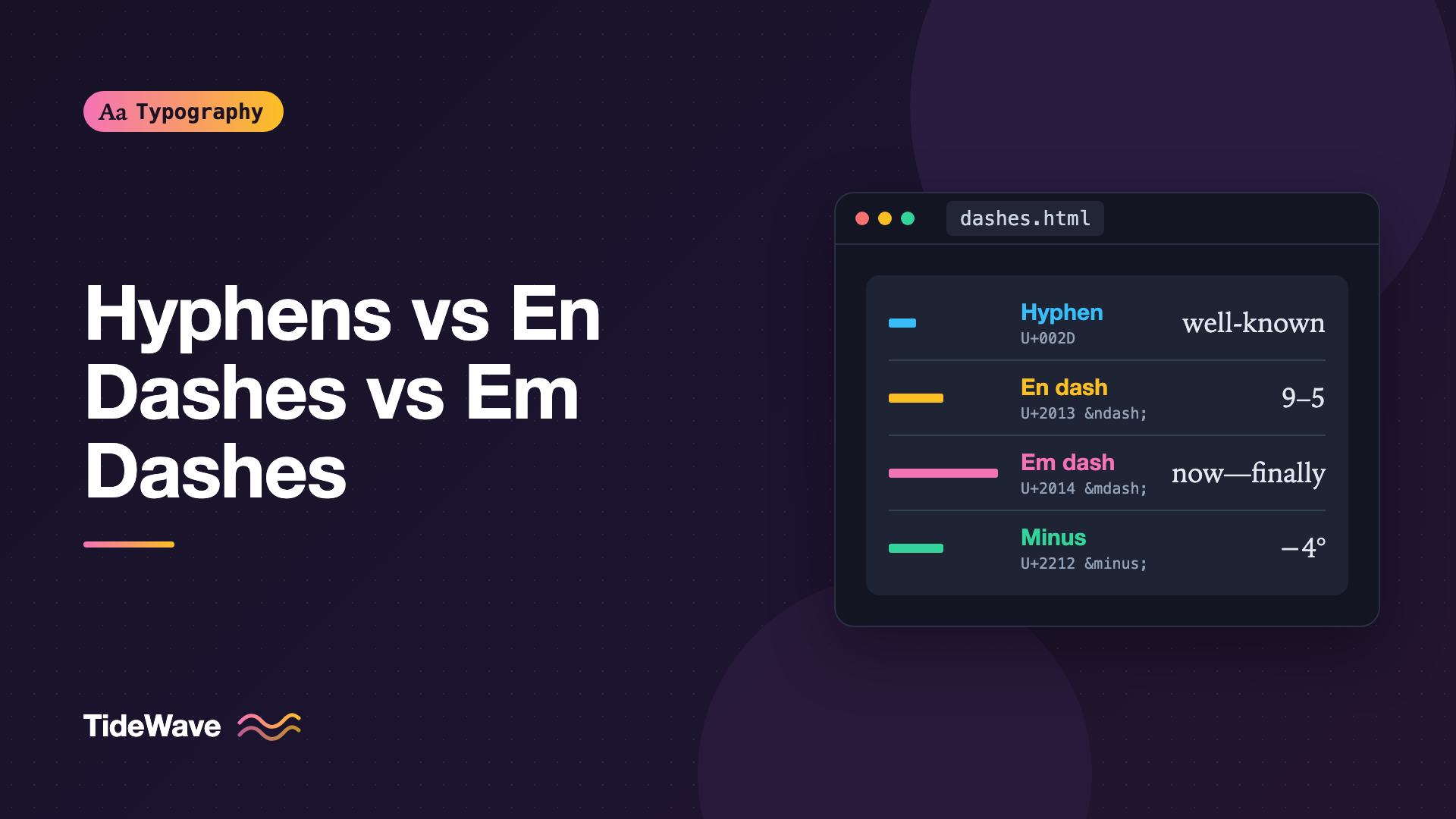
The three you'll use most are the hyphen (-), the en dash (–), and the em dash (—). Each has a clear purpose. Add the minus sign (−) and a couple of special-purpose hyphens, and you have everything you need to set dashes properly.
This guide explains what each character is for, how to type and encode them, how they affect line breaking, and how to keep them consistent across a site.
The Characters at a Glance
| Character | Name | Code point | HTML entity | Main use |
|---|---|---|---|---|
- | Hyphen-minus | U+002D | none needed | Compound words, code |
‐ | Hyphen | U+2010 | ‐ | Compound words (rarely needed) |
‑ | Non-breaking hyphen | U+2011 | ‑ | Hyphenated terms that must not wrap |
– | En dash | U+2013 | – | Ranges, connections |
— | Em dash | U+2014 | — | Breaks in a sentence |
− | Minus sign | U+2212 | − | Math and negative numbers |
‒ | Figure dash | U+2012 | ‒ | Phone numbers, digit groups |
The names "en" and "em" come from metal type. An em dash was traditionally about the width of the font size (one em), and an en dash about half that. Modern fonts vary, but the relative sizes still hold: hyphen shortest, en dash in the middle, em dash longest.
The Hyphen
The hyphen joins things. It's the shortest of the three and the only one on a standard keyboard. Use it for:
- Compound modifiers before a noun: a well-known library, a high-contrast theme, a two-column layout.
- Some compound words: mother-in-law, self-hosted, re-enter.
- Word breaks at the end of a line, inserted automatically when hyphenation is on.
- Spelled-out numbers: twenty-four, ninety-nine.
The keyboard character is technically the hyphen-minus (U+002D), a compromise from the ASCII era that serves as both hyphen and minus. For hyphens in prose, it's the right choice in practice. Unicode's dedicated hyphen (U+2010) exists, but font support is inconsistent, and search and copy-paste handle the hyphen-minus more predictably.
In code, URLs, CSS class names, and command-line flags, always use the hyphen-minus. font-size and --save-dev only work with that character.
Hyphens and Line Breaking
Browsers treat a hyphen as a break opportunity. A long compound like "state-of-the-art" can wrap after any hyphen. That's usually fine, but it's a problem for terms that should stay together, like a product code or a negative number written with a hyphen.
The non-breaking hyphen (U+2011) looks like a hyphen but prevents a break:
<p>Order part number A‑1049‑B to replace the hinge.</p>
Use it sparingly. Font support for U+2011 isn't universal, and when a font lacks the glyph, the browser borrows it from another font. For whole phrases, wrapping them in an element with white-space: nowrap is often cleaner:
.part-number {
  white-space: nowrap;
}
The soft hyphen (­) is the opposite tool: an invisible marker that tells the browser where a word may break with a visible hyphen. The hyphenation guide covers soft hyphens and the hyphens property in depth.
The En Dash
The en dash connects things that are related by distance or relation. Its most common job is ranges.
- Number ranges: pages 24–36, 2019–2024, ages 18–25.
- Time ranges: 9:00–17:00, Monday–Friday.
- Scores and votes: the team won 3–1, a 5–4 decision.
- Connections between equal parts: the London–Paris train, a parent–child relationship, the Michelson–Morley experiment.
That last category is subtle. A hyphen in "parent-child" makes it look like one compound word. An en dash signals two separate things joined by a relationship.
En dashes in ranges are written closed, without spaces, when the items are short. When either side contains spaces, many style guides recommend spaced en dashes for clarity: "January 5 – February 12" reads better than "January 5–February 12".
Ranges and Prepositions
Don't combine an en dash with "from" or "between". These are wrong:
- from 2019–2024
- between 10–20 users
Use words throughout instead: "from 2019 to 2024" and "between 10 and 20 users". The en dash replaces the word "to" or "through", so pairing it with "from" doubles up.
Ranges and Screen Readers
Screen readers handle en dashes inconsistently. Some read "10–20" as "10 to 20", others as "10 dash 20", and others skip the dash, reading "10 20". For short, scannable data like a table column, the en dash is fine. In sentences where the range is critical, such as prices, dosages, or deadlines, writing "to" removes any ambiguity.
The Em Dash
The em dash marks a break in thought. It's the most flexible and the most overused of the three. Use it for:
- An interruption or aside: The release—our largest this year—ships on Thursday.
- An emphatic break before an explanation: There was only one thing left to fix: the fonts. (A colon works here too, and often better.)
- An abrupt change or trailing off in dialogue: “I thought we’d—never mind.”
- Attribution after a quotation, especially in pull quotes and epigraphs.
Em dashes can replace commas, parentheses, or colons. Each choice changes the tone. Commas are neutral, parentheses quieter, and em dashes louder. If every paragraph has two em dashes, they stop feeling emphatic and start feeling like a tic, so reach for commas and colons first.
Spaced or Closed?
Style guides disagree on spacing:
| Style | Example |
|---|---|
| Closed em dash (Chicago) | The fix—finally—shipped. |
| Spaced em dash (AP) | The fix — finally — shipped. |
| Spaced en dash (common in British publishing) | The fix – finally – shipped. |
Pick one and use it consistently. On the web, a closed em dash creates a long unbreakable cluster with the words on either side, which can cause awkward breaks in narrow columns. Browsers generally allow a line break after an em dash, but where exactly depends on the browser and the surrounding characters.
If you prefer closed em dashes and want a little breathing room, a hair space (U+200A) or thin space (U+2009) on each side is a typographer's compromise:
<p>The fix — finally — shipped.</p>
The invisible characters guide explains these spaces and when they help.
The Minus Sign
A hyphen is not a minus sign. In most fonts, the hyphen is shorter, thinner, and sits lower than the plus sign. The minus sign (U+2212) is designed to match the width of the plus sign and sit at the same height, so equations and numbers line up.
<p>Overnight low: −4°C</p>
<p>Balance change: −$120.00</p>
<p>5 − 3 = 2</p>
This matters most in tables and dashboards. With tabular figures turned on, positive and negative values align much better when the minus sign has the same width as the plus sign and the digits. The font-variant-numeric guide covers tabular figures.
There's a trade-off. Some screen readers announce U+2212 as "minus", which is good. But if users copy the value into a spreadsheet or a form, a true minus sign may not parse as a negative number. For displayed values, use the minus sign. For values users are likely to copy into other tools, or in input fields, use the hyphen-minus.
Formatting Negatives with Intl
Intl.NumberFormat handles signs for you and respects the locale:
const fmt = new Intl.NumberFormat("en-US", {
  style: "currency",
  currency: "USD",
  signDisplay: "exceptZero",
});

fmt.format(-120); // "-$120.00"
fmt.format(45); // "+$45.00"
Depending on the locale, Intl.NumberFormat may output U+2212 rather than a hyphen-minus. Swedish and some other locales use the true minus sign, while en-US output uses the hyphen-minus. If you compare formatted strings in tests or parse them back to numbers, account for both.
If you want the true minus sign in English output, replace it after formatting:
const display = fmt.format(-120).replace("-", "−");
The Figure Dash and Horizontal Bar
Two rarer dashes are worth knowing:
- The figure dash (U+2012) is the width of a digit, designed for digit groups like phone numbers (555‒0142) so they align with the numbers around them. Few fonts treat it specially, and many writers use a hyphen instead.
- The horizontal bar (U+2015), or quotation dash, introduces dialogue in some languages, much like quotation marks do in English.
You'll rarely need either, but recognizing them helps when you clean up imported content.
How to Type Dashes
| Character | macOS | Windows (numeric keypad) |
|---|---|---|
| En dash | Option + Hyphen | Alt + 0150 |
| Em dash | Shift + Option + Hyphen | Alt + 0151 |
| Minus | Character viewer | Alt code not standard |
Word processors often convert two hyphens to an em dash automatically. In HTML, use the entities –, —, and −, or type the characters directly in a UTF-8 file.
Automating Dashes in Markdown
Smart-punctuation plugins can convert dashes in Markdown content. A common convention, used by SmartyPants and similar tools, maps two hyphens to an en dash and three to an em dash:
import { remark } from "remark";
import remarkSmartypants from "remark-smartypants";

const file = await remark()
  .use(remarkSmartypants, { dashes: "oldschool" })
  .process("Open 9--5 on weekdays---closed on holidays.");

console.log(String(file));
// Open 9–5 on weekdays—closed on holidays.
Check the plugin's options, since the mapping varies. Make sure the tool skips code spans and blocks, where -- is a valid operator and a command-line prefix.
Styling Dashes with CSS
CSS doesn't change which dash character you use, but it can help them look better. Some fonts draw dashes that sit too low next to uppercase letters or numbers. OpenType's case feature raises punctuation, including dashes, to align with capitals:
.label-caps {
  text-transform: uppercase;
  font-feature-settings: "case";
}
This only works if the font includes the feature. Many professional fonts do, including Inter. The OpenType features guide explains how to check which features a font supports.
Common Mistakes
- Hyphens in ranges, like "2019-2024" or "9-5", where an en dash belongs.
- Combining "from" or "between" with an en dash, as in "from 10–20". Use "from 10 to 20".
- Double hyphens instead of an em dash, a typewriter habit that persists in plain-text content.
- Hyphens as minus signs in tables and dashboards, causing misaligned numbers.
- True minus signs in values users copy, which can break spreadsheet imports and form inputs.
- Too many em dashes, which dilute their emphasis. Commas and colons often do the job better.
- Converted dashes in code samples, where a smart-punctuation tool turns
--save-devinto an en dash and breaks the command.
Conclusion
Each dash has one job. Hyphens join compound words and belong in code. En dashes connect ranges and relationships. Em dashes mark breaks in a sentence and should be used sparingly. Minus signs belong in numbers and math, with the hyphen-minus kept for values users might copy. The non-breaking and soft hyphens give you control over where lines wrap.
The fastest win is to search your templates and data displays for hyphens in ranges and negative numbers. Replace them with en dashes and minus signs, add smart punctuation to your Markdown pipeline, and keep code samples protected from it.


