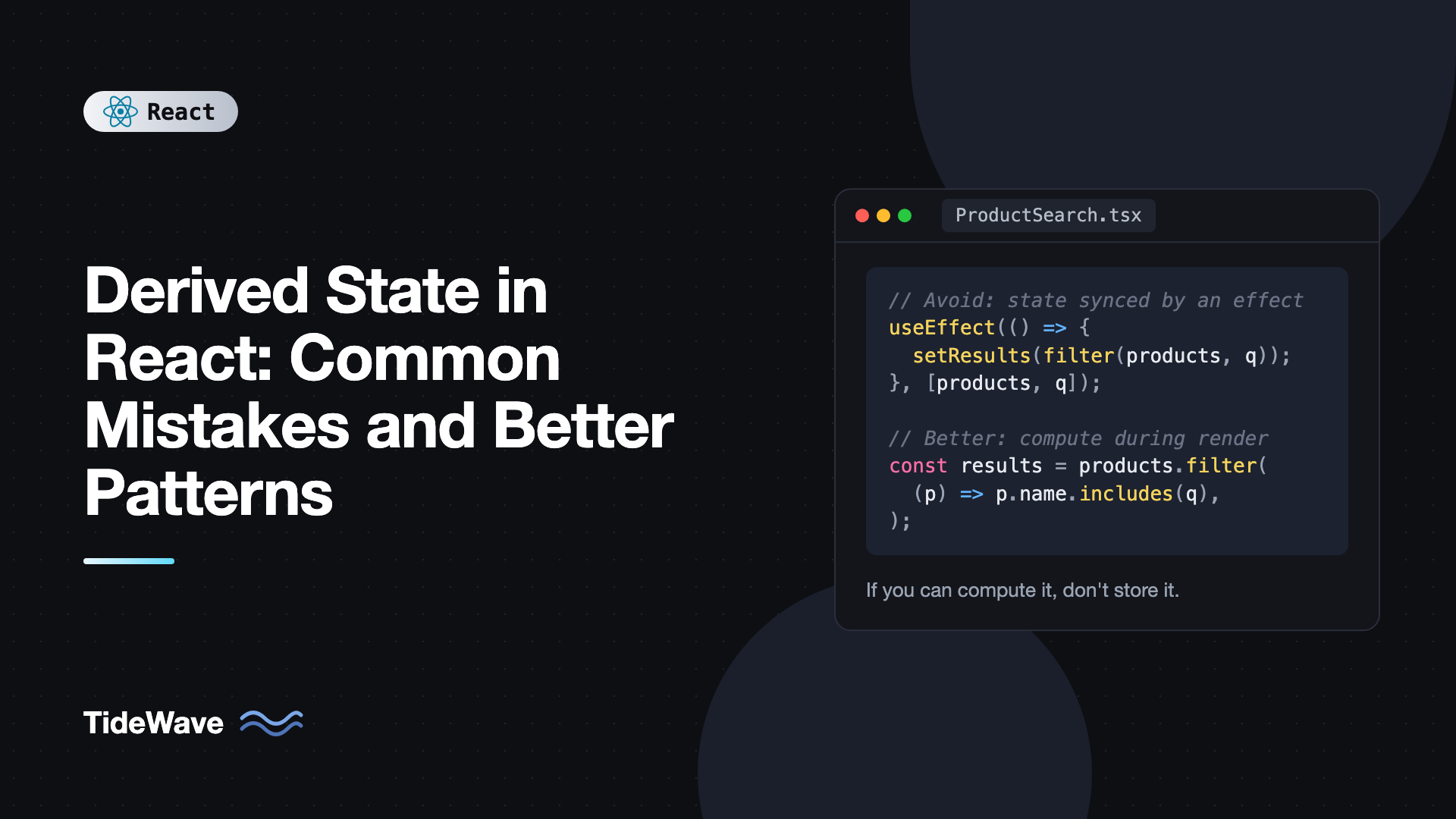
Derived State in React: Common Mistakes and Better Patterns
A surprising number of React bugs come from the same root cause: storing a value in state that could have been calculated from other values. A filtered list that does not update when the search term changes. A "selected item" that still shows the old name after an edit. A form field that ignores new props from its parent. A total that is off by one because one code path forgot to update it.
Each of these is a derived state problem. Derived state is any value you can compute from props, existing state, or other data you already have. When you copy it into its own useState and try to keep it in sync, you create two sources of truth that eventually disagree.
This post walks through the most common derived state mistakes, why they break, and the patterns that replace them: computing during render, memoizing only when needed, resetting with keys, storing ids instead of objects, and deriving from the URL or a cache.
What Counts as Derived State
Ask one question about any piece of state: can I calculate this from something I already have? If the answer is yes, it is derived, and it usually should not be state.
Common examples:
- A full name built from
firstNameandlastName. - A filtered or sorted list based on items and a search query.
- Totals, counts, and averages from a list.
- Whether a form is valid, based on its current values.
- The currently selected object, given a list and a selected id.
- Whether a "Save" button should be enabled, based on whether values changed.
None of these need their own useState. They can be computed with plain JavaScript on every render.
Mistake 1: Syncing State With useEffect
This is the most common pattern, and the one React's documentation specifically warns against:
// Avoid
import { useEffect, useState } from "react";

function UserGreeting({ firstName, lastName }: { firstName: string; lastName: string }) {
  const [fullName, setFullName] = useState("");

  useEffect(() => {
    setFullName(`${firstName} ${lastName}`);
  }, [firstName, lastName]);

  return <h1>Hello, {fullName}</h1>;
}
It looks harmless, but it has real costs:
- An extra render. React renders with the stale
fullName, commits it to the screen, runs the effect, then renders again with the correct value. For one frame, the UI shows outdated data. - More code to maintain. Every time a dependency changes, you have to remember to add it to the array.
- Bugs when it grows. Effects that set state can chain into other effects that set state, creating cascades that are hard to trace.
The fix is to compute it during render:
// Better
function UserGreeting({ firstName, lastName }: { firstName: string; lastName: string }) {
  const fullName = `${firstName} ${lastName}`;
  return <h1>Hello, {fullName}</h1>;
}
The value is always correct, there is no extra render, and there is nothing to keep in sync. This rule of thumb is covered in more depth in a practical guide to useEffect and its dependency array: if you are setting state in an effect only to transform other state or props, you probably do not need the effect.
Mistake 2: Storing Filtered or Sorted Lists
A search UI often starts like this:
// Avoid
import { useEffect, useState } from "react";

interface Product {
  id: string;
  name: string;
  price: number;
}

function ProductSearch({ products }: { products: Product[] }) {
  const [query, setQuery] = useState("");
  const [results, setResults] = useState(products);

  useEffect(() => {
    setResults(
      products.filter((p) => p.name.toLowerCase().includes(query.toLowerCase())),
    );
  }, [products, query]);

  return (
    <>
      <input value={query} onChange={(e) => setQuery(e.target.value)} />
      <p>{results.length} results</p>
    </>
  );
}
Now the list has two homes: products and results. A variant of this code that only lists query in the dependency array silently shows stale results when products changes. The derived version cannot get out of sync:
// Better
import { useState } from "react";

interface Product {
  id: string;
  name: string;
  price: number;
}

export function ProductSearch({ products }: { products: Product[] }) {
  const [query, setQuery] = useState("");

  const normalized = query.trim().toLowerCase();
  const results = normalized
    ? products.filter((p) => p.name.toLowerCase().includes(normalized))
    : products;

  return (
    <>
      <input
        value={query}
        onChange={(e) => setQuery(e.target.value)}
        aria-label="Search products"
      />
      <p>{results.length} results</p>
      <ul>
        {results.map((p) => (
          <li key={p.id}>
            {p.name}, ${p.price.toFixed(2)}
          </li>
        ))}
      </ul>
    </>
  );
}
The only real state here is query, because the user types it and nothing else could produce it. Everything else is calculated.
When Computing Is Expensive: useMemo
Filtering a few hundred items on each render is fast, usually well under a millisecond. But some calculations are genuinely heavy: sorting tens of thousands of rows, building chart data from a large dataset, or running fuzzy search. For those, wrap the calculation in useMemo:
import { useMemo, useState } from "react";

interface Row {
  id: number;
  name: string;
  score: number;
}

export function Leaderboard({ rows }: { rows: Row[] }) {
  const [minScore, setMinScore] = useState(0);
  const [darkMode, setDarkMode] = useState(false);

  const visibleRows = useMemo(
    () =>
      rows
        .filter((r) => r.score >= minScore)
        .toSorted((a, b) => b.score - a.score),
    [rows, minScore],
  );

  return (
    <div className={darkMode ? "dark" : ""}>
      <button onClick={() => setDarkMode((d) => !d)}>Toggle theme</button>
      <input
        type="number"
        value={minScore}
        onChange={(e) => setMinScore(Number(e.target.value))}
        aria-label="Minimum score"
      />
      <ol>
        {visibleRows.map((r) => (
          <li key={r.id}>
            {r.name}: {r.score}
          </li>
        ))}
      </ol>
    </div>
  );
}
Toggling the theme re-renders the component, but visibleRows is reused because rows and minScore did not change. Note that useMemo is still derived state, just cached. It is not a second source of truth. toSorted returns a new array instead of mutating rows, which matters because sorting a prop in place would modify the parent's data.
Measure before memoizing. Most derived values are cheap, and if your project uses the React Compiler, it memoizes calculations like this automatically. The post on when useMemo and useCallback actually help goes into how to decide.
Mistake 3: Copying Props Into State
This one is subtle because it looks like it works:
// Avoid
import { useState } from "react";

function EditableTitle({ title }: { title: string }) {
  const [value, setValue] = useState(title);
  return <input value={value} onChange={(e) => setValue(e.target.value)} />;
}
useState(title) uses title only as the initial value. When the parent later passes a different title, the input keeps showing the old one. Developers often patch this with an effect that copies the prop into state whenever it changes, which brings back the extra render and also wipes out the user's edits whenever the parent re-renders with a new value.
There are two clean ways out, depending on what you actually want.
Option A: Make It Fully Controlled
If the parent should own the value, do not keep state in the child at all:
interface EditableTitleProps {
  title: string;
  onTitleChange: (title: string) => void;
}

export function EditableTitle({ title, onTitleChange }: EditableTitleProps) {
  return (
    <input
      value={title}
      onChange={(e) => onTitleChange(e.target.value)}
      aria-label="Title"
    />
  );
}
Option B: Treat the Prop as an Initial Value and Reset With a key
If the child should own its draft but start over when it switches to a different item, name the prop to make that clear and let the parent reset it with a key:
import { useState } from "react";

interface Note {
  id: string;
  title: string;
}

function NoteEditor({ initialTitle }: { initialTitle: string }) {
  const [draft, setDraft] = useState(initialTitle);
  return (
    <input
      value={draft}
      onChange={(e) => setDraft(e.target.value)}
      aria-label="Note title"
    />
  );
}

export function NotesPage({ note }: { note: Note }) {
  return <NoteEditor key={note.id} initialTitle={note.title} />;
}
When note.id changes, React sees a different key, throws away the old NoteEditor and its state, and mounts a fresh one initialized from the new note. No effect needed. This is the standard way to reset all state in a subtree when its identity changes.
Mistake 4: Storing the Selected Object Instead of Its Id
Here is a list with a detail panel:
// Avoid
const [items, setItems] = useState<Item[]>(initialItems);
const [selectedItem, setSelectedItem] = useState<Item | null>(null);
When the user renames the selected item, items is updated with a new object, but selectedItem still points to the old one. The detail panel shows the outdated name. You could update both places in every handler, but you will eventually miss one.
Store the id instead and derive the object:
import { useState } from "react";

interface Item {
  id: string;
  name: string;
}

export function ItemManager({ initialItems }: { initialItems: Item[] }) {
  const [items, setItems] = useState(initialItems);
  const [selectedId, setSelectedId] = useState<string | null>(null);

  const selectedItem = items.find((item) => item.id === selectedId) ?? null;

  function rename(id: string, name: string) {
    setItems((prev) => prev.map((i) => (i.id === id ? { ...i, name } : i)));
  }

  function remove(id: string) {
    setItems((prev) => prev.filter((i) => i.id !== id));
  }

  return (
    <div className="layout">
      <ul>
        {items.map((item) => (
          <li key={item.id}>
            <button
              onClick={() => setSelectedId(item.id)}
              aria-pressed={item.id === selectedId}
            >
              {item.name}
            </button>
          </li>
        ))}
      </ul>

      {selectedItem ? (
        <section>
          <input
            value={selectedItem.name}
            onChange={(e) => rename(selectedItem.id, e.target.value)}
            aria-label="Item name"
          />
          <button onClick={() => remove(selectedItem.id)}>Delete</button>
        </section>
      ) : (
        <p>Select an item.</p>
      )}
    </div>
  );
}
Renames show up everywhere instantly. Deleting the selected item makes selectedItem become null automatically because find no longer matches, with no cleanup code required.
Mistake 5: Redundant Boolean Flags
Flags like isEmpty, hasErrors, isDirty, or canSubmit are almost always derivable:
import { useState } from "react";

interface Values {
  email: string;
  password: string;
}

const initialValues: Values = { email: "", password: "" };

export function LoginForm() {
  const [values, setValues] = useState(initialValues);

  const errors = {
    email: values.email.includes("@") ? null : "Enter a valid email",
    password: values.password.length >= 8 ? null : "At least 8 characters",
  };
  const isValid = !errors.email && !errors.password;
  const isDirty =
    values.email !== initialValues.email ||
    values.password !== initialValues.password;

  return (
    <form>
      <input
        type="email"
        value={values.email}
        onChange={(e) => setValues({ ...values, email: e.target.value })}
        aria-label="Email"
      />
      <input
        type="password"
        value={values.password}
        onChange={(e) => setValues({ ...values, password: e.target.value })}
        aria-label="Password"
      />
      <button type="submit" disabled={!isValid || !isDirty}>
        Log in
      </button>
    </form>
  );
}
There is exactly one piece of state, values. The errors and flags follow from it automatically. In a real form you would also track which fields were touched to avoid showing errors too early, and that one is genuinely state, because it records something the user did.
Similarly, a status union beats several booleans. Instead of isLoading, isError, and isSuccess as separate useState calls, which can contradict each other, store status: "idle" | "loading" | "error" | "success" and derive the booleans from it.
Deriving From the URL
Filters, sort order, tabs, and page numbers often belong in the URL so users can share and bookmark them. A common mistake is reading the URL into useState on mount and then keeping both in sync. Instead, treat the search params as the state and derive everything from them:
import { useSearchParams } from "react-router";

const PAGE_SIZE = 20;

export function OrdersFilter({ orders }: { orders: { id: string; status: string }[] }) {
  const [searchParams, setSearchParams] = useSearchParams();

  const status = searchParams.get("status") ?? "all";
  const page = Number(searchParams.get("page") ?? "1");

  const filtered =
    status === "all" ? orders : orders.filter((o) => o.status === status);
  const visible = filtered.slice((page - 1) * PAGE_SIZE, page * PAGE_SIZE);

  return (
    <>
      <select
        value={status}
        onChange={(e) => setSearchParams({ status: e.target.value, page: "1" })}
        aria-label="Order status"
      >
        <option value="all">All</option>
        <option value="open">Open</option>
        <option value="shipped">Shipped</option>
      </select>
      <ul>
        {visible.map((o) => (
          <li key={o.id}>
            {o.id}: {o.status}
          </li>
        ))}
      </ul>
    </>
  );
}
The URL is the single source of truth. The back button works, refreshes keep the filter, and there is no state to synchronize.
Deriving From Server Data and Stores
The same principle applies beyond component state:
- With TanStack Query or RTK Query, do not copy
dataintouseState. Read it from the hook and compute what you need during render, or use theselectoption to transform it. - With Redux, keep the store minimal and compute derived values in selectors.
createSelectorfrom Redux Toolkit memoizes them. - With Zustand or Jotai, derive in selectors or derived atoms instead of storing computed fields. The Jotai guide shows how derived atoms make this the default.
When You Actually Do Need State
Not every value that looks derived is derived. You genuinely need state when:
- The user produced it and nothing else can recreate it, such as text they typed or an item they picked.
- You need a snapshot in time, like the value a field had when editing started, so you can offer an Undo or Cancel.
- It records history, like the previous value of a prop for an animation. In rare cases, React allows updating state during render when a prop changes, but a
keyreset or a derived value is almost always simpler.
Best Practices for Derived State
- Minimize state. Store the smallest set of values from which everything else can be calculated.
- Compute during render. Plain variables in the component body are the default for derived values.
- Memoize only expensive work. Reach for
useMemowhen a calculation is measurably slow, not by habit. - Use
keyto reset. When a component should start fresh for a new entity, change itskeyinstead of syncing props into state with effects. - Store ids, not copies. Keep references to data by id and look up the current object.
- Prefer status unions over boolean flags. One field cannot contradict itself.
- Let the URL and caches be sources of truth. Derive from search params and query data instead of copying them.
Frequently Asked Questions (FAQ) About Derived State in React
Derived state is any value that can be calculated from props, existing state, or other available data, such as a filtered list, a total, or a validity flag. It should usually be computed during render instead of stored in its own useState.
When the state only mirrors other state or props, the effect causes an extra render with stale values first, adds dependency arrays that can be wrong, and can trigger chains of updates. Computing the value directly during render avoids all three problems.
Usually not. Filtering or mapping a few hundred items takes a fraction of a millisecond. For genuinely expensive calculations, wrap them in useMemo, or rely on the React Compiler to memoize them automatically.
Pass a key that changes with the identity of the data, such as key set to the record id. React will unmount the old instance and mount a new one with fresh state. This is cleaner than copying props into state inside an effect.
It is a class component lifecycle method that is still supported but rarely needed. Function components replace it with derived values computed during render, key resets, and in rare cases a state update during render guarded by a comparison with the previous prop.
Generally no. Keep the store minimal and compute derived values with selectors, derived atoms, or memoized selectors like createSelector. Storing computed fields in a store has the same sync problems as storing them in component state.
Conclusion
Most derived state bugs come from storing a copy of something that could be calculated. Compute full names, filtered lists, totals, and flags directly in the component body. Use useMemo only when a calculation is genuinely expensive, reset subtrees with a key instead of syncing props through effects, and store ids rather than duplicated objects.
The next time you write useState followed by a useEffect that calls its setter, stop and ask whether the value can simply be computed. Going through an existing component with that question is a good exercise, and it usually removes code while fixing bugs. For a broader list of patterns worth cleaning up, see common React anti-patterns and how to fix them.


