Designing Text for Users with Dyslexia
- Maria
- Typography
- 23 Oct, 2026
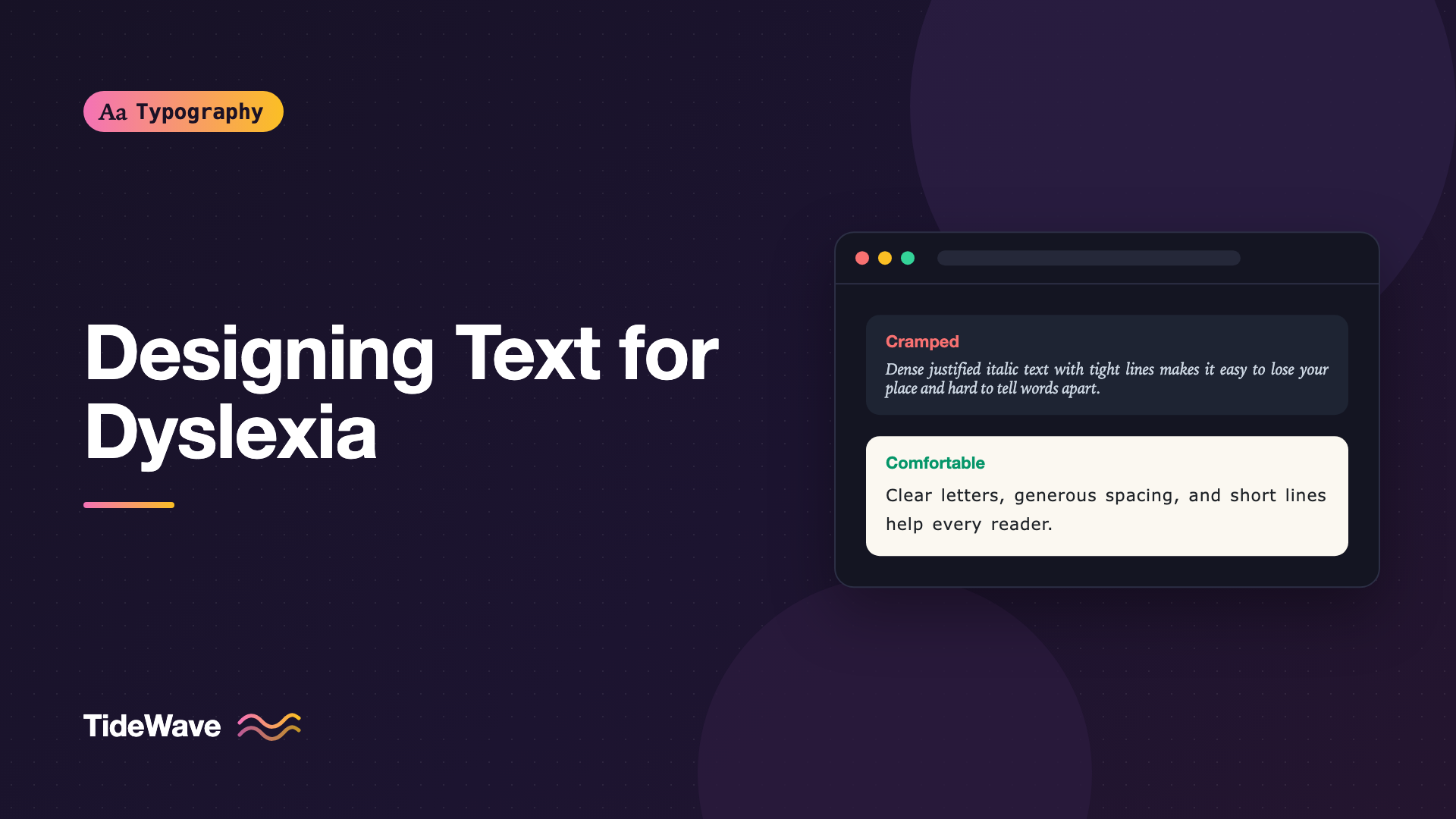
Picture a dense block of justified text, set in a light italic font, with tight line spacing and long lines, on a bright white background. Most readers will push through it. For someone with dyslexia, the same page can turn into a slow, tiring decoding exercise where words seem to crowd together and it's easy to lose your place at the end of every line.
Dyslexia is a common learning difference that primarily affects reading and spelling, particularly the speed and accuracy of decoding written words. It isn't related to intelligence or vision, and it varies a lot from person to person. Typography can't remove the difficulty, but it can stop adding to it. Many of the changes that help dyslexic readers also help everyone else: people reading in a second language, people who are tired, and people skimming on a phone.
This guide covers what's known about typography for dyslexic readers, separates solid guidance from popular myths, and turns the advice into CSS you can apply today.
Start with What the Evidence Supports
There's a lot of confident advice about dyslexia and fonts online, and not all of it holds up. It helps to sort the recommendations into two groups.
Widely supported by research and by dyslexia organizations:
- Generous spacing between letters, words, and lines
- Short to moderate line lengths
- Left-aligned text rather than justified
- Clear, simple layouts with obvious structure
- Plain, familiar fonts at a comfortable size
- The ability for readers to adjust the presentation themselves
Popular but less certain:
- Specialized "dyslexia fonts." Typefaces designed with weighted bottoms or exaggerated letter differences are popular, and some readers like them. However, published studies have generally not found that they improve reading speed or accuracy compared with well-chosen standard fonts. If a reader prefers one, let them use it, but don't assume it solves the problem for everyone.
- Colored backgrounds and overlays. Many dyslexic readers report that a softer background than pure white feels more comfortable, and style guides often suggest cream or pastel backgrounds. The evidence that specific colors improve reading performance is mixed. Treat background color as a comfort preference, not a fix.
The consistent thread is that individual control matters more than any one perfect setting. Dyslexia isn't a single profile, so the best design is readable by default and adjustable by the reader.
Choosing a Typeface
You don't need a special font. You need a clear one. Look for:
- Distinct letter shapes.
b,d,p, andqare mirror images in some geometric fonts. Fonts with asymmetric letterforms, wherebanddaren't simple reflections of each other, make them easier to tell apart. - Unambiguous characters. Uppercase
I, lowercasel, and the digit1should look different. - Open counters and apertures. Letters like
a,e, andcwith open shapes stay distinct at small sizes. - A comfortable x-height. Larger lowercase letters improve legibility without increasing the font size.
- Regular, even spacing. Fonts with very tight default spacing create crowded words.
Sans-serif fonts are the common recommendation from dyslexia organizations, with fonts like Verdana, Arial, Tahoma, and Calibri often listed. Readers are typically most fluent with letterforms they see every day, which is one reason familiar fonts often perform as well as purpose-built ones. If you're deciding between serif and sans-serif styles more generally, serif vs sans-serif covers the broader trade-offs.
Avoid these for body text:
- Condensed fonts, where letters are narrow and packed together
- Very light weights, which reduce contrast
- Decorative, script, or handwritten fonts
- Fonts where several letters look alike
:root {
  --font-body:
    "Atkinson Hyperlegible", Verdana, "Segoe UI", Tahoma, system-ui, sans-serif;
}

body {
  font-family: var(--font-body);
  font-weight: 400;
}
Atkinson Hyperlegible, from the Braille Institute, was designed with low-vision readers in mind and focuses on making similar characters distinct. It's free on Google Fonts, and its emphasis on character differentiation makes it a reasonable choice here too, though it wasn't designed specifically for dyslexia.
Size and Weight
Text that's slightly larger is easier to decode. Dyslexia style guides commonly suggest 12 to 14 point for print, which translates to roughly 16 to 19px on screen. A body size of 1.0625rem to 1.125rem is a good starting point:
body {
  font-size: 1.125rem;
}
Use rem so readers who've increased their browser's default font size get even larger text. For emphasis, use bold rather than italic or underline. Italic letters lean and often have less distinct shapes, and underlines cut through descenders, making words harder to recognize. Keep underlines for links.
Avoid long passages in all capital letters. Uppercase removes the distinctive word shapes that ascenders and descenders create, so every word becomes a uniform rectangle.
Spacing: The Biggest Lever
Spacing is where typography can help the most. Crowded text is one of the most frequently reported difficulties among dyslexic readers, and research on increased letter spacing has found benefits for some readers.
Letter and Word Spacing
A small increase in letter spacing separates letters without breaking words apart. Word spacing should increase in proportion, so the gaps between words remain clearly larger than the gaps within them:
.readable {
  letter-spacing: 0.05em;
  word-spacing: 0.12em;
}
Don't push letter spacing too far. Past a certain point, words stop looking like words and start looking like rows of separate letters.
Line Height
Lines that are close together make it easier to skip or repeat a line. A line-height of at least 1.5 is widely recommended, and 1.6 to 1.8 often feels more comfortable for longer passages:
.readable {
  line-height: 1.7;
}
Paragraph Spacing
Clear gaps between paragraphs act as resting points and make it easier to find your place again:
.readable p + p {
  margin-block-start: 1.5em;
}
Whatever defaults you choose, make sure the layout doesn't break when users increase spacing further with their own tools. That's a WCAG requirement in its own right; see meeting WCAG text spacing requirements.
Line Length and Alignment
Long lines make the return sweep from the end of one line to the start of the next harder, which is where many readers lose their place. Keep lines to roughly 60 to 70 characters:
.readable {
  max-inline-size: 65ch;
}
Always set body text left-aligned (or start-aligned in right-to-left languages). Justified text stretches word spacing unevenly to fill each line. The resulting irregular gaps, and the vertical "rivers" of white space they form, are a well-known difficulty for dyslexic readers. Centered body text is also harder, because each line starts at a different position.
.readable {
  text-align: start;
  hyphens: manual;
}
Automatic hyphenation splits words across lines, which forces readers to reassemble them. Leaving hyphens at its default of manual means only words containing a soft hyphen will break.
Color and Contrast
High contrast is important, but the very highest contrast isn't always the most comfortable. Many dyslexic readers describe pure black text on a bright white background as glaring or causing text to appear to shimmer. A slightly off-white background and a dark gray rather than pure black text keep contrast well above WCAG minimums while softening glare:
:root {
  --reading-bg: #fbf8f1;
  --reading-text: #1f2328;
}

.readable {
  background: var(--reading-bg);
  color: var(--reading-text);
}
This combination is still far above the 4.5:1 contrast ratio WCAG requires for normal text. Check your own values with a contrast checker. See accessible typography guidelines for the full set of contrast rules.
Layout and Structure
Typography isn't only about letters. The way a page is organized has a big effect on how much reading effort it takes:
- Use clear, descriptive headings so readers can scan and jump to what they need.
- Keep paragraphs short. One idea per paragraph is easier to process.
- Use bulleted and numbered lists for steps, options, and key points instead of long sentences.
- Avoid text over busy images or patterned backgrounds.
- Don't split content into multiple columns of body text on screen. Readers have to find the start of the next column, and it's easy to lose track.
- Write plainly. Short sentences, common words, and active voice reduce decoding load more than any font change.
Let Readers Adjust the Text
Since no single setting suits every dyslexic reader, the most inclusive approach is to give people control. Build your reading styles on custom properties, and let a settings panel change them:
:root {
  --reading-size: 1.125rem;
  --reading-leading: 1.7;
  --reading-tracking: 0.02em;
  --reading-word-spacing: 0.08em;
  --reading-font: var(--font-body);
}

.article-body {
  font-family: var(--reading-font);
  font-size: var(--reading-size);
  line-height: var(--reading-leading);
  letter-spacing: var(--reading-tracking);
  word-spacing: var(--reading-word-spacing);
}

:root[data-reading="spacious"] {
  --reading-leading: 1.9;
  --reading-tracking: 0.08em;
  --reading-word-spacing: 0.16em;
}
const toggle = document.querySelector("#spacious-text");

toggle.addEventListener("change", () => {
  const value = toggle.checked ? "spacious" : "default";
  document.documentElement.dataset.reading = value;
  localStorage.setItem("reading-mode", value);
});

const saved = localStorage.getItem("reading-mode");
if (saved) {
  document.documentElement.dataset.reading = saved;
  toggle.checked = saved === "spacious";
}
A single "spacious text" toggle is a modest amount of work, and it gives readers a real choice. You can extend the same pattern to font choice, background tint, and text size.
Many readers also use their own tools: browser reader modes, extensions that change fonts and spacing, or text-to-speech. Your job is to make sure those tools work. That means using real text rather than images, semantic HTML so reader modes can extract the article, and layouts that don't break when fonts and spacing change.
Common Mistakes
- Treating a dyslexia font as a complete solution. Spacing, line length, and layout typically matter more, and preferences vary.
- Justifying body text, which creates uneven word gaps and rivers.
- Using italics or underlines for emphasis. Bold is clearer.
- Long lines that stretch across a wide desktop layout.
- Tight line height below 1.5 in body text.
- Setting long passages in all caps, which removes word shapes.
- Fixed-size containers that break when readers increase spacing or font size with their own tools.
- Ignoring the writing. Long, complex sentences undo good typography.
Conclusion
Designing text for dyslexic readers mostly means doing the fundamentals well: a clear, familiar font at a comfortable size, generous letter, word, and line spacing, lines of about 60 to 70 characters, left-aligned text, a softer background, and well-structured content. Specialized fonts and colored backgrounds can help individual readers, but the evidence doesn't support them as universal fixes.
The practical takeaway is to make good defaults and then hand over control. Build your reading styles on custom properties, offer a simple way to increase spacing, and make sure the page holds together when readers bring their own fonts and settings. That approach helps dyslexic readers, and it quietly improves reading for everyone else too.


