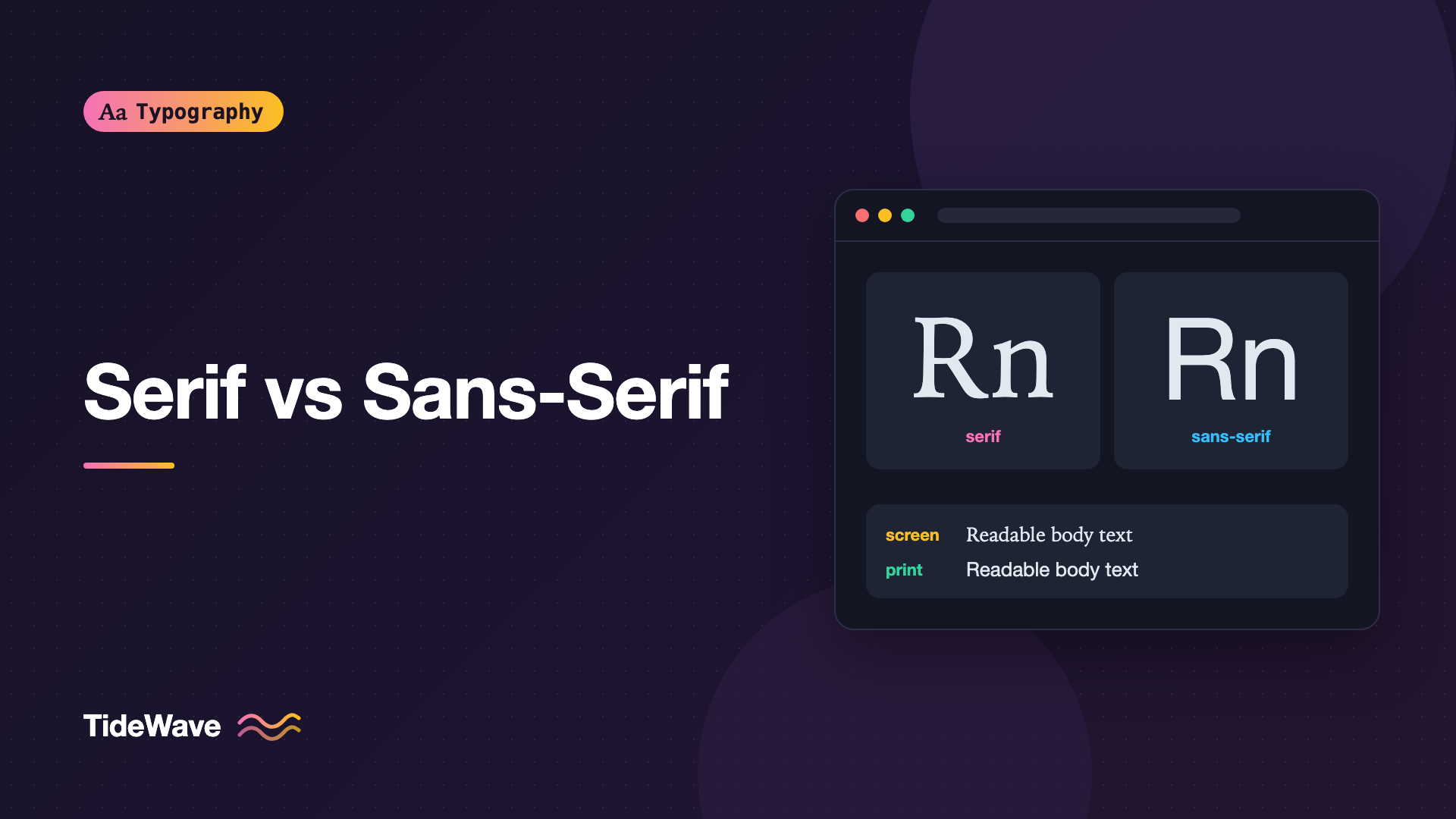
Serif vs Sans-Serif: How to Choose for Screen and Print
- Maria
- Typography
- 23 Oct, 2026
You're starting a new site and need a body font. Someone says, "Serifs are more readable in print, sans-serifs are better on screens," and it sounds like settled science. Then you open a well-designed news site on your phone and the articles are set in a serif, and they read beautifully.
The choice between serif and sans-serif type is one of the first decisions in any design, and it's surrounded by rules of thumb that were once useful and are now mostly outdated. The real answer depends on the specific typeface, the size, the rendering environment, and the tone you want, far more than on whether the letters have little feet.
This guide explains what actually separates the two categories, where the old advice came from, what changed, and how to choose for screen and print today.
What Makes a Serif a Serif
A serif is the small stroke at the end of a letter's main strokes: the feet on n, the flags at the top of l, the brackets on T. Serif typefaces have them. Sans-serif typefaces (from French sans, "without") don't.
That's the technical difference, but serif and sans-serif fonts tend to differ in other ways too:
| Trait | Typical serif | Typical sans-serif |
|---|---|---|
| Stroke ends | Finished with serifs | Plain terminals |
| Stroke contrast | Often moderate to high | Often low or none (monoline) |
| Stress | Often angled, following a pen | Usually vertical or absent |
| Associations | Tradition, editorial, literary, authority | Modern, neutral, technical, friendly |
| Common uses | Books, newspapers, long reads, headlines | Interfaces, signage, product sites, labels |
These are tendencies, not rules. There are low-contrast serifs that feel very modern and high-contrast sans-serifs that feel elegant. Both categories also contain many sub-styles. The type classification post maps them out.
Where the Old Rules Came From
"Serifs Are Better for Print"
Book and newspaper typography have used serifs for centuries, and a common claim is that serifs guide the eye along the line. That's an appealing idea, but research comparing serif and sans-serif readability has generally not found a consistent, large advantage either way. What printed serif text does have is centuries of refinement: typefaces designed for paper, at body sizes, with good spacing and generous x-heights. Readers are also used to it, and familiarity matters.
"Sans-Serifs Are Better for Screens"
This rule had a better technical basis. Early screens had low pixel density, often around 72 to 96 pixels per inch. A body-size letter was only a handful of pixels tall. Thin serifs and hairlines couldn't be drawn accurately at that resolution. They either vanished or got rounded to a full pixel and looked clunky. Simple sans-serif shapes survived the pixel grid better, and fonts like Verdana and Georgia were designed specifically to work at low resolutions. (Georgia is a serif, which already shows the rule was never absolute.)
What Changed
High-density displays changed the math. Phones, tablets, and many laptops now render several device pixels per CSS pixel. At 2x or 3x density, a body-size serif gets enough pixels to show its details cleanly, and font rendering has improved alongside it.
That doesn't mean resolution never matters. Plenty of people still use standard-density external monitors, and on those screens a delicate high-contrast serif at 15px can still look weak. But the blanket rule is gone. On most modern devices, a well-designed screen serif reads as well as a sans-serif.
What Actually Determines Readability
If the category matters less than people think, what does matter? Mostly features that both serifs and sans-serifs can have or lack.
x-Height
A larger x-height makes text look bigger and clearer at the same font-size. A serif with a generous x-height can outperform a sans with a small one. The x-height post covers this in detail.
Stroke Contrast
Extreme contrast, with hairline thin strokes, is a problem at small sizes on any screen and on cheap paper. Didone serifs like Bodoni and Didot are designed for display sizes. For body text, pick serifs with moderate contrast and sturdy thin strokes.
Apertures and Letter Distinction
Open apertures in c, e, and a, and clearly different I, l, and 1, help at small sizes in any style.
Spacing
Text faces are spaced more loosely than display faces. A font designed for headlines will feel cramped as body copy, regardless of serifs.
Optical Size
Many families now ship separate text and display versions, or a variable opsz axis. A text cut has sturdier details and looser spacing. Using the display cut of a serif at 16px is a common reason serif body text looks weak on screen. More on this in What Are Optical Sizes.
Choosing for Screen
Interfaces and Product UI
For buttons, labels, navigation, form fields, tables, and dense dashboards, a sans-serif is usually the practical choice. UI text is short, often small, and needs to stay crisp in many sizes and weights. Sans-serifs with large x-heights and open apertures (Inter, Source Sans 3, IBM Plex Sans, Roboto, and system UI fonts) are designed for this. The system font stack is a strong default because it matches the platform:
:root {
  --font-ui: system-ui, -apple-system, "Segoe UI", Roboto, "Helvetica Neue",
    Arial, sans-serif;
}

body {
  font-family: var(--font-ui);
}
Long-Form Reading
For articles, documentation, and blog posts, either category works. A serif can give long-form content a calmer, bookish feel and help distinguish content from the surrounding interface. Choose a screen-friendly text serif with moderate contrast and a decent x-height, such as Source Serif 4, Literata, Merriweather, or Georgia as a fallback:
.prose {
  font-family: "Source Serif 4", Georgia, "Times New Roman", serif;
  font-size: 1.125rem;
  line-height: 1.6;
  max-width: 68ch;
}
Many sites combine both: a sans for the UI chrome and headings, a serif for the article body. See How to Pair Fonts for rules that keep the combination coherent.
Headlines and Display Text
At large sizes, the screen-resolution argument disappears entirely. Headlines are where you can use high-contrast serifs, condensed grotesques, or anything with personality, as long as it stays legible.
Small Text and Low-Density Screens
Below roughly 14px, or for audiences you know use standard-density monitors, lean toward sturdy shapes: a sans-serif or a low-contrast serif with a text optical size. Test on a real 1x screen, not just a laptop with a high-density display.
Choosing for Print
Print gives you much higher resolution, so fine details survive at small sizes. Body copy in books, magazines, and reports is still commonly set in serifs, partly by convention and partly because text serifs designed for print are excellent. But plenty of modern print uses sans-serifs for body text too, especially in instructional, technical, and corporate material.
What changes in print:
- Paper matters. Uncoated paper lets ink spread, so very thin strokes fill in or break. Choose sturdier text faces for newsprint and uncoated stock.
- Sizes are measured in points. Typical book body sizes are around 9 to 12 points, depending on the typeface's x-height.
- No reflow. You control line length and hyphenation precisely, which helps serifs and justified text look their best.
If your web content gets printed, you can switch to print-appropriate settings with a print stylesheet:
@media print {
  body {
    font-family: "Source Serif 4", Georgia, serif;
    font-size: 11pt;
    line-height: 1.45;
    color: #000;
  }

  nav,
  .site-footer,
  .share-buttons {
    display: none;
  }
}
The differences between print and screen typography go well beyond font choice. They're covered in Typography in Print vs Screen.
Tone and Brand
Beyond legibility, the category sets a mood before anyone reads a word:
- Serifs often signal tradition, editorial seriousness, craft, or literature. Banks, publishers, universities, and law firms lean on them.
- Sans-serifs often signal clarity, modernity, and approachability. Tech products and startups lean on them.
Those associations can be reversed on purpose. A tech brand using a warm serif can stand out; a publisher using a crisp grotesque can feel contemporary. The point is to choose deliberately.
A Practical Decision Checklist
- What's the main job? UI and short labels lean sans. Long reading works with either.
- What sizes? Below about 14px or on low-density screens, favor sturdy shapes and text optical sizes.
- Is it a text face? Check that the font was designed for body sizes, not just headlines.
- x-height and apertures: compare at the same apparent size.
- Rendering test: look at it on Windows and macOS, on 1x and 2x screens, and printed if print matters.
- Tone: does it fit the brand and the content?
Tip
Put real content into both candidate fonts at your actual body size and read a full paragraph on your phone and on an external monitor. The difference between two specific fonts is usually far more obvious than the difference between categories.
Common Mistakes
- Treating "serif for print, sans for screen" as a law. It's a historical rule of thumb that high-density screens largely retired.
- Using a display serif for body text. High contrast and tight spacing at 16px look thin and cramped. Use a text cut.
- Testing only on a high-density laptop. Many users read on standard monitors, where fine serifs and light weights can break down.
- Choosing by category instead of by font. Two serifs can differ in readability more than a serif and a sans.
- Forgetting the fallback. A serif web font falling back to a sans (or the reverse) changes the page's character during load. Match categories in your font stack.
Conclusion
The serif versus sans-serif debate is less important than it looks. The old screen rule came from low-resolution displays, and research hasn't shown a large, consistent readability gap between the categories. What actually determines how well text reads is x-height, contrast, apertures, spacing, and whether the font was designed for the size you're using it at.
So choose for the job. Use sturdy sans-serifs for interfaces and small text, consider a screen-friendly text serif for long reading, save high-contrast faces for headlines, and always test on the screens and paper your readers will really use.


