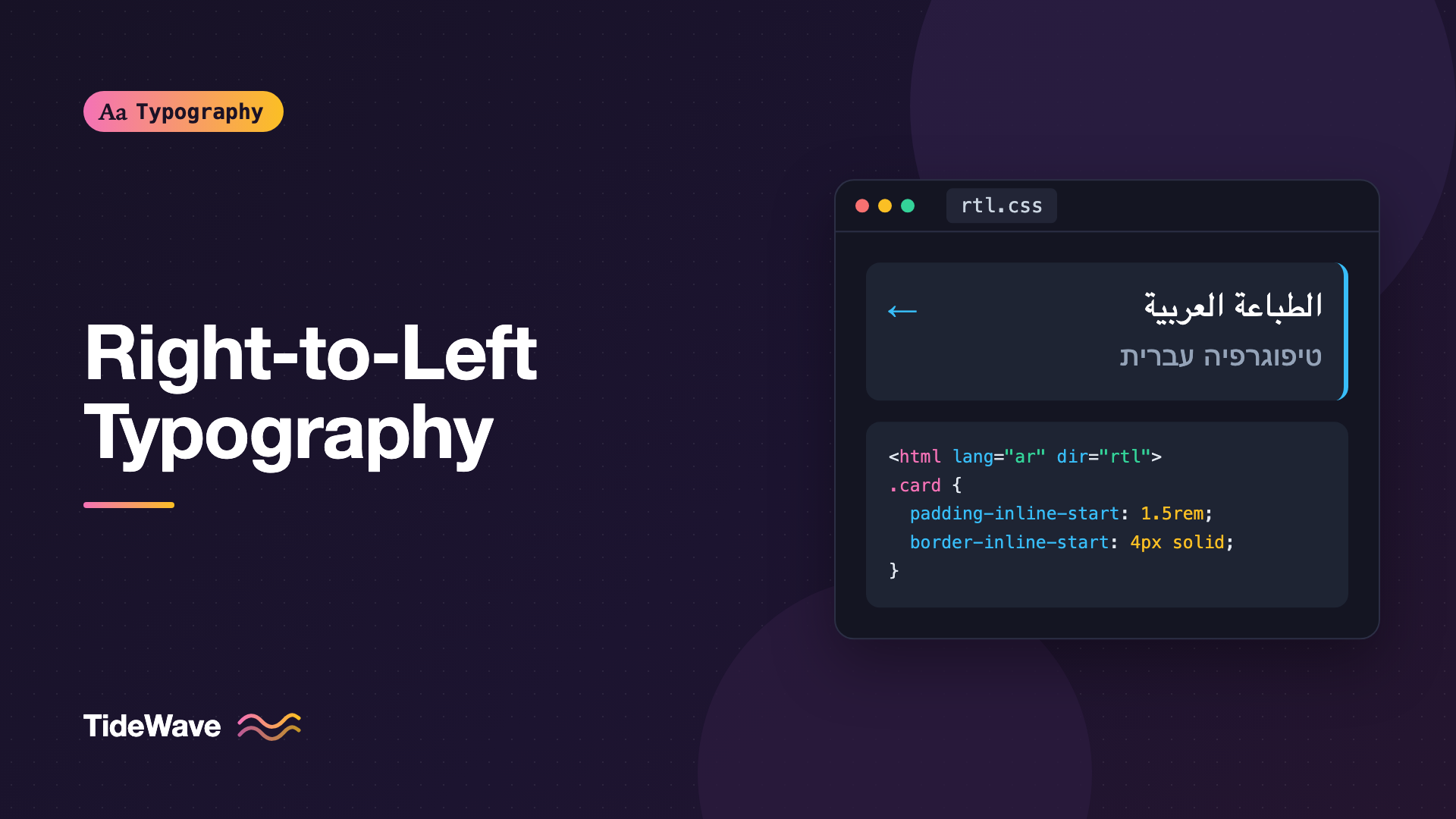
Right-to-Left Typography: Designing for Arabic and Hebrew Text
- Maria
- Typography
- 23 Oct, 2026
The first attempt at an Arabic or Hebrew version of a site often goes the same way. Someone adds direction: rtl to the body, the text moves to the right, and everything else breaks. Icons point the wrong way, padding is on the wrong side, a product code with numbers comes out scrambled, and the Arabic text looks small, cramped, and oddly spaced because the CSS was tuned for English.
Right-to-left (RTL) typography involves three layers: setting the direction correctly so the browser's bidirectional algorithm can do its job, building layouts that mirror cleanly, and choosing fonts and spacing that suit the scripts themselves. This guide covers all three, with a focus on Arabic and Hebrew, the two RTL scripts most web projects encounter.
How RTL Scripts Differ
Arabic and Hebrew both run right to left, but they're very different scripts typographically.
| Feature | Arabic | Hebrew |
|---|---|---|
| Direction | Right to left | Right to left |
| Letter connection | Cursive: most letters join, with up to four forms each | Letters are separate |
| Uppercase | None | None (five letters have final forms) |
| Numbers | Left to right; Western or Arabic-Indic digits | Left to right; Western digits |
| Vowel marks | Optional diacritics above and below letters | Optional niqqud points, mostly below letters |
| Common in | Arabic, Persian, Urdu, and other languages | Hebrew, Yiddish |
Arabic script is also used for Persian and Urdu, each with additional letters and, for Urdu, a different preferred calligraphic style (Nastaliq). If you support those languages, check that your fonts cover them specifically.
Setting Direction the Right Way
Use the dir Attribute, Not Only CSS
Direction is a property of the content, so it belongs in the HTML. Set dir and lang on the html element:
<html lang="ar" dir="rtl"></html>
<html lang="he" dir="rtl"></html>
The dir attribute tells the browser, screen readers, and other tools the base direction of the document. The CSS direction property has the same visual effect, but the W3C internationalization guidance recommends the HTML attribute, because direction should still be correct when CSS doesn't load, and because it's part of the document's meaning.
Mixed-Direction Content
Real RTL pages are rarely all RTL. They contain brand names in Latin script, URLs, code, numbers, and quotes in other languages. Browsers handle this with the Unicode Bidirectional Algorithm, which orders runs of characters by their inherent direction. It usually works, but neutral characters like punctuation and spaces sit at the boundaries between runs, and they can end up on the wrong side.
Mark up embedded content in another direction with its own dir:
<p dir="rtl" lang="he">
  ההרשמה ל-<span dir="ltr" lang="en">TideWave Pro</span> נפתחה היום.
</p>
User-Generated Content: dir="auto" and bdi
When you don't know the direction of text in advance, such as usernames, comments, or search queries, let the browser detect it:
<p dir="auto">{comment.body}</p>

<li><bdi>{user.displayName}</bdi>: 3 new messages</li>
dir="auto" sets the direction based on the first strong directional character in the content. The bdi element isolates its content from the surrounding text, so a Hebrew username in an English sentence, or the other way around, can't reorder the punctuation and numbers around it. Use it for any inserted value whose direction you don't control.
Building Layouts That Mirror
Logical Properties
The single most important habit for RTL support is using logical properties instead of physical ones. margin-left is always left. margin-inline-start is left in English and right in Arabic:
.card {
  padding-inline: 1.5rem;
  border-inline-start: 4px solid #0ea5e9;
  text-align: start;
}

.card__icon {
  margin-inline-end: 0.75rem;
}

.dropdown {
  position: absolute;
  inset-inline-end: 0;
  inset-block-start: 100%;
}
With these properties, the same CSS works in both directions with no RTL overrides. Flexbox and grid also follow the direction automatically: flex-direction: row lays out items from right to left in an RTL context.
The same logical approach is what makes vertical writing modes work, so it's worth adopting across your whole codebase.
What to Mirror and What Not to
Mirroring the layout is correct, but not everything should flip.
Mirror:
- Navigation order, sidebars, and the overall layout
- Back and forward arrows, chevrons in breadcrumbs, and "next" buttons
- Progress indicators and sliders that show direction
- Text alignment and list indentation
Don't mirror:
- Logos and brand marks
- Media playback controls like play buttons, which follow the direction of tape and time conventions rather than reading direction
- Icons of real-world objects, like a clock, a checkmark, or a camera
- Numbers, phone numbers, and code
- Charts and graphs with numeric time axes, unless you've confirmed the convention with native readers
Flip directional icons with the :dir() selector, which matches based on the element's direction:
.icon-arrow:dir(rtl) {
  transform: scaleX(-1);
}
:dir(rtl) works from the dir attribute, including inherited and auto values, and it's supported in current browsers. A [dir="rtl"] .icon-arrow selector is the older equivalent if you need to support older browsers.
Choosing Fonts
Arabic Fonts
Arabic type comes in several traditional styles. Naskh is the standard for body text, and the style most readers associate with books and newspapers. Kufi is more geometric and angular, used for headlines, logos, and UI. Nastaliq is the flowing, sloped style preferred for Urdu.
For web projects, these are well-established options:
- Noto Naskh Arabic and Noto Sans Arabic, designed to harmonize with the Noto family
- IBM Plex Sans Arabic, matching IBM Plex Sans
- Cairo, Tajawal, and Almarai, contemporary sans designs popular for interfaces
- Amiri, a classical Naskh for long-form reading
Look for fonts with good diacritic positioning, full support for the languages you need (Persian and Urdu add letters), and a matching Latin companion or a Latin design you can pair.
Hebrew Fonts
Hebrew type ranges from traditional serif-like styles to clean modern sans designs:
- Noto Sans Hebrew and Noto Serif Hebrew
- Heebo, Assistant, and Rubik, sans families with Hebrew and Latin
- Frank Ruhl Libre, a classic Hebrew text face
- IBM Plex Sans Hebrew
Several Hebrew families on Google Fonts include matching Latin, which simplifies mixed-language pages.
Assigning Fonts per Language
Use the :lang() selector so each script gets the right font, with Latin fallbacks for embedded English:
:root {
  --font-body: "Inter", system-ui, sans-serif;
}

:lang(ar) {
  --font-body:
    "Noto Naskh Arabic", "IBM Plex Sans Arabic", "Inter", system-ui, sans-serif;
}

:lang(he) {
  --font-body: "Heebo", "Noto Sans Hebrew", "Inter", system-ui, sans-serif;
}

body {
  font-family: var(--font-body);
}
Load the fonts with unicode-range subsets so Arabic files only download on pages that contain Arabic. The broader process for multi-script font stacks is covered in typography for multilingual websites.
Adjusting Size and Spacing
Font Size
Arabic text often looks noticeably smaller than Latin text at the same font-size, because Arabic letterforms are designed with a lot of vertical space for ascenders, descenders, and diacritics. A slightly larger size usually gives a comparable reading experience:
:root:lang(ar) {
  font-size: 112.5%;
}
Setting it once on :root as a percentage keeps the user's own font size preference in effect and scales everything that uses rem. The exact amount depends on the fonts you pair, so compare them side by side.
Line Height
Arabic needs more vertical space than Latin. Diacritics sit above and below letters, and many letters extend well below the baseline. Hebrew with niqqud also needs room below the line:
body {
  line-height: 1.6;
}

:lang(ar) {
  line-height: 1.9;
}

:lang(he) {
  line-height: 1.7;
}
Test with text that includes diacritics, not only plain text. Marks that collide with the line below are a clear sign the line height is too tight.
Never Letter-Space Arabic
Arabic letters connect to each other. Adding letter-spacing pushes them apart and breaks those connections, which damages legibility and looks wrong to native readers. Browsers have made efforts to handle this more gracefully for cursive scripts, but you shouldn't rely on it. Remove tracking for Arabic explicitly:
.eyebrow {
  font-size: 0.8125rem;
  font-weight: 600;
  letter-spacing: 0.08em;
  text-transform: uppercase;
}

.eyebrow:lang(ar),
.eyebrow:lang(he) {
  letter-spacing: normal;
  text-transform: none;
}
Neither script has uppercase, so text-transform: uppercase has no effect on the letters themselves. It's cleaner to turn it off than leave it in place for embedded Latin words. Hebrew can tolerate small amounts of letter spacing, but it's rarely needed.
Emphasis Without Italics
Italic isn't a traditional style in Arabic or Hebrew, and synthesized oblique versions look like a mistake. Use weight for emphasis instead, and stop the browser from faking italics:
:lang(ar),
:lang(he) {
  font-synthesis: weight;
}

:lang(ar) em,
:lang(he) em {
  font-style: normal;
  font-weight: 700;
}
Justification
Arabic has a traditional justification technique called kashida, which lengthens connecting strokes rather than widening spaces. Browser support for kashida justification is limited and inconsistent, so text-align: justify on Arabic usually just stretches word spacing like it does in English. For body text on the web, start-aligned text is the safer default in both scripts.
Numbers and Punctuation
Numbers in Arabic and Hebrew are written left to right, even inside right-to-left text. The bidirectional algorithm handles this automatically for simple cases, but phone numbers, ranges, and values with units can get scrambled at the boundaries.
<p dir="rtl" lang="ar">اتصل بنا على <span dir="ltr">+971 4 123 4567</span></p>
Arabic-speaking regions use both Western digits (0 to 9) and Arabic-Indic digits. Which one is expected depends on the country and context, so follow your localization team's guidance and use Intl.NumberFormat with the right locale rather than hardcoding:
const price = 1499.5;

new Intl.NumberFormat("ar-EG", { style: "currency", currency: "EGP" }).format(
  price,
);

new Intl.NumberFormat("ar-AE", { style: "currency", currency: "AED" }).format(
  price,
);
Punctuation also changes. Arabic uses its own comma and question mark, which are mirrored compared with Latin ones. These come from the translated text itself, so make sure translators and content tools aren't substituting Latin punctuation.
Testing RTL Typography
A few checks catch most RTL problems:
- Switch the
dirattribute on a page in DevTools and look for anything that didn't mirror: padding, borders, absolutely positioned elements, and icons. - Search your CSS for physical properties like
margin-left,padding-right,left:, andtext-align: left, and replace them with logical equivalents. - Test mixed content: English brand names, numbers, URLs, and email addresses inside Arabic and Hebrew sentences.
- Review with native readers. Font choice, size, and spacing judgments are hard to make in a script you don't read.
Common Mistakes
- Setting direction only in CSS instead of using the
dirattribute on thehtmlelement. - Using physical properties like
margin-left, then writing an RTL override stylesheet to undo them. - Mirroring everything, including logos, media controls, and numbers.
- Applying letter spacing to Arabic, which breaks letter connections.
- Keeping English line heights, so Arabic diacritics collide with neighboring lines.
- Using italics for emphasis in scripts with no italic tradition.
- Inserting user-generated names without
bdiordir="auto", which scrambles surrounding punctuation and numbers. - Choosing an Arabic font by name alone without checking that it covers Persian or Urdu if you need them.
Conclusion
Right-to-left typography starts with the dir and lang attributes, which let the browser's bidirectional algorithm order text correctly. Build layouts with logical properties so they mirror automatically, flip only the icons that represent direction, and isolate mixed-direction content with dir="auto" and bdi.
Then treat Arabic and Hebrew as scripts with their own needs: choose fonts designed for them, increase size and line height where needed, remove letter spacing and synthesized italics, and handle numbers through locale-aware formatting. Get those foundations right, and have native readers review the result, and your RTL pages will feel native rather than flipped.


