Writing Modes and Vertical Text in CSS
- Maria
- Typography
- 23 Oct, 2026
Most web layouts assume text runs left to right and lines stack from top to bottom. That assumption is so deep that properties like margin-left and width feel like physical facts. But Japanese novels are set in vertical columns read from right to left, Mongolian script is written top to bottom with columns moving left to right, and plenty of English designs put a label on its side along the edge of a card or a table column.
CSS handles all of this with writing modes. The writing-mode property changes the direction lines flow, and text-orientation controls how characters sit within a vertical line. Together with logical properties, they let one layout work in any direction. This guide covers each value, how to use vertical text for both East Asian scripts and design accents, and the gotchas that trip people up.
Inline and Block Directions
Before touching the properties, it helps to have the right vocabulary. CSS describes text layout with two axes:
- The inline direction is the direction characters follow within a line. In English it's left to right.
- The block direction is the direction lines and paragraphs stack. In English it's top to bottom.
writing-mode rotates these axes. In vertical Japanese, the inline direction becomes top to bottom, and the block direction becomes right to left: each new line starts to the left of the previous one.
Once you think in inline and block instead of horizontal and vertical, the rest of the system makes sense.
The writing-mode Property
writing-mode accepts five values:
| Value | Inline direction | Block direction | Typical use |
|---|---|---|---|
horizontal-tb | Horizontal | Top to bottom | The default for Latin, Arabic, Hebrew, and most scripts |
vertical-rl | Top to bottom | Right to left | Traditional Chinese, Japanese, and Korean |
vertical-lr | Top to bottom | Left to right | Mongolian; some rotated labels |
sideways-rl | Top to bottom | Right to left | Rotated Latin text, reading downward |
sideways-lr | Bottom to top | Left to right | Rotated Latin text, reading upward |
writing-mode is inherited, so setting it on a container affects everything inside.
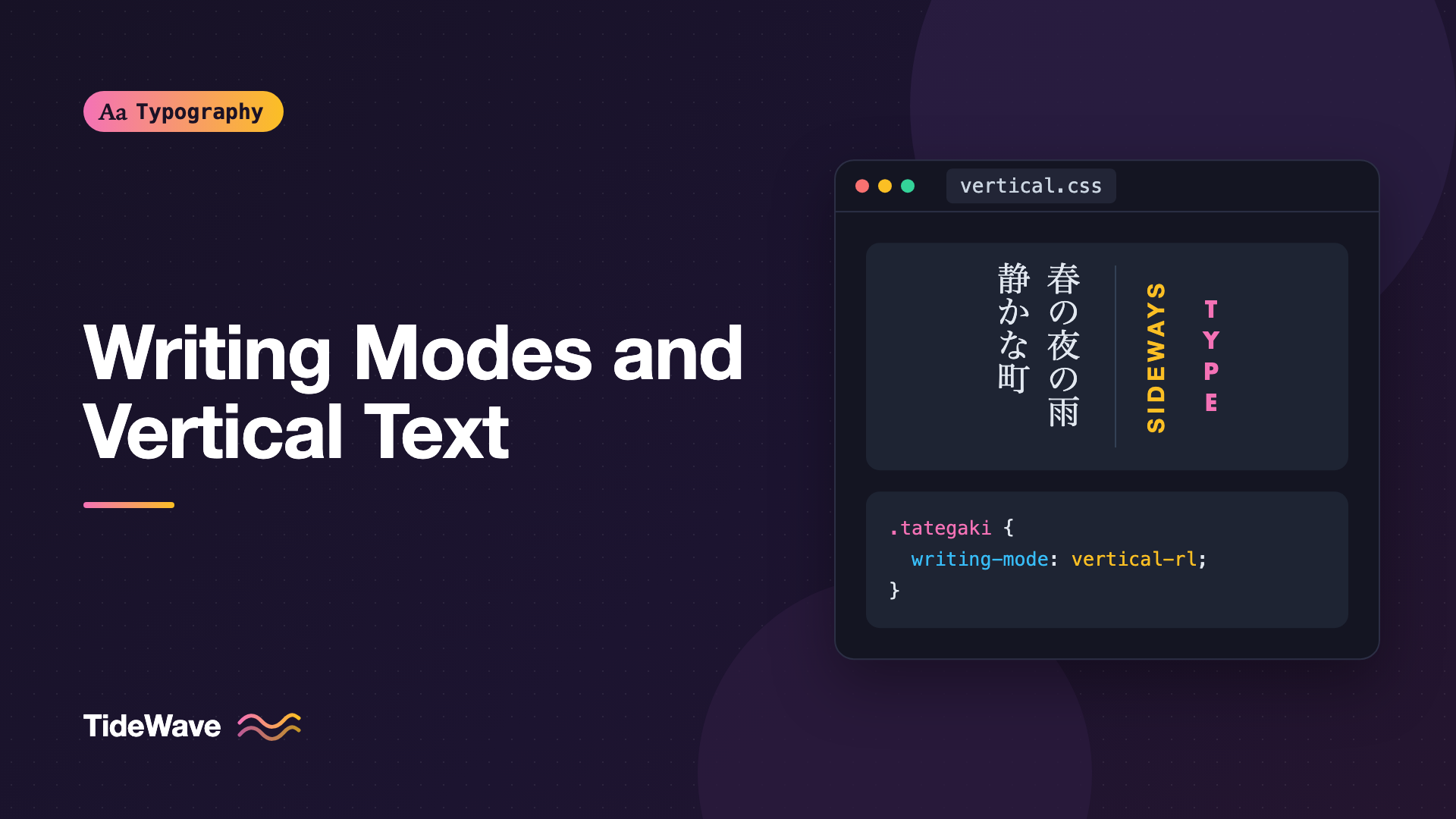
.tategaki {
  writing-mode: vertical-rl;
}
The vertical-* values are designed for scripts that are natively vertical. Latin characters inside them are rotated 90 degrees clockwise by default, which works for occasional words in Japanese text. The sideways-* values rotate the entire line as a unit, which is what you usually want for English labels. Support for sideways-rl and sideways-lr arrived in Chromium and Safari much later than in Firefox, so check caniuse before relying on them, and provide a fallback.
Setting Vertical Japanese and Chinese
Here's a short passage of vertical Japanese text. The lang attribute matters, because it tells the browser which fonts and line-breaking rules to use:
<article class="vertical-story" lang="ja">
  <h2>春の夜</h2>
  <p>
    窓の外では、雨が静かに降り続いていた。2024年の春、私は初めてこの町を訪れた。
  </p>
</article>
.vertical-story {
  writing-mode: vertical-rl;
  max-inline-size: 24em;
  max-block-size: 100%;
  overflow-x: auto;
  font-family: "Noto Serif JP", "Hiragino Mincho ProN", "Yu Mincho", serif;
  line-height: 1.9;
}
Notice max-inline-size and max-block-size instead of max-width and max-height. In a vertical writing mode, the inline size is the column height, and the block size is the horizontal extent, how far the columns run across the page. More on these below.
Vertical text often scrolls horizontally on the web, since the block direction runs right to left. That's normal for this kind of layout, but make sure the scroll container is obvious and keyboard accessible.
For a deeper look at fonts, line breaking, and punctuation for these scripts, see CJK typography on the web.
The text-orientation Property
In vertical modes, text-orientation decides how each character is drawn. It only has an effect when writing-mode is vertical.
| Value | Behavior |
|---|---|
mixed | The default. CJK characters stay upright; Latin letters and digits rotate 90 degrees clockwise. |
upright | Every character stands upright, including Latin letters, stacked one above the other. |
sideways | Every character is rotated 90 degrees clockwise, as if the whole line were turned. |
Stacked upright Latin letters are a classic signage style:
.marquee-sign {
  writing-mode: vertical-rl;
  text-orientation: upright;
  font-family: "Futura", "Avenir Next", sans-serif;
  font-weight: 700;
  letter-spacing: 0.1em;
  text-transform: uppercase;
}
Use it for very short words only. Stacked letters are slow to read, and anything longer than a few characters becomes a puzzle.
Short Numbers in Vertical Text: text-combine-upright
Japanese typesetting has a technique called tate-chu-yoko, literally "horizontal in vertical." Short runs of digits, like the "24" in a date, are set horizontally within a single vertical character cell rather than rotated or stacked.
CSS provides this with text-combine-upright:
<p lang="ja">令和<span class="tcy">6</span>年<span class="tcy">12</span>月</p>
.tcy {
  text-combine-upright: all;
}
The value all squeezes the entire contents of the element into one character's width. Keep it to two or three characters at most, because the browser compresses the glyphs to fit, and longer runs become illegible. The spec also defines a digits value that applies automatically to runs of digits, but support has been limited, so wrapping the numbers in an element with all is the reliable approach.
Vertical Text as a Design Element
Outside of East Asian scripts, vertical text is mostly a design accent: a section label running up the side of a hero, a rotated year on a timeline, or narrow column headers in a data table.
Rotated Labels
A label that reads bottom to top is a common editorial pattern:
.side-label {
  writing-mode: vertical-rl;
  transform: rotate(180deg);
  font-size: 0.8125rem;
  font-weight: 600;
  letter-spacing: 0.12em;
  text-transform: uppercase;
}
vertical-rl makes the text read top to bottom, and the 180-degree rotation flips it to read bottom to top. Where sideways-lr is supported, it achieves the same result without a transform:
.side-label {
  writing-mode: vertical-rl;
  transform: rotate(180deg);
}

@supports (writing-mode: sideways-lr) {
  .side-label {
    writing-mode: sideways-lr;
    transform: none;
  }
}
Why writing-mode Beats transform: rotate() Alone
You can rotate a horizontal element with transform: rotate(-90deg), but transforms are purely visual. The element still occupies its original horizontal space in the layout, so you end up with overlapping content and magic-number offsets to fix it.
With writing-mode, the element genuinely becomes tall and narrow. Its box participates in layout with its new dimensions, flex and grid size it correctly, and text wraps along the vertical axis.
Narrow Table Headers
Long column headers above narrow numeric columns are a perfect use case:
.matrix th[scope="col"] {
  writing-mode: vertical-rl;
  transform: rotate(180deg);
  white-space: nowrap;
  vertical-align: bottom;
  padding-block: 0.5rem;
  font-weight: 600;
}
<table class="matrix">
  <thead>
    <tr>
      <th scope="col">Feature</th>
      <th scope="col">Chrome</th>
      <th scope="col">Firefox</th>
      <th scope="col">Safari</th>
    </tr>
  </thead>
</table>
The table can now fit many columns without the headers forcing them wide. Don't do this for wide, text-heavy tables, though. Reading sideways is slower, and it's only worth it when horizontal space is genuinely tight.
Logical Properties: Layout That Follows the Text
As soon as you use writing modes, physical properties start behaving unexpectedly. margin-top is always the top, even if top is now the start of a line rather than the space between paragraphs. Logical properties solve this by naming sides relative to the writing mode:
| Physical (horizontal-tb) | Logical |
|---|---|
width | inline-size |
height | block-size |
margin-top | margin-block-start |
margin-bottom | margin-block-end |
margin-left | margin-inline-start |
padding-left and padding-right | padding-inline |
border-left | border-inline-start |
top | inset-block-start |
text-align: left | text-align: start |
Here's a callout written with logical properties. It works in horizontal and vertical modes, and also mirrors correctly in right-to-left languages:
.callout {
  max-inline-size: 60ch;
  padding-block: 1rem;
  padding-inline: 1.25rem;
  margin-block-end: 1.5rem;
  border-inline-start: 4px solid #0ea5e9;
  text-align: start;
}
In a vertical-rl container, the border moves to the top edge, the padding follows, and max-inline-size caps the column height. Logical properties are the same tool you need for right-to-left typography, so adopting them pays off twice.
Flexbox and Grid in Vertical Modes
Flex and grid follow the writing mode too. flex-direction: row means "along the inline axis," so in a vertical writing mode a row of flex items stacks top to bottom. Grid columns run along the inline axis in the same way.
This is usually what you want inside vertical content. It's surprising when you set a vertical writing mode on a layout wrapper and the whole page reorients. Keep writing-mode on the content that needs it, and leave the page-level layout horizontal.
.timeline {
  display: flex;
  gap: 2rem;
}

.timeline__year {
  writing-mode: vertical-rl;
  transform: rotate(180deg);
  font-variant-numeric: tabular-nums;
}
Here the timeline stays horizontal, and only the year labels turn on their side.
Accessibility Considerations
Screen readers read text in DOM order regardless of writing mode or rotation, so vertical text doesn't change how the content is announced. A few things still need attention:
- Readability. Rotated Latin text is harder to read. Keep it short, and never use it for body copy or instructions.
- Zoom and reflow. Vertical content that scrolls horizontally can conflict with reflow requirements for horizontal languages. For genuinely vertical scripts, scrolling in the block direction is acceptable, but test at high zoom levels.
- Selection and copying. Text set with
writing-moderemains real text that users can select and copy, which is another advantage over images of rotated text.
Common Mistakes
- Using
transform: rotate()alone for vertical labels, then patching the layout with negative margins because the box still has its horizontal size. - Mixing physical and logical properties on vertical content, so
heightandblock-sizefight each other. Pick logical properties for anything that might change direction. - Setting
text-orientation: uprighton long Latin text. It turns a word into a column of letters that's tiring to read. - Forgetting the
langattribute on CJK content. Without it, the browser may choose the wrong font and line-breaking rules. - Relying on
sideways-lrwithout a fallback. Usevertical-rlwith a rotation as the default and upgrade inside@supports. - Overusing
text-combine-upright. More than two or three characters get squashed into an unreadable cell.
Conclusion
writing-mode changes the direction of lines, text-orientation controls how characters sit in vertical lines, and text-combine-upright handles short numbers in vertical text. Combined with logical properties like inline-size and margin-block-end, they let a layout adapt to any script without separate stylesheets.
For East Asian content, set vertical-rl on the content container with the right lang and fonts. For design accents in English, use vertical writing modes instead of transforms so the layout knows the real size of the element, keep the text short, and adopt logical properties early. They make vertical and right-to-left layouts far easier when you need them.


