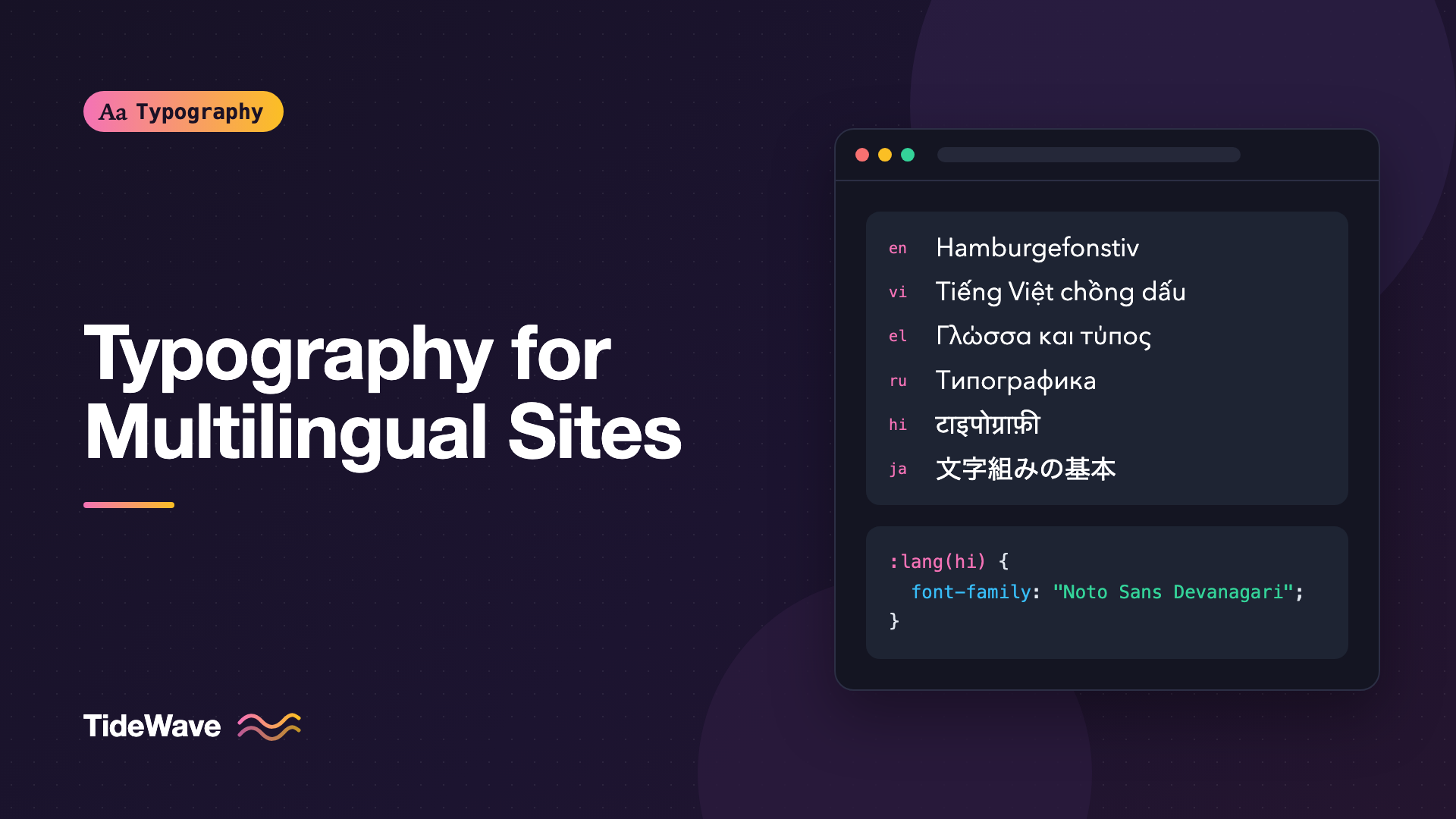
Typography for Multilingual Websites: Choosing Fonts with Wide Language Support
- Maria
- Typography
- 23 Oct, 2026
You pick a beautiful typeface for your product's marketing site, and it looks great in English. Then the site launches in Polish, and a few letters with diacritics appear in a different font. The Vietnamese version is worse: stacked accent marks collide with the line above. The Greek and Russian pages fall back to the system font entirely, and the Hindi page uses a font with completely different proportions, so headings that fit on one line now wrap to three.
Multilingual typography starts with a font choice that matches the languages you actually publish in, and continues with how you load fonts, how you assign them per language, and how you adjust spacing for scripts with different shapes. This guide walks through each step, from checking language support to writing CSS that gives every language a consistent, intentional look.
Languages, Scripts, and Character Sets
Font support is described in terms of scripts and character sets, not languages. A script is a writing system: Latin, Cyrillic, Greek, Arabic, Devanagari, Han, and so on. Many languages share one script, but each needs its own set of characters within it.
- Basic Latin covers English, but not much else.
- Latin-1 / Western European adds characters for French, German, Spanish, Portuguese, Italian, and the Nordic languages.
- Latin Extended-A and -B add characters for Central and Eastern European languages like Polish, Czech, Hungarian, Romanian, Turkish, and Croatian.
- Vietnamese uses Latin letters with many stacked diacritics, and needs dedicated support even in fonts that cover Latin Extended.
- Cyrillic covers Russian, Ukrainian, Bulgarian, Serbian, and others, each with some unique letters.
- Greek, Arabic, Hebrew, Devanagari, Thai, and the CJK scripts each need fonts designed specifically for them.
So "supports Latin" isn't enough information. A font can include the Latin script and still lack ő for Hungarian, ș for Romanian, or ơ for Vietnamese.
Checking a Font's Language Support
Before committing to a typeface, confirm coverage for every language you publish in, plus any you're likely to add.
Where to Look
- The foundry's specimen or product page. Commercial foundries usually list supported languages.
- Google Fonts. Each family lists the scripts and languages it supports, and you can filter the catalog by language.
- Font inspection tools. Tools like Wakamai Fondue show every character and OpenType feature in a font file you upload.
- A test page with real content. The most reliable check. Paste representative text in each language into a page using the font, and look for characters that switch to a fallback.
A Quick Glyph Test
Real sentences catch more problems than character lists, because they show combinations like stacked diacritics in context. A test page might include:
<section class="glyph-test">
  <p lang="pl">Zażółć gęślą jaźń.</p>
  <p lang="cs">Příliš žluťoučký kůň úpěl ďábelské ódy.</p>
  <p lang="ro">Șapte țări își împart același râu.</p>
  <p lang="tr">Pijamalı hasta yağız şoföre çabucak güvendi.</p>
  <p lang="vi">Tiếng Việt có nhiều dấu thanh chồng lên nhau.</p>
  <p lang="el">Γλώσσα και τυπογραφία.</p>
  <p lang="ru">Съешь же ещё этих мягких французских булок.</p>
  <p lang="uk">Ґанок, їжак, єнот.</p>
</section>
Look for characters that appear in a different style, weight, or size from their neighbors. That's a fallback font filling a gap, and it's usually the first visible sign of missing coverage. What happens in that situation, and how browsers pick the replacement, is covered in fallback fonts and missing glyphs.
Fonts with Wide Coverage
A few families are known for broad language support, which makes them strong starting points for multilingual sites:
| Family | Notable coverage | Style notes |
|---|---|---|
| Noto Sans / Serif | Designed to cover a very wide range of Unicode scripts, split into per-script families | Neutral, consistent across scripts |
| IBM Plex | Latin, Cyrillic, Greek, plus separate Arabic, Hebrew, Devanagari, Thai, and Japanese families | Technical, corporate |
| Source Sans / Serif | Latin, Cyrillic, Greek, Vietnamese | Clean, readable, open source |
| Inter | Latin, Cyrillic, Greek, Vietnamese | UI-focused, many OpenType features |
| Roboto | Latin, Cyrillic, Greek, Vietnamese | Familiar Android default |
| Open Sans | Latin, Cyrillic, Greek, Hebrew, Vietnamese | Friendly, very readable |
Coverage changes as families are updated, so always verify against the current version you're loading.
The Superfamily Approach
For sites that cover several scripts, the most cohesive option is a family designed with multiple scripts in mind. Noto is the obvious example: Google's project aims to cover essentially every script in Unicode with families that share consistent proportions and weights, such as Noto Sans, Noto Sans Arabic, Noto Sans Devanagari, Noto Sans JP, and Noto Sans Thai. IBM Plex follows a similar idea with Plex Sans Arabic, Plex Sans Hebrew, and others.
Using one superfamily means weights, x-heights, and overall color are designed to match across scripts. Superfamilies explains the broader benefits of this approach.
Pairing a Brand Font with Script-Specific Fonts
Often your brand typeface only covers Latin. That's fine. Keep it for Latin-script languages and pair it with matching fonts for other scripts. Choose companions by matching:
- Style: a geometric Latin font with a geometric-feeling Arabic or Devanagari design
- Weight range: the companion should have the weights you use
- Visual size: compare how big the letters look at the same
font-size, not the numbers
Assigning Fonts per Language with :lang()
The lang attribute is the key to multilingual typography. Set it on the html element for each page, and on any element with content in a different language:
<html lang="hi">
  ...
  <blockquote lang="en">Design is how it works.</blockquote>
</html>
Then use the :lang() selector to assign fonts:
:root {
  --font-latin: "Inter", system-ui, sans-serif;
  --font-body: var(--font-latin);
}

:lang(el),
:lang(ru),
:lang(uk) {
  --font-body: "Inter", "Noto Sans", system-ui, sans-serif;
}

:lang(hi) {
  --font-body: "Noto Sans Devanagari", "Inter", system-ui, sans-serif;
}

:lang(th) {
  --font-body: "Noto Sans Thai", "Inter", system-ui, sans-serif;
}

:lang(ja) {
  --font-body:
    "Noto Sans JP", "Hiragino Sans", "Yu Gothic", system-ui, sans-serif;
}

body {
  font-family: var(--font-body);
}
:lang() matches based on the element's language, inherited from ancestors, so a Hindi page gets Devanagari fonts automatically, and an English quote inside it still gets Inter. :lang(ja) also matches more specific tags like ja-JP.
The lang attribute does more than drive your selectors. Browsers use it to choose fallback fonts, apply hyphenation rules, select language-specific glyph variants through OpenType locl features, and pick the right line-breaking behavior. Screen readers use it to switch pronunciation. Setting it correctly is worth it even if you don't write a single :lang() rule.
Loading Only What Each Page Needs
Multilingual font support can get heavy. A full Noto Sans CJK font is several megabytes. You don't want an English reader downloading Thai and Japanese fonts.
unicode-range
The unicode-range descriptor tells the browser which characters a font file covers. The browser downloads the file only if the page actually uses one of those characters:
@font-face {
  font-family: "Inter";
  src: url("/fonts/inter-latin.woff2") format("woff2");
  font-weight: 100 900;
  font-display: swap;
  unicode-range:
    U+0000-00FF, U+0131, U+0152-0153, U+02BB-02BC, U+02C6, U+02DA, U+02DC,
    U+2000-206F, U+20AC, U+2122, U+2212, U+FEFF;
}

@font-face {
  font-family: "Inter";
  src: url("/fonts/inter-cyrillic.woff2") format("woff2");
  font-weight: 100 900;
  font-display: swap;
  unicode-range: U+0400-045F, U+0490-0491, U+04B0-04B1, U+2116;
}

@font-face {
  font-family: "Inter";
  src: url("/fonts/inter-greek.woff2") format("woff2");
  font-weight: 100 900;
  font-display: swap;
  unicode-range: U+0370-03FF;
}
All three rules share the family name Inter. The browser treats them as one font, and fetches only the subsets the page needs. A Russian page downloads the Latin and Cyrillic files. An English page downloads only the Latin file.
Google Fonts does this automatically: its CSS response includes separate @font-face rules with unicode-range for each subset. If you self-host, you need to create the subsets yourself. Font subsetting covers the tools and ranges.
Preload Carefully
Preloading tells the browser to fetch a font before it knows it needs it. On a multilingual site, preload only the subset for the page's own language. Preloading every subset defeats the purpose of unicode-range.
Adjusting Typography by Script
Different scripts have different proportions, so one set of type styles doesn't fit them all.
Line Height
Scripts with tall stacked diacritics or marks above and below the main letters need more vertical space. Vietnamese, Thai, and Devanagari commonly need a more generous line-height than English to keep marks from touching the lines above and below:
body {
  line-height: 1.6;
}

:lang(vi),
:lang(th),
:lang(hi) {
  line-height: 1.8;
}
Treat these values as a starting point and adjust after viewing real text in your chosen fonts.
Visual Size
Fonts for different scripts can look much larger or smaller at the same font-size. Devanagari and Arabic fonts often appear smaller than Latin at the same nominal size. You can compensate per language:
:root:lang(hi) {
  font-size: 106.25%;
}
Scope the rule to the root element. A bare :lang(hi) selector matches every element on a Hindi page, so an em or percentage size would compound with each level of nesting. Setting it once on :root scales the whole page through rem instead.
Another approach is font-size-adjust, which normalizes fonts to the same x-height ratio. It's mainly useful for scripts with a meaningful x-height, like Latin, Greek, and Cyrillic, and less helpful for scripts that don't have one.
Letter Spacing and Text Transform
Many typographic conventions from Latin don't translate:
- Uppercase doesn't exist in Arabic, Hebrew, Devanagari, Thai, or CJK.
text-transform: uppercaseon a button label will do nothing in those languages, so don't rely on it as the only source of emphasis. - Letter spacing breaks connected scripts. Arabic letters join, and adding
letter-spacingcan visually break those connections. Devanagari's headline (the shirorekha) is designed to connect across letters too. - Italic has no tradition in many scripts, and browsers may synthesize a slanted version that looks wrong.
Scope these styles to the languages where they make sense:
.eyebrow {
  font-size: 0.8125rem;
  font-weight: 600;
}

.eyebrow:lang(en),
.eyebrow:lang(de),
.eyebrow:lang(fr) {
  letter-spacing: 0.08em;
  text-transform: uppercase;
}
Synthesized Styles
If a script-specific font doesn't include bold or italic, browsers fake them. Faux bold is usually tolerable, but faux italic on non-Latin scripts often looks clumsy. You can disable it:
:lang(ja),
:lang(zh),
:lang(ar),
:lang(hi) {
  font-synthesis: weight;
}

:lang(ja) em,
:lang(zh) em {
  font-style: normal;
  font-weight: 700;
}
font-synthesis: weight allows synthesized bold but prevents synthesized italics. Pair it with a different emphasis style, such as bold, for languages where italic isn't customary.
Layout Considerations
Typography decisions affect layout more on multilingual sites:
- Text length varies. German and Finnish strings are often much longer than English. CJK text may be much shorter. Avoid fixed widths on buttons, tabs, and navigation.
- Directions differ. Arabic and Hebrew run right to left. Use logical properties like
margin-inline-startthroughout. Right-to-left typography goes into detail. - Line breaking differs. Thai doesn't use spaces between words, and Chinese and Japanese can break between most characters. The
langattribute lets the browser apply the right rules.
Common Mistakes
- Checking "Latin support" instead of specific languages, then discovering missing characters for Polish, Romanian, or Vietnamese after launch.
- Missing or incorrect
langattributes, which cause wrong fallback fonts, wrong glyph variants, and wrong pronunciation in screen readers. - Loading every script's font on every page instead of using
unicode-rangesubsets. - Preloading all subsets, which forces downloads that
unicode-rangewould have avoided. - Applying letter spacing and uppercase globally, which breaks connected scripts and does nothing in scripts without case.
- Using one line height for all languages, so stacked diacritics in Vietnamese or Thai collide.
- Comparing font sizes by number instead of appearance, leaving one script visibly smaller than another.
Conclusion
Typography for multilingual websites starts with choosing fonts by the specific languages you publish in, not by script names. Verify coverage with real sentences, consider a multi-script superfamily like Noto or IBM Plex, and pair a Latin brand font with matching script-specific fonts when needed.
Then let the lang attribute do the work. Set it correctly, assign fonts and adjustments with :lang(), load fonts in unicode-range subsets, and scope Latin-specific conventions like uppercase and letter spacing to the languages that use them. A little per-language tuning makes every version of the site feel designed, not translated.


